TunnelBear Extension: What It Does, How to Use It, and Its Limits

Learn how the TunnelBear extension works, how to set it up, and when to choose the desktop VPN app instead.
The TunnelBear extension is a browser add-on designed to route your browser traffic through TunnelBear’s VPN network. It can be a convenient choice when you want browser-level protection without changing your device’s connection for every app. However, it is not necessarily a replacement for the TunnelBear desktop or mobile app: an extension typically protects only traffic handled by the browser in which it is installed.
Browser extension, desktop app, or no VPN?
| Option | Best for | Setup | Coverage | Main limitation |
|---|---|---|---|---|
| TunnelBear browser extension | Browser-based browsing | Install in a supported browser and connect | Browser traffic | Does not cover other apps |
| TunnelBear desktop app | Device-wide VPN use | Install the app and connect | Device traffic | Requires installing an app |
| Extension and desktop app | Separating browser and device use | Install and configure both | Depends on which is connected | Settings may need managing in both |
| No VPN | Ordinary browsing without a VPN | No setup | No VPN protection | Traffic is not routed through a VPN |
Compiled November 2026; check the provider's site for current details.
What the TunnelBear extension does
A VPN extension provides a control panel inside your browser for connecting to a VPN server. Once connected, websites generally see the VPN server’s IP address rather than your usual public IP address, and the connection between the browser and the VPN server is encrypted.
This can help when you browse over an untrusted public Wi-Fi network or want websites to see a different IP address. It does not make you anonymous, erase your online accounts, or prevent every form of tracking. Websites may still identify you through cookies, sign-ins, browser settings, or other information.
A browser extension also has a narrower scope than a full-device VPN. Depending on how the product is implemented, it may handle browser traffic while other apps continue to use your regular internet connection. Review TunnelBear’s current product information to confirm exactly what the extension covers.
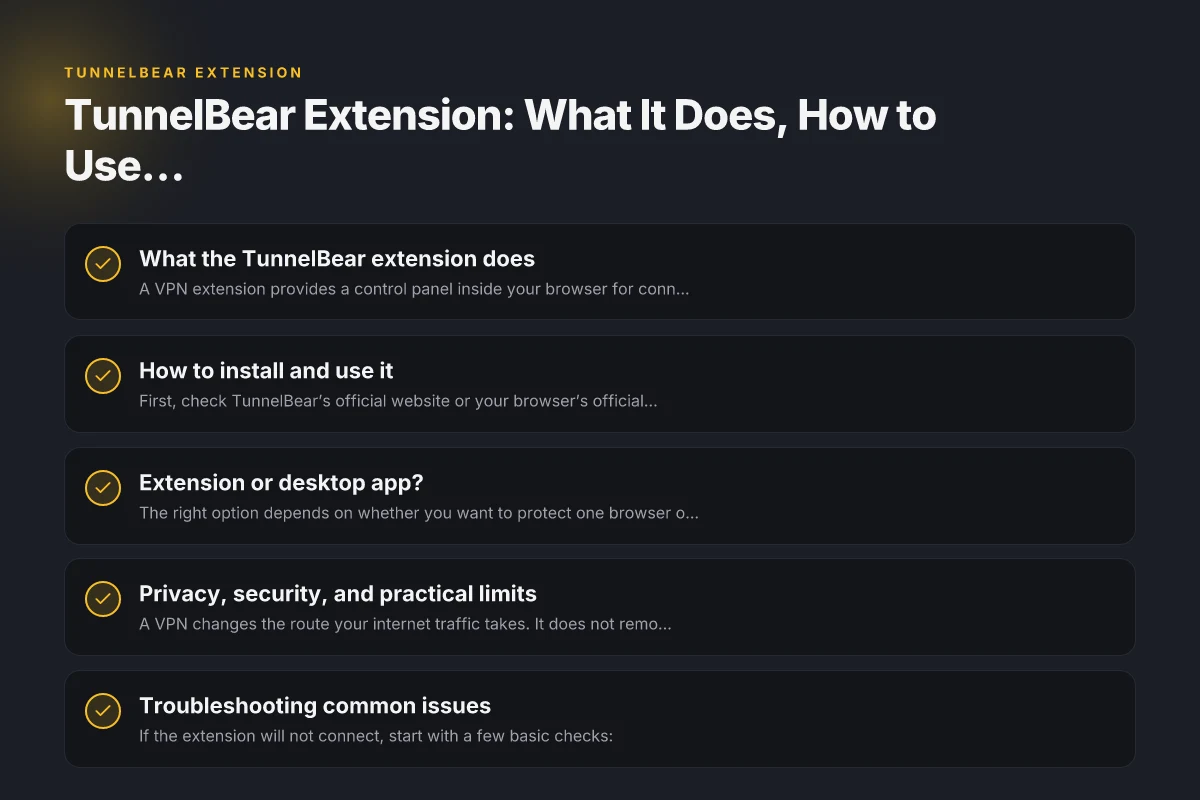
How to install and use it
First, check TunnelBear’s official website or your browser’s official extension store for the current extension and supported browsers. Availability and features can change, so avoid downloading installers or extensions from unfamiliar sites. Clash for iPad: How to Install and Use It Safely
A typical setup looks like this:
- Install the extension from an official source.
- Open it and sign in to your TunnelBear account, or follow the instructions to create one.
- Choose a location if the extension offers that option.
- Connect and wait for the status to confirm that the VPN is active.
- Visit a reputable IP-checking site to see whether your browser appears to use the selected VPN location.
If a site does not load as expected, disconnect and reconnect, try another location, or check the extension’s permissions and settings. Some websites block known VPN addresses, and some content may be unavailable from particular locations. Do not treat a successful IP check as proof that every part of your device is protected.
Which option fits your privacy and security needs?
| Need | Browser extension | Desktop app | What to check |
|---|---|---|---|
| Protect browser traffic | Supported | Supported | Confirm the connection is active |
| Cover traffic outside the browser | No | Supported | Use the desktop app |
| Choose a VPN location | Supported | Supported | Check the available locations |
| Browse privately from websites | Limited | Limited | A VPN does not make you anonymous |
| Avoid account or service tracking | No | No | A VPN does not stop account-based tracking |
| Verify privacy terms | Check current policy | Check current policy | Review TunnelBear’s current privacy information |
Compiled November 2026; check the provider's site for current details. FortiClient VPN Setup: A Step-by-Step Guide
Extension or desktop app?
The right option depends on whether you want to protect one browser or your whole device. The table below describes the usual distinction. Confirm TunnelBear’s current capabilities before deciding.
| Feature | Browser extension | Desktop or mobile VPN app |
|---|---|---|
| Typical coverage | Traffic in the supported browser | Usually traffic across the device |
| Where you control it | Browser toolbar or extension settings | App settings and device controls |
| Useful for | Browser-only use and quick access | Protecting multiple apps and services |
| Main limitation | Other apps may remain outside the VPN | Requires installing and running a separate app |
Choose an extension if your main concern is browser activity and you value quick access from the browser toolbar. Choose the full app if you want broader device coverage, such as for email, messaging, or other applications. If both are installed, check their settings to understand how they interact and avoid assuming that one automatically controls the other.
Privacy, security, and practical limits
A VPN changes the route your internet traffic takes. It does not remove every privacy risk. Keep these points in mind:
- Websites can still track you. Cookies, account logins, and browser fingerprinting may link activity to you even when your IP address changes.
- The extension may not cover all traffic. Other browsers and applications could continue using your ordinary connection.
- A VPN does not guarantee access. Streaming services and websites may restrict VPN connections, and a server location does not guarantee that content will work.
- Permissions matter. Review the permissions requested by any extension and install it only from an official source.
- Privacy depends on the provider too. Read TunnelBear’s current privacy policy and product documentation to understand what data is collected, retained, and used.
- Connection quality can vary. Distance, network congestion, and the VPN location can affect speed and reliability.
For sensitive activities, use HTTPS websites, keep your browser and operating system updated, and secure your accounts with strong, unique passwords and multifactor authentication. A VPN is one layer of protection, not a substitute for these habits. Best VPN for Edge Extension: What to Choose and How to Set It Up
Troubleshooting common issues
If the extension will not connect, start with a few basic checks:
- Confirm your internet connection works with the extension turned off.
- Update or restart the browser, then try connecting again.
- Sign out and back in if the extension provides account controls.
- Try a different VPN location if the current one is slow or blocked.
- Check whether another VPN, proxy, or privacy extension is interfering.
- Reinstall the extension only from the browser’s official store or TunnelBear’s official site.
If the extension is missing from a store or no longer works with your browser, check TunnelBear’s support pages for current availability and recommended alternatives. Avoid installing older copies from third-party download sites.
Troubleshooting common extension issues
| Problem | First check | Try this | If it continues |
|---|---|---|---|
| Extension will not install | Browser compatibility | Update the browser | Check TunnelBear’s current support guidance |
| Cannot sign in | Account details | Sign in again | Check account access |
| Cannot connect | Internet connection | Reconnect or choose another location | Try the desktop app |
| Websites still show your location | Extension connection status | Reconnect, then reload the site | Check for browser or site-specific behavior |
| Other apps are not protected | Extension coverage | Use the desktop app | Confirm its VPN connection is active |
| Extension behaves unexpectedly | Browser and extension updates | Restart the browser | Reinstall the extension if needed |
Compiled November 2026; check the provider's site for current details. Tuxler VPN Chrome: How It Works, Setup, and Safety Tips
Recommendation
The TunnelBear extension can be a straightforward option for routing supported browser traffic through a VPN, but it should not be mistaken for full-device protection. Install it only from an official source, verify which traffic it covers, and review the latest plan and privacy details. If you want protection beyond the browser, use the TunnelBear app where supported and confirm that it is active.