Brawl Stars Bot Lobby VPN Free PC: What Players Should Know
Learn whether a free PC VPN can create Brawl Stars bot lobbies, plus safer ways to practice and protect your account.
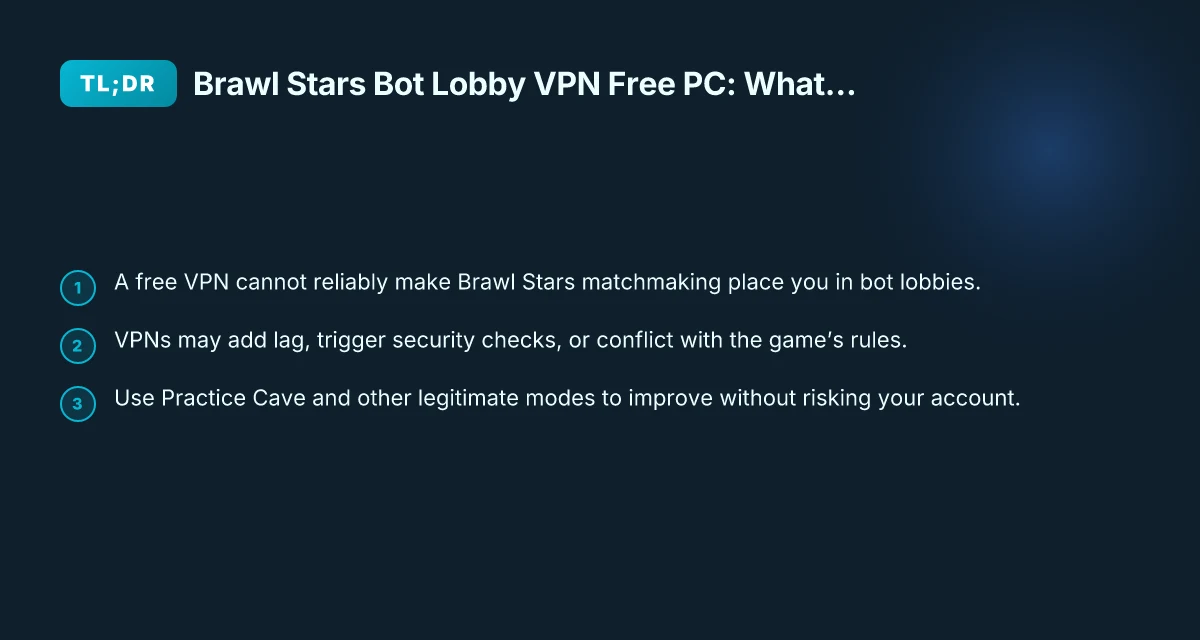
If you’re searching for a “brawl stars bot lobby vpn free pc” solution, the direct answer is that a VPN does not reliably create bot-only matches. Matchmaking is controlled by Brawl Stars, not by a VPN provider, and changing your apparent location is no guarantee of easier opponents. A VPN can instead increase latency or cause connection problems. For safer practice, use the game’s available training features and regular modes.
How different approaches affect Brawl Stars matchmaking and practice
| Approach | Creates bot lobby? | Matchmaking effect | Main risk | Best for |
|---|---|---|---|---|
| VPN to change location | No guarantee | May change route or region | Lag or unstable matches | Privacy or network testing |
| Free VPN on PC | No guarantee | May add latency | Data limits or unclear privacy | Occasional basic use |
| Paid VPN on PC | No guarantee | Depends on server and route | Subscription cost | Regular VPN use |
| Training Cave | No | No live matchmaking | Limited to solo practice | Testing brawlers |
| Friendly Battle | No | Private match | Needs willing players | Practice with friends |
| Club or community matches | No | Arranged matches | Requires coordination | Team practice |
| Standard matchmaking | No | Uses game matchmaking | Opponents may be stronger | Normal play |
Compiled November 2026; check the provider's site for current details.
| VPN | Obfuscation | From / month | Plan | Free plan | Refund | Alipay | UnionPay | Crypto | Website opens in China | Trustpilot | |
|---|---|---|---|---|---|---|---|---|---|---|---|
 ZoogVPN | Turn on manually Shadow | $2.49/mo | 27 months: $59.99 | Yes | 7 days | ✓ | ✓ | ✓ | ✓ | Official site blocked; our special link opens (4.4 s) | 4.2/5 (195 reviews) |
 NordVPN | Turn on manually Obfuscated Servers / NordWhisper | $3.49/mo | 27 months: $94.23 | No | 30 days | ? | ✗ | ✓ | ✓ | ✗ Blocked | 4.2/5 (51,628 reviews) |
 ExpressVPN | ✓ On by default all servers | $3.00/mo | 28 months: $84 | No | 30 days | ✗ | ✗ | ✓ | ✗ | ✗ Blocked | 4.4/5 (29,706 reviews) |
 Surfshark | ✓ On by default Camouflage, with OpenVPN | See site | See site | No | 30 days | ✗ | ✗ | ✗ | ✓ | ✗ Blocked | 4.3/5 (31,823 reviews) |
 Proton VPN | Turn on manually Stealth, free plan too | $2.99/mo | 12 months: $35.88 | Yes | 30 days | ✗ | ✗ | ✗ | ✓ | ✗ Blocked | 2.1/5 (1,040 reviews) |
 Astrill VPN | Turn on manually StealthVPN / OpenWeb | $12.50/mo | 24 months: $300 | No | See site | ✗ | ✗ | ✗ | ✓ | ✗ Blocked | 1.3/5 (110 reviews) |
 Private Internet Access | Turn on manually Shadowsocks, OpenVPN only | $2.03/mo | 40 months: $81.2 | No | 30 days | ✗ | ✗ | ✗ | ✗ | ✗ Blocked | 4.2/5 (11,033 reviews) |
 CyberGhost | Turn on manually selected servers | $2.19/mo | 28 months: $61.32 | No | 45 days | ✗ | ✗ | ✗ | ✓ | ✗ Blocked | 4.0/5 (24,178 reviews) |
 PureVPN | Turn on manually switch to OpenVPN | $1.69/mo | 60 months: $101.55 | No | 31 days | ? | ? | ✗ | ✓ | ✗ Blocked | 4.4/5 (17,994 reviews) |
 AdGuard VPN | ✓ On by default TrustTunnel | $2.99/mo | 24 months: $71.76 | Yes | 30 days | ✓ | ✗ | ✓ | ✓ | Official site blocked; our special link opens (3.7 s) | 4.3/5 (290 reviews) |
 Mullvad | Turn on manually QUIC / Shadowsocks / LWO | $5.61/mo | €5/mo | No | 14 days | ✗ | ✗ | ✗ | ✓ | ✗ Blocked | 3.2/5 (192 reviews) |
 Windscribe | Turn on manually Stealth / WStunnel | $5.75/mo | 12 months: $69 | Yes | See site | ✗ | ✗ | ✗ | ✓ | ✗ Blocked | 4.7/5 (13,355 reviews) |
 StrongVPN | Turn on manually Scramble, OpenVPN TCP | See site | See site | No | 30 days | ✓ | ✗ | ✗ | ✗ | ✗ Blocked | 4.4/5 (2,695 reviews) |
 LightXtreme 闪连 | Not listed | $7.08/mo | 12 months: $84.99 | Yes | 30 days | ✓ | ✓ | ✓ | ✓ | ✓ Yes (3.5 s) | No page |
Prices checked 2026-11-10 on each vendor's pricing page (cheapest long plan, USD). Check the vendor's checkout for the final price.
Obfuscation checked 2026-11-14 on each vendor's site and help center: "on by default" = nothing to set; "turn on manually" = switch protocol or mode in settings; "not listed" = the vendor describes no obfuscation.
Payment methods checked 2026-11-10 on each vendor's payment pages: all 14 take cards and PayPal; ✗ = not listed, ? = the vendor's own pages disagree.
China access: whether the official website opens from mainland China networks (tests the website only, not the VPN connection). Last checked 2026-11-18 01:02 Beijing time.
Trustpilot score and review count checked 2026-11-10.
Can a VPN create a Brawl Stars bot lobby?
A VPN routes your internet traffic through a server in another location. It may change the IP address and region that online services see, but it does not give you control over a game’s matchmaking system. Brawl Stars uses its own systems to find matches, and the exact factors can change over time.
A VPN therefore cannot promise that you will:
- Face bots instead of real players
- Get easier opponents
- Match with a particular trophy range
- Enter a specific region’s lobby
If a video or website claims that a particular free VPN guarantees bot lobbies, treat that claim cautiously. Matchmaking outcomes can vary, and apparent results may be coincidence, outdated advice, or a misleading promotion.
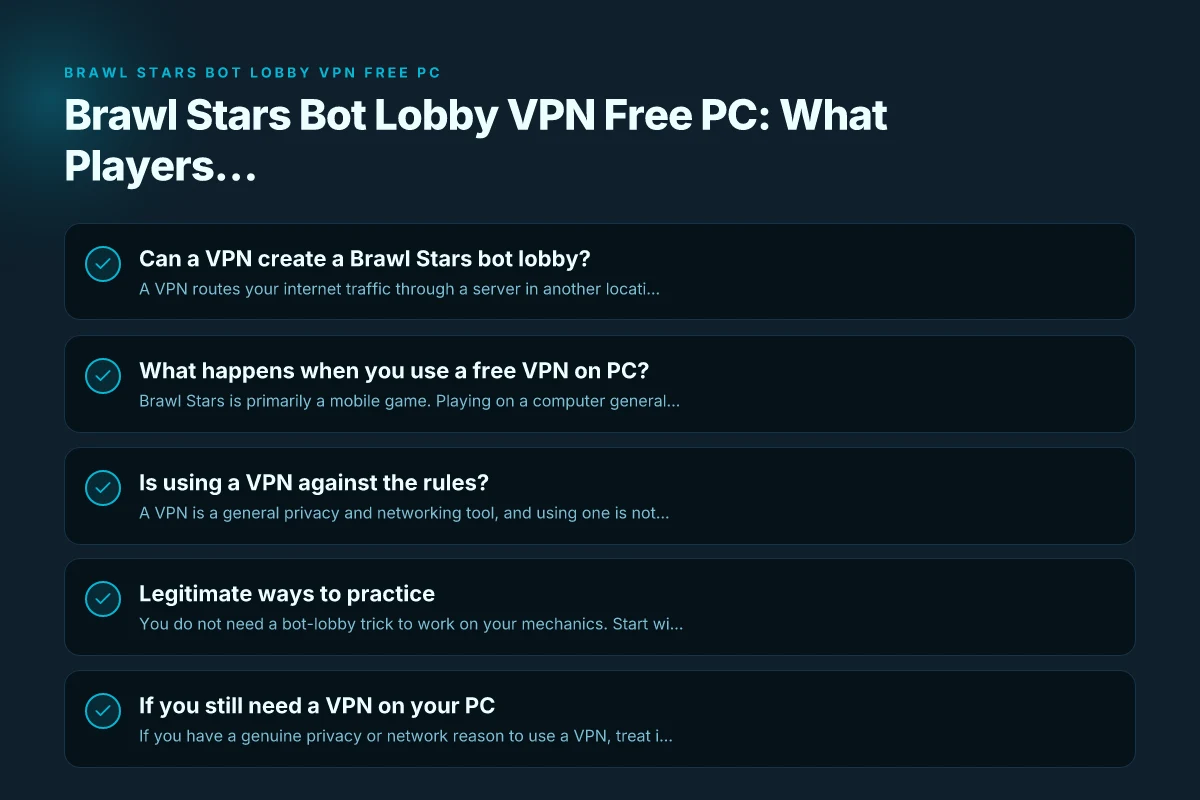
What happens when you use a free VPN on PC?
Brawl Stars is primarily a mobile game. Playing on a computer generally involves an Android emulator, where available and compatible. Adding a VPN creates another connection step between your PC and the game servers. FortiClient VPN Connection Failed. Please Check Your Configuration: How to Fix It
That extra routing can lead to:
- Higher ping and delayed controls
- Lag, stuttering, or dropped connections
- Difficulty signing in or staying connected
- More troubleshooting when the game or emulator updates
Free VPN services may also impose speed limits, data caps, crowded servers, or restrictions on server locations. Their privacy practices vary, so check what information a service collects and how it handles it before installing software. Avoid VPN downloads from unofficial sites and never give your game login details to a service promising special matchmaking.
| Option | Likely effect | Main consideration |
|---|---|---|
| Free VPN on PC | Changes the route or apparent IP address | Does not guarantee bot matches; may add lag |
| No VPN | Uses your usual internet route | Often the simplest option for stable play |
| In-game practice features | Provides a controlled way to learn | Best choice for building skills without chasing matchmaking tricks |
Is using a VPN against the rules?
A VPN is a general privacy and networking tool, and using one is not automatically the same as cheating. However, using a VPN to manipulate matchmaking, evade restrictions, or gain an unfair advantage can raise account and service-rule concerns. The game’s policies can change, so consult the current Supercell Terms of Service and support information rather than relying on old forum posts.
There is an important distinction between: How to Connect VPN Without Downloading an App
- Privacy or connection use: Routing your traffic through a VPN for a legitimate reason.
- Matchmaking manipulation: Trying to exploit location or other systems to obtain easier games.
- Unauthorized tools: Using cheats, modified clients, scripts, or services that interfere with gameplay.
The second and third categories are risky. Do not install tools that ask for your Supercell ID password, promise guaranteed bot opponents, or modify the game client. If you have a connection issue, test the game without a VPN first and contact official support if it continues.
Free VPN on PC versus alternatives
| Option | Cost | Connection quality | Privacy clarity | Setup effort | Good choice when |
|---|---|---|---|---|---|
| Free VPN | Usually free | May be limited | Varies by provider | Low to moderate | Short, occasional use |
| Paid VPN | Subscription | Often more server options | Check provider policy | Low to moderate | Regular VPN use |
| No VPN | Free | Direct connection | No VPN provider involved | Low | Connection is already stable |
| Training Cave | Free in-game | Not dependent on VPN | Not applicable | Low | Practicing alone |
| Friendly Battle | Free in-game | Depends on participants | Not applicable | Moderate | Practicing with friends |
| Club or community match | Free in-game | Depends on participants | Not applicable | Moderate | Finding organized practice |
Compiled November 2026; check the provider's site for current details.
Legitimate ways to practice
You do not need a bot-lobby trick to work on your mechanics. Start with the game’s Practice Cave, where you can become familiar with Brawlers, attacks, and movement in a low-pressure setting. Then play modes that suit your current comfort level and focus on one improvement at a time. Norton VPN APK for Firestick: How to Install It Safely
Useful practice habits include:
- Learn one Brawler’s range, reload speed, and attack pattern.
- Use cover and avoid moving in a predictable straight line.
- Save Super abilities for moments when they can change an engagement.
- Pay attention to objectives rather than chasing every opponent.
- Review losses to spot positioning or timing mistakes.
- Play with friends or a team when you want coordinated practice.
Matchmaking can also feel tougher when you change Brawlers, modes, or trophy levels. That does not mean a VPN will fix it. Taking a break, choosing a familiar character, and focusing on fundamentals are more dependable ways to make matches feel manageable.
If you still need a VPN on your PC
If you have a genuine privacy or network reason to use a VPN, treat it as a connection tool, not a way to obtain bot lobbies. Choose a reputable provider, use its official software, and select a nearby server for lower latency. Before launching the game, compare your connection with the VPN on and off.
For a fair test: My IP ExpressVPN: How to Check Your IP Address and What It Means
- Check your normal ping and stability.
- Connect to a nearby VPN server.
- Test the game without changing other settings.
- Disconnect if latency or packet loss gets worse.
- Keep your account credentials private and use official game sources.
A VPN may help with a particular network-routing problem, but it can also make performance worse. It cannot guarantee a specific opponent type or matchmaking outcome.
Decision guide for using a VPN with Brawl Stars on PC
| Situation | VPN needed? | Recommended action | Key caution | Expected result |
|---|---|---|---|---|
| Trying to get bot opponents | No | Use legitimate practice modes | VPN cannot promise bots | No guaranteed lobby change |
| Experiencing lag | Maybe | Compare connection with and without VPN | VPN may increase latency | Route-dependent improvement |
| Wanting more privacy | Maybe | Review the provider’s privacy policy | Free plans may have limits | Privacy depends on provider |
| Practicing a new brawler | No | Use the Training Cave | Practice is not live matchmaking | Safer skill practice |
| Practicing with friends | No | Set up a Friendly Battle | Coordinate with participants | Private practice match |
| Unsure about game rules | No | Check current official terms | Rules can change | Better-informed decision |
| Still choosing a VPN | Maybe | Compare reputable providers | Avoid assuming free means safe | More informed selection |
Compiled November 2026; check the provider's site for current details.
Recommendation
The best recommendation for “brawl stars bot lobby vpn free pc” is not to rely on a free VPN to find bot matches. It cannot reliably control matchmaking, and it may add lag or create account and security risks if used with unofficial tools. Play through legitimate game features, practice in the Practice Cave, and use a VPN only for a valid connection or privacy need. Norton VPN App for Fire Stick: How to Set It Up and What to Know