How to Connect VPN Without Downloading an App
Learn how to connect to a VPN without downloading an app, using built-in settings or a browser extension.


You can connect to a VPN without downloading a dedicated app by using your device’s built-in VPN settings, a browser extension, or a VPN service available through a managed network. The best option depends on what you need to protect: built-in settings can route traffic from multiple apps, while browser-based tools usually cover only activity inside that browser. In every case, you need a trustworthy VPN service or administrator to provide access.
Compare ways to connect without installing a VPN app
| Option | Where you set it up | Separate VPN app needed | Typical scope | Best suited for |
|---|---|---|---|---|
| Built-in VPN settings | Device settings | No | Device traffic, depending on configuration | People with VPN connection details |
| Browser VPN extension | Browser extension settings | No separate VPN app | Browser traffic | Browser-only use |
| Managed network | Work or school network settings | Not always | Depends on the organization’s setup | People with approved network access |
| Built-in settings: provider setup | Device settings | No | Device traffic, depending on configuration | Users whose provider supports manual setup |
| Browser extension: provider setup | Browser extension settings | No separate VPN app | Browser traffic | Users needing protection in one browser |
| Managed network: administrator setup | Organization’s instructions | Depends on setup | Organization-defined | Users with administrator-provided details |
Compiled November 2026; check the provider's site for current details.
| VPN | Obfuscation | From / month | Plan | Free plan | Refund | Alipay | UnionPay | Crypto | Website opens in China | Trustpilot | |
|---|---|---|---|---|---|---|---|---|---|---|---|
 ZoogVPN | Turn on manually Shadow | $2.49/mo | 27 months: $59.99 | Yes | 7 days | ✓ | ✓ | ✓ | ✓ | Official site blocked; our special link opens (4.4 s) | 4.2/5 (195 reviews) |
 NordVPN | Turn on manually Obfuscated Servers / NordWhisper | $3.49/mo | 27 months: $94.23 | No | 30 days | ? | ✗ | ✓ | ✓ | ✗ Blocked | 4.2/5 (51,628 reviews) |
 ExpressVPN | ✓ On by default all servers | $3.00/mo | 28 months: $84 | No | 30 days | ✗ | ✗ | ✓ | ✗ | ✗ Blocked | 4.4/5 (29,706 reviews) |
 Surfshark | ✓ On by default Camouflage, with OpenVPN | See site | See site | No | 30 days | ✗ | ✗ | ✗ | ✓ | ✗ Blocked | 4.3/5 (31,823 reviews) |
 Proton VPN | Turn on manually Stealth, free plan too | $2.99/mo | 12 months: $35.88 | Yes | 30 days | ✗ | ✗ | ✗ | ✓ | ✗ Blocked | 2.1/5 (1,040 reviews) |
 Astrill VPN | Turn on manually StealthVPN / OpenWeb | $12.50/mo | 24 months: $300 | No | See site | ✗ | ✗ | ✗ | ✓ | ✗ Blocked | 1.3/5 (110 reviews) |
 Private Internet Access | Turn on manually Shadowsocks, OpenVPN only | $2.03/mo | 40 months: $81.2 | No | 30 days | ✗ | ✗ | ✗ | ✗ | ✗ Blocked | 4.2/5 (11,033 reviews) |
 CyberGhost | Turn on manually selected servers | $2.19/mo | 28 months: $61.32 | No | 45 days | ✗ | ✗ | ✗ | ✓ | ✗ Blocked | 4.0/5 (24,178 reviews) |
 PureVPN | Turn on manually switch to OpenVPN | $1.69/mo | 60 months: $101.55 | No | 31 days | ? | ? | ✗ | ✓ | ✗ Blocked | 4.4/5 (17,994 reviews) |
 AdGuard VPN | ✓ On by default TrustTunnel | $2.99/mo | 24 months: $71.76 | Yes | 30 days | ✓ | ✗ | ✓ | ✓ | Official site blocked; our special link opens (3.7 s) | 4.3/5 (290 reviews) |
 Mullvad | Turn on manually QUIC / Shadowsocks / LWO | $5.61/mo | €5/mo | No | 14 days | ✗ | ✗ | ✗ | ✓ | ✗ Blocked | 3.2/5 (192 reviews) |
 Windscribe | Turn on manually Stealth / WStunnel | $5.75/mo | 12 months: $69 | Yes | See site | ✗ | ✗ | ✗ | ✓ | ✗ Blocked | 4.7/5 (13,355 reviews) |
 StrongVPN | Turn on manually Scramble, OpenVPN TCP | See site | See site | No | 30 days | ✓ | ✗ | ✗ | ✗ | ✗ Blocked | 4.4/5 (2,695 reviews) |
 LightXtreme 闪连 | Not listed | $7.08/mo | 12 months: $84.99 | Yes | 30 days | ✓ | ✓ | ✓ | ✓ | ✓ Yes (3.5 s) | No page |
Prices checked 2026-11-10 on each vendor's pricing page (cheapest long plan, USD). Check the vendor's checkout for the final price.
Obfuscation checked 2026-11-14 on each vendor's site and help center: "on by default" = nothing to set; "turn on manually" = switch protocol or mode in settings; "not listed" = the vendor describes no obfuscation.
Payment methods checked 2026-11-10 on each vendor's payment pages: all 14 take cards and PayPal; ✗ = not listed, ? = the vendor's own pages disagree.
China access: whether the official website opens from mainland China networks (tests the website only, not the VPN connection). Last checked 2026-11-18 01:02 Beijing time.
Trustpilot score and review count checked 2026-11-10.
Option 1: Use your device’s built-in VPN settings
Windows, macOS, iPhone, iPad, and many Android devices include VPN settings. These let you create a connection without installing the provider’s app. However, they do not provide a VPN service by themselves. You’ll need connection details, such as a server address, VPN type, and sign-in credentials, from your provider, employer, or school.
General setup
Open your device’s network or VPN settings and choose the option to add a VPN configuration. Enter the details supplied by the VPN provider, save the profile, and connect to it from the same settings area.
The exact menu names and supported protocols vary by device and operating-system version. Common protocols include IKEv2 and L2TP/IPsec. Some systems support additional options. Use the protocol and setup instructions your provider recommends rather than guessing.
Typical details you may need include: Norton VPN APK for Firestick: How to Install It Safely
- A VPN server address
- The VPN protocol or connection type
- A username and password, certificate, or other authentication method
- A shared key or security certificate, if required
Never enter credentials from an unknown source. If your provider does not offer manual setup details, its service may require its own app.
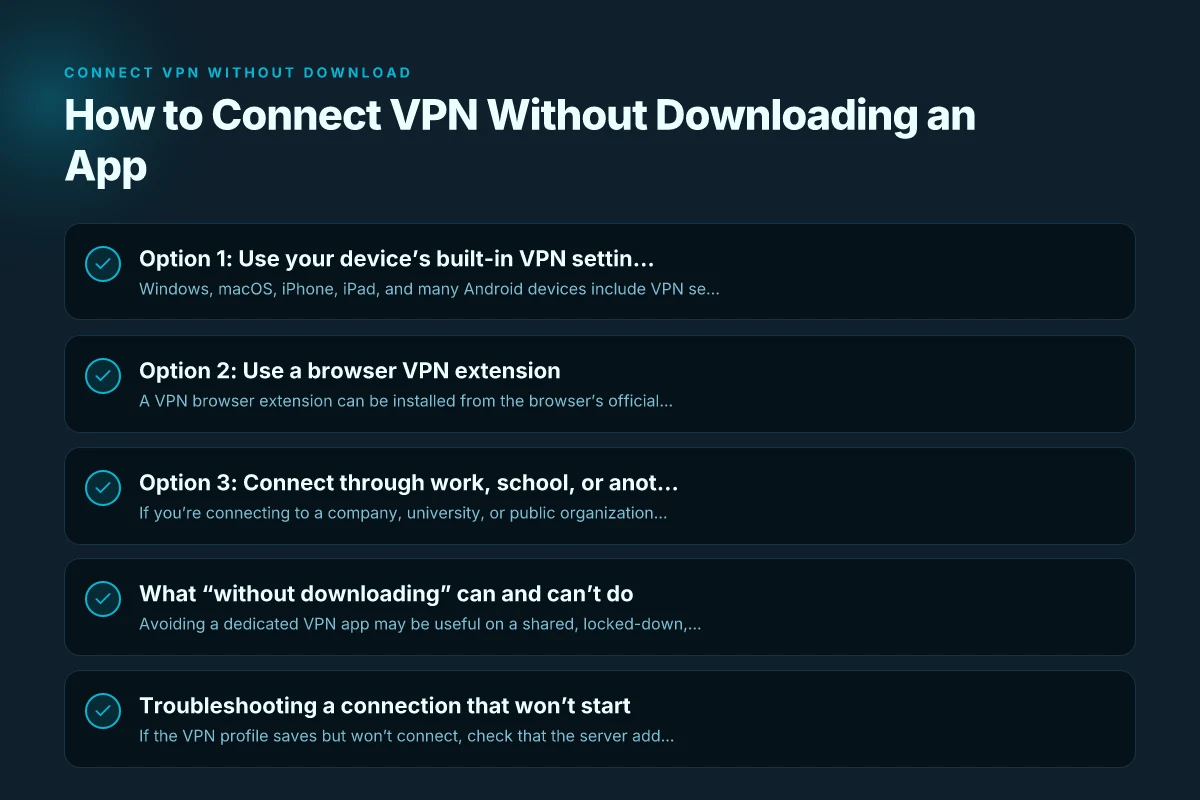
Option 2: Use a browser VPN extension
A VPN browser extension can be installed from the browser’s official extension store and may be quicker to set up than a full VPN client. Some providers also offer browser-based access through a web portal, though not all services support this.
Check what the extension actually protects before relying on it. Many browser extensions act as encrypted proxies: they route browser traffic through a server but do not create a device-wide VPN connection. Other browser add-ons may simply change your apparent location or block trackers without encrypting your connection in the same way as a VPN.
| Method | Requires a dedicated VPN app? | What it typically covers | What you need |
|---|---|---|---|
| Built-in device VPN settings | No | Traffic from the device, depending on configuration | Provider or administrator connection details |
| Browser VPN extension | No separate desktop VPN app | Traffic within the browser or selected tabs | A compatible extension and, often, an account |
| Employer or school VPN portal | Not always | Resources specified by the organization | An authorized account and setup instructions |
Choose extensions from a reputable provider and review their permissions and privacy policy. An extension that can read or change data on websites may have broad access to your browsing activity. My IP ExpressVPN: How to Check Your IP Address and What It Means
What to check before choosing a no-download VPN option
| Check | Built-in VPN settings | Browser VPN extension | Managed network |
|---|---|---|---|
| Works without a dedicated VPN app | Yes | Yes | Depends on setup |
| Requires connection details or instructions | Usually | Extension setup required | Usually |
| Covers traffic outside the browser | Typically, when connected | No | Depends on setup |
| Provider or administrator support needed | Often | Extension provider | Organization administrator |
| Suitable for work or school access | If configured for it | Not usually a substitute | Yes, when approved |
| Can be set up without installing anything | Supported on compatible devices | Requires adding an extension | Depends on device policy |
| Main limitation | Manual setup can be complex | Protection is browser-limited | Access and settings are controlled |
Compiled November 2026; check the provider's site for current details.
Option 3: Connect through work, school, or another managed network
If you’re connecting to a company, university, or public organization’s VPN, ask its IT team whether it supports manual configuration or a browser-based portal. Some organizations provide VPN profiles that can be added directly to a device’s settings, while others require a specific client for security or compliance.
Follow the organization’s official instructions. Don’t use configuration files, certificates, or login details shared by strangers. If a required client is blocked on a device you don’t own, contact the network administrator instead of trying to bypass the restriction. Norton VPN App for Fire Stick: How to Set It Up and What to Know
What “without downloading” can and can’t do
Avoiding a dedicated VPN app may be useful on a shared, locked-down, or low-storage device. It can also make sense when you already have valid manual connection details. But “no download” does not mean “no provider” or “no account”: a secure connection still needs a VPN server and an approved way to authenticate.
Keep these limitations in mind:
- A browser extension may not protect email software, games, or other apps.
- Built-in settings may support fewer protocols or features than a provider’s app.
- Manual setup can require extra steps when changing servers or troubleshooting.
- A VPN does not make you completely anonymous or protect you from every online threat.
- A free VPN can have limits or unclear privacy practices, so check how the provider handles data.
If you’re using a public Wi-Fi network, confirm that the VPN is connected before accessing sensitive accounts. For sensitive work or banking, use a provider or network administrator you trust, and make sure the connection covers the apps you intend to use.
Troubleshoot a VPN connection that will not start NordVPN Activation Code: How to Activate Your Subscription
| Check | What to try | When it may help |
|---|---|---|
| Connection details | Recheck server address and login details | Setup fails or authentication is rejected |
| VPN type and settings | Confirm they match provider instructions | Connection details appear correct but will not connect |
| Network access | Try a different available network | The current network may restrict VPN connections |
| Browser extension | Check that it is enabled and signed in | Browser VPN will not activate |
| Managed-network instructions | Follow current work or school guidance | Organization access is required |
| Device restrictions | Check settings or ask the administrator | VPN options are unavailable or blocked |
| Connection status | Disconnect, then reconnect | A previous session may be stuck |
| Provider support | Ask the provider or administrator for help | Checks do not resolve the issue |
Compiled November 2026; check the provider's site for current details.
Troubleshooting a connection that won’t start
If the VPN profile saves but won’t connect, check that the server address, protocol, and credentials match the provider’s instructions. Confirm that your internet connection is working, then try a different network if possible. Some networks block certain VPN protocols.
Also check whether your account is active and whether your provider requires a certificate, one-time code, or device approval. If the connection still fails, contact the provider or administrator. Avoid changing security settings at random or installing unofficial configuration files as a workaround.
Recommendation
For device-wide protection without a dedicated app, use your operating system’s built-in VPN settings with setup details from a reputable provider or your organization. For browser-only activity, a trusted extension may be more convenient, but verify its coverage and privacy terms first. If you can’t confirm who operates the service or what it protects, don’t enter your credentials. Urban VPN Microsoft Edge Extension: Installation, Features, and Safety