Norton VPN App for Fire Stick: How to Set It Up and What to Know
Find out whether Norton VPN works on Fire TV Stick, how to install it, and what to do if it is not available.


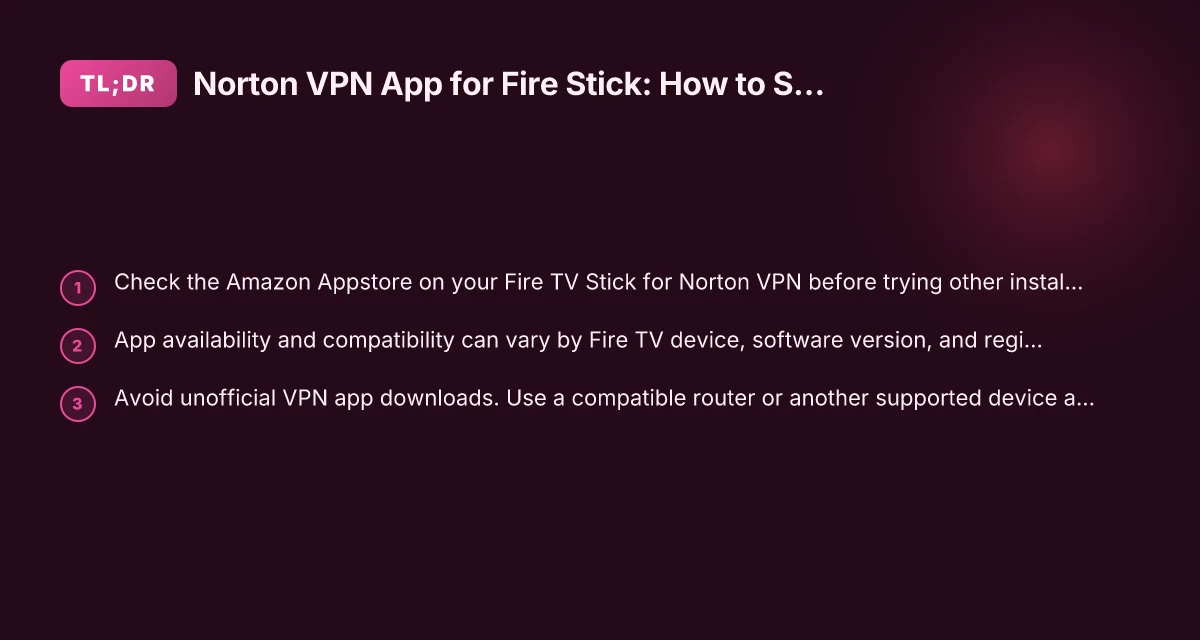
If you’re looking for a Norton VPN app for Fire Stick, first search for Norton VPN in the Amazon Appstore on your Fire TV Stick. If it appears, install it and sign in with your Norton account. If it does not appear, the app may not be available for your particular device or region. Norton VPN support and app listings can change, so check Norton’s current compatibility information before choosing another setup.
A VPN routes your internet traffic through a VPN server, but it does not automatically make every streaming app work or provide access to every title. The steps and options below can help you decide whether Norton VPN is practical for your Fire TV Stick.
| VPN | Obfuscation | From / month | Plan | Free plan | Refund | Alipay | UnionPay | Crypto | Website opens in China | Trustpilot | |
|---|---|---|---|---|---|---|---|---|---|---|---|
 ZoogVPN | Turn on manually Shadow | $2.49/mo | 27 months: $59.99 | Yes | 7 days | ✓ | ✓ | ✓ | ✓ | Official site blocked; our special link opens (4.4 s) | 4.2/5 (195 reviews) |
 NordVPN | Turn on manually Obfuscated Servers / NordWhisper | $3.49/mo | 27 months: $94.23 | No | 30 days | ? | ✗ | ✓ | ✓ | ✗ Blocked | 4.2/5 (51,628 reviews) |
 ExpressVPN | ✓ On by default all servers | $3.00/mo | 28 months: $84 | No | 30 days | ✗ | ✗ | ✓ | ✗ | ✗ Blocked | 4.4/5 (29,706 reviews) |
 Surfshark | ✓ On by default Camouflage, with OpenVPN | See site | See site | No | 30 days | ✗ | ✗ | ✗ | ✓ | ✗ Blocked | 4.3/5 (31,823 reviews) |
 Proton VPN | Turn on manually Stealth, free plan too | $2.99/mo | 12 months: $35.88 | Yes | 30 days | ✗ | ✗ | ✗ | ✓ | ✗ Blocked | 2.1/5 (1,040 reviews) |
 Astrill VPN | Turn on manually StealthVPN / OpenWeb | $12.50/mo | 24 months: $300 | No | See site | ✗ | ✗ | ✗ | ✓ | ✗ Blocked | 1.3/5 (110 reviews) |
 Private Internet Access | Turn on manually Shadowsocks, OpenVPN only | $2.03/mo | 40 months: $81.2 | No | 30 days | ✗ | ✗ | ✗ | ✗ | ✗ Blocked | 4.2/5 (11,033 reviews) |
 CyberGhost | Turn on manually selected servers | $2.19/mo | 28 months: $61.32 | No | 45 days | ✗ | ✗ | ✗ | ✓ | ✗ Blocked | 4.0/5 (24,178 reviews) |
 PureVPN | Turn on manually switch to OpenVPN | $1.69/mo | 60 months: $101.55 | No | 31 days | ? | ? | ✗ | ✓ | ✗ Blocked | 4.4/5 (17,994 reviews) |
 AdGuard VPN | ✓ On by default TrustTunnel | $2.99/mo | 24 months: $71.76 | Yes | 30 days | ✓ | ✗ | ✓ | ✓ | Official site blocked; our special link opens (3.7 s) | 4.3/5 (290 reviews) |
 Mullvad | Turn on manually QUIC / Shadowsocks / LWO | $5.61/mo | €5/mo | No | 14 days | ✗ | ✗ | ✗ | ✓ | ✗ Blocked | 3.2/5 (192 reviews) |
 Windscribe | Turn on manually Stealth / WStunnel | $5.75/mo | 12 months: $69 | Yes | See site | ✗ | ✗ | ✗ | ✓ | ✗ Blocked | 4.7/5 (13,355 reviews) |
 StrongVPN | Turn on manually Scramble, OpenVPN TCP | See site | See site | No | 30 days | ✓ | ✗ | ✗ | ✗ | ✗ Blocked | 4.4/5 (2,695 reviews) |
 LightXtreme 闪连 | Not listed | $7.08/mo | 12 months: $84.99 | Yes | 30 days | ✓ | ✓ | ✓ | ✓ | ✓ Yes (3.5 s) | No page |
Prices checked 2026-11-10 on each vendor's pricing page (cheapest long plan, USD). Check the vendor's checkout for the final price.
Obfuscation checked 2026-11-14 on each vendor's site and help center: "on by default" = nothing to set; "turn on manually" = switch protocol or mode in settings; "not listed" = the vendor describes no obfuscation.
Payment methods checked 2026-11-10 on each vendor's payment pages: all 14 take cards and PayPal; ✗ = not listed, ? = the vendor's own pages disagree.
China access: whether the official website opens from mainland China networks (tests the website only, not the VPN connection). Last checked 2026-11-18 01:02 Beijing time.
Trustpilot score and review count checked 2026-11-10.
Choose the right way to use Norton VPN on Fire TV Stick
| Option | Where to check | Setup effort | Main advantage | Main limitation |
|---|---|---|---|---|
| Install the listed app | Fire TV Appstore | Low | Direct installation | Available only if listed for your device |
| Search the Appstore again | Fire TV search | Low | Confirms whether the app appears | Search results may vary |
| Check Norton support | Norton support resources | Low | Can clarify current compatibility | Availability may change |
| Use another supported device | Norton app or device list | Low | Uses a supported setup | Does not protect the Fire TV Stick itself |
| Use a compatible router | Router settings and Norton guidance | Medium | May cover connected devices | Router support and setup vary |
| Manually install an app package | Norton guidance and trusted sources | High | May be an option in some cases | Compatibility and security concerns |
| Choose a different VPN service | Fire TV Appstore | Low | May have a Fire TV app | Requires a separate service |
Compiled November 2026; check the provider's site for current details.
Check whether Norton VPN is available
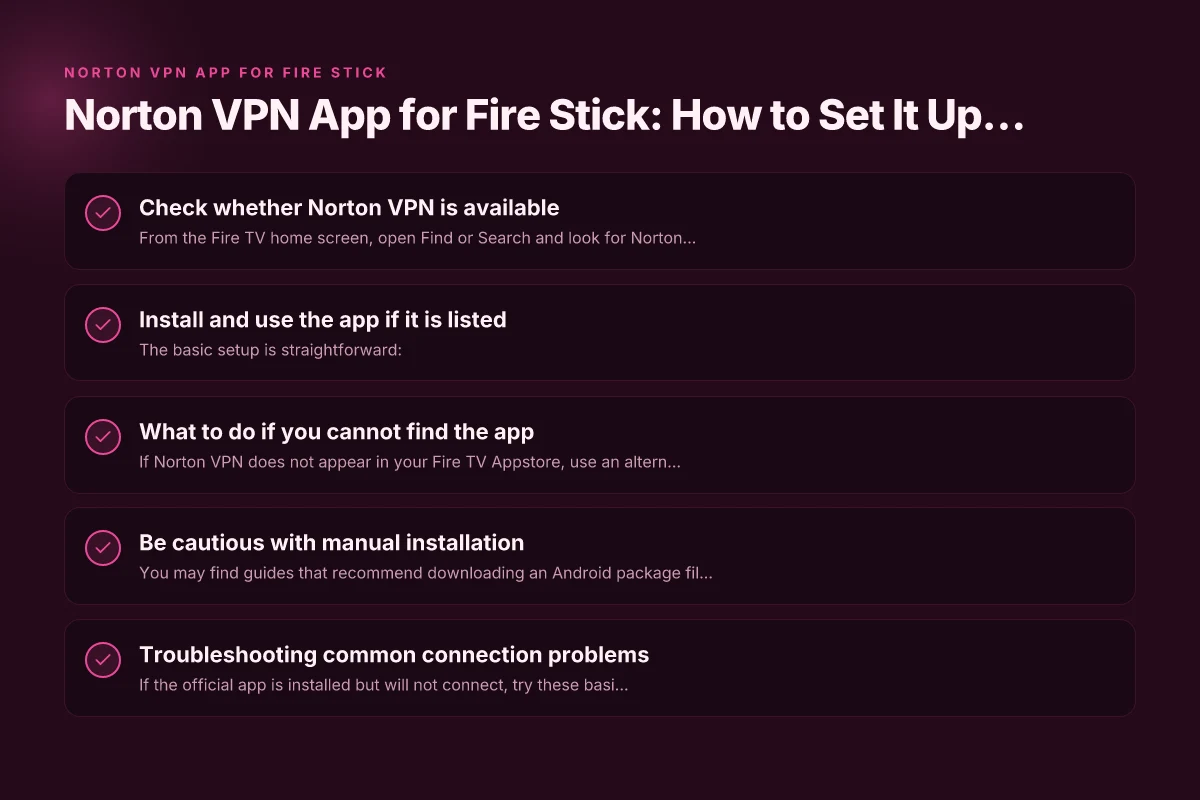
From the Fire TV home screen, open Find or Search and look for Norton VPN. You can also browse the Amazon Appstore’s apps. Confirm that any result is the official Norton app, rather than an unrelated product with a similar name.
If the app is listed, check its details for device compatibility and install it. If it is missing, don’t assume the app will work simply because it is available on a phone, tablet, or computer. Fire TV devices use Fire OS, and an app may have different availability across platforms.
Availability can also vary by country. If you cannot find the app, check your Amazon account’s region, your Fire TV software version, and Norton’s official support pages. An app that is not listed for your device is not necessarily a problem with your Norton subscription.
Install and use the app if it is listed
The basic setup is straightforward: NordVPN Activation Code: How to Activate Your Subscription
- On your Fire TV Stick, open the Amazon Appstore.
- Search for Norton VPN and select the official listing.
- Choose Download or Get, then open the app.
- Sign in with the Norton account associated with your subscription.
- Review the app’s permissions and connection options.
- Connect to a server and confirm that the VPN shows as active.
The wording and screens may differ depending on your Fire OS version and the Norton app version. Use the app’s own instructions if they differ from these general steps.
After connecting, open the streaming app you want to use and test playback. If a video fails to load, disconnect and reconnect, try another server location if available, or restart the streaming app. Streaming services may restrict VPN connections, and a VPN connection does not guarantee that a particular service or program will be accessible.
What to do if you cannot find the app
If Norton VPN does not appear in your Fire TV Appstore, use an alternative only after confirming it is compatible and permitted by the relevant service terms.
| Option | How it works | Main consideration |
|---|---|---|
| Use Norton VPN on another supported device | Install Norton VPN on a phone, tablet, or computer | This protects that device, not the Fire TV Stick’s traffic |
| Set up a compatible router VPN | Configure the VPN on a router, if Norton and the router support the required setup | Router configuration can be technical, and device support varies |
| Choose a VPN with an official Fire TV app | Install its app directly from the Amazon Appstore | Check the provider’s current compatibility, privacy terms, and subscription cost |
| Contact Norton support | Ask about current Fire TV compatibility and supported alternatives | Support can clarify options for your account and location |
Do not assume that installing Norton VPN on a phone will protect a Fire TV Stick on the same Wi-Fi network. A phone’s VPN connection normally covers the phone only. Router-level protection is different because it can route traffic from connected devices through the VPN, but it requires a compatible router and supported configuration. Urban VPN Microsoft Edge Extension: Installation, Features, and Safety
Fire TV Stick Norton VPN setup and troubleshooting
| Step or issue | What to check | Recommended action | Avoid |
|---|---|---|---|
| App not listed | Fire TV Appstore search | Check Norton’s current compatibility guidance | Assuming every Fire TV model is supported |
| App is listed | App details and publisher | Install the official Norton app | Unverified app packages |
| First launch | Sign-in and permissions | Follow the on-screen prompts | Sharing account details with unofficial sources |
| Cannot connect | Internet connection | Confirm the Fire TV Stick is online | Changing many settings at once |
| Connection drops | Wi-Fi signal | Improve the connection and retry | Assuming the VPN alone caused the issue |
| App will not open | App and device updates | Restart the device and check for updates | Repeatedly reinstalling without checking compatibility |
| Manual installation considered | Norton guidance and package source | Proceed only if Norton supports the method | Unknown download sites |
| Still not working | Norton support options | Contact Norton support | Treating unsupported setups as guaranteed |
Compiled November 2026; check the provider's site for current details.
Be cautious with manual installation
You may find guides that recommend downloading an Android package file, often called an APK, and installing it manually. This is known as sideloading. An app made for a touchscreen phone may not display or work properly with a Fire TV remote. It may also be outdated, incompatible, or obtained from an unsafe source.
If Norton does not officially offer a Fire TV app for your device, sideloading an unofficial copy is not the same as an officially supported installation. Avoid files from unknown websites, and never enter your Norton credentials into an app unless you can verify it is genuine. For help with safe, supported options, contact Norton or check its official documentation. FortiClient iOS IPsec: Setup, Configuration, and Troubleshooting
Troubleshooting common connection problems
If the official app is installed but will not connect, try these basic checks:
- Confirm that the Fire TV Stick is connected to the internet.
- Restart the Fire TV Stick and your router.
- Install available Fire OS and app updates.
- Sign out of Norton VPN, then sign back in.
- Try another VPN server location if the app offers one.
- Check whether Norton’s service is experiencing an outage.
- Test the streaming app without the VPN to identify whether the issue is the VPN connection or the streaming service.
If the VPN connects but streaming still fails, the service may not support playback over that connection. Changing servers can sometimes help, but results vary. For persistent errors, note the app version and any error message, then contact Norton support.
Compare the main options when Norton VPN is not available in the Fire TV Appstore
| Option | Protects Fire TV traffic | Needs Fire TV app | Setup effort | Key consideration |
|---|---|---|---|---|
| Use Norton app on a supported device | No, not by itself | No | Low | Protects that device, not the Fire TV Stick |
| Set up a compatible router | Potentially, if configured | No | Medium | Check router compatibility and Norton guidance |
| Manually install Norton VPN | Uncertain | Not from the Appstore | High | Confirm support and use trusted sources |
| Choose a VPN with a Fire TV app | Yes, when connected | Yes | Low | Check app availability for the specific device |
| Check Norton compatibility guidance | No | No | Low | Availability can depend on device and region |
| Contact Norton support | No | No | Low | Ask about current Fire TV options |
| Continue without a VPN on Fire TV | No | No | Low | Do not assume another device’s VPN covers it |
Compiled November 2026; check the provider's site for current details. IPsec over TCP 443: How It Works and When to Use It
Recommendation
Start by searching the Amazon Appstore on your Fire TV Stick and checking Norton’s current compatibility guidance. Install Norton VPN only if the official app is listed and supports your device. If it is not available, ask Norton about supported router options or choose a VPN that has an official Fire TV app. Avoid unofficial downloads, and remember that VPN access does not guarantee access to a streaming service’s full catalog.