VPN not working in China
A practical guide to understanding why VPNs struggle in China and how to navigate alternatives and troubleshooting steps.
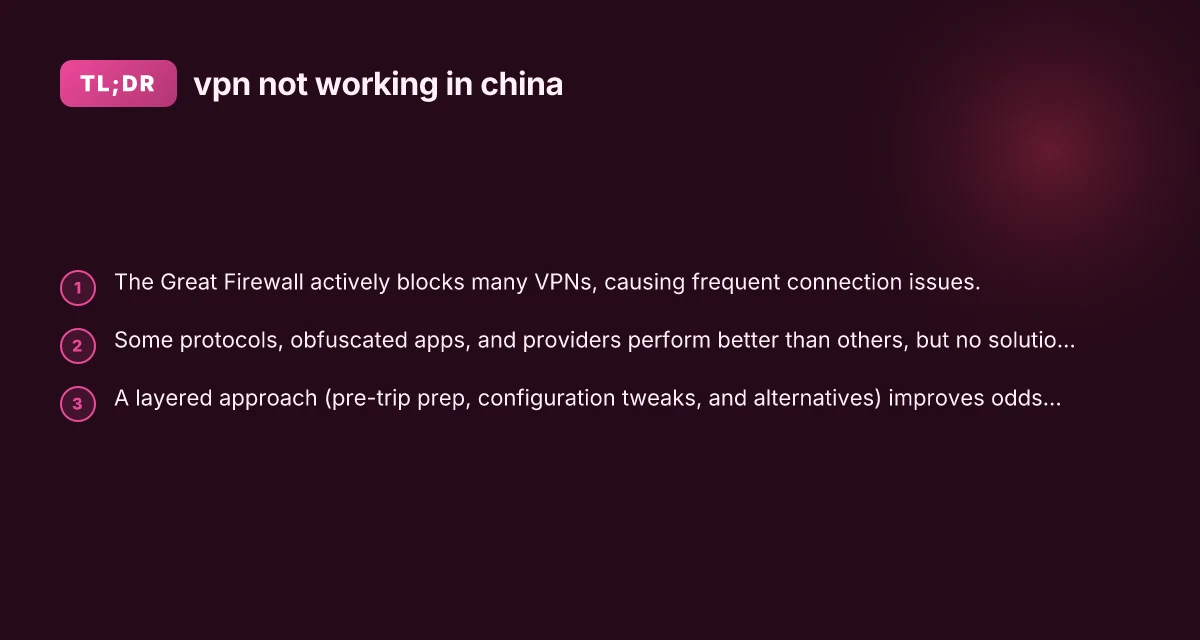
In recent years, many travelers and remote workers have found that vpn not working in china is not just a temporary glitch but a persistent challenge. The Chinese government maintains the Great Firewall, a sophisticated system that analyzes, filters, and blocks traffic that appears to circumvent control. As a result, you may encounter messages like “VPN not connected,” apps that stall on the connecting screen, or outright blocks when you try to sign up for a service from inside China. This guide helps you understand why VPNs struggle in China, what to expect, and practical steps you can take to improve your chances of staying connected.
Comparison of VPN effectiveness in China by method
| Method | Typical success in China | Speed impact | Stealth / Obfuscation | Ease of setup | Notes |
|---|---|---|---|---|---|
| Traditional VPN (OpenVPN/IPSec) | Limited | Moderate slowdown | Low | Easy | Often blocked |
| VPNs with Obfuscated servers | Moderate to high | Moderate slowdown | High | Moderate | Designed to bypass DPI |
| DNS-based tunneling | Low | Low to moderate | Low | Easy | Often unreliable |
| ShadowSocks / SOCKS proxies | Variable | Moderate | Medium | Moderate | Common as fallback |
| Commercial VPNs with China mode | High | Some slowdown | High | Moderate | Often updated to bypass blocks |
| Tor over VPN | Low | High | High | Moderate | Slow and often blocked on exit |
Compiled November 2026; check the provider's site for current details.
Why VPNs struggle in China
The Great Firewall and traffic shaping
China’s internet control is not static. The firewall constantly evolves to detect and block:
- VPN protocols and traffic patterns that resemble tunneling
- Known VPN server IP addresses
- Domain name system (DNS) requests that reveal VPN activity
- VPN app signatures and certificate fingerprints
When the firewall detects a VPN, it can block the connection before it fully establishes, or throttle and intermittently cut traffic. For many users, this results in “connecting” spirals that eventually fail or stall.
Sign-up and onboarding blocks
Even if you have a working VPN at home or on a different network, you may run into trouble sign-up inside China. Payment processors, verification checks, and even some app stores are restricted or monitored, which can prevent you from purchasing or updating a VPN plan. Some providers require preloaded accounts or pre-downloads before you arrive.
Platform and device variability
VPN performance in China can differ dramatically by device, operating system, and app version. A Windows PC, macOS, Android, iOS, or router-based VPN has separate traffic patterns. An app that works on one platform in another country may fail to establish a tunnel in China due to: VPN meaning
- App fingerprinting
- Certificate pinning
- DNS resolution behavior
- Intrusive background processes that get blocked by network rules
Reliability is sporadic
Even the most reputable providers can have good and bad days. Some VPNs work well on a given day in one city and fail in another. This inconsistency is normal in a place with aggressive filtering and ongoing countermeasures.
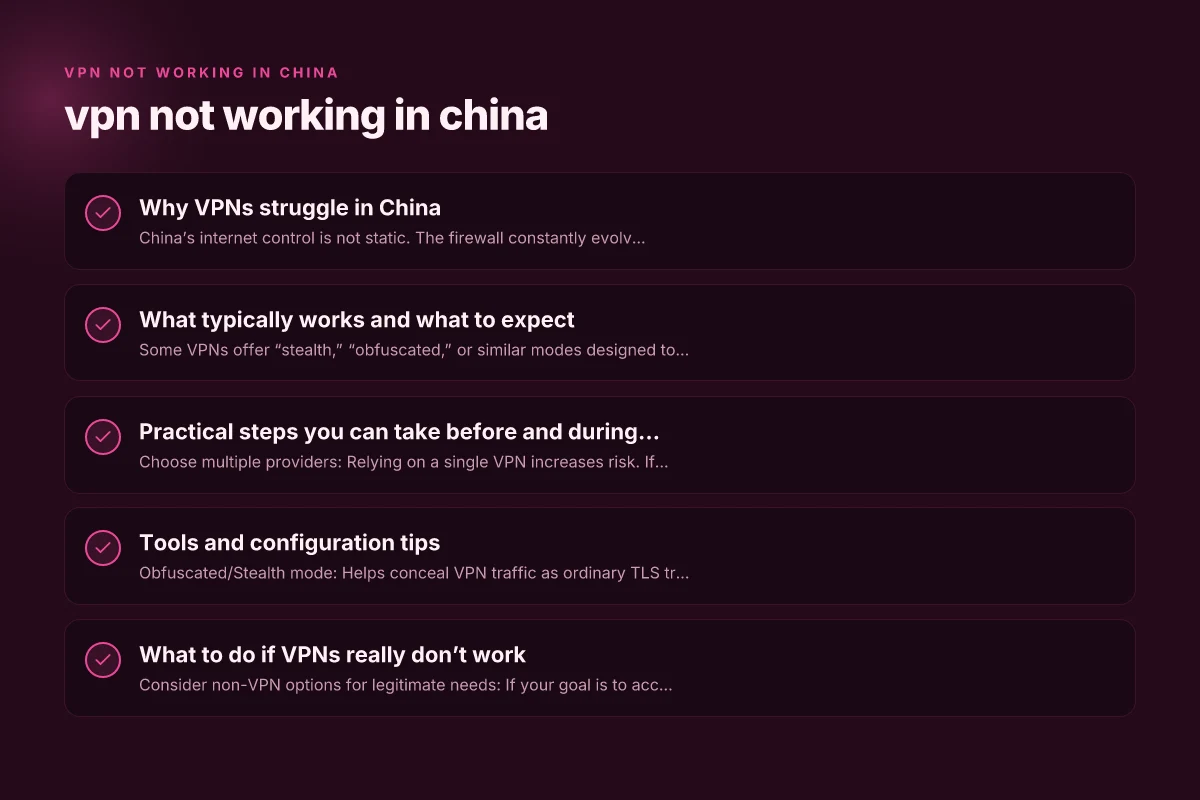
What typically works and what to expect
VPNs with obfuscated or stealth modes
Some VPNs offer “stealth,” “obfuscated,” or similar modes designed to disguise VPN traffic as regular TLS/HTTPS traffic. These modes are often more resilient in China because:
- They hide VPN signatures from DPI (deep packet inspection)
- They reduce abrupt SSH-like handshakes that the firewall flags
- They can adapt to changing blocks more quickly
Proxies and alternative access methods
In some cases, people use proxies (web proxies, SOCKS proxies) as a workaround. Proxies are generally less secure and slower, and they do not provide the same level of encryption. They can be useful as a last resort for browsing but are not reliable for work, video calls, or sensitive tasks.
DNS tricks and less-used networks
DNS tricks (like using a different resolver or custom DNS) can temporarily bypass some blocks. However, the firewall often blocks DNS requests to known VPN endpoints, and relying on DIY DNS manipulation can reduce security and reliability. VPN fundamentals guide
The reality of “still working in 2026”
No VPN is guaranteed to work everywhere in China, at all times. The landscape shifts with new rules, new fingerprinting techniques, and occasionally broad outages affecting multiple providers. Expect imperfect performance and have a plan B.
What to expect by travel phase
| Phase | Access reliability | Connection speed | Stability | Detection risk | Setup difficulty |
|---|---|---|---|---|---|
| Pre-trip testing | Mixed | Fast to moderate | Stable | Low | Easy |
| In-flight / hotel | Sometimes blocked | Slow to moderate | Unstable | Moderate | Moderate |
| In-country usage | Often limited | Slow | Unreliable | High | Difficult |
| Business trip | Variable | Moderate | Moderate | Moderate | Moderate |
Compiled November 2026; check the provider's site for current details.
Practical steps you can take before and during travel
Pre-travel preparation
- Choose multiple providers: Relying on a single VPN increases risk. If you’re traveling, consider subscribing to two different providers that offer stealth/obfuscated modes.
- Test in a nearby country: If possible, test VPN configurations from a non-Chinese network to ensure your settings are correct before you arrive.
- Download offline setup files: Some providers let you install and configure VPN apps with minimal in-region data transfer. Have installer files ready on a USB or external drive if allowed.
- Prepare alternative access methods: Consider legitimate business tools that don’t rely on VPNs for access to your required resources, such as company-approved remote access solutions or cloud-based portals.
On arrival and initial setup
- Install a stealth/obfuscated protocol option first: If your provider offers it, enable stealth or obfuscated mode before you connect.
- Use TLS-protected ports: Some VPNs allow you to choose ports that blend in with normal web traffic (for example, 443). This reduces the chance of instant blocking.
- Avoid common public Wi-Fi traps: Public networks can introduce additional blocks or captive portals. If you must use public Wi-Fi, enable mobile-hotspot sharing from a trusted source when feasible.
- Be mindful of app updates: Don’t assume that updating your VPN app will help. Updates can change fingerprints that the firewall detects.
Connectivity troubleshooting on the ground
- Switch servers and regions: If one server is blocked, try another in a different country or city. Latency and stability can vary widely.
- Switch protocols: If your VPN offers WireGuard, OpenVPN, IKEv2, or proprietary protocols, try a different one. Some protocols are easier to detect and block than others.
- Enable automatic reconnect and kill switch carefully: A noisy disconnect can draw attention. A stable connection with a consistent mode is preferable.
- Clear DNS cache and adjust DNS settings: Some people find switching to a privacy-focused DNS (like 1.1.1.1) helpful, but this is not a guaranteed fix for blocked VPN traffic.
- Reboot devices between attempts: A clean start can sometimes resolve stale connections or fingerprint mismatches.
Tools and configuration tips
Protocols and modes that are often more effective
- Obfuscated/Stealth mode: Helps conceal VPN traffic as ordinary TLS traffic.
- WireGuard with obfuscation: Some providers combine WireGuard with stealthed traffic to balance performance and detectability.
- OpenVPN over TCP 443: Can blend with HTTPS traffic, though it may be slower.
Router-level solutions
- VPN-enabled routers: Flushing all traffic through a router that uses a VPN can sometimes bypass device-level blocks. However, router VPNs face the same higher-level restrictions and may be blocked at the network level.
- OpenWrt/dd-wrt configurations: If you’re technically inclined, advanced router setups can help with persistent configurations, but they still rely on your VPN provider’s ability to evade blocks.
A comparison snapshot
Here is a simple, non-exhaustive comparison to help you think through choices. Note: actual performance varies by location and time. VPN in China illegal
- VPN with stealth/obfuscated mode: Higher chance of staying hidden. May come with slightly reduced speed.
- VPN with multiple server options: More fallback choices if one server is blocked.
- VPN with dedicated support for China: Some providers publish China-specific guidelines and troubleshooting.
- Free vs paid: Free services are less likely to provide reliable stealth options and often impose stronger data caps. Paid services tend to offer more robust obfuscation and support.
- Mobile vs desktop: Some providers optimize for mobile devices. Others perform better on desktop.
Table: Quick comparison (illustrative) | Feature | Likelihood of success in China | Trade-offs | |Stealth/Obfuscated mode| Higher | May reduce speed; some servers harder to configure | |Multiple server locations| Higher | Managing latency; some locations may be blocked over time | |Dedicated China support| Higher | Additional cost; potentially slower response during peak blocks | |Mobile optimization| Moderate to high | App experience varies by OS | |No-logs policy | Important for privacy | May not affect connectivity; privacy trade-offs |
Practical steps before travel vs during travel
| Step category | Before trip | During trip | Typical outcome | Risk level | Tools suggested |
|---|---|---|---|---|---|
| Choose VPN | X | Moderate chance of working | Medium | Obfuscated VPNs | |
| Install/configure | X | Ready to switch | Low | VPN app with China mode | |
| Obtain alternatives | X | Backup options available | Low | Shadowsocks, Tor bridge | |
| DNS/port settings | X | Potential bypass | Medium | DNS spoof options | |
| Device hygiene | X | Fewer blocks | Low | Updated OS, apps |
Compiled November 2026; check the provider's site for current details.
What to do if VPNs really don’t work
- Consider non-VPN options for legitimate needs: If your goal is to access work resources or secure communication, talk to your organization about approved remote access tools or company-approved networks that are allowed by local regulations.
- Use a secure, licensed remote desktop solution: A controlled remote desktop session from a compliant provider may bypass some blocks while maintaining security.
- Contact your VPN provider’s support: Open a channel with their China-specific guidance. They may have updated servers, protocols, or best practices for your location.
- Have a plan for critical tasks: If you must perform sensitive work, plan for times when access is more stable, and ensure you have offline backups or alternative workflows.
Safety, legality, and etiquette
- Understand local laws: The use of VPNs is regulated in China. Compliance with local laws is essential. Some activities that would be ordinary elsewhere can carry different risk profiles in China.
- Use legitimate channels: Avoid third-party tools that claim to bypass blocks but may expose you to malware or data exfiltration.
- Company policies: If you’re traveling for work, align with your employer’s IT policy. Unauthorized access attempts can risk both you and your organization.
Tools and configuration tips VPN fundamentals for beginners
| Tool / technique | Purpose | Typical effectiveness | Setup effort | Compatibility | Notes |
|---|---|---|---|---|---|
| Obfuscated VPN servers | Bypass DPI | High | Moderate | Widely supported | Select China-friendly plan |
| ShadowSocks | Proxy tunneling | Variable | Moderate | High | Common fallback |
| VPN split tunneling | Route only apps | Moderate | Moderate | High | Use selectively |
| DNS tunneling | DNS-based access | Low | Low | Moderate | Unreliable in practice |
| Tor bridge over VPN | Anonymity | Low to moderate | Moderate | Low | Very slow |
Compiled November 2026; check the provider's site for current details.
Final recommendation
If you’re asking “vpn not working in china” with a goal to securely access information, the reality is that a reliable, always-on VPN in China is not guaranteed. The best practical approach is to prepare in advance:
- Subscribe to two reputable VPNs that offer stealth/obfuscated modes and China-specific guidance.
- Test configurations before travel, and keep offline installer files ready.
- Have alternative access methods for critical tasks, such as approved remote access tools or cloud services, in case VPNs fail.
- Stay informed about changes in regulations and provider updates.
If you want, I can tailor a prep checklist for your specific itinerary, devices, and work requirements, including recommended providers that frequently publish China-focused setup guides and troubleshooting steps.
| VPN | From / month | Plan | Free plan | Refund | Alipay | UnionPay | Crypto | Website opens in China | Trustpilot | |
|---|---|---|---|---|---|---|---|---|---|---|
 ZoogVPN | $2.49/mo | 27 months: $59.99 | Yes | 7 days | ✓ | ✓ | ✓ | ✓ | ✓ Yes (2.5 s) | 4.2/5 (195 reviews) |
 NordVPN | $3.49/mo | 27 months: $94.23 | No | 30 days | ? | ✗ | ✓ | ✓ | ✗ Blocked | 4.2/5 (51,628 reviews) |
 ExpressVPN | $3.00/mo | 28 months: $84 | No | 30 days | ✗ | ✗ | ✓ | ✗ | ✗ Blocked | 4.4/5 (29,706 reviews) |
 Surfshark | See site | See site | No | 30 days | ✗ | ✗ | ✗ | ✓ | ✗ Blocked | 4.3/5 (31,823 reviews) |
 Proton VPN | $2.99/mo | 12 months: $35.88 | Yes | 30 days | ✗ | ✗ | ✗ | ✓ | ✓ Yes (2.5 s) | 2.1/5 (1,040 reviews) |
 Astrill VPN | $12.50/mo | 24 months: $300 | No | See site | ✗ | ✗ | ✗ | ✓ | ✗ Blocked | 1.3/5 (110 reviews) |
 Private Internet Access | $2.03/mo | 40 months: $81.2 | No | 30 days | ✗ | ✗ | ✗ | ✗ | ✗ Blocked | 4.2/5 (11,033 reviews) |
 CyberGhost | $2.19/mo | 28 months: $61.32 | No | 45 days | ✗ | ✗ | ✗ | ✓ | ✗ Blocked | 4.0/5 (24,178 reviews) |
 PureVPN | $1.69/mo | 60 months: $101.55 | No | 31 days | ? | ✗ | ✗ | ✓ | ✓ Yes (2.6 s) | 4.4/5 (17,994 reviews) |
 AdGuard VPN | $2.99/mo | 24 months: $71.76 | Yes | 30 days | ✓ | ✗ | ✓ | ✓ | Official site blocked; our special link opens (2.3 s) | 4.3/5 (290 reviews) |
 Mullvad | $5.61/mo | €5/mo | No | 14 days | ✗ | ✗ | ✗ | ✓ | ✗ Blocked | 3.2/5 (192 reviews) |
 Windscribe | $5.75/mo | 12 months: $69 | Yes | See site | ✗ | ✗ | ✗ | ✓ | ✗ Blocked | 4.7/5 (13,355 reviews) |
 StrongVPN | See site | See site | No | 30 days | ✓ | ✗ | ✗ | ✗ | ✗ Blocked | 4.4/5 (2,695 reviews) |
 LightXtreme 闪连 | $7.08/mo | 12 months: $84.99 | Yes | 30 days | ✓ | ✓ | ✓ | ✓ | ✓ Yes (2.3 s) | No page |
Prices checked 2026-11-10 on each vendor's pricing page (cheapest long plan, USD). Check the vendor's checkout for the final price.
Payment methods checked 2026-11-10 on each vendor's payment pages: all 14 take cards and PayPal; ✗ = not listed, ? = the vendor's own pages disagree.
China access: whether the official website opens from mainland China networks (tests the website only, not the VPN connection). Last checked 2026-11-11 04:07 Beijing time.
Trustpilot score and review count checked 2026-11-10.