VPN fundamentals for beginners

A clear, practical primer on VPN fundamentals for beginners, covering how VPNs work, common types, key terms, and practical usage tips.
VPN fundamentals for beginners: a practical primer
If you’re new to VPNs, you’re not alone. A Virtual Private Network (VPN) is one of the most talked-about tools for online security and privacy, but the jargon can be confusing. This guide breaks down the basics, explains how VPNs work, compares common types, and gives simple steps to start using one safely.
VPN comparison at a glance
| Feature | Basic VPN | Mid-range VPN | Premium VPN | Notes |
|---|---|---|---|---|
| Price per month | $ | $/mo | $$ / mo | Discounts available |
| Simultaneous connections | 1–2 | 3–5 | 6+ | varies by plan |
| Server count | low | mid | high | 15–100+ regions |
| Native apps (OS support) | yes | yes | yes | Android/iOS/Windows/macOS |
| Kill switch | yes | yes | yes | on by default |
| WireGuard support | no | partial | full | protocol availability |
| P2P/torrent allowed | no | yes | yes | policy varies |
| Ad/M tracker blocking | no | limited | full | optional add-ons |
| Split tunneling | no | yes | yes | per-app or per-traffic |
| Free trial / money-back | 7 days | 14 days | 30 days | check terms |
Compiled November 2026; check the provider's site for current details.
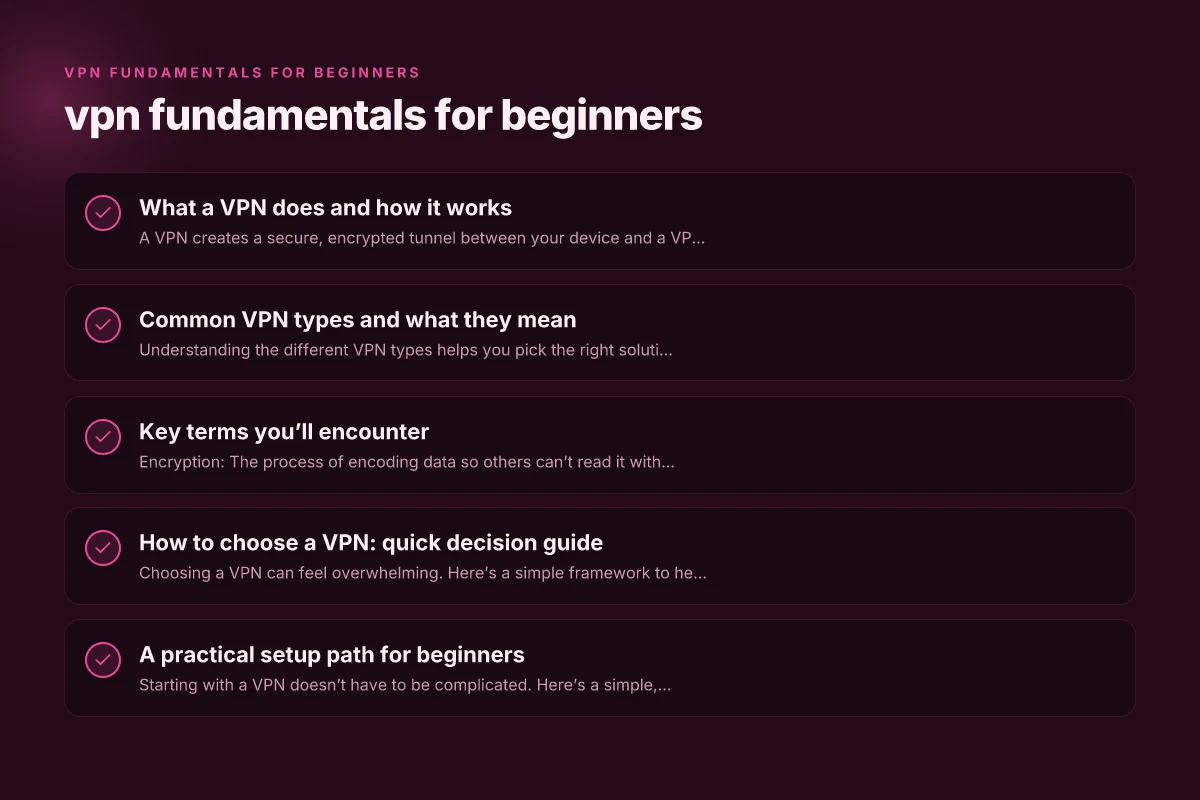
What a VPN does and how it works
A VPN creates a secure, encrypted tunnel between your device and a VPN server. Your data leaves your device, travels through the internet, and reaches the VPN server. From there, the server forwards traffic to its destination on the public internet. The key idea is that the “legitimate” path you might take through your ISP is replaced by a path that is encrypted and controlled by the VPN.
- The tunnel: Data is wrapped in encryption so it can’t be read by anyone spying on the connection, such as your ISP or a public Wi-Fi provider.
- The server: The VPN server acts as the endpoint for your encrypted tunnel. The destinations you access appear to come from the VPN server, not your device.
- The masking effect: Your IP address often appears as the VPN server’s address, which can help with location-based filtering or privacy.
Important caveats
- A VPN protects data in transit, not the endpoints. If a malware-infected site or a compromised app is involved, a VPN won’t fix that.
- A VPN doesn’t inherently prevent all tracking. It hides your traffic from your ISP, but websites can still collect data via cookies, login status, and other signals.
Common VPN types and what they mean
Understanding the different VPN types helps you pick the right solution for your needs.
- Remote Access VPN: The most common type for individuals. You install a client, connect to a VPN server, and all traffic is funneled through that server.
- Site-to-Site VPN: Used by organizations to connect multiple networks (e.g., branches) securely over the internet.
- IPsec (with IKE and ESP): A suite of protocols to secure VPN traffic. IKE negotiates a secure channel; ESP encrypts the data.
- OpenVPN: An open-source protocol known for strong security and configurability.
- WireGuard: A newer, lightweight protocol designed for simplicity and speed.
- SSL/TLS VPN: Often used through a web browser. Useful for quick access without a full client install.
How these affect you VPN fundamentals explained
- Encryption strength and protocol choice affect speed and security.
- Some protocols work better on mobile networks. Others are more firewall-friendly.
- The availability of features like kill switch, split tunneling, or obfuscated servers varies by provider and plan.
Key terms and what they mean
| Term | Short meaning | Typical use | Example | Notes |
|---|---|---|---|---|
| VPN | Virtual Private Network | Encrypts traffic | Secure remote access | core function |
| Encryption | Scrambling data | Privacy protection | AES-256 | standard strength |
| Protocol | Rules for data transfer | Determines speed/security | WireGuard, OpenVPN | choose based on needs |
| Kill switch | Disconnects if VPN drops | Prevent leaks | yes | keeps IP hidden |
| Split tunneling | Route some traffic outside VPN | Optimize speed | app-based | selective routing |
| DNS leak | DNS queries outside VPN | Prevent exposure | rare if configured | test with tools |
| No-logs | No user activity stored | Privacy claim | privacy-focused | verify |
| P2P/Torrent policy | Rules for sharing files | Community use | allowed/blocked | provider policy |
| Multi-hop | Traffic via two VPN servers | Extra privacy | chained VPN | increases latency |
| Obfuscated servers | Hide VPN use | Bypass blocks | yes | for restrictive networks |
Compiled November 2026; check the provider's site for current details.
Key terms you’ll encounter
- Encryption: The process of encoding data so others can’t read it without a key. Common standards include AES-256.
- Tunnel: The secure path created by the VPN between your device and the VPN server.
- Kill switch: A safety feature that blocks all traffic if the VPN connection drops, preventing data leaks.
- Split tunneling: Lets you decide which apps use the VPN and which use your regular connection.
- Jurisdiction: The country where the VPN provider is based and subject to laws. This affects data retention and government access.
- Logging policy: What data the VPN provider records (connection times, bandwidth, destinations). Ideally, a no-logs policy means minimal data is stored.
- DNS leakage: When DNS queries bypass the VPN and reveal your activity to your ISP. Reputable VPNs guard against this.
How to choose a VPN: quick decision guide
Choosing a VPN can feel overwhelming. Here’s a simple framework to help you decide.
- Define your purpose
- Privacy and anonymity: Look for a no-logs policy and strong encryption.
- Streaming or geo-unblocking: Verify the provider supports the services you want (e.g., Netflix, local libraries) and has fast servers.
- Public Wi-Fi protection: Ensure good kill switch, DNS leak protection, and reliable mobile apps.
- Assess security and privacy
- Encryption: Aim for AES-256 or equivalent.
- Protocols: OpenVPN or WireGuard are solid default options.
- Additional protections: DNS leak protection, kill switch, and automatic startup.
- Check performance and devices
- Server count and locations: More servers equal better chances of finding a fast connection and a location you want.
- Simultaneous connections: How many devices can connect at once.
- Platform support: Windows, macOS, iOS, Android, Linux, routers, and browser extensions.
- Review policy and legality
- Jurisdiction matters: A provider based in a privacy-friendly country can be preferable, but there’s no one-size-fits-all answer.
- Logging: Look for a transparent, current no-logs policy validated by audits or independent reviews.
- Compliance: Some providers comply with data requests more than others. Understanding the policy helps.
- Consider budget and transparency
- Free vs paid: Free services often monetize differently and may compromise privacy. Paid plans typically offer better security and features.
- Transparency reports: Providers that publish audits or third-party reviews demonstrate accountability.
A practical setup path for beginners
Starting with a VPN doesn’t have to be complicated. Here’s a simple, practical path. VPN fundamentals and uses
- Pick a reputable provider
- Read independent reviews, especially around security audits, claims vs. reality, and customer support.
- Ensure the provider you choose supports your devices and use case (e.g., streaming, gaming, or travel).
- Install the VPN client
- Download from the provider’s official site or app store.
- Follow guided setup steps. Many providers have automated install wizards.
- Make initial security tweaks
- Enable the kill switch and DNS leak protection.
- Consider enabling auto-connect on startup for consistent protection.
- If you care about streaming, test a few servers to find ones that reliably unblock content.
- Learn about split tunneling (optional)
- If most of your browsing is normal but you want some apps to use the VPN, enable split tunneling for those apps.
- If you want maximum protection for all traffic, keep your VPN tunnel active for all traffic.
- Test for leaks
- After connecting, visit a site that reveals your IP and location to verify it shows the VPN’s address.
- Check DNS leak test sites to ensure DNS requests aren’t leaking to your ISP.
- Use responsibly and maintain hygiene
- Log out of accounts when using shared devices if you want extra privacy.
- Ensure software, including the VPN app, is kept up to date.
- Be mindful that a VPN doesn’t grant invincibility: use antivirus, be cautious with phishing, and maintain general digital hygiene.
A quick comparison: VPN features at a glance
| Feature | What it does | Why it matters |
|---|---|---|
| Encryption (AES-256) | Protects data in transit | Hard to break; standard for strong security |
| Kill switch | Blocks traffic if VPN drops | Prevents data leaks on disconnection |
| DNS leak protection | Ensures DNS queries go through VPN | Prevents revealing your activity to your ISP |
| Split tunneling | Route some apps through VPN, others not | Balances privacy with local access or speed |
| No-logs policy | Minimal data retention | Reduces risk if data is requested or breached |
| Simultaneous connections | Number of devices supported | Family or multi-device use without paying extra |
Quick decision guide – match needs to features
| Need | Recommended feature set | Indicators | Simple decision |
|---|---|---|---|
| Basic privacy, low cost | Core VPN, kill switch, AES-256 | 1–2 devices, simple UI | Choose entry plan |
| Mixed use (mobile/desktop, some streaming) | Split tunneling, solid speed | 3–5 devices, WireGuard | Mid-range plan |
| Advanced privacy, remote work, P2P | Multi-hop, no-logs, obfuscated servers | 6+ devices, high security | Premium plan |
| Strict censorship environments | Obfuscated servers, stealth mode | Yes to bypass tests | Premium with obfuscation |
Compiled November 2026; check the provider's site for current details.
Addressing common questions beginners ask
Q: What are the fundamentals of a VPN? A: The core ideas are establishing a secure tunnel, encrypting traffic, masking your IP, and routing data through a VPN server. Practical concerns include choosing protocols, ensuring leak protection, and understanding what a VPN can and cannot protect.
Q: Can the FBI see through VPNs? A: A VPN can reduce the ability of specific parties to monitor your traffic, but no tool is foolproof. If a user is under legal investigation, authorities may demand data from the VPN provider (depending on jurisdiction and logging). A privacy-conscious provider with a robust no-logs policy and strong encryption mitigates some risk, but it does not guarantee immunity. VPN fundamentals and types
Q: How to use VPN for dummies? A: Pick a reputable VPN, install the client, connect to a server, and verify the connection. Use default settings unless you have a specific need to customize. Regularly update the app and enable kill switch and DNS protection.
Q: Will Netflix ban me if I use VPN? A: Some streaming platforms restrict VPN access or temporarily block VPN IPs. If streaming is a priority, try different servers or check with the provider about streaming support. Some VPNs publish servers optimized for streaming.
Final recommendation: start simple, grow as needed
For beginners, the best path is to start with a reputable, privacy-respecting provider that offers a straightforward app, clear policies, and strong default protections. Install the client, enable the kill switch and DNS leak protection, and test a few servers to see what works for your primary goals, privacy, streaming, or secure public Wi-Fi use.
As you gain comfort, explore features like split tunneling to fine-tune how traffic is routed, or experiment with different protocols to balance speed and security. Remember, a VPN is a powerful tool, but it’s part of a broader security approach that includes safe browsing habits, robust device security, and mindful online behavior. VPN fundamentals and security
| VPN | From / month | Plan | Free plan | Refund | Alipay | UnionPay | Crypto | Website opens in China | Trustpilot | |
|---|---|---|---|---|---|---|---|---|---|---|
 ZoogVPN | $2.49/mo | 27 months: $59.99 | Yes | 7 days | ✓ | ✓ | ✓ | ✓ | ✓ Yes (2.5 s) | 4.2/5 (195 reviews) |
 NordVPN | $3.49/mo | 27 months: $94.23 | No | 30 days | ? | ✗ | ✓ | ✓ | ✗ Blocked | 4.2/5 (51,628 reviews) |
 ExpressVPN | $3.00/mo | 28 months: $84 | No | 30 days | ✗ | ✗ | ✓ | ✗ | ✗ Blocked | 4.4/5 (29,706 reviews) |
 Surfshark | See site | See site | No | 30 days | ✗ | ✗ | ✗ | ✓ | ✗ Blocked | 4.3/5 (31,823 reviews) |
 Proton VPN | $2.99/mo | 12 months: $35.88 | Yes | 30 days | ✗ | ✗ | ✗ | ✓ | ✓ Yes (2.5 s) | 2.1/5 (1,040 reviews) |
 Astrill VPN | $12.50/mo | 24 months: $300 | No | See site | ✗ | ✗ | ✗ | ✓ | ✗ Blocked | 1.3/5 (110 reviews) |
 Private Internet Access | $2.03/mo | 40 months: $81.2 | No | 30 days | ✗ | ✗ | ✗ | ✗ | ✗ Blocked | 4.2/5 (11,033 reviews) |
 CyberGhost | $2.19/mo | 28 months: $61.32 | No | 45 days | ✗ | ✗ | ✗ | ✓ | ✗ Blocked | 4.0/5 (24,178 reviews) |
 PureVPN | $1.69/mo | 60 months: $101.55 | No | 31 days | ? | ✗ | ✗ | ✓ | ✓ Yes (2.6 s) | 4.4/5 (17,994 reviews) |
 AdGuard VPN | $2.99/mo | 24 months: $71.76 | Yes | 30 days | ✓ | ✗ | ✓ | ✓ | Official site blocked; our special link opens (2.3 s) | 4.3/5 (290 reviews) |
 Mullvad | $5.61/mo | €5/mo | No | 14 days | ✗ | ✗ | ✗ | ✓ | ✗ Blocked | 3.2/5 (192 reviews) |
 Windscribe | $5.75/mo | 12 months: $69 | Yes | See site | ✗ | ✗ | ✗ | ✓ | ✗ Blocked | 4.7/5 (13,355 reviews) |
 StrongVPN | See site | See site | No | 30 days | ✓ | ✗ | ✗ | ✗ | ✗ Blocked | 4.4/5 (2,695 reviews) |
 LightXtreme 闪连 | $7.08/mo | 12 months: $84.99 | Yes | 30 days | ✓ | ✓ | ✓ | ✓ | ✓ Yes (2.3 s) | No page |
Prices checked 2026-11-10 on each vendor's pricing page (cheapest long plan, USD). Check the vendor's checkout for the final price.
Payment methods checked 2026-11-10 on each vendor's payment pages: all 14 take cards and PayPal; ✗ = not listed, ? = the vendor's own pages disagree.
China access: whether the official website opens from mainland China networks (tests the website only, not the VPN connection). Last checked 2026-11-11 04:07 Beijing time.
Trustpilot score and review count checked 2026-11-10.