IPsec Over TCP: How It Works and When to Use It

Learn how IPsec over TCP encapsulation works, its trade-offs, and when it is a practical choice for VPN connectivity.
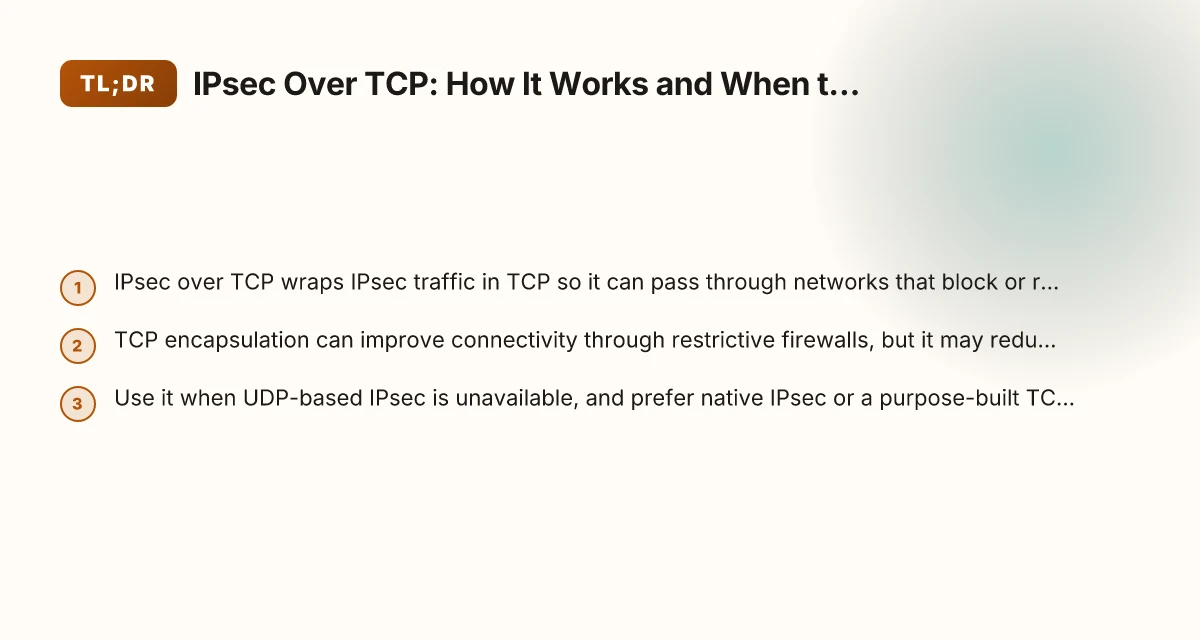
IPsec over TCP carries IPsec VPN traffic inside a TCP connection, making it more likely to pass through networks that block or disrupt the protocols IPsec commonly uses. It can help remote users connect from restrictive Wi-Fi, hotels, or corporate networks, but it is not a universal feature or a guaranteed performance upgrade. Whether it works depends on the VPN product and how both ends are configured.
Compare common IPsec transport options
| Option | How traffic is carried | NAT compatibility | Firewall friendliness | Typical use |
|---|---|---|---|---|
| Native IPsec (ESP) | ESP directly over IP | Limited without NAT-T | Often restricted | Networks allowing ESP |
| IPsec with NAT-T | ESP encapsulated in UDP | Supported | Usually better than native ESP | Clients behind NAT |
| IPsec over TCP | IPsec encapsulated in TCP | Can traverse some NATs | Often passes TCP-permitted paths | Restrictive networks |
| IKE over UDP | IKE control traffic over UDP | Supported with NAT-T | Depends on UDP access | Tunnel setup and negotiation |
| Open TCP port | Encapsulated tunnel uses a TCP port | Depends on implementation | May pass restrictive egress rules | Networks permitting selected TCP ports |
| Open UDP port | Encapsulated tunnel uses a UDP port | Depends on implementation | May be blocked | Networks permitting UDP |
| Application proxy path | Traffic passes through a proxy | Not inherently supported | May interfere with tunneling | Managed web-only networks |
Compiled November 2026; check the provider's site for current details.
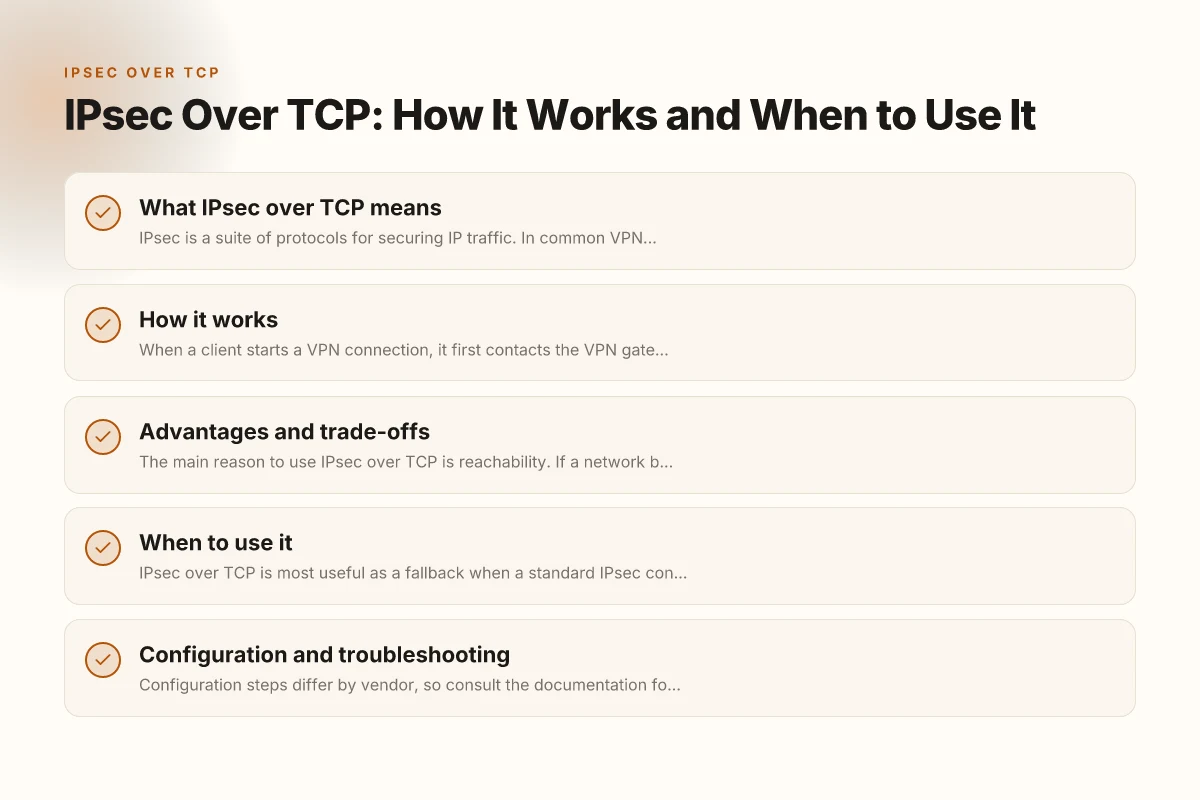
What IPsec over TCP means
IPsec is a suite of protocols for securing IP traffic. In common VPN deployments, IKE negotiates the connection, while ESP carries protected data. Native IPsec typically uses UDP for IKE and either ESP directly or ESP encapsulated in UDP for NAT traversal.
IPsec over TCP adds another layer: the VPN client encapsulates IPsec traffic in a TCP connection. A network that permits ordinary TCP traffic, especially to a permitted port such as TCP 443, may then allow the VPN session to pass.
This is different from simply using IPsec NAT traversal. NAT traversal usually wraps ESP in UDP, commonly on UDP port 4500. TCP encapsulation instead puts the traffic inside a TCP stream. It is also not the same as a conventional TLS VPN, even if both can use TCP port 443.
Support is implementation-specific. The IPsec client, gateway, and network policy must all support and permit the same encapsulation method and settings. VPN That Changes Location Free: Safe Options and What to Know
How it works
When a client starts a VPN connection, it first contacts the VPN gateway and negotiates security parameters. With TCP encapsulation enabled, the IPsec traffic is carried through a TCP connection between the client and gateway rather than being sent as standard ESP or UDP-encapsulated ESP.
A simplified connection path looks like this:
- The client reaches the VPN gateway over an allowed TCP port.
- The client and gateway establish or negotiate the IPsec session.
- Protected IPsec packets travel inside the TCP connection.
- The gateway removes the outer encapsulation and forwards traffic into the private network.
Because the outer traffic resembles a normal TCP connection, it can pass through some firewalls and proxies that block ESP or UDP. However, resemblance is not the same as compatibility. Some proxies inspect or terminate connections, restrict long-lived sessions, or allow TCP only for specific applications. In those environments, the VPN may still fail.
Advantages and trade-offs
The main reason to use IPsec over TCP is reachability. If a network blocks the UDP traffic required by a standard IPsec VPN, TCP encapsulation may provide another route to the gateway. It can also simplify access for users who frequently connect from tightly controlled networks. Nord VPN Extension for Edge: What It Does and How to Install It
The trade-off is that TCP is not always an efficient transport for a VPN. When TCP carries traffic that already includes TCP connections, packet loss can trigger recovery at both the inner and outer layers. This “TCP-over-TCP” effect may cause delays, uneven throughput, or sluggish performance during congestion. The impact varies with the VPN implementation, network conditions, and applications in use.
| Option | Typical transport | Potential advantage | Common limitation |
|---|---|---|---|
| Native IPsec | ESP, often with UDP for NAT traversal | Efficient where permitted | May be blocked by restrictive networks |
| IPsec over TCP | IPsec carried inside TCP | Can pass through some TCP-permitting networks | Extra overhead and possible TCP-over-TCP performance issues |
| TLS-based VPN | Usually TLS over TCP or UDP | Designed to work through many firewall environments | Requires a compatible VPN service and client |
TCP encapsulation can also introduce additional overhead and create another connection state for firewalls to track. It may not work through every proxy, and using a widely allowed port does not guarantee that the traffic will be accepted. Administrators should follow their organization’s network and security policies rather than attempting to bypass controls.
Assess IPsec over TCP trade-offs
| Consideration | Potential benefit | Potential drawback | What to check |
|---|---|---|---|
| Firewall traversal | May pass where ESP or UDP is blocked | TCP access may still be restricted | Allowed destination and port |
| NAT traversal | Can work across some NAT paths | Behavior depends on implementation | NAT and gateway support |
| Encapsulation | Carries IPsec within TCP | Adds encapsulation overhead | MTU and packet sizing |
| Reliability | TCP retransmits lost segments | Loss can trigger TCP-over-TCP issues | Performance under packet loss |
| Latency | May connect through restrictive paths | Retransmissions can increase delay | Real-world application latency |
| Compatibility | Useful when both endpoints support it | Not universally supported | Client and gateway capabilities |
| Security | Retains IPsec protection when correctly configured | TCP wrapping does not replace secure IPsec settings | Authentication and cipher policy |
| Operations | Can provide an alternative transport | Adds configuration and troubleshooting steps | Logs, ports, and firewall rules |
Compiled November 2026; check the provider's site for current details. Urban VPN Extension for Edge Browser: How to Install and Use It
When to use it
IPsec over TCP is most useful as a fallback when a standard IPsec connection cannot be established because the access network blocks the required protocols. It may suit remote users who need IPsec-specific client or gateway features and regularly connect from networks where UDP access is limited.
Consider it when:
- Native IPsec and UDP-based NAT traversal are blocked or unreliable.
- The VPN platform explicitly supports TCP encapsulation at both ends.
- A test confirms that the chosen TCP port is permitted and the connection remains stable.
- The VPN is needed for access, and the performance trade-off is acceptable.
Avoid enabling it by default without testing. If native IPsec works reliably, it is usually preferable to keep the simpler transport. If users need dependable operation through restrictive networks, a purpose-built TLS-based VPN may be a better fit, depending on the organization’s gateway, security requirements, and client support.
Configuration and troubleshooting
Configuration steps differ by vendor, so consult the documentation for the specific VPN client and gateway. Both ends generally need compatible settings, and administrators may need to permit the selected TCP port on the gateway firewall. Do not assume that TCP 443 is available for VPN traffic simply because websites load through it. Show crypto IPsec sa: How to Check and Troubleshoot IPsec VPN SAs
If the connection fails, check:
- Whether the client and gateway both support the same TCP encapsulation mode.
- Whether the selected port is reachable from the client’s network.
- Whether a proxy, firewall, or inspection device interrupts long-lived connections.
- Whether the gateway logs show negotiation errors, authentication failures, or blocked traffic.
- Whether native IPsec works on another network, which can help isolate an access-network restriction.
If the VPN connects but performs poorly, compare it with native IPsec on a network where UDP is available. Check latency, packet loss, and throughput, and consider whether multiple layers of TCP recovery are contributing to slowdowns. A successful connection alone does not mean TCP encapsulation is the best transport for routine use.
Choose an approach and troubleshoot connection failures
| Situation or symptom | First check | Possible action | Verify |
|---|---|---|---|
| ESP is blocked | Network policy for ESP | Try an approved encapsulation option | Tunnel establishment |
| UDP is blocked | Egress rules for UDP | Consider IPsec over TCP if supported | Reachability to the gateway |
| TCP connection fails | Destination, port, and firewall rules | Request an allowed path or correct port | TCP handshake and gateway logs |
| Tunnel connects but traffic stalls | MTU and packet sizing | Adjust supported MTU settings | Application traffic flow |
| Poor performance on lossy links | Retransmissions and packet loss | Compare with UDP-based transport | Latency and throughput |
| NAT causes setup problems | NAT-T and endpoint support | Enable compatible NAT traversal | Negotiation logs |
| Authentication fails | Credentials, certificates, and identity settings | Correct endpoint configuration | IKE and authentication logs |
| No IPsec-over-TCP support | Client and gateway feature set | Use a supported alternative | Compatibility documentation |
Compiled November 2026; check the provider's site for current details. Clash Meta for iOS: What It Is and How to Use It
Recommendation
Use IPsec over TCP as a tested fallback when network restrictions prevent native IPsec, not as an automatic replacement for it. Confirm support on both endpoints, follow network policy, and measure performance in the conditions users actually face. If TCP encapsulation remains unreliable or slow, work with the network administrator or evaluate a VPN designed for restrictive networks.