Clash Meta for iOS: What It Is and How to Use It
Learn what Clash Meta for iOS does, how to install it safely, and what to check before using a profile.
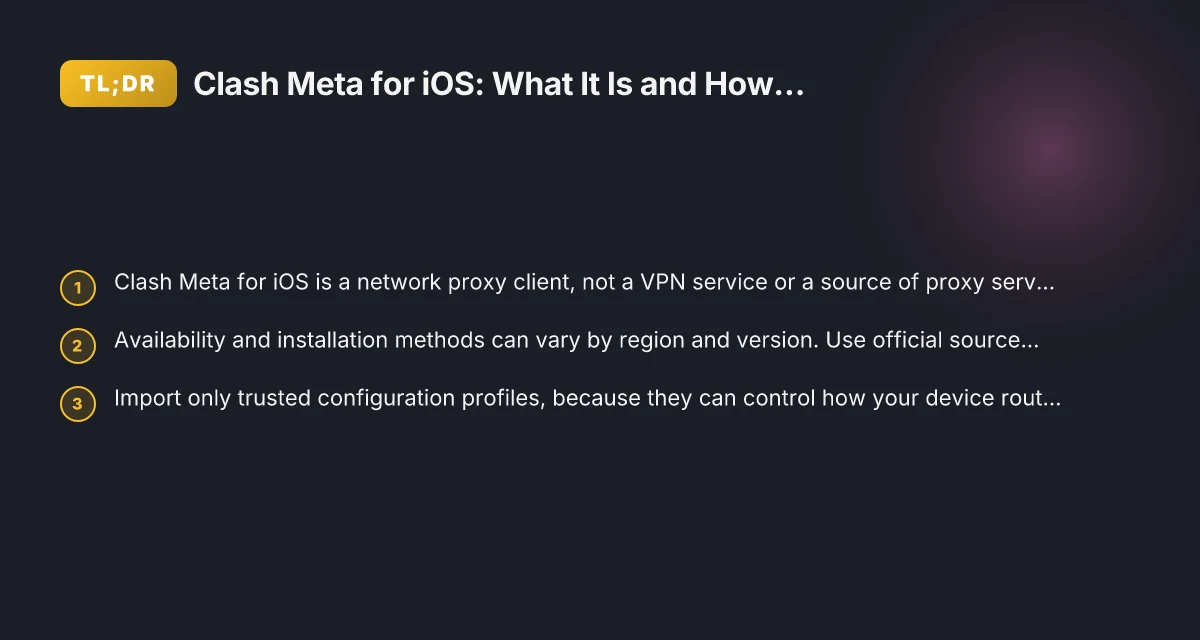
Clash Meta for iOS is an iPhone and iPad client for managing proxy connections and routing network traffic according to a configuration profile. It may be useful if you already have a compatible profile and understand where its traffic rules send your data. The app does not provide a proxy subscription by itself, and its availability can change, so check current official project information before installing it.
Compare common ways to use Clash Meta on iOS
| Option | How it works | Setup effort | Main consideration |
|---|---|---|---|
| App Store app | Install from Apple’s App Store | Low | Check that it is the intended app |
| TestFlight build | Install through Apple’s beta-testing service | Low | Availability may be limited |
| Manually signed app | Install a signed app package | Medium | Requires a trusted signing source |
| Sideloaded app | Install outside the App Store | High | Signing and renewal may be needed |
| Configuration file | Import proxy and rule settings | Medium | Use a source you trust |
| Subscription link | Load configuration from a provider | Low | Provider controls the configuration |
| Manual configuration | Add settings yourself | High | Requires accurate server details |
Compiled November 2026; check the provider's site for current details.
What Clash Meta for iOS does
Clash Meta is part of the Clash family of proxy clients. On iOS, a compatible app can use Apple’s network extension framework to direct selected or all device traffic through proxy servers, based on the settings in an imported profile.
A profile may define:
- Proxy server details and connection groups
- Rules for sending traffic through a proxy, directly, or to a blocked route
- DNS behavior and other network options
- Subscription links that refresh configuration data
The exact features depend on the app version and the profile. Clash Meta is not the server itself: you need a compatible proxy service or server configuration to connect. It also should not be treated as a privacy guarantee. A proxy can change how traffic is routed, but it does not automatically make every connection anonymous or protect information you submit to websites and apps.
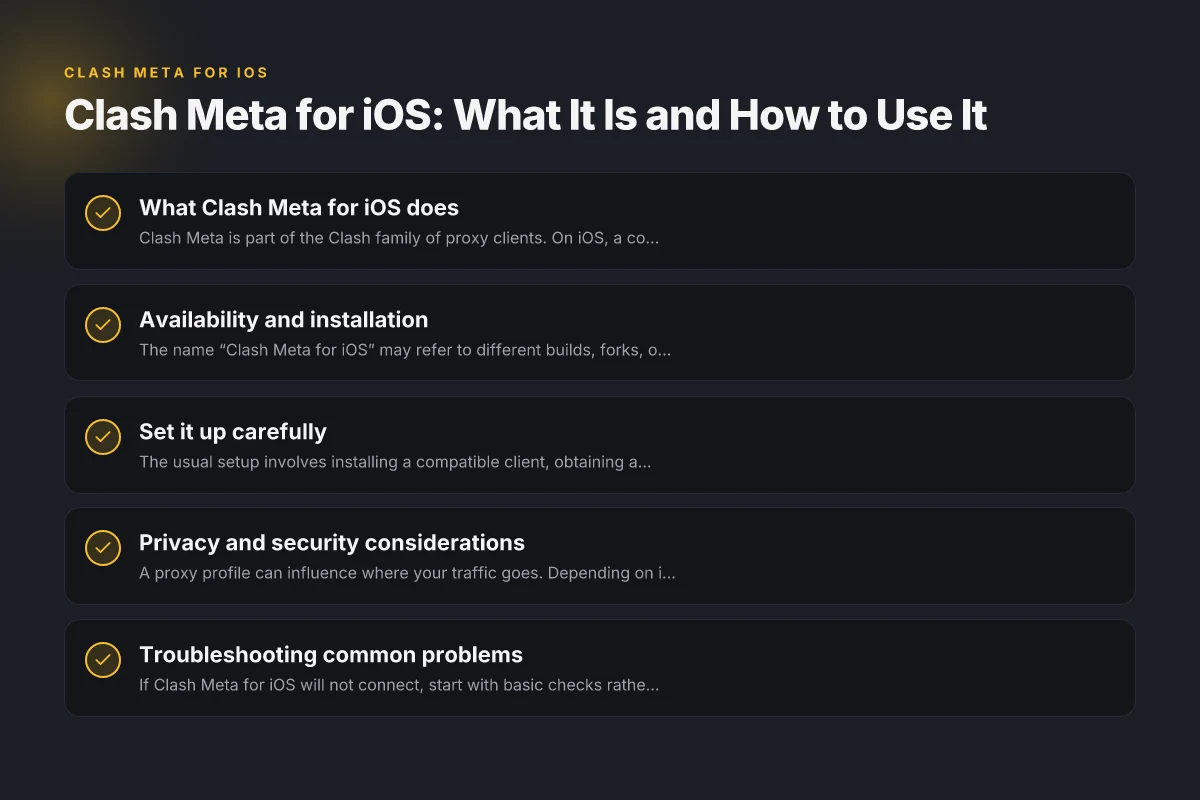
Availability and installation
The name “Clash Meta for iOS” may refer to different builds, forks, or third-party apps. Availability can vary by country, App Store policy, project status, and release version. Do not assume that a page, download link, or similarly named app is official. Urban VPN Chrome: How It Works, What to Know, and Whether to Use It
Before installing:
- Look for a current release announcement or repository linked by the project maintainers.
- Check whether the app is offered through the Apple App Store or another method explicitly documented by the maintainers.
- Confirm the developer identity, version history, and support information.
- Avoid unofficial download sites, repackaged apps, and instructions that ask you to trust unknown certificates or profiles.
If the app is not currently available through an official channel, think carefully before using a sideloaded copy. Sideloading can involve extra trust decisions, signing requirements, or installation steps that change over time. A tutorial for an older iOS version may no longer work, and an unofficial build may not receive reliable security updates.
| Option | What to check | Main consideration |
|---|---|---|
| Official App Store listing, if available | Developer, version, reviews, and privacy details | Usually the simplest installation route |
| Maintainer-documented alternative | Source and instructions linked by the project | Requires careful verification |
| Unofficial download or profile | Unknown publisher, certificate, and update source | Avoid unless you can independently verify it |
Set it up carefully
The usual setup involves installing a compatible client, obtaining a profile from a provider or administrator you trust, and granting permission for the app to configure a VPN connection. The wording in iOS settings may refer to a VPN because that is the system mechanism used to route traffic. It does not necessarily mean the app is a commercial VPN service.
A cautious setup process looks like this: Urban VPN for Edge Extension: Setup, Features, and Safety Tips
- Obtain the profile directly from a trusted provider or administrator.
- Review its source before importing it, especially if it is a subscription link.
- Add or update the profile in the app, following the current documentation for that version.
- Select the intended proxy group or routing mode.
- Start the connection and approve the iOS network permission prompt only if you understand what you are authorizing.
- Test ordinary browsing and the specific services you need.
- Disconnect if the app behaves unexpectedly or you no longer trust the profile.
Some profiles update remotely. That can be convenient, but it also means the provider may change the servers or rules later. If the app offers a way to inspect configuration details, review them before relying on the connection. Do not import a profile sent by an unknown person simply because it promises faster access or unrestricted browsing.
Choose a setup approach
| Approach | Best suited to | What you need | Key check |
|---|---|---|---|
| App Store installation | A straightforward install | Compatible app listing | Confirm app identity |
| TestFlight installation | Testing an available build | TestFlight access | Check build availability |
| Sideloading | Users comfortable with manual installs | Signing method and app file | Trust the developer and source |
| Importing a file | Users with an existing configuration | Configuration file | Review its contents |
| Using a subscription | Users whose provider supplies a link | Subscription URL | Verify the provider |
| Manual setup | Experienced users | Server and rule details | Check values before connecting |
Compiled November 2026; check the provider's site for current details.
Privacy and security considerations
A proxy profile can influence where your traffic goes. Depending on its rules and the apps you use, some connections may go through a remote server while others connect directly. The operator of a proxy server may be able to observe connection metadata and, in some circumstances, traffic that is not protected by end-to-end encryption. Urban VPN Extension for Microsoft Edge: Setup, Features, and Privacy
Keep these points in mind:
- HTTPS helps protect the contents of many web connections, but it does not hide all connection metadata.
- A proxy does not replace strong passwords, device updates, or account security.
- Unknown profiles may route traffic in ways you do not expect.
- Free proxy services may have limited reliability or unclear data practices.
- Local laws, workplace rules, school policies, and service terms may restrict certain uses.
Check the privacy information supplied by the app developer and the proxy provider separately. They are different parties: the app handles configuration and connection controls, while the proxy operator runs the servers that may carry your traffic.
Troubleshooting common problems
If Clash Meta for iOS will not connect, start with basic checks rather than importing another profile from an unfamiliar source.
- Connection fails: Confirm that your subscription or server details are current and that your device has an internet connection.
- Some sites do not load: The profile’s routing or DNS rules may be responsible. Check the provider’s guidance before changing settings.
- The app disconnects: Review iOS permissions, app status, and whether the profile or server is still active.
- A subscription update fails: Confirm the link is valid and available on your current network. Never share a private subscription URL publicly.
- The app is missing or installation instructions do not work: Check the project’s current release information. App availability and iOS installation rules can change.
Avoid changing advanced DNS, routing, or certificate settings unless you know what they do. If the connection is required for work or school, ask the administrator for a supported profile and setup instructions. Forti VPN Client: Download, Setup, Features, and Troubleshooting
Troubleshoot common connection problems
| Symptom | Possible cause | What to check | Next step |
|---|---|---|---|
| App will not install | Unsupported or expired build | iOS compatibility and signing | Obtain a current trusted build |
| Configuration will not import | Invalid or unsupported format | File contents and format | Request a corrected configuration |
| No connection | Incorrect server details | Address, port, and credentials | Confirm settings with the provider |
| Some sites fail | Rules or DNS settings | Matching rules and DNS configuration | Review or update the configuration |
| Connection stops working | Subscription or server changed | Subscription status and provider notice | Refresh settings or contact provider |
| App loses access after installation | Signing certificate expired | App signing status | Reinstall using a trusted method |
| Privacy concerns | Untrusted profile or provider | Configuration permissions and source | Remove anything you do not trust |
Compiled November 2026; check the provider's site for current details.
Recommendation
Clash Meta for iOS can be a useful way to manage proxy rules on an Apple device when you have a trusted, compatible configuration. First verify that the app comes from a source endorsed by its maintainers, then use a profile from a provider you trust and review its privacy implications. If you only need a straightforward privacy service and do not want to manage profiles or routing rules, a reputable VPN app may be easier to use.