VPN That Changes Location Free: Safe Options and What to Know
Find out how a free VPN can change your virtual location, what limits to expect, and how to choose a safer service.
A VPN that changes location free can give your internet connection an IP address associated with another region, often at no cost. To use one, install a trustworthy VPN app, connect to a country or city available on its free plan, and check your apparent location with an IP lookup service. The change applies to your internet traffic, not necessarily to your phone’s GPS, and free plans typically offer fewer locations and features than paid subscriptions.
What a VPN changes—and what it doesn’t
| Item | VPN effect | What to know |
|---|---|---|
| Public IP address | Changes to VPN server IP | Websites see the server’s IP |
| Approximate location | May appear to change | Based on the VPN server location |
| Internet traffic route | Runs through VPN server | Depends on VPN connection |
| Device GPS location | Usually unchanged | Manage GPS permissions separately |
| Account location | Usually unchanged | Apps may use account details |
| Browser cookies | Unchanged | Clear cookies if needed |
| Online identity | Not made anonymous | Accounts can still identify you |
| Internet provider visibility | Reduced for visited sites | Provider can see VPN use |
Compiled November 2026; check the provider's site for current details.
| VPN | Obfuscation | From / month | Plan | Free plan | Refund | Alipay | UnionPay | Crypto | Website opens in China | Trustpilot | |
|---|---|---|---|---|---|---|---|---|---|---|---|
 Proton VPN | Turn on manually Stealth, free plan too | $2.99/mo | 12 months: $35.88 | Yes | 30 days | ✗ | ✗ | ✗ | ✓ | ✗ Blocked | 2.1/5 (1,040 reviews) |
 Windscribe | Turn on manually Stealth / WStunnel | $5.75/mo | 12 months: $69 | Yes | See site | ✗ | ✗ | ✗ | ✓ | ✗ Blocked | 4.7/5 (13,355 reviews) |
 ZoogVPN | Turn on manually Shadow | $2.49/mo | 27 months: $59.99 | Yes | 7 days | ✓ | ✓ | ✓ | ✓ | Official site blocked; our special link opens (4.4 s) | 4.2/5 (195 reviews) |
 NordVPN | Turn on manually Obfuscated Servers / NordWhisper | $3.49/mo | 27 months: $94.23 | No | 30 days | ? | ✗ | ✓ | ✓ | ✗ Blocked | 4.2/5 (51,628 reviews) |
 ExpressVPN | ✓ On by default all servers | $3.00/mo | 28 months: $84 | No | 30 days | ✗ | ✗ | ✓ | ✗ | ✗ Blocked | 4.4/5 (29,706 reviews) |
 Surfshark | ✓ On by default Camouflage, with OpenVPN | See site | See site | No | 30 days | ✗ | ✗ | ✗ | ✓ | ✗ Blocked | 4.3/5 (31,823 reviews) |
 Astrill VPN | Turn on manually StealthVPN / OpenWeb | $12.50/mo | 24 months: $300 | No | See site | ✗ | ✗ | ✗ | ✓ | ✗ Blocked | 1.3/5 (110 reviews) |
 Private Internet Access | Turn on manually Shadowsocks, OpenVPN only | $2.03/mo | 40 months: $81.2 | No | 30 days | ✗ | ✗ | ✗ | ✗ | ✗ Blocked | 4.2/5 (11,033 reviews) |
 CyberGhost | Turn on manually selected servers | $2.19/mo | 28 months: $61.32 | No | 45 days | ✗ | ✗ | ✗ | ✓ | ✗ Blocked | 4.0/5 (24,178 reviews) |
 PureVPN | Turn on manually switch to OpenVPN | $1.69/mo | 60 months: $101.55 | No | 31 days | ? | ? | ✗ | ✓ | ✗ Blocked | 4.4/5 (17,994 reviews) |
 AdGuard VPN | ✓ On by default TrustTunnel | $2.99/mo | 24 months: $71.76 | Yes | 30 days | ✓ | ✗ | ✓ | ✓ | Official site blocked; our special link opens (3.7 s) | 4.3/5 (290 reviews) |
 Mullvad | Turn on manually QUIC / Shadowsocks / LWO | $5.61/mo | €5/mo | No | 14 days | ✗ | ✗ | ✗ | ✓ | ✗ Blocked | 3.2/5 (192 reviews) |
 StrongVPN | Turn on manually Scramble, OpenVPN TCP | See site | See site | No | 30 days | ✓ | ✗ | ✗ | ✗ | ✗ Blocked | 4.4/5 (2,695 reviews) |
 LightXtreme 闪连 | Not listed | $7.08/mo | 12 months: $84.99 | Yes | 30 days | ✓ | ✓ | ✓ | ✓ | ✓ Yes (3.5 s) | No page |
Prices checked 2026-11-10 on each vendor's pricing page (cheapest long plan, USD). Check the vendor's checkout for the final price.
Obfuscation checked 2026-11-14 on each vendor's site and help center: "on by default" = nothing to set; "turn on manually" = switch protocol or mode in settings; "not listed" = the vendor describes no obfuscation.
Payment methods checked 2026-11-10 on each vendor's payment pages: all 14 take cards and PayPal; ✗ = not listed, ? = the vendor's own pages disagree.
China access: whether the official website opens from mainland China networks (tests the website only, not the VPN connection). Last checked 2026-11-18 01:02 Beijing time.
Trustpilot score and review count checked 2026-11-10.
What a VPN changes, and what it doesn’t
A VPN, or virtual private network, routes your internet traffic through a server operated by the VPN provider. Websites then generally see the server’s IP address instead of the IP address assigned by your internet provider. Because IP addresses are associated with approximate regions, connecting to a server in another country may make some websites treat your connection as coming from that country.
A VPN does not automatically change every location signal on your device. Apps may also use GPS, Wi-Fi networks, mobile networks, or account settings to determine where you are. As a result, a website might show a different region while a map or location-based app still identifies your actual position.
A VPN also does not guarantee anonymity. Websites can recognize you through cookies, account logins, browser settings, or other tracking methods. It protects the connection between your device and the VPN server, but it is not a complete privacy solution.
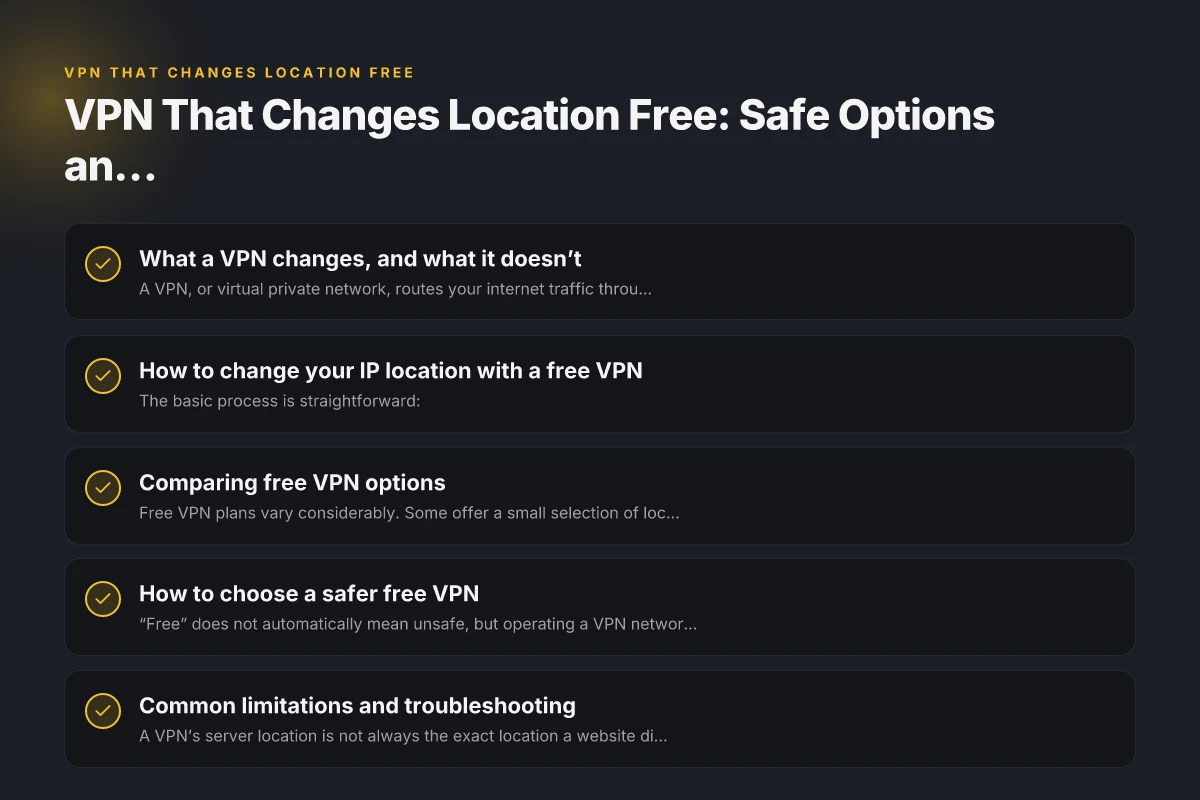
How to change your IP location with a free VPN
The basic process is straightforward: Nord VPN Extension for Edge: What It Does and How to Install It
- Choose a VPN provider with a reputable privacy record and a free plan.
- Download the app from the provider’s official website or your device’s app store.
- Create an account if the service requires one, then review its privacy settings.
- Open the location list and select an available server or country.
- Connect, then use an IP lookup website to confirm the apparent region.
If the location does not appear to change, disconnect and reconnect, try another server, or restart the browser. Some sites may continue showing an old location because they have stored cookies or account information. Clearing the site’s cookies can help, but it may sign you out.
Before connecting, check the app’s permissions. A VPN generally needs permission to create a VPN connection, but a request for unrelated access, such as contacts, may deserve a closer look.
Free VPN options to compare
| Option | Free access | Location choice | Data limits | Useful for |
|---|---|---|---|---|
| Proton VPN Free | Yes | Limited server choice | No data cap | Ongoing basic use |
| Windscribe Free | Yes | Selected locations | Monthly allowance | Occasional browsing |
| PrivadoVPN Free | Yes | Selected locations | Monthly allowance | Light use |
| TunnelBear Free | Yes | Selected locations | Limited monthly data | Testing a VPN |
| Free plan from a paid VPN | Varies | Often limited | Varies | Trying a provider |
| Browser-based proxy | Often yes | Varies | Varies | Basic browser location change |
| Unknown free VPN app | Varies | Varies | Unclear | Avoid if privacy details are missing |
Compiled November 2026; check the provider's site for current details. Urban VPN Extension for Edge Browser: How to Install and Use It
Comparing free VPN options
Free VPN plans vary considerably. Some offer a small selection of locations, while others let free users connect to a broader network but place limits on data or speed. Features can change, so confirm the current terms on the provider’s website before signing up.
| Free-plan feature | What to expect | Why it matters |
|---|---|---|
| Server locations | Often fewer choices than paid plans | You may not be able to select a specific country |
| Data allowance | May be limited monthly or daily | Video and large downloads can use data quickly |
| Speed | Can vary with demand and server capacity | Busy servers may make browsing or streaming slower |
| Streaming access | Not guaranteed | Services may block known VPN server addresses |
| Privacy protections | Depends on the provider | Check the logging policy and business model |
| Device support | May be limited by plan | Confirm the app works on your phone, computer, or tablet |
A free plan can be suitable for occasional browsing or testing a VPN. It may be less practical for regular streaming, large downloads, or a specific location requirement.
How to choose a safer free VPN
“Free” does not automatically mean unsafe, but operating a VPN network costs money. A provider should explain how it funds the service and what data it collects. Look for a clear privacy policy, a recognizable company, and a straightforward description of its free-plan limits.
Check for: Show crypto IPsec sa: How to Check and Troubleshoot IPsec VPN SAs
- A published policy explaining what connection or activity data is retained.
- A track record of independent security reviews, where available.
- Modern encryption and protection against DNS or IP leaks.
- Clear information about advertisements, analytics, and data sharing.
- Reliable customer support and a way to report security issues.
- A plan that does not pressure you with misleading security warnings.
Be cautious of apps that promise unlimited access to every country, guaranteed streaming unblocking, or total anonymity at no cost. Avoid downloading VPN software from unfamiliar file-sharing sites. A free app that collects extensive personal data or injects unwanted ads may not be a good trade-off for a changed IP address.
How to choose and troubleshoot a safer free VPN
| Check or issue | What to look for | What to try |
|---|---|---|
| Privacy policy | Clear data collection and retention details | Choose a more transparent provider |
| Provider reputation | Established service and clear ownership | Check independent coverage |
| App permissions | Only permissions needed for VPN service | Deny unnecessary access |
| Server locations | Available locations listed in the app | Select a supported location |
| Connection status | VPN shows connected | Reconnect before browsing |
| IP still looks local | Browser may show cached results | Check IP again in a fresh tab |
| GPS still shows your location | VPN does not change device GPS | Adjust location permissions |
| Free-plan restrictions | Limits stated clearly | Check data and location availability |
Compiled November 2026; check the provider's site for current details.
Common limitations and troubleshooting
A VPN’s server location is not always the exact location a website displays. IP databases can be outdated or imprecise, and some services identify VPN traffic and block it. If you need a particular region, check that the free plan actually offers that location rather than assuming all servers are available without payment. Clash Meta for iOS: What It Is and How to Use It
If a site still detects your usual region:
- Check your IP address after connecting.
- Turn off location permissions for the relevant app or website if appropriate.
- Review browser settings and clear that site’s cookies.
- Check whether the service is using GPS or another location signal.
- Try another server, while recognizing that free plans may offer limited choices.
Do not use a VPN to break a service’s terms or bypass restrictions that apply to your account. A VPN changes how your internet traffic appears, but it does not change your legal obligations or guarantee access to region-restricted content.
Recommendation
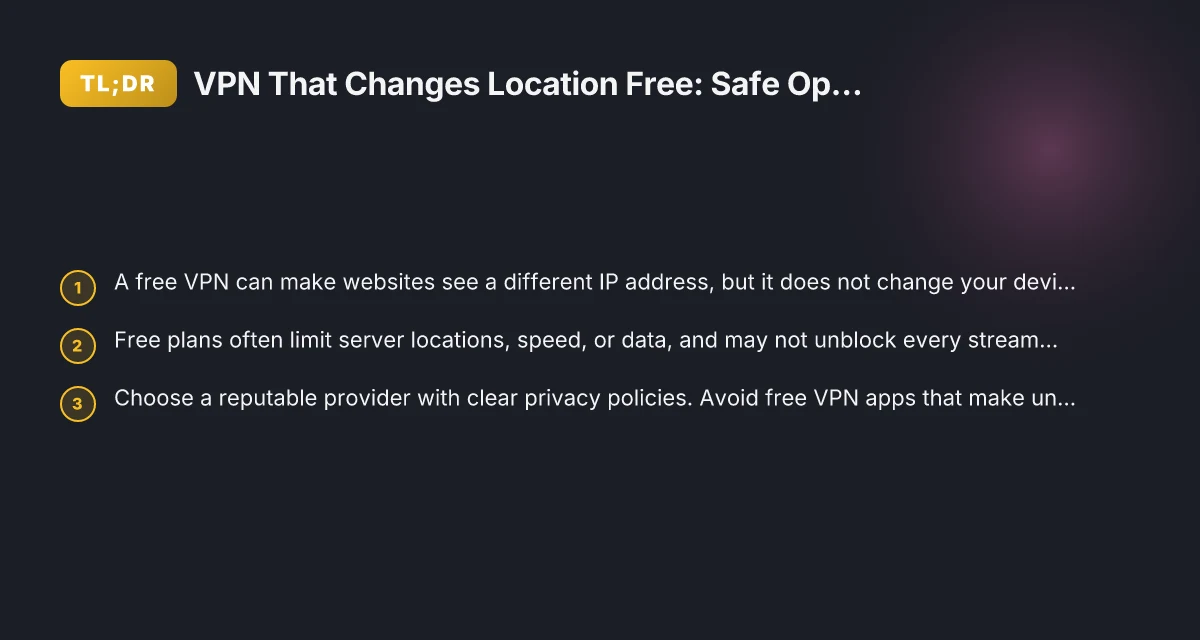
For occasional browsing, a well-reviewed free VPN can be a reasonable way to use an IP address associated with another available region. Choose a provider that explains its privacy practices, confirm the location and data limits before connecting, and remember that IP-based location is different from GPS. If you need a specific country, consistent speeds, or frequent streaming access, compare reputable paid plans instead of relying on a free service to meet those needs.