Free Location Changer VPN: What It Can Do and How to Choose One
Learn how a free location changer VPN works, what to check before using one, and when a paid plan may be a better fit.
A free location changer VPN can make your internet connection appear to come from another country or region by routing traffic through a VPN server there. It may help protect traffic on public Wi-Fi or access location-specific websites, but free plans often come with meaningful limits. Before installing one, check which locations it offers, how it handles your data, and whether it can meet your actual needs.
Compare free VPNs by location-changing features
| Feature | Free VPN A | Free VPN B | Free VPN C | What to check |
|---|---|---|---|---|
| Virtual location changes | Supported | Limited | Not supported | Free locations available |
| Server choice | Multiple locations | One location | Automatic only | Whether you can select a country |
| IP address masking | Yes | Yes | Yes | Confirm your public IP changes |
| Encrypted connection | Supported | Supported | Supported | Check encryption and protocol details |
| App and device support | Multiple platforms | Mobile only | Desktop and mobile | Verify your devices are supported |
| Streaming access | May be blocked | Limited | Not guaranteed | Test the services you use |
| Peer-to-peer traffic | Check the plan | Not supported | Limited | Review provider rules |
| Connection stability | May vary | May vary | May vary | Test during typical use |
Compiled November 2026; check the provider's site for current details.
| VPN | Obfuscation | From / month | Plan | Free plan | Refund | Alipay | UnionPay | Crypto | Website opens in China | Trustpilot | |
|---|---|---|---|---|---|---|---|---|---|---|---|
 ZoogVPN | Turn on manually Shadow | $2.49/mo | 27 months: $59.99 | Yes | 7 days | ✓ | ✓ | ✓ | ✓ | Official site blocked; our special link opens (4.4 s) | 4.2/5 (195 reviews) |
 NordVPN | Turn on manually Obfuscated Servers / NordWhisper | $3.49/mo | 27 months: $94.23 | No | 30 days | ? | ✗ | ✓ | ✓ | ✗ Blocked | 4.2/5 (51,628 reviews) |
 ExpressVPN | ✓ On by default all servers | $3.00/mo | 28 months: $84 | No | 30 days | ✗ | ✗ | ✓ | ✗ | ✗ Blocked | 4.4/5 (29,706 reviews) |
 Surfshark | ✓ On by default Camouflage, with OpenVPN | See site | See site | No | 30 days | ✗ | ✗ | ✗ | ✓ | ✗ Blocked | 4.3/5 (31,823 reviews) |
 Proton VPN | Turn on manually Stealth, free plan too | $2.99/mo | 12 months: $35.88 | Yes | 30 days | ✗ | ✗ | ✗ | ✓ | ✗ Blocked | 2.1/5 (1,040 reviews) |
 Astrill VPN | Turn on manually StealthVPN / OpenWeb | $12.50/mo | 24 months: $300 | No | See site | ✗ | ✗ | ✗ | ✓ | ✗ Blocked | 1.3/5 (110 reviews) |
 Private Internet Access | Turn on manually Shadowsocks, OpenVPN only | $2.03/mo | 40 months: $81.2 | No | 30 days | ✗ | ✗ | ✗ | ✗ | ✗ Blocked | 4.2/5 (11,033 reviews) |
 CyberGhost | Turn on manually selected servers | $2.19/mo | 28 months: $61.32 | No | 45 days | ✗ | ✗ | ✗ | ✓ | ✗ Blocked | 4.0/5 (24,178 reviews) |
 PureVPN | Turn on manually switch to OpenVPN | $1.69/mo | 60 months: $101.55 | No | 31 days | ? | ? | ✗ | ✓ | ✗ Blocked | 4.4/5 (17,994 reviews) |
 AdGuard VPN | ✓ On by default TrustTunnel | $2.99/mo | 24 months: $71.76 | Yes | 30 days | ✓ | ✗ | ✓ | ✓ | Official site blocked; our special link opens (3.7 s) | 4.3/5 (290 reviews) |
 Mullvad | Turn on manually QUIC / Shadowsocks / LWO | $5.61/mo | €5/mo | No | 14 days | ✗ | ✗ | ✗ | ✓ | ✗ Blocked | 3.2/5 (192 reviews) |
 Windscribe | Turn on manually Stealth / WStunnel | $5.75/mo | 12 months: $69 | Yes | See site | ✗ | ✗ | ✗ | ✓ | ✗ Blocked | 4.7/5 (13,355 reviews) |
 StrongVPN | Turn on manually Scramble, OpenVPN TCP | See site | See site | No | 30 days | ✓ | ✗ | ✗ | ✗ | ✗ Blocked | 4.4/5 (2,695 reviews) |
 LightXtreme 闪连 | Not listed | $7.08/mo | 12 months: $84.99 | Yes | 30 days | ✓ | ✓ | ✓ | ✓ | ✓ Yes (3.5 s) | No page |
Prices checked 2026-11-10 on each vendor's pricing page (cheapest long plan, USD). Check the vendor's checkout for the final price.
Obfuscation checked 2026-11-14 on each vendor's site and help center: "on by default" = nothing to set; "turn on manually" = switch protocol or mode in settings; "not listed" = the vendor describes no obfuscation.
Payment methods checked 2026-11-10 on each vendor's payment pages: all 14 take cards and PayPal; ✗ = not listed, ? = the vendor's own pages disagree.
China access: whether the official website opens from mainland China networks (tests the website only, not the VPN connection). Last checked 2026-11-18 01:02 Beijing time.
Trustpilot score and review count checked 2026-11-10.
What a location changer VPN does
A VPN, or virtual private network, creates an encrypted connection between your device and a VPN server. Websites and online services usually see the server’s IP address rather than your device’s regular public IP address. If that server is in another location, your connection may appear to come from that location.
This changes the IP address that services use as one signal of your location. It does not physically move your device or reliably alter every location signal. Apps and websites may also use GPS, Wi-Fi networks, account details, browser settings, or payment information to determine where you are.
A VPN is different from a GPS-spoofing app. A VPN changes the apparent network location. A GPS spoofer attempts to change the location reported by a device’s location services. A VPN alone generally will not change GPS coordinates.
What you may get with a free plan
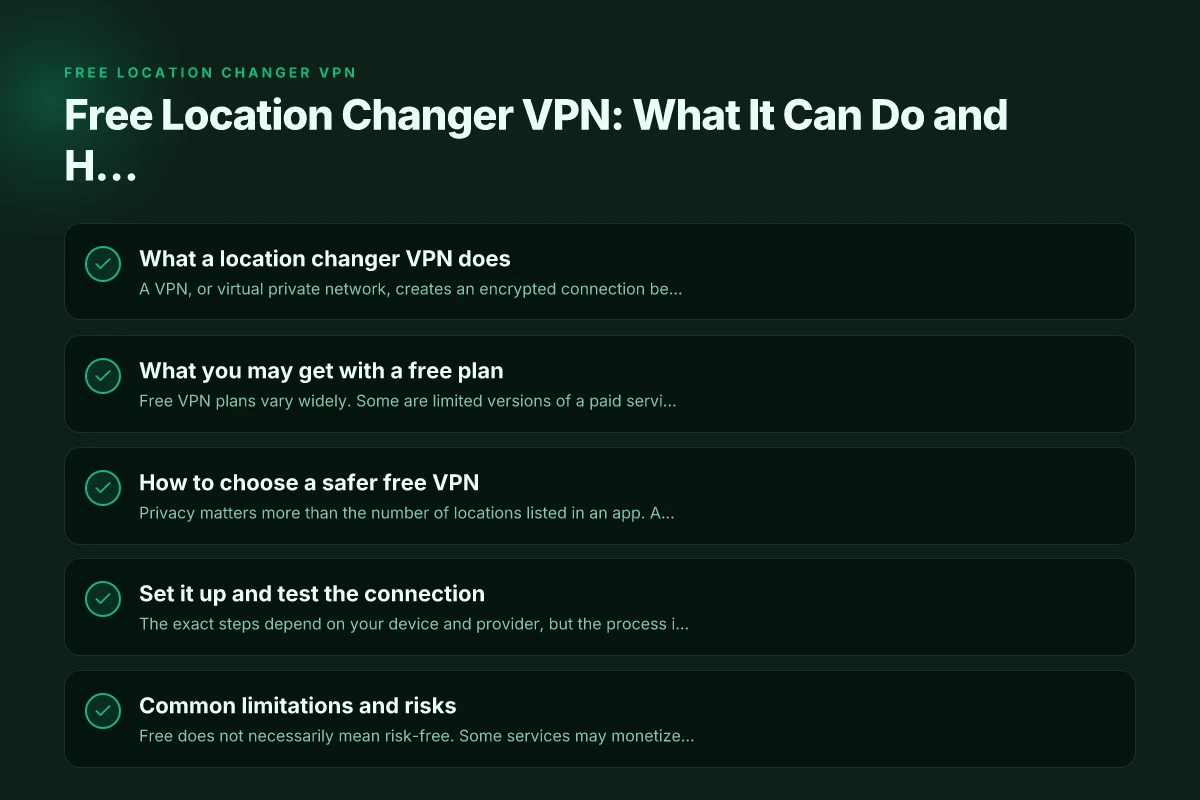
Free VPN plans vary widely. Some are limited versions of a paid service, while others are standalone apps with unclear ownership or privacy practices. Common restrictions include: Best Free VPN That Lets You Pick Locations: Top Options and Trade-Offs
- A small selection of server countries or cities
- Monthly data caps or daily usage limits
- Slower speeds, especially at busy times
- Fewer simultaneous connections
- Limited access to advanced settings or customer support
- Servers that may not work with every website or streaming service
Check the provider’s current terms because features can change. Be cautious of claims such as “unlimited, completely anonymous, and works everywhere.” A VPN can improve privacy in some situations, but it does not make you invisible online or guarantee access to any particular service.
| Feature | Free VPN plan | Paid VPN plan |
|---|---|---|
| Server locations | Often fewer | Usually more choices |
| Data and speed | May be capped or restricted | Often higher limits |
| Privacy information | Depends on the provider; read the policy | Still requires careful review |
| Support and features | May be limited | Often includes more tools and support |
| Best suited for | Occasional, basic use | Frequent use or specific location needs |
Compare free-plan limits and privacy safeguards
| Consideration | Better sign | Caution sign | How to check |
|---|---|---|---|
| Data allowance | Clear allowance | Unclear or very low allowance | Read the plan details |
| Speed limits | Limits disclosed | Restrictions not explained | Check plan terms |
| Advertisements | No intrusive ads | Frequent or unclear ads | Review app and privacy disclosures |
| Logging policy | Clear, limited collection | Vague data practices | Read the privacy policy |
| Independent audits | Audit details available | No verification details | Look for published audit information |
| Ownership | Company and jurisdiction disclosed | Ownership is unclear | Check the provider’s website |
| Permissions | Only necessary access requested | Broad, unrelated permissions | Review app permissions |
| Kill switch | Available and explained | No clear connection protection | Check app settings and documentation |
Compiled November 2026; check the provider's site for current details.
How to choose a safer free VPN
Privacy matters more than the number of locations listed in an app. A VPN provider can handle your connection data, so look for clear, specific information about what it collects and why. FortiClient VPN 7. 4. 3 Download: Safe Download and Installation Guide
Before signing up, check:
- Company identity: Is the provider clearly named, with a working website and support contact?
- Privacy policy: Does it explain whether connection logs, browsing activity, device identifiers, or diagnostic data are collected?
- Business model: Does the provider explain how its free service is funded?
- Security details: Does it describe its encryption, supported protocols, and how it handles connection failures?
- Reputation: Look for independent reviews and security reporting, not just app-store ratings or promotional claims.
- Permissions: A VPN app should not need access to unrelated features such as your contacts or camera for basic VPN use.
Install apps only from the provider’s official website or a trusted app store. Review the developer name carefully, since lookalike apps can imitate familiar brands. Avoid services that demand unusual permissions, make vague promises, or pressure you to disable device security protections.
Set it up and test the connection
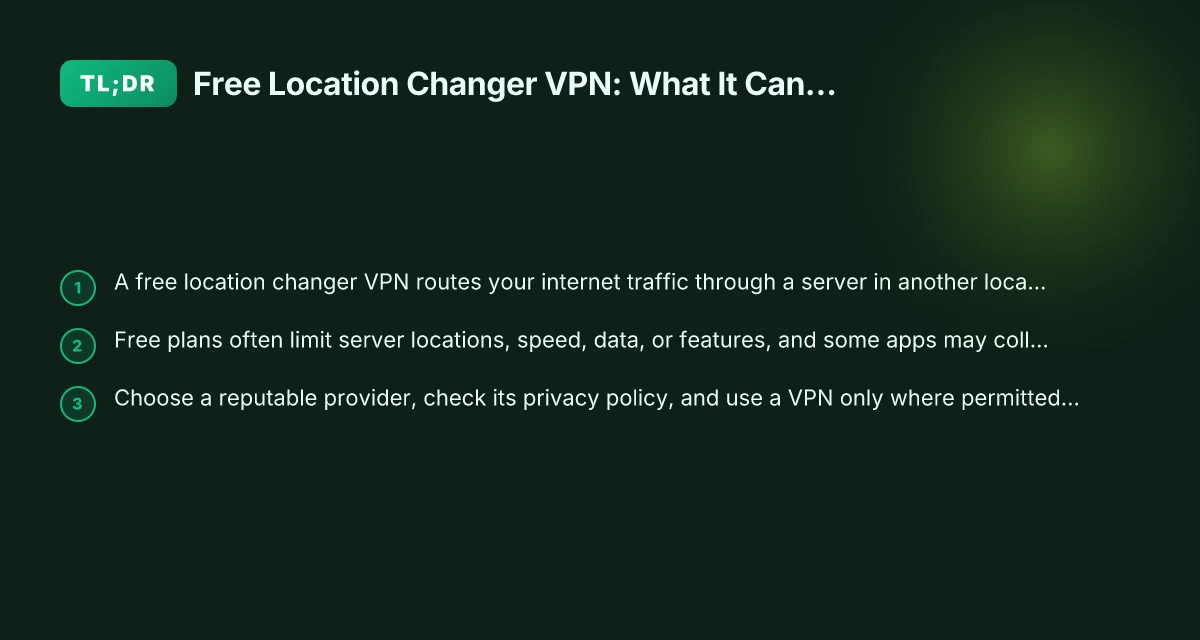
The exact steps depend on your device and provider, but the process is usually straightforward:
- Choose a provider and read its privacy policy and free-plan limits.
- Download its official app for your device.
- Create an account if required, then select an available server location.
- Approve the VPN connection request shown by your device.
- Confirm the app says you are connected, then check that the connection still works as expected.
A VPN connection can sometimes drop or fail to start. If your provider offers a kill switch, learn how it works: this feature can block internet traffic if the VPN disconnects unexpectedly. You can also check your apparent IP address using a reputable IP-checking site. That test only confirms the visible IP address. It does not prove that a provider has a strong privacy policy or that every app is using the VPN connection. VPN for Microsoft Edge Extension: What It Does and How to Choose
If a website still detects your original region, it may be using information beyond your IP address. Browser cookies, account settings, GPS permissions, or previously saved location data can all play a role. Do not try to bypass access controls or restrictions that you are not authorized to bypass.
Set up and test a free location changer VPN
| Step | What to do | Good result | Warning sign |
|---|---|---|---|
| Choose a provider | Review privacy terms and free-plan limits | Clear, understandable policies | Missing or vague terms |
| Install the app | Use the provider’s official source | Publisher matches the provider | Unfamiliar download source |
| Check permissions | Allow only what the app needs | Permissions fit its function | Unrelated access requests |
| Connect to a server | Select an available location | App confirms a connection | Repeated failures |
| Check your IP | Use a reputable IP-check tool | IP shows the VPN location | Original IP remains visible |
| Check for DNS leaks | Use a reputable leak-test tool | No unexpected DNS exposure | DNS points to your usual provider |
| Test real-world use | Open the sites or apps you need | Connection works as expected | Blocks, slowdowns, or interruptions |
| Disconnect and compare | Recheck your connection | Original connection returns | VPN appears active after disconnecting |
Compiled November 2026; check the provider's site for current details.
Common limitations and risks
Free does not necessarily mean risk-free. Some services may monetize through advertising, collect more data than users expect, or offer weak security. Others may simply be reliable but restrictive. Read the provider’s terms instead of assuming every free VPN has the same practices. Best VPN Plugin for Edge: Top Picks and How to Choose
A VPN also does not replace other security basics. It cannot prevent phishing, make unsafe downloads safe, or protect an account with a weak password. Keep your device and apps updated, use unique passwords, and enable multi-factor authentication where available.
Finally, changing your apparent IP location may affect a website’s terms of service or local rules. Streaming platforms, games, banking services, and workplace systems may have policies about VPN use. Check the relevant rules before connecting from another location, especially for financial or work-related accounts.
Recommendation
For occasional browsing or a brief test, a free location changer VPN from a transparent, established provider can be a reasonable starting point. Pick one with clear privacy practices and limits you can accept, and remember that a VPN changes your apparent network location, not necessarily your device’s GPS location. If you need dependable speeds, more server choices, or regular use, compare paid plans from reputable providers rather than relying on an unknown free app.