Does NordVPN Work in China? What to Know Before You Travel

NordVPN may work in China, but access is not guaranteed. Learn about setup, reliability, legal considerations, and alternatives.
NordVPN may work in China at times, but you should not count on it as a dependable way to access blocked websites. China’s internet restrictions and VPN blocking can prevent connections, and performance can change without warning. If you’re traveling there, set up and test your VPN before departure, and prepare a backup option.
VPN options to prepare for a trip to China
| Option | What it offers | Main limitation | Before departure | Best use |
|---|---|---|---|---|
| NordVPN | Familiar VPN service | Access in China is uncertain | Install and test it | First option to try |
| Another VPN service | Alternative connection option | Access is not guaranteed | Research and test it | Backup VPN |
| Mobile data roaming | Access through your home carrier | Coverage and charges vary | Check your carrier’s terms | Backup internet connection |
| Local SIM or eSIM | Mobile internet access | May not reach blocked services | Check coverage and service limits | Connectivity backup |
| Hotel Wi-Fi | Convenient internet access | Networks and access vary | Ask about availability | Basic connectivity |
| Public Wi-Fi | Internet access in public places | Security and availability vary | Prepare secure access methods | Occasional use |
Compiled November 2026; check the provider's site for current details.
| VPN | Obfuscation | From / month | Plan | Free plan | Refund | Alipay | UnionPay | Crypto | Website opens in China | Trustpilot | |
|---|---|---|---|---|---|---|---|---|---|---|---|
 NordVPN | Turn on manually Obfuscated Servers / NordWhisper | $3.49/mo | 27 months: $94.23 | No | 30 days | ? | ✗ | ✓ | ✓ | ✗ Blocked | 4.2/5 (51,628 reviews) |
 ZoogVPN | Turn on manually Shadow | $2.49/mo | 27 months: $59.99 | Yes | 7 days | ✓ | ✓ | ✓ | ✓ | Official site blocked; our special link opens (4.4 s) | 4.2/5 (195 reviews) |
 ExpressVPN | ✓ On by default all servers | $3.00/mo | 28 months: $84 | No | 30 days | ✗ | ✗ | ✓ | ✗ | ✗ Blocked | 4.4/5 (29,706 reviews) |
 Surfshark | ✓ On by default Camouflage, with OpenVPN | See site | See site | No | 30 days | ✗ | ✗ | ✗ | ✓ | ✗ Blocked | 4.3/5 (31,823 reviews) |
 Proton VPN | Turn on manually Stealth, free plan too | $2.99/mo | 12 months: $35.88 | Yes | 30 days | ✗ | ✗ | ✗ | ✓ | ✗ Blocked | 2.1/5 (1,040 reviews) |
 Astrill VPN | Turn on manually StealthVPN / OpenWeb | $12.50/mo | 24 months: $300 | No | See site | ✗ | ✗ | ✗ | ✓ | ✗ Blocked | 1.3/5 (110 reviews) |
 Private Internet Access | Turn on manually Shadowsocks, OpenVPN only | $2.03/mo | 40 months: $81.2 | No | 30 days | ✗ | ✗ | ✗ | ✗ | ✗ Blocked | 4.2/5 (11,033 reviews) |
 CyberGhost | Turn on manually selected servers | $2.19/mo | 28 months: $61.32 | No | 45 days | ✗ | ✗ | ✗ | ✓ | ✗ Blocked | 4.0/5 (24,178 reviews) |
 PureVPN | Turn on manually switch to OpenVPN | $1.69/mo | 60 months: $101.55 | No | 31 days | ? | ? | ✗ | ✓ | ✗ Blocked | 4.4/5 (17,994 reviews) |
 AdGuard VPN | ✓ On by default TrustTunnel | $2.99/mo | 24 months: $71.76 | Yes | 30 days | ✓ | ✗ | ✓ | ✓ | Official site blocked; our special link opens (3.7 s) | 4.3/5 (290 reviews) |
 Mullvad | Turn on manually QUIC / Shadowsocks / LWO | $5.61/mo | €5/mo | No | 14 days | ✗ | ✗ | ✗ | ✓ | ✗ Blocked | 3.2/5 (192 reviews) |
 Windscribe | Turn on manually Stealth / WStunnel | $5.75/mo | 12 months: $69 | Yes | See site | ✗ | ✗ | ✗ | ✓ | ✗ Blocked | 4.7/5 (13,355 reviews) |
 StrongVPN | Turn on manually Scramble, OpenVPN TCP | See site | See site | No | 30 days | ✓ | ✗ | ✗ | ✗ | ✗ Blocked | 4.4/5 (2,695 reviews) |
 LightXtreme 闪连 | Not listed | $7.08/mo | 12 months: $84.99 | Yes | 30 days | ✓ | ✓ | ✓ | ✓ | ✓ Yes (3.5 s) | No page |
Prices checked 2026-11-10 on each vendor's pricing page (cheapest long plan, USD). Check the vendor's checkout for the final price.
Obfuscation checked 2026-11-14 on each vendor's site and help center: "on by default" = nothing to set; "turn on manually" = switch protocol or mode in settings; "not listed" = the vendor describes no obfuscation.
Payment methods checked 2026-11-10 on each vendor's payment pages: all 14 take cards and PayPal; ✗ = not listed, ? = the vendor's own pages disagree.
China access: whether the official website opens from mainland China networks (tests the website only, not the VPN connection). Last checked 2026-11-18 01:02 Beijing time.
Trustpilot score and review count checked 2026-11-10.
Why NordVPN access in China is uncertain
China restricts access to many foreign websites and services, and its internet filtering systems can also interfere with VPN connections. VPN providers regularly adjust their apps and infrastructure in response, but no provider can guarantee uninterrupted access from inside the country.
NordVPN’s performance may vary depending on factors such as your device, network, location, and the filtering measures in effect at the time. A server or connection method that works for one traveler may fail for another, or stop working later.
Keep in mind that reports from other users are only snapshots. A recent successful connection does not ensure the service will work during your trip.
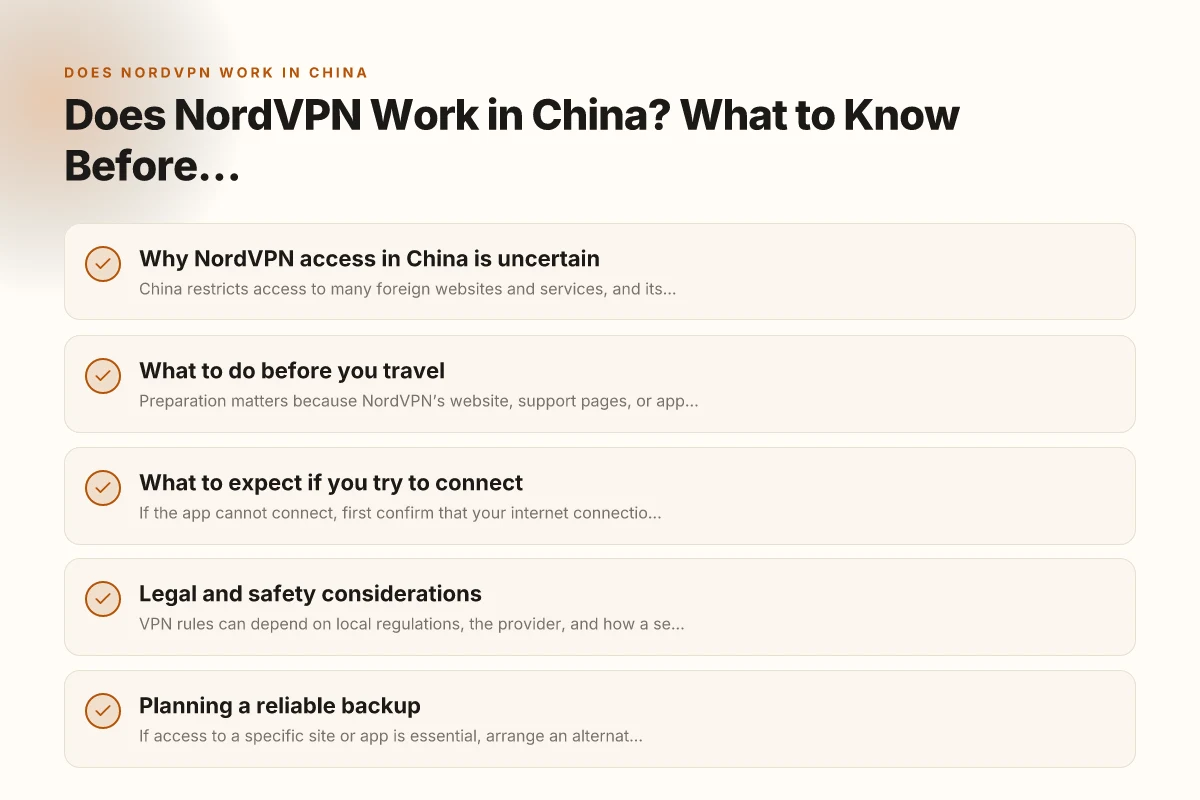
What to do before you travel
Preparation matters because NordVPN’s website, support pages, or app downloads may be inaccessible once you’re in China. Before leaving: SoftEther VPN Server: What It Is and How to Set It Up
- Install NordVPN on every device you plan to use.
- Sign in, update the app, and test it on Wi-Fi and mobile data.
- Save your account details and any recovery information securely.
- Download official setup instructions and support contact details for offline use.
- Check that your subscription is active and that you know how to manage it.
Ask NordVPN directly for current China-specific guidance before departure. Follow its latest instructions rather than relying on old forum posts, which may describe settings or server options that no longer apply.
What to expect if you try to connect
If the app cannot connect, first confirm that your internet connection works without the VPN. Then restart the app and device, try a different network, and consult NordVPN’s current troubleshooting instructions. Avoid repeatedly changing technical settings based on unverified advice. You could make the issue harder to diagnose.
Even when a connection succeeds, expect possible slow speeds, interruptions, or difficulty with particular sites and apps. Video calls, streaming, and large downloads may be especially frustrating on an unstable connection.
| Option | Potential benefit | Main limitation |
|---|---|---|
| NordVPN | Familiar app and support resources | China access is not guaranteed |
| Another VPN | May offer a different connection approach | It may also be blocked or unreliable |
| Roaming mobile data | Can sometimes provide a different internet route | Costs, coverage, and local rules vary |
| Local connectivity | Useful for services available within China | Does not provide access to every foreign service |
No option in this table should be treated as a guaranteed workaround. Check with your mobile provider about roaming availability and pricing before you travel. Best VPN Extensions for Edge: Top Picks and How to Choose
Travel readiness and connection decision guide
| Situation | What to do | What to expect | Backup plan | Safety note |
|---|---|---|---|---|
| Before leaving | Install NordVPN | China access is uncertain | Prepare another connection | Review local rules |
| At home before travel | Test the app and sign-in | A successful test cannot guarantee access in China | Save support details | Keep account information secure |
| On arrival | Try the prepared connection | Connections may fail or vary | Switch to another internet source | Avoid assuming access is reliable |
| VPN connection fails | Check the app and connection | Service may remain unavailable | Use a prepared alternative | Do not take unnecessary risks |
| Choosing roaming | Check carrier terms | Coverage and charges vary | Keep Wi-Fi as another option | Protect your device |
| Using public Wi-Fi | Connect only when needed | Availability and security vary | Use mobile data if available | Avoid sensitive activity on untrusted networks |
| Planning essential access | Identify key services in advance | Some services may be inaccessible | Arrange alternative ways to reach people | Follow local laws |
| Deciding whether to rely on NordVPN | Treat it as one option, not a guarantee | Performance in China is uncertain | Keep a backup connection | Prioritize personal safety |
Compiled November 2026; check the provider's site for current details.
Legal and safety considerations
VPN rules can depend on local regulations, the provider, and how a service is used. Rules and enforcement may change, and travelers’ circumstances differ. Do not assume that a VPN’s availability in an app store, or its use by other visitors, settles whether your intended use is permitted.
Before traveling, consult current official government travel advice and reliable local guidance. If you’re unsure, seek qualified legal advice. Consider whether you need access to a particular service for work, financial tasks, or communication, and make a compliant contingency plan rather than relying on a VPN alone. FortiClient IPsec VPN: Setup, Configuration, and Troubleshooting
Also take basic account-security precautions. Use strong, unique passwords and multifactor authentication where available. Avoid entering sensitive information over public Wi-Fi unless you can verify that the connection and service you’re using are secure.
Planning a reliable backup
If access to a specific site or app is essential, arrange an alternative before you go. You might save important contact information offline, download documents you will need, and tell colleagues or family how to reach you if a preferred messaging service is unavailable.
For work travel, ask your employer’s IT team about approved access methods and support. For personal travel, check whether essential services offer accessible alternatives, and confirm that you can reach your bank, accommodation, and transport providers through more than one channel.
Recommendation
So, does NordVPN work in China? It may, but access is unpredictable and should not be relied on as your only plan. Install and test it before departure, check the latest guidance from NordVPN and official travel sources, and prepare another way to handle essential communication and online tasks. VPN Edge Extension Free: How to Choose and Use One Safely