SoftEther VPN Server: What It Is and How to Set It Up

Learn what a SoftEther VPN server does, how to install and configure it, and when it is a good fit.
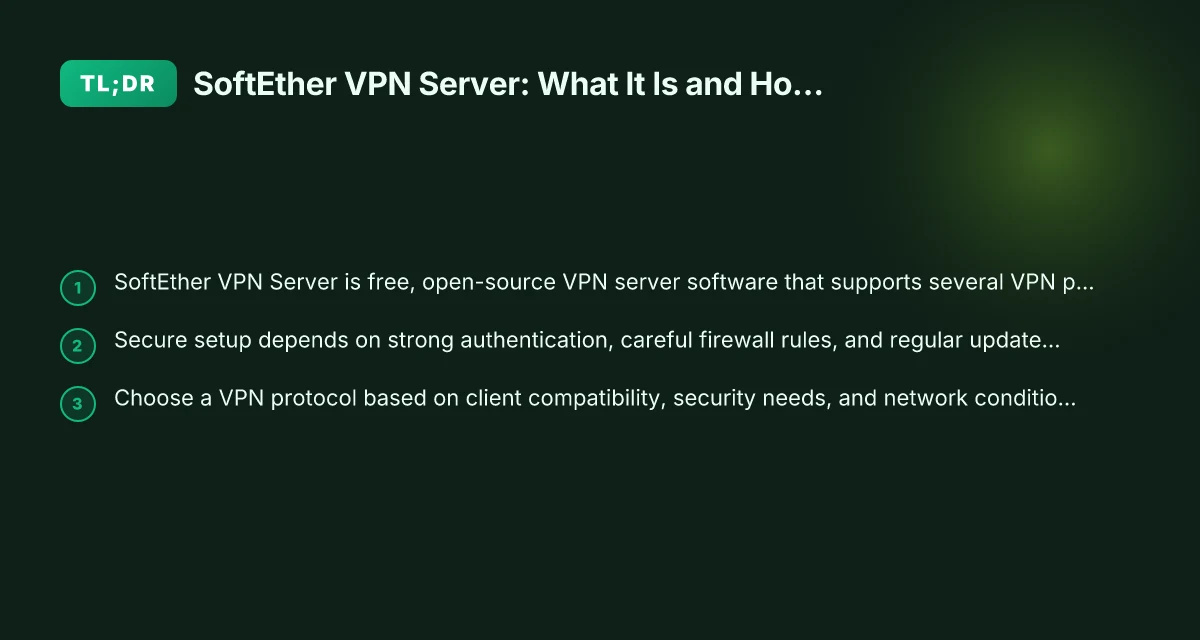
A SoftEther VPN server lets you securely connect remote devices to a private network or route their internet traffic through a server. SoftEther VPN Server is free, open-source software for Windows, Linux, macOS, and other supported platforms. It can accept connections using SoftEther’s own protocol as well as protocols such as OpenVPN, L2TP/IPsec, and SSTP, making it useful when clients need different connection options.
Compare SoftEther VPN connection options
| Option | Protocol or method | Client compatibility | Typical use | Setup notes |
|---|---|---|---|---|
| SoftEther VPN Client | SoftEther VPN Protocol | Windows | Connect to a SoftEther server | Install the client and configure a connection |
| L2TP/IPsec | L2TP with IPsec | Built-in support on many operating systems | General-purpose remote access | Configure IPsec settings on the server and client |
| OpenVPN | OpenVPN protocol | OpenVPN-compatible clients | Connect from a broad range of devices | Enable OpenVPN support and use compatible client software |
| SSTP | SSTP over HTTPS | Windows clients | Remote access through some restrictive networks | Configure SSTP support and a compatible client |
| MS-SSTP | Microsoft SSTP | Windows | Windows-based remote access | Use a compatible Windows client |
| VPN over HTTPS | HTTPS-based VPN connection | Web-proxy-compatible environments | Connections where ordinary VPN traffic is restricted | Configure the server’s HTTPS listener |
| VPN Gate relay | SoftEther-based relay service | SoftEther-compatible clients | Access through volunteer relay servers | Availability and performance depend on relays |
Compiled November 2026; check the provider's site for current details.
| VPN | Obfuscation | From / month | Plan | Free plan | Refund | Alipay | UnionPay | Crypto | Website opens in China | Trustpilot | |
|---|---|---|---|---|---|---|---|---|---|---|---|
 ZoogVPN | Turn on manually Shadow | $2.49/mo | 27 months: $59.99 | Yes | 7 days | ✓ | ✓ | ✓ | ✓ | Official site blocked; our special link opens (4.4 s) | 4.2/5 (195 reviews) |
 NordVPN | Turn on manually Obfuscated Servers / NordWhisper | $3.49/mo | 27 months: $94.23 | No | 30 days | ? | ✗ | ✓ | ✓ | ✗ Blocked | 4.2/5 (51,628 reviews) |
 ExpressVPN | ✓ On by default all servers | $3.00/mo | 28 months: $84 | No | 30 days | ✗ | ✗ | ✓ | ✗ | ✗ Blocked | 4.4/5 (29,706 reviews) |
 Surfshark | ✓ On by default Camouflage, with OpenVPN | See site | See site | No | 30 days | ✗ | ✗ | ✗ | ✓ | ✗ Blocked | 4.3/5 (31,823 reviews) |
 Proton VPN | Turn on manually Stealth, free plan too | $2.99/mo | 12 months: $35.88 | Yes | 30 days | ✗ | ✗ | ✗ | ✓ | ✗ Blocked | 2.1/5 (1,040 reviews) |
 Astrill VPN | Turn on manually StealthVPN / OpenWeb | $12.50/mo | 24 months: $300 | No | See site | ✗ | ✗ | ✗ | ✓ | ✗ Blocked | 1.3/5 (110 reviews) |
 Private Internet Access | Turn on manually Shadowsocks, OpenVPN only | $2.03/mo | 40 months: $81.2 | No | 30 days | ✗ | ✗ | ✗ | ✗ | ✗ Blocked | 4.2/5 (11,033 reviews) |
 CyberGhost | Turn on manually selected servers | $2.19/mo | 28 months: $61.32 | No | 45 days | ✗ | ✗ | ✗ | ✓ | ✗ Blocked | 4.0/5 (24,178 reviews) |
 PureVPN | Turn on manually switch to OpenVPN | $1.69/mo | 60 months: $101.55 | No | 31 days | ? | ? | ✗ | ✓ | ✗ Blocked | 4.4/5 (17,994 reviews) |
 AdGuard VPN | ✓ On by default TrustTunnel | $2.99/mo | 24 months: $71.76 | Yes | 30 days | ✓ | ✗ | ✓ | ✓ | Official site blocked; our special link opens (3.7 s) | 4.3/5 (290 reviews) |
 Mullvad | Turn on manually QUIC / Shadowsocks / LWO | $5.61/mo | €5/mo | No | 14 days | ✗ | ✗ | ✗ | ✓ | ✗ Blocked | 3.2/5 (192 reviews) |
 Windscribe | Turn on manually Stealth / WStunnel | $5.75/mo | 12 months: $69 | Yes | See site | ✗ | ✗ | ✗ | ✓ | ✗ Blocked | 4.7/5 (13,355 reviews) |
 StrongVPN | Turn on manually Scramble, OpenVPN TCP | See site | See site | No | 30 days | ✓ | ✗ | ✗ | ✗ | ✗ Blocked | 4.4/5 (2,695 reviews) |
 LightXtreme 闪连 | Not listed | $7.08/mo | 12 months: $84.99 | Yes | 30 days | ✓ | ✓ | ✓ | ✓ | ✓ Yes (3.5 s) | No page |
Prices checked 2026-11-10 on each vendor's pricing page (cheapest long plan, USD). Check the vendor's checkout for the final price.
Obfuscation checked 2026-11-14 on each vendor's site and help center: "on by default" = nothing to set; "turn on manually" = switch protocol or mode in settings; "not listed" = the vendor describes no obfuscation.
Payment methods checked 2026-11-10 on each vendor's payment pages: all 14 take cards and PayPal; ✗ = not listed, ? = the vendor's own pages disagree.
China access: whether the official website opens from mainland China networks (tests the website only, not the VPN connection). Last checked 2026-11-18 01:02 Beijing time.
Trustpilot score and review count checked 2026-11-10.
What SoftEther VPN Server does
SoftEther VPN Server creates a virtual network that authorized users can reach over the internet. A remote user connects with compatible VPN client software, authenticates, and can then access permitted resources as if connected to the server’s network.
Common uses include:
- Securely accessing files, applications, or devices on a home or office network.
- Connecting employees or administrators to internal systems while working remotely.
- Linking separate networks for controlled site-to-site access.
- Routing a client’s internet traffic through a server, where the network configuration allows it.
SoftEther is not a commercial VPN subscription service. You install and manage the server yourself, choose where it runs, and take responsibility for its security, availability, and bandwidth.
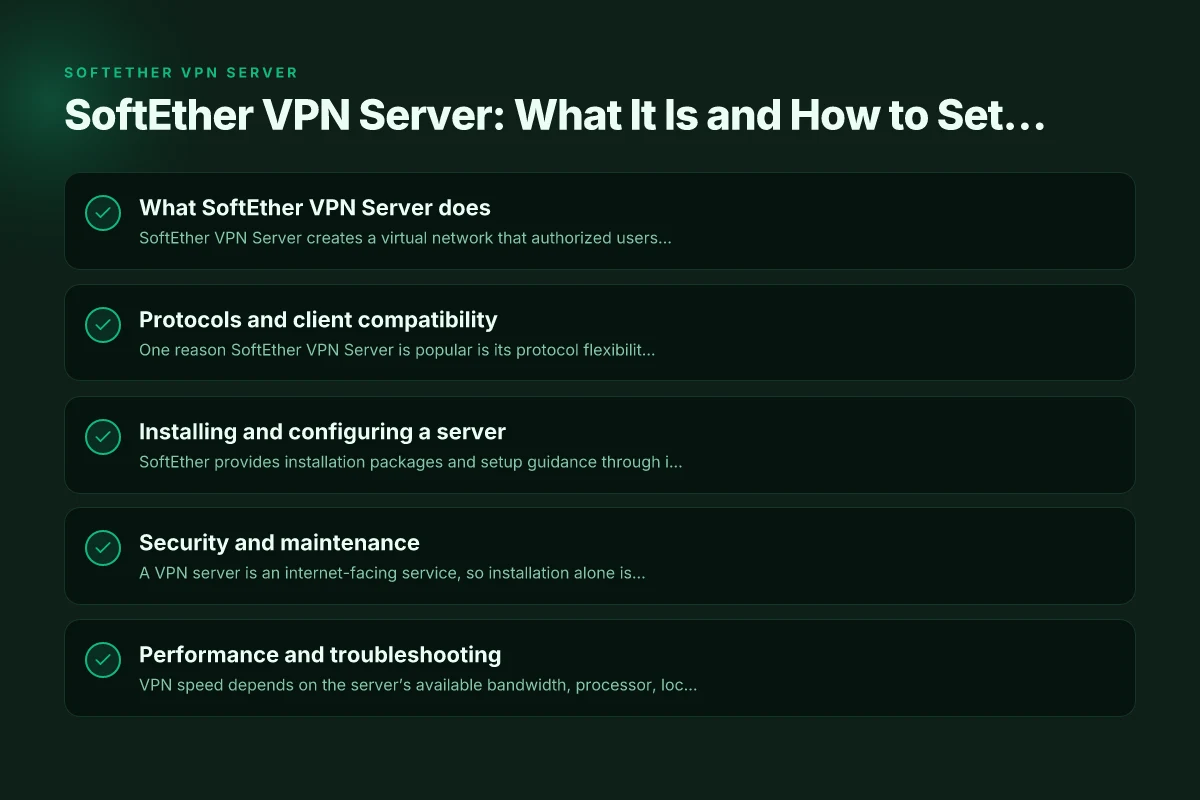
Protocols and client compatibility
One reason SoftEther VPN Server is popular is its protocol flexibility. The best option depends on what your devices support and how the server will be used. Best VPN Extensions for Edge: Top Picks and How to Choose
| Connection method | Typical advantage | Considerations |
|---|---|---|
| SoftEther VPN protocol | Works with SoftEther’s own clients and supports flexible configurations | Requires compatible client software |
| OpenVPN | Broad client support across operating systems | Requires compatible client profiles and configuration |
| L2TP/IPsec | Supported by many built-in operating-system clients | Can require more firewall and NAT configuration |
| SSTP | Often convenient for Windows clients | Client support varies by platform |
Do not enable every protocol just because the server supports it. Choose the methods your users need, disable unused listeners, and keep the server and clients updated. For sensitive connections, use strong authentication and secure configurations rather than relying on the protocol name alone.
Compare ways to install and manage SoftEther VPN Server
| Approach | Platform or environment | Setup effort | Administration | Main consideration |
|---|---|---|---|---|
| Windows installer | Windows server or PC | Low | Graphical tools available | Convenient for Windows administrators |
| Linux package or build | Linux server | Moderate | Command-line tools | Follow platform-specific installation instructions |
| Source build | Supported build environment | Higher | Command line | Requires build dependencies and maintenance |
| VPN Server Manager | Remote or local administration | Low after installation | Graphical management | Protect management access and credentials |
| Server command-line tools | Local or remote server access | Moderate | Command line | Useful for automation and scripting |
| Virtual machine | Hypervisor-hosted server | Moderate | Depends on the guest operating system | Allocate resources and maintain the guest |
| Cloud instance | Cloud-hosted server | Moderate | Provider console plus server tools | Configure firewall rules and secure exposed ports |
Compiled November 2026; check the provider's site for current details.
Installing and configuring a server
SoftEther provides installation packages and setup guidance through its official project resources. The exact steps vary by operating system and release, but a typical deployment follows this sequence: FortiClient IPsec VPN: Setup, Configuration, and Troubleshooting
- Choose a host. Use a computer or virtual server that is reliably online. Consider its internet connection, CPU capacity, and the amount of traffic users will generate.
- Install SoftEther VPN Server. Download the software from an official source and follow the platform-specific instructions. Avoid untrusted packages.
- Set an administrator password. Use a unique, strong password, and restrict access to the management interface.
- Create a Virtual Hub. A Virtual Hub is the logical environment where users, authentication settings, and network access are managed.
- Create user accounts. Give each user an individual account where practical. Individual accounts make it easier to remove access when someone no longer needs it.
- Choose connection protocols and ports. Enable only the listeners required by your clients. Confirm that the host firewall and any router or cloud firewall permit the necessary traffic.
- Configure network access. Decide whether clients should reach only selected private resources or use the server as a gateway for broader traffic. Routing, bridging, and NAT choices affect what clients can access.
- Test from outside the local network. Verify that approved users can connect, reach the intended resources, and disconnect cleanly.
For an initial installation, the graphical Server Manager may make administration easier. On a headless Linux system, administrators can use SoftEther’s command-line management tools. Follow the documentation for your specific version because commands and available options can differ.
Security and maintenance
A VPN server is an internet-facing service, so installation alone is not enough. A secure configuration limits both who can connect and what they can reach.
- Use long, unique passwords for administrator and user accounts.
- Prefer certificate-based or other stronger authentication where appropriate and supported.
- Disable unused protocols, ports, and management access.
- Restrict administrative access to trusted addresses or a private management network when possible.
- Allow only the firewall traffic needed for your chosen connection methods.
- Keep the operating system and SoftEther software patched.
- Review accounts, connection logs, and configuration changes regularly.
- Back up the configuration securely, and protect backups from unauthorized access.
- Test access controls to confirm that VPN users cannot reach systems they do not need.
A VPN encrypts traffic between a client and the VPN endpoint, but it does not automatically make every application or device secure. If users send traffic from the server to the public internet, the server’s provider and network configuration may affect privacy and performance. Also, a VPN does not prevent phishing, malware, or insecure behavior on connected devices.
Compare security and operational choices VPN Edge Extension Free: How to Choose and Use One Safely
| Decision | Option | Benefit | Trade-off | Good fit when |
|---|---|---|---|---|
| Authentication | Strong, unique credentials | Limits unauthorized access | Requires secure credential handling | Every deployment |
| Authentication | Certificate-based authentication | Adds a certificate-based identity check | Requires certificate management | Higher-assurance access |
| Encryption | Use supported encryption settings | Protects VPN traffic in transit | Must be configured and maintained | Traffic crosses untrusted networks |
| Network access | Restrict users and destinations | Reduces unnecessary access | Requires access-policy administration | Users need only specific resources |
| Updates | Keep server software current | Addresses fixes and compatibility changes | Requires planned maintenance | Ongoing operation |
| Logs | Review connection and server logs | Helps investigate issues | Logs need secure storage and review | Troubleshooting or monitoring |
| Exposure | Limit reachable ports and management access | Reduces attack surface | May require firewall changes | Internet-facing servers |
| Performance | Test latency, throughput, and resource use | Reveals bottlenecks | Results vary by network and workload | Before and after deployment |
Compiled November 2026; check the provider's site for current details.
Performance and troubleshooting
VPN speed depends on the server’s available bandwidth, processor, location, network quality, and encryption workload. A server in a distant region can add latency, while a busy or underpowered host may struggle when several users connect.
When a connection fails, check the issue in a consistent order:
- Confirm that the server is running and the client settings match the server configuration.
- Check host, router, and cloud firewall rules for the selected protocol and port.
- Verify DNS, routing, and NAT settings if the client connects but cannot reach resources.
- Review server and client logs for authentication, certificate, or network errors.
- Test from a different network to identify possible restrictions on the client’s current connection.
- Check for port conflicts or another service using the same port.
For performance problems, compare a connection to the VPN server with one to the destination resource. This can help determine whether the bottleneck is the VPN, the internet connection, or the destination network. Free VPN With Country Selection: How to Choose One Safely
Recommendation
SoftEther VPN Server is a flexible choice for people who want to host and manage their own VPN, especially when they need compatibility with more than one protocol. Start with one clearly defined use case, enable only the required connection method, and test access before adding users. For organizations that need managed support, guaranteed availability, or centralized policy controls, compare self-hosting with a professionally managed VPN service before deciding.