Best VPN Extensions for Edge: Top Picks and How to Choose

Compare the best VPN extensions for Edge, understand their limits, and choose one for privacy, streaming, or everyday browsing.


If you’re looking for the best VPN extensions for Edge, start with NordVPN for a well-rounded mix of privacy tools, server choice, and ease of use. Surfshark is a useful alternative for people who want flexible device coverage, while ExpressVPN is a straightforward premium option. The right pick depends on what you need to protect: browser traffic, all the apps on your computer, or access to a particular region’s content.
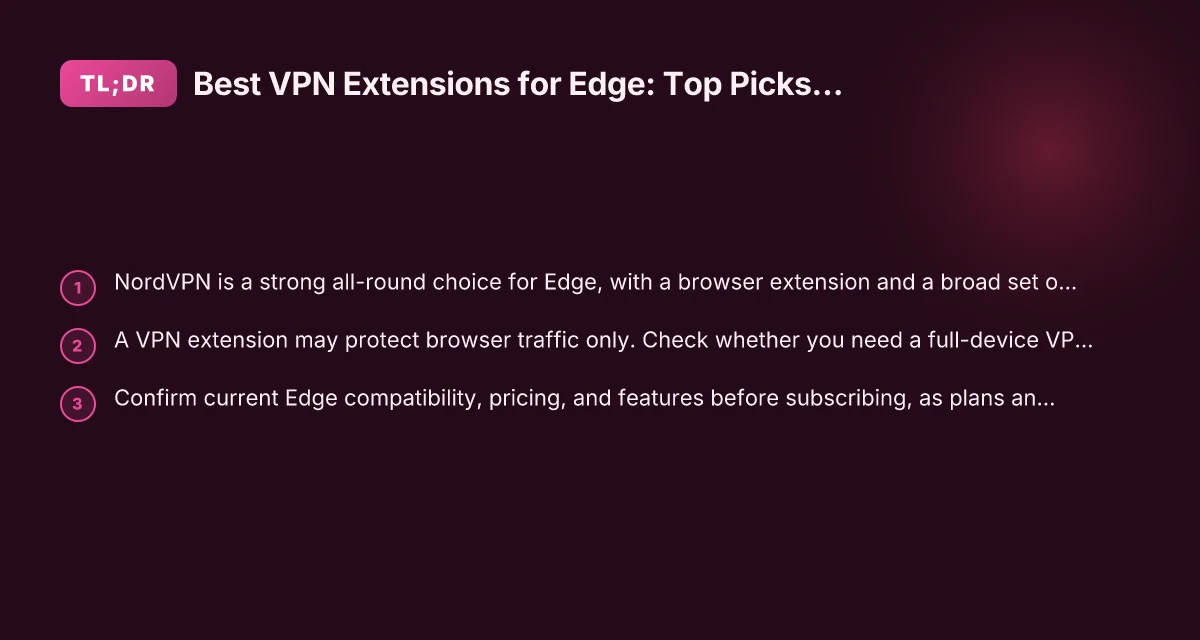
A VPN extension is not always the same as a full VPN application. Some extensions route browser traffic through a VPN, while others act as a remote control for the provider’s desktop app. Check how each Edge extension works before relying on it for privacy.
| VPN | Obfuscation | From / month | Plan | Free plan | Refund | Alipay | UnionPay | Crypto | Website opens in China | Trustpilot | |
|---|---|---|---|---|---|---|---|---|---|---|---|
 NordVPN | Turn on manually Obfuscated Servers / NordWhisper | $3.49/mo | 27 months: $94.23 | No | 30 days | ? | ✗ | ✓ | ✓ | ✗ Blocked | 4.2/5 (51,628 reviews) |
 Surfshark | ✓ On by default Camouflage, with OpenVPN | See site | See site | No | 30 days | ✗ | ✗ | ✗ | ✓ | ✗ Blocked | 4.3/5 (31,823 reviews) |
 ExpressVPN | ✓ On by default all servers | $3.00/mo | 28 months: $84 | No | 30 days | ✗ | ✗ | ✓ | ✗ | ✗ Blocked | 4.4/5 (29,706 reviews) |
 Proton VPN | Turn on manually Stealth, free plan too | $2.99/mo | 12 months: $35.88 | Yes | 30 days | ✗ | ✗ | ✗ | ✓ | ✗ Blocked | 2.1/5 (1,040 reviews) |
 CyberGhost | Turn on manually selected servers | $2.19/mo | 28 months: $61.32 | No | 45 days | ✗ | ✗ | ✗ | ✓ | ✗ Blocked | 4.0/5 (24,178 reviews) |
 ZoogVPN | Turn on manually Shadow | $2.49/mo | 27 months: $59.99 | Yes | 7 days | ✓ | ✓ | ✓ | ✓ | Official site blocked; our special link opens (4.4 s) | 4.2/5 (195 reviews) |
 Astrill VPN | Turn on manually StealthVPN / OpenWeb | $12.50/mo | 24 months: $300 | No | See site | ✗ | ✗ | ✗ | ✓ | ✗ Blocked | 1.3/5 (110 reviews) |
 Private Internet Access | Turn on manually Shadowsocks, OpenVPN only | $2.03/mo | 40 months: $81.2 | No | 30 days | ✗ | ✗ | ✗ | ✗ | ✗ Blocked | 4.2/5 (11,033 reviews) |
 PureVPN | Turn on manually switch to OpenVPN | $1.69/mo | 60 months: $101.55 | No | 31 days | ? | ? | ✗ | ✓ | ✗ Blocked | 4.4/5 (17,994 reviews) |
 AdGuard VPN | ✓ On by default TrustTunnel | $2.99/mo | 24 months: $71.76 | Yes | 30 days | ✓ | ✗ | ✓ | ✓ | Official site blocked; our special link opens (3.7 s) | 4.3/5 (290 reviews) |
 Mullvad | Turn on manually QUIC / Shadowsocks / LWO | $5.61/mo | €5/mo | No | 14 days | ✗ | ✗ | ✗ | ✓ | ✗ Blocked | 3.2/5 (192 reviews) |
 Windscribe | Turn on manually Stealth / WStunnel | $5.75/mo | 12 months: $69 | Yes | See site | ✗ | ✗ | ✗ | ✓ | ✗ Blocked | 4.7/5 (13,355 reviews) |
 StrongVPN | Turn on manually Scramble, OpenVPN TCP | See site | See site | No | 30 days | ✓ | ✗ | ✗ | ✗ | ✗ Blocked | 4.4/5 (2,695 reviews) |
 LightXtreme 闪连 | Not listed | $7.08/mo | 12 months: $84.99 | Yes | 30 days | ✓ | ✓ | ✓ | ✓ | ✓ Yes (3.5 s) | No page |
Prices checked 2026-11-10 on each vendor's pricing page (cheapest long plan, USD). Check the vendor's checkout for the final price.
Obfuscation checked 2026-11-14 on each vendor's site and help center: "on by default" = nothing to set; "turn on manually" = switch protocol or mode in settings; "not listed" = the vendor describes no obfuscation.
Payment methods checked 2026-11-10 on each vendor's payment pages: all 14 take cards and PayPal; ✗ = not listed, ? = the vendor's own pages disagree.
China access: whether the official website opens from mainland China networks (tests the website only, not the VPN connection). Last checked 2026-11-18 01:02 Beijing time.
Trustpilot score and review count checked 2026-11-10.
Best VPN extensions for Edge at a glance
| VPN | Edge extension | Extension or full VPN? | Best for | Key point |
|---|---|---|---|---|
| NordVPN | Yes | Full VPN account required | All-round use | Broad feature set |
| Surfshark | Yes | Full VPN account required | Flexible device coverage | Supports multiple devices |
| ExpressVPN | Yes | Full VPN account required | Straightforward setup | Simple to use |
| Proton VPN | Yes | Full VPN account required | Alternative to compare | Consider its features |
| CyberGhost | Yes | Full VPN account required | Alternative to compare | Consider its features |
| Browser extension | Varies by provider | Browser traffic only | Edge browsing | Does not cover every app |
| VPN app | Provider-dependent | Runs on the device | Whole-device protection | Covers traffic beyond Edge |
Compiled November 2026; check the provider's site for current details.
Best VPN extensions for Edge at a glance
| VPN | Best for | What to consider |
|---|---|---|
| NordVPN | All-round browsing | Check which protections are included in the Edge extension and which require the app |
| Surfshark | Flexible device use | Review the plan’s device policy and extension features |
| ExpressVPN | Simple, polished use | Typically positioned as a premium service; compare current plan prices |
| Proton VPN | Privacy-focused browsing | Verify extension availability, included features, and plan limits |
| CyberGhost | Beginner-friendly use | Check current Edge support and whether the extension meets your needs |
These providers are established names, but “best” depends on your priorities. Extension features, supported locations, prices, and subscription terms can change, so check each provider’s current Edge listing and service details.
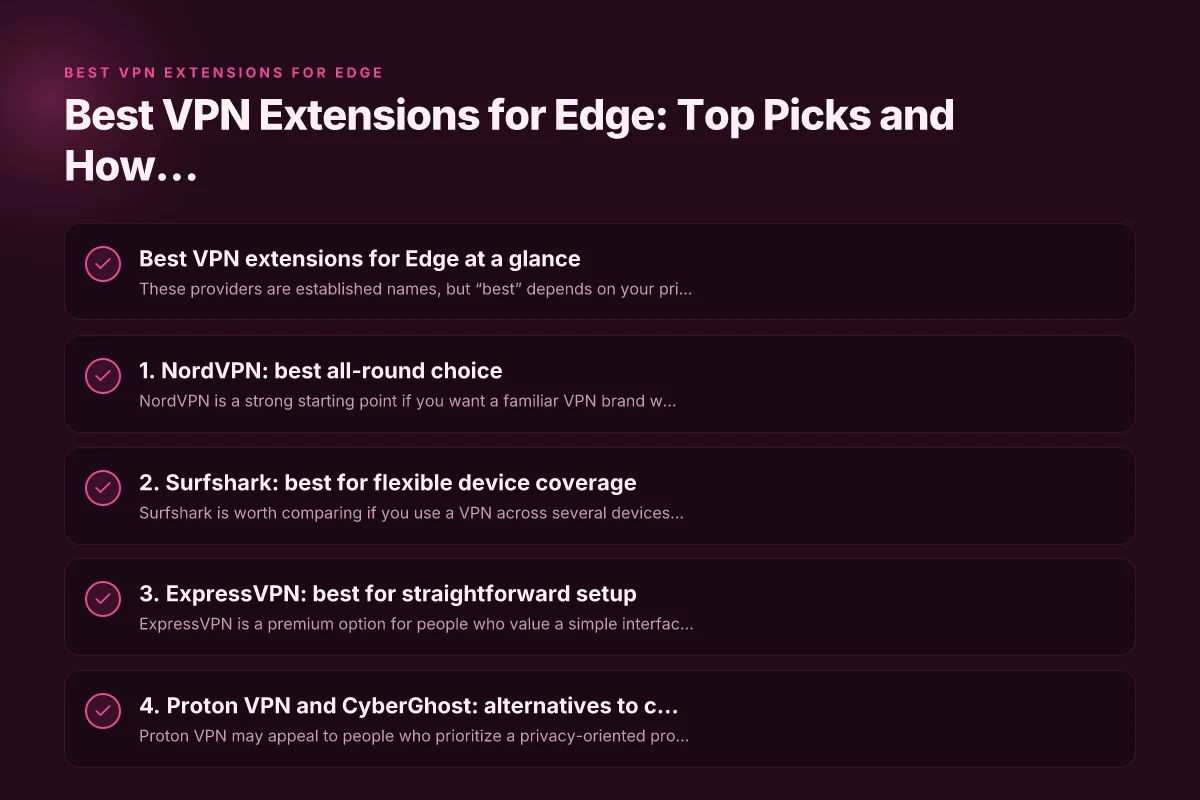
1. NordVPN: best all-round choice
NordVPN is a strong starting point if you want a familiar VPN brand with an Edge extension and a larger desktop service behind it. Its service offers a broad network of locations and additional privacy and security features, though the exact tools available through the browser extension may differ from those in the full app.
That distinction matters. A browser add-on might protect only Edge traffic, while the desktop app can cover traffic from other browsers and applications too. Some extensions also provide features such as blocking certain trackers or malicious websites, but availability can vary by platform and plan.
Choose NordVPN if you want a capable general-purpose option and are willing to compare the extension with the desktop app before subscribing. If you need protection for games, messaging apps, or downloads outside Edge, install and use the full VPN application as well. FortiClient IPsec VPN: Setup, Configuration, and Troubleshooting
Comparing the featured Edge VPN options
| Option | Ease of setup | Device flexibility | Coverage | Useful comparison |
|---|---|---|---|---|
| NordVPN | Straightforward | Provider-dependent | Extension and VPN app | Strong all-round option |
| Surfshark | Straightforward | Flexible | Extension and VPN app | Suits multiple devices |
| ExpressVPN | Simple | Provider-dependent | Extension and VPN app | Focuses on easy setup |
| Proton VPN | Provider-dependent | Provider-dependent | Check provider details | Alternative to compare |
| CyberGhost | Provider-dependent | Provider-dependent | Check provider details | Alternative to compare |
| Edge extension | Usually browser-focused | Browser-dependent | Edge traffic | Convenient for browsing |
| Full VPN app | Provider-dependent | Device-dependent | Device traffic | Broader than browser-only |
Compiled November 2026; check the provider's site for current details.
2. Surfshark: best for flexible device coverage
Surfshark is worth comparing if you use a VPN across several devices and want a service with a browser extension. Its appeal is convenience: you can use the Edge add-on for browser sessions and install its dedicated apps on supported devices for broader coverage.
Before buying, confirm how many devices your plan allows, what the extension itself protects, and which features are limited to the apps. An extension’s location list may not match the full service, and some privacy controls may require a separate installation or account setting. VPN Edge Extension Free: How to Choose and Use One Safely
Surfshark can suit households or individuals who want one subscription for multiple types of devices. As with any provider, read the renewal price and cancellation terms rather than judging a plan only by its introductory offer.
3. ExpressVPN: best for straightforward setup
ExpressVPN is a premium option for people who value a simple interface and guided setup. Its Edge extension may work alongside the provider’s desktop application, so check whether it can operate independently or requires the app to be installed and running.
This can be an advantage if you want the browser controls to connect easily to a full-device VPN. It is less convenient if you specifically want a lightweight add-on that protects only Edge. Read the current extension description before installing so you know which setup applies.
ExpressVPN is a sensible choice if ease of use matters more than finding the lowest price. Compare its current subscription cost with alternatives and make sure the features you want are available in your region and on your chosen plan. Free VPN With Country Selection: How to Choose One Safely
4. Proton VPN and CyberGhost: alternatives to compare
Proton VPN may appeal to people who prioritize a privacy-oriented provider and want to compare its browser extension with its desktop apps. Check the current Edge extension’s features, server access, and any restrictions tied to the free or paid plans. A free tier can be useful for testing, but it may have limits that make it unsuitable for regular streaming or high-speed use.
CyberGhost is another provider to consider if you prefer a beginner-friendly service. Before choosing it, verify that its Edge extension is currently supported and offers the locations and protections you need. A browser add-on can have a different feature set from the provider’s full application.
For either service, look for clear privacy documentation. A VPN can hide your connection’s destination from your local network provider, but it does not make you anonymous or prevent websites from identifying you through cookies, account logins, or browser fingerprinting.
How to choose the right setup for Edge VPN Extension for Microsoft Edge: How to Choose and Use One
| What to consider | Browser extension | Full VPN app | Check before choosing |
|---|---|---|---|
| Protection scope | Edge browser traffic | Traffic across the device | Which apps need coverage |
| Setup | Add to Edge | Install on device | Ease of installation |
| Account | May require a VPN account | Often tied to a VPN plan | Subscription requirements |
| Device coverage | Browser-focused | Device-wide | Supported devices |
| Provider choice | NordVPN, Surfshark, ExpressVPN and others | Provider app availability | Features and compatibility |
| Best fit | Edge-only browsing | Multiple apps or whole-device use | Your everyday needs |
Compiled November 2026; check the provider's site for current details.
How to choose a VPN extension for Edge
Use these checks before installing or paying for a service:
- Find out what it protects. Does it route only Edge traffic, or does it control a full-device VPN app?
- Review privacy policies. Look for clear information about connection logs, data collection, and how the provider handles requests.
- Check security features. Confirm whether the extension includes a kill switch, DNS leak protection, or tracker blocking, and whether those features apply to browser traffic.
- Compare locations and performance. Choose a provider with locations that match your needs, then test speed and reliability on your own connection.
- Read the plan details. Check limits, renewal pricing, refunds, and whether the features you want require a paid plan.
- Install from a trusted source. Use the Microsoft Edge Add-ons store or the provider’s official website, and verify the publisher before granting permissions.
A VPN extension may also request access to website data or browser traffic so it can do its job. Review permissions carefully and avoid unofficial add-ons that imitate well-known VPN brands.
VPN extension or full VPN app?
The key difference is coverage. An extension that tunnels browser traffic can be convenient for browsing, but it may not protect other programs on your device. A full VPN app is generally the better choice when you want system-wide coverage, including traffic from apps that do not run inside Edge. Fastest Free VPN for Edge: What to Choose and How to Test It
Some extensions connect to a provider’s desktop app instead of making a VPN connection on their own. Neither approach is automatically better: choose based on whether you want browser-only control or broader protection. If you use both, check that the extension and app are configured consistently to avoid confusion about which traffic is covered.
Final recommendation
For most Edge users, NordVPN is a strong all-round starting point, with Surfshark and ExpressVPN as good alternatives depending on your device needs and budget. Compare current features and privacy terms, then confirm whether the extension protects Edge alone or depends on a full VPN app. If you want all-device coverage, install the provider’s desktop application rather than relying on a browser extension by itself.