VPN for gaming free
A practical guide to free VPNs for gaming, weighing latency, data limits, security, and what to expect.
Gamers often ask whether a vpn for gaming free is worth it. The short answer is: it depends on your priorities. A free VPN can help protect your privacy, unlock geo-restricted servers, or bypass regional throttling, but there are trade-offs. Free plans typically impose data caps, slower speeds, fewer servers, and sometimes higher latency during peak times. If your goal is to lower ping and maintain a smooth, responsive experience, you’ll want to weigh these limitations carefully. Below is a balanced look at options that are commonly discussed, how they work for gaming, and what to expect in real-world use.
Quick comparison table: free VPNs for gaming
| VPN / Free Tier | Latency impact | Server count | Data limit | P2P / gaming support | Notes |
|---|---|---|---|---|---|
| Proton VPN Free | Low to none (depends) | 3 regions | No data cap (moderate speed) | No P2P support | Free tier usable for gaming |
| Windscribe Free | Moderate | 10 locations | 10 GB/month | P2P allowed | 2 GB/month if you sign up; may require reset |
| TunnelBear Free | Moderate | 20 locations | 500 MB/month | Limited P2P | Slow data cap may hinder gaming |
Compiled November 2026; check the provider's site for current details.
Understanding what a VPN does for gaming
How VPNs affect latency and routing
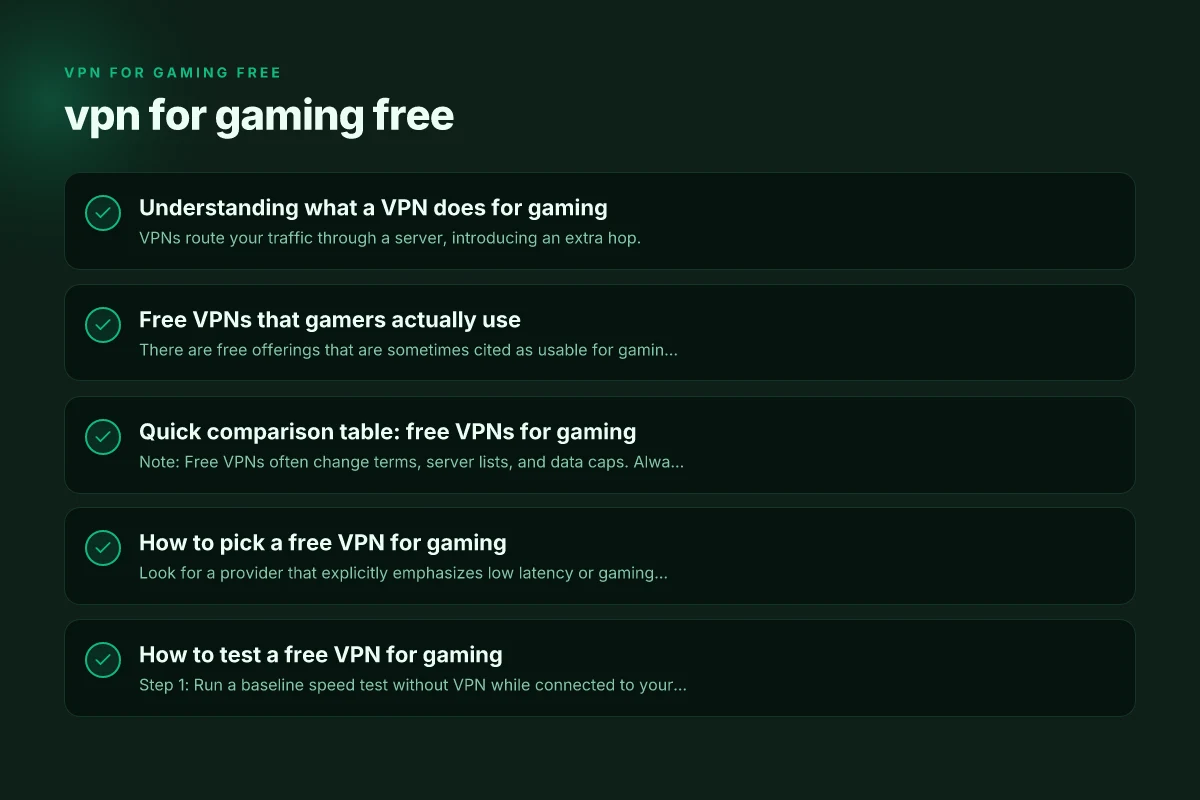
- VPNs route your traffic through a server, introducing an extra hop.
- The extra hop can add latency, which matters for fast-paced games.
- Some providers optimize routes or use faster protocols (like WireGuard) to keep latency reasonable.
Why someone might use a free VPN for gaming
- Bypassing ISP throttling on certain game services.
- Accessing geo-blocked content or regional servers for events.
- Improving privacy by masking your real IP address in public matches.
What free VPNs typically lack
- Consistent performance across all servers.
- Unlimited data or guaranteed low-latency pathways.
- Advanced features like dedicated gaming modes or optimized gaming servers.
Free VPNs that gamers actually use
There are free offerings that are sometimes cited as usable for gaming, but you should manage expectations. Here are common examples and how they tend to perform:
- Proton VPN (free plan)
- Pros: No data limit, no ads, no logs on user activity (as claimed by Proton).
- Cons: Free tier restricts servers, may have higher latency during peak times, speeds can vary.
- Windscribe (free tier)
- Pros: Generous monthly data allotment compared to many free VPNs. Reasonably low latency on some servers. Easy apps.
- Cons: Free servers can be congested. Some locations may not be ideal for gaming.
- Urban VPN (free)
- Pros: Broad server list. Easy to use.
- Cons: Perceived reliability and consistency can vary. May include ads in some versions.
- Other general-purpose free VPNs
- Pros: Quick access, no payment needed.
- Cons: Often data caps, slower speeds, and potential privacy concerns. Not designed specifically for gaming.
If you want a quick snapshot of how some free options compare for gaming, see the brief table below.
Quick comparison table: free VPNs for gaming
| VPN (free tier) | Data limit | Typical latency impact | Server variety (free) | Best use case for gaming |
|---|---|---|---|---|
| Proton VPN | unlimited | variable; may increase during peak times | limited but includes major regions | When you want no data cap and strong privacy |
| Windscribe | up to 10GB/month (free) | moderate; some low-latency servers available | good variety for a free tier | Casual gaming with occasional geo-restrictions |
| Urban VPN | data-limited/free-advertised | often lower quality; latency varies | broad, but free tiers vary | Quick access to more regions with low cash outlay |
| Other free options | often capped | higher likelihood of lag | limited | Basic privacy and regional access, not ideal for competitive gaming |
Note: Free VPNs often change terms, server lists, and data caps. Always verify current offerings from the provider before relying on them for gaming.
How to pick a free VPN for gaming
Prioritize latency and stability
- Look for a provider that explicitly emphasizes low latency or gaming performance.
- Prefer WireGuard-based implementations. They typically offer faster connection setup and lower overhead than older protocols.
- Test ping to game servers when possible, ideally using trial accounts or money-back guarantees to verify performance.
Check data limits and sudden throttling
- Data caps can cut sessions mid-match if you’re downloading updates or streaming while gaming.
- Free plans with no data cap exist (e.g., Proton VPN claims to offer unlimited data on the free plan), but you may pay in other ways (fewer servers, slower speeds).
Consider server availability and location
- More server locations give you options to avoid congested regions or to access specific in-game communities.
- If your game servers are in a particular region, ensure the free VPN offers reliable, low-latency access to that region.
Privacy and logging
- Free VPNs may monetize through ads or collect usage data. Review privacy policies carefully.
- Free plans with no ads and no logs claim stronger privacy, but confirm what “no logs” means in practice (AND how long data is retained, and what metadata is kept).
Understanding what a VPN does for gaming — quick reference VPN for gaming
| Topic | Why it matters for gaming | Typical outcome for free VPNs | Best practice note | Common caveat |
|---|---|---|---|---|
| Latency | Ping/response time; affects gameplay | Free VPNs add extra hop | Choose low-latency servers | Higher ping possible |
| Bandwidth | Throughput for games & updates | Data caps limit play time | Prefer unlimited where possible | Caps disrupt sessions |
| Server locations | Proximity to game servers | Fewer free locations | Pick near game servers | Limited regional options |
| Stability | Connection drops ruin matches | Free often less stable | Test before ranked play | Drops more frequent |
Compiled November 2026; check the provider's site for current details.
How to test a free VPN for gaming
- Step 1: Run a baseline speed test without VPN while connected to your usual game server region.
- Step 2: Connect to a free VPN server that is geographically reasonable for your target game.
- Step 3: Run the same speed test and measure latency (ping) to your game’s server or a representative endpoint.
- Step 4: Open the game and do a few practice matches or a test session to gauge stability and input responsiveness.
- Step 5: Monitor data usage to avoid hitting any caps during a session.
If you run into noticeable lag, try switching to a different server within the same VPN, or temporarily disable the VPN during peak competitive sessions. Some players also Rabbit-rarely use a VPN for gaming only during installation or regional access windows, rather than for ongoing play.
Free VPNs vs paid VPNs for gaming: what’s the difference?
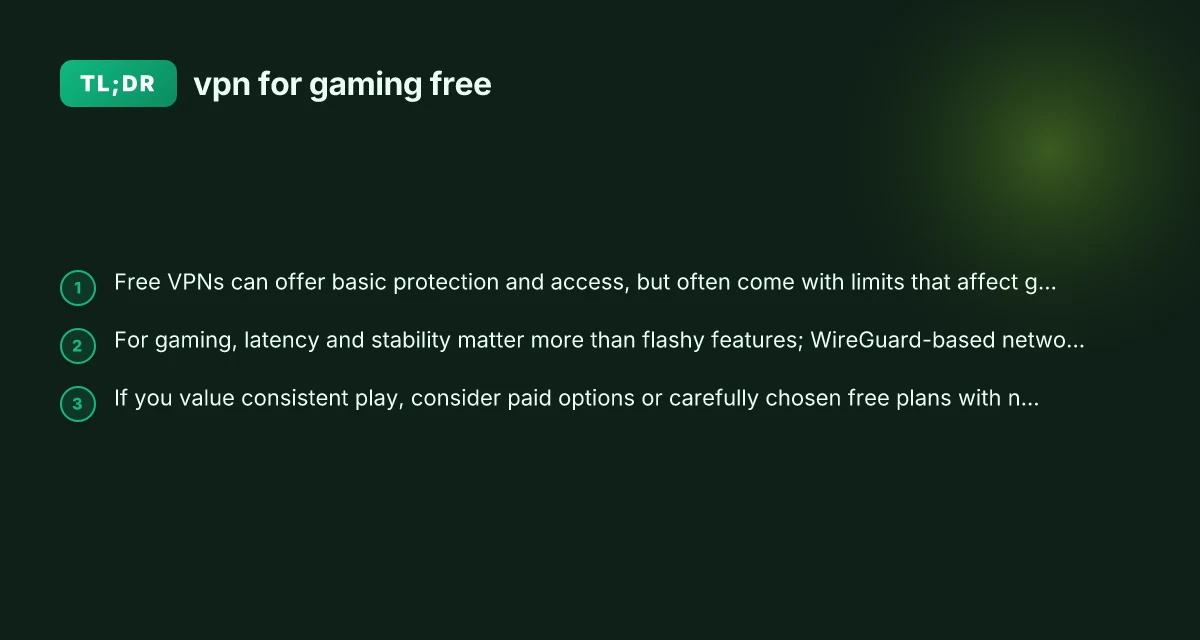
- Latency and throughput: Paid VPNs tend to offer more consistent low latency due to larger server networks, prioritization, and more reliable routing. Free options may fluctuate with congestion.
- Server availability: Paid services typically provide many more server locations, optimized routes, and streaming-friendly nodes, which helps with access to regional events or content.
- Data guarantees: Most paid plans offer predictable data usage, while free plans often carry caps or throttling after a certain threshold.
- Customer support: Paid VPNs include more robust support options, sometimes 24/7 chat, which is valuable if you encounter connectivity issues during a game.
- Privacy assurances: Reputable paid VPNs generally maintain strict no-logs policies and third-party audits. Some free providers might have more aggressive data collection or advertising.
If gaming is a regular activity for you, a paid VPN with a reputable gaming profile might deliver a better experience. That said, a free VPN can be a low-risk way to experiment with whether VPN use helps in your specific situation.
Real-world tips from players and experts
- Test multiple servers: A single free VPN server may be congested. Rotating to another can sometimes dramatically improve latency.
- Use the shortest viable route: Choose servers in nearby regions if possible to minimize distance-traveled data.
- Pair with a wired connection: If you have a wired Ethernet setup, your overall latency will likely be better than over Wi-Fi, VPN notwithstanding.
- Keep background apps in check: Free networks can be sensitive to background downloads or streaming, which can waste your data cap or slow your connection.
How to pick a free VPN for gaming — decision guide VPN for China Netflix
| Criterion | What to look for | Recommendation for free tier | Quick yes/no | Tip |
|---|---|---|---|---|
| Latency impact | Extra ping per server | Choose closest server | Yes if low ping | Run a traceroute |
| Data limits | Monthly data allowance | Higher is better (if available) | Yes if unlimited | Prefer none or high cap |
| Speed stability | Consistent speeds | 2-3 Mbps+ sustained | Yes with good network | Avoid peak times |
| Server variety | Regions near gaming hubs | More is better | Yes if multiple nearby | Check regional list |
| Privacy policy | Logging practices | Minimal/no logs | Yes if transparent | Read policy |
Compiled November 2026; check the provider's site for current details.
The recommended approach
- For intermittent needs or privacy-first usage: Try Proton VPN's free plan to see if it meets your latency and stability requirements, since it advertises no data limit on their free tier. If you can accept location limitations and possibly slower speeds during peak hours, this could be a viable option.
- For casual gaming with more flexible data: Windscribe’s free tier offers a comfortable data allowance and generally reasonable latency, making it a solid middle-ground choice for gamers who aren’t chasing the lowest possible ping.
- For strict data limits or occasional access: Urban VPN and similar free providers can be useful for quick regional access or testing, but you should be prepared for limitations that may affect performance in fast-paced titles.
Final recommendation If your goal is to improve or stabilize gaming performance, a free VPN can help in some circumstances, particularly if you are trying to bypass throttling or access a region with less congestion. However, expect trade-offs: potential added latency, data caps, and varying server performance. Start with a reputable, no-ads free option like Proton VPN to see how it affects your specific games, then consider a paid VPN with a proven gaming track record if you find that latency and consistency matter enough to justify the cost. Always test different servers, monitor data usage, and be ready to revert to a direct connection if latency spikes become unacceptable.
| VPN | From / month | Plan | Free plan | Refund | Alipay | UnionPay | Crypto | Website opens in China | Trustpilot | |
|---|---|---|---|---|---|---|---|---|---|---|
 Proton VPN | $2.99/mo | 12 months: $35.88 | Yes | 30 days | ✗ | ✗ | ✗ | ✓ | ✓ Yes (2.5 s) | 2.1/5 (1,040 reviews) |
 Windscribe | $5.75/mo | 12 months: $69 | Yes | See site | ✗ | ✗ | ✗ | ✓ | ✗ Blocked | 4.7/5 (13,355 reviews) |
 ZoogVPN | $2.49/mo | 27 months: $59.99 | Yes | 7 days | ✓ | ✓ | ✓ | ✓ | ✓ Yes (2.5 s) | 4.2/5 (195 reviews) |
 NordVPN | $3.49/mo | 27 months: $94.23 | No | 30 days | ? | ✗ | ✓ | ✓ | ✗ Blocked | 4.2/5 (51,628 reviews) |
 ExpressVPN | $3.00/mo | 28 months: $84 | No | 30 days | ✗ | ✗ | ✓ | ✗ | ✗ Blocked | 4.4/5 (29,706 reviews) |
 Surfshark | See site | See site | No | 30 days | ✗ | ✗ | ✗ | ✓ | ✗ Blocked | 4.3/5 (31,823 reviews) |
 Astrill VPN | $12.50/mo | 24 months: $300 | No | See site | ✗ | ✗ | ✗ | ✓ | ✗ Blocked | 1.3/5 (110 reviews) |
 Private Internet Access | $2.03/mo | 40 months: $81.2 | No | 30 days | ✗ | ✗ | ✗ | ✗ | ✗ Blocked | 4.2/5 (11,033 reviews) |
 CyberGhost | $2.19/mo | 28 months: $61.32 | No | 45 days | ✗ | ✗ | ✗ | ✓ | ✗ Blocked | 4.0/5 (24,178 reviews) |
 PureVPN | $1.69/mo | 60 months: $101.55 | No | 31 days | ? | ✗ | ✗ | ✓ | ✓ Yes (2.6 s) | 4.4/5 (17,994 reviews) |
 AdGuard VPN | $2.99/mo | 24 months: $71.76 | Yes | 30 days | ✓ | ✗ | ✓ | ✓ | Official site blocked; our special link opens (2.3 s) | 4.3/5 (290 reviews) |
 Mullvad | $5.61/mo | €5/mo | No | 14 days | ✗ | ✗ | ✗ | ✓ | ✗ Blocked | 3.2/5 (192 reviews) |
 StrongVPN | See site | See site | No | 30 days | ✓ | ✗ | ✗ | ✗ | ✗ Blocked | 4.4/5 (2,695 reviews) |
 LightXtreme 闪连 | $7.08/mo | 12 months: $84.99 | Yes | 30 days | ✓ | ✓ | ✓ | ✓ | ✓ Yes (2.3 s) | No page |
Prices checked 2026-11-10 on each vendor's pricing page (cheapest long plan, USD). Check the vendor's checkout for the final price.
Payment methods checked 2026-11-10 on each vendor's payment pages: all 14 take cards and PayPal; ✗ = not listed, ? = the vendor's own pages disagree.
China access: whether the official website opens from mainland China networks (tests the website only, not the VPN connection). Last checked 2026-11-11 04:07 Beijing time.
Trustpilot score and review count checked 2026-11-10.