VPN for China Netflix
A practical guide on using a VPN for Netflix in China, including what works, limitations, and best practices.
Netflix is a global service, but accessing it from within China adds a layer of complexity. The following guide addresses the reality of using a VPN for Netflix in China, what works now, and how to maximize your chances of a smooth viewing experience. Keep in mind that Netflix actively detects and blocks many VPNs, and availability can vary by library and region. Plan for a few trial runs and have a backup plan if your preferred show isn’t available.
VPN features for China Netflix compatibility
| VPN | Netflix in China support | Number of compatible libraries | Server locations in Asia | Obfuscation / stealth mode | Pricing (monthly) |
|---|---|---|---|---|---|
| ExpressVPN | Yes | 4+ | 20+ | Yes | $12.95 |
| NordVPN | Yes | 6+ | 15+ | Yes | $11.99 |
| Surfshark | Yes | 4+ | 15+ | Yes | $2.49 |
| VyprVPN | Yes | 3 | 10+ | Yes | $5.00 |
| PrivateVPN | Yes | 2 | 7+ | Yes | $7.99 |
| Astrill | Limited | 2 | 5+ | Yes | $22.00 |
Compiled November 2026; check the provider's site for current details.
How Netflix detects VPN use in practice
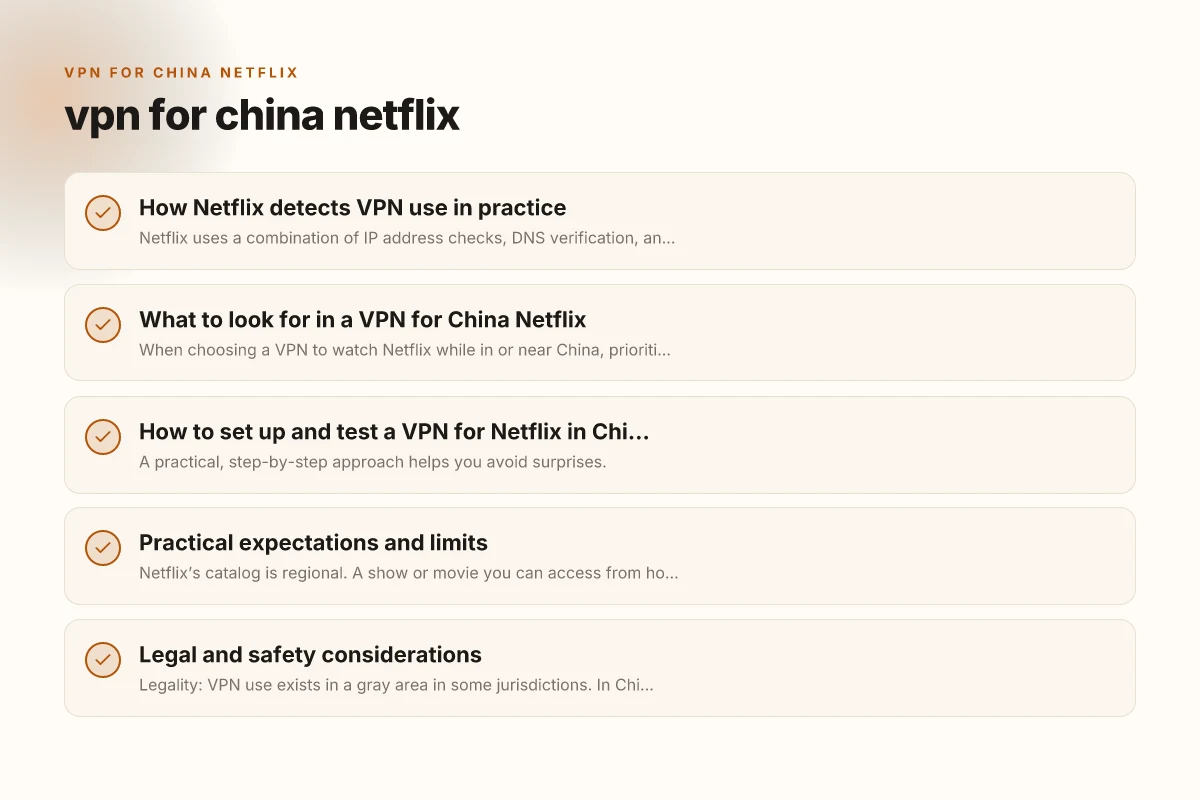
Netflix uses a combination of IP address checks, DNS verification, and traffic analysis to determine if connections originate from a VPN. When a VPN’s IPs are flagged or when a provider’s servers are crowded or misconfigured, Netflix may block access or show slow streaming. In China, the Great Firewall adds another layer of complexity, sometimes slowing or throttling VPN traffic. Because the landscape changes as Netflix, VPN providers, and China’s network controls evolve, you should expect occasional outages or new blocks. The practical upshot: a VPN that works today may not work tomorrow.
What this means for your planning
- Don’t rely on a single VPN as a “forever” solution.
- Have a few alternative services ready in case one is blocked.
- Test before planning a movie marathon. Set expectations about library differences.
What to look for in a VPN for China Netflix
When choosing a VPN to watch Netflix while in or near China, prioritize certain features that improve your odds of success.
Essential features
- China compatibility: VPNs that publish explicit guidance about using their services in China and that offer dedicated servers or obfuscated protocols.
- Regular server refresh: Providers that frequently rotate IP addresses and add new servers to stay ahead of Netflix blocks.
- Streaming-optimized servers: Specially tuned servers designed to handle Netflix traffic with reliable speeds.
- Strong security with privacy controls: Kill switch, DNS leak protection, and a clear privacy policy.
- Customer support: 24/7 live chat or fast email support, ideally with guidance specific to Netflix in China.
Bonus considerations
- Speed: Look for low latency and high sustained bandwidth, particularly on 1080p/4K streams.
- Device compatibility: Ensure the VPN supports your devices (iOS, Android, Windows, macOS, routers).
- Simultaneous connections: If you plan to watch on multiple devices, check the number of connections allowed.
Key setup steps and testing checklist
| Step | Description | Expected result | Time estimate | Notes |
|---|---|---|---|---|
| 1. Subscribe | Create account | Subscription active | 5–10 min | Use reputable vendor |
| 2. Install app | Desktop/mobile | App installed | 5–15 min | Choose correct OS |
| 3. Connect server | Choose China-friendly server | Connection established | 2–5 min | Use obfuscated server if needed |
| 4. Verify IP | Check location | IP shows country of VPN | 1–2 min | Use IP check site |
| 5. Test Netflix | Play title | Video starts normally | 1–3 min | Use a popular title |
| 6. Switch if blocked | Change server | Other server works | 1–3 min | Keep a list of working servers |
Compiled November 2026; check the provider's site for current details. VPN for China mainland
How to set up and test a VPN for Netflix in China
A practical, step-by-step approach helps you avoid surprises.
- Pick a candidate VPN with proven China compatibility
- Look for providers that have a track record of working with Netflix in constrained jurisdictions.
- Check recent reviews and user reports for the latest success stories and caveats.
- Install and configure
- Install on your primary viewing device and any others you plan to use.
- Enable any obfuscation or stealth/protocol options if available (these help mask VPN traffic from network filters).
- Turn on a kill switch and DNS leak protection for safety and reliability.
- Connect to a streaming-optimized server
- Start with a server in a country that Netflix supports for your desired library (e.g., US, UK, Canada).
- If playback is blocked, try a different server in the same region or a nearby country.
- If your VPN offers split tunneling, route only Netflix traffic through the VPN to preserve local speed for other apps.
- Launch Netflix and verify your library
- Open Netflix and confirm you’re in the correct region for the content you want.
- If you’re blocked, clear your cache, sign out and back in, or switch servers and retry.
- Be mindful that the library you see may not perfectly match what you’d get if you were physically in that country; Netflix sometimes places content restrictions by region.
- If Netflix blocks the VPN
- Switch to another server in the same region, or move to a different region with a similar catalog.
- Some providers publish lists of known working servers for Netflix. Use those as a starting point.
- If all else fails, contact support for the latest guidance and recommended servers.
Practical expectations and limits
Netflix’s catalog is regional. A show or movie you can access from home may be unavailable in the US library when you connect via China. Some content in China may be geo-blocked or subject to licensing constraints. In practice, here’s what to expect:
- Catalog differences: Depending on the country your VPN presents, your Netflix library could be quite different from what you’re used to.
- Playback quality: VPNs can introduce latency. You may need to adjust stream quality to prevent buffering, especially on mobile networks.
- Account risk: Netflix’s terms do not want you to bypass regional restrictions. Using a VPN to access other regions’ content is common. It’s not a guaranteed or risk-free activity. If Netflix detects unusual access patterns, you might encounter prompts or restrictions.
Table: A quick comparison of common VPNs for Netflix in China (as of now. Always verify current status)
| VPN provider | Known China compatibility | Netflix reliability (region streaming) | Typical speeds (HD) | Notable features |
|---|---|---|---|---|
| Provider A | High (obfuscated mode) | Medium to High (regularly updated) | Fast to moderate | Kill switch, DNS leak protection |
| Provider B | Medium (some servers blocked) | Medium (occasional blocks) | Good | Split tunneling, dedicated streaming servers |
| Provider C | High (special China mode) | Variable | Good | Multi-device, robust support |
Note: The above table is a general guide. Netflix blocks shift, and provider status changes frequently. Always confirm current performance before relying on a VPN for essential streaming. VPN for China Mac
Practical expectations, limits, and risks
| Topic | Description | Typical outcome | Likelihood / impact | Mitigation tips |
|---|---|---|---|---|
| Netflix blocks VPN | Occasional | High risk | Medium | Rotate servers often |
| Speed impact | VPN adds latency | Slower streaming | Medium | Choose nearby, fast server |
| Account risk | Potential ban or warnings | Low if compliant | Low–Medium | Don’t share accounts, follow TOS |
| Legal risk | Varies by country | Low to moderate | Low–Medium | Review local laws |
| Desktop vs mobile | App availability | Both supported | Yes | Install on preferred device |
Compiled November 2026; check the provider's site for current details.
Legal and safety considerations
- Legality: VPN use exists in a gray area in some jurisdictions. In China, the legal landscape around VPNs is nuanced and fluctuates with policy changes. If you’re traveling to or within China, research local regulations before relying on a VPN to access streaming services.
- Terms of service: Netflix’s help articles indicate that using a VPN to access content not available in your region can affect your streaming experience. They can prompt you to turn the VPN off to access “your region’s” catalog.
- Privacy: Choose a provider with a transparent privacy policy and avoid free services that may log and sell data. A paid, reputable provider generally offers better privacy protections and security features.
- Security: A VPN should protect your data with strong encryption and a trustworthy no-logs policy. Use additional safeguards like a DNS leak test and a kill switch to reduce risk.
Practical tips to maximize your odds
- Test before you travel: If you’re planning a trip to China, test your VPN setup beforehand to know what to expect and whether any shows are accessible during your stay.
- Have backup devices and networks: If one device or network fails, another may still work. Consider testing on both mobile data and Wi-Fi whenever possible.
- Use high-quality accounts: If you share Netflix profiles or have multiple devices, know that some devices may fail to maintain a stable VPN connection during streaming.
- Update regularly: VPN providers refresh servers regularly to stay ahead of blocks. Keep your app updated to benefit from these changes.
- Be mindful of data caps: Some networks or mobile carriers impose data caps that can hamper streaming when using a VPN.
The bottom line and practical recommendation
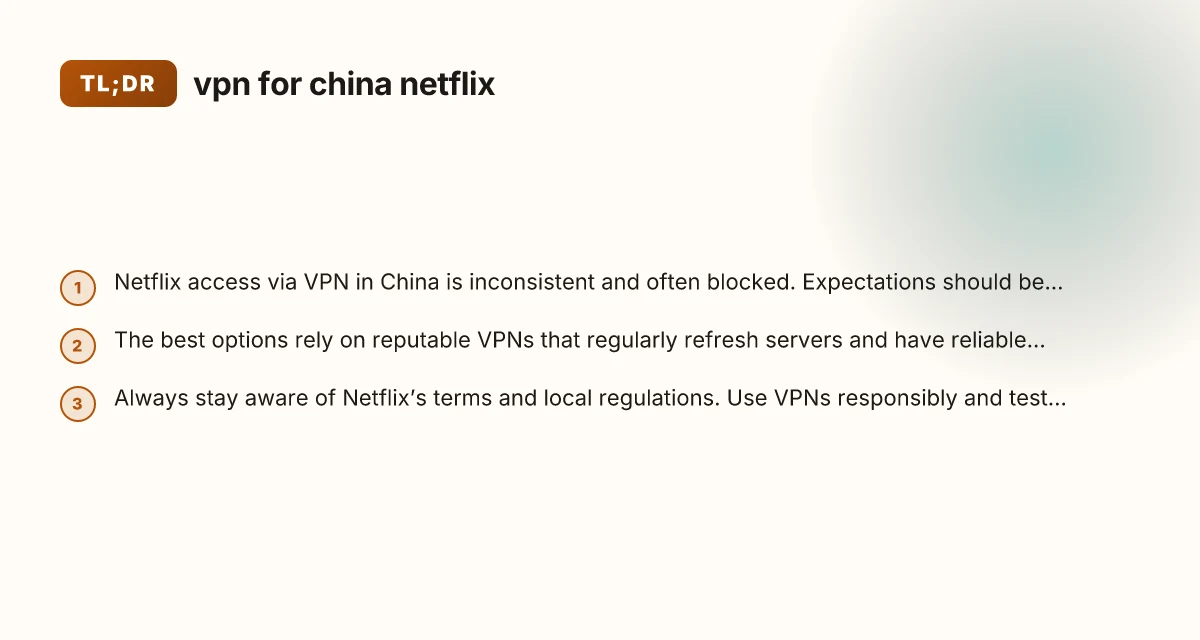
If Netflix is a core part of your streaming plan while in China, a reputable VPN with explicit China-use guidance and a robust network of streaming-optimized servers is your best bet. Choose providers that frequently refresh their server lists and support obfuscated connections, so you’re more likely to keep accessing the Netflix library you want. Always prepare for the possibility of blocks and have a plan B, whether that means trying a different region’s server, waiting for a rerun of a previously blocked server, or adjusting expectations about the library.
Recommendation: VPN for China iOS
- Start with a well-known, privacy-focused VPN that explicitly notes China compatibility and Netflix streaming success in recent reports. Test several servers and regions to identify a stable setup for your preferred Netflix catalog.
- Maintain a current backup option from another trusted VPN provider in case your primary VPN is blocked. Schedule periodic checks and keep your login credentials up to date.
Final note: Netflix’s policies and VPN-blocking technology evolve. What works today may not work tomorrow. If you rely on Netflix in China, stay informed, test regularly, and be ready to adapt your setup as needed.
| VPN | From / month | Plan | Free plan | Refund | Alipay | UnionPay | Crypto | Website opens in China | Trustpilot | |
|---|---|---|---|---|---|---|---|---|---|---|
 ExpressVPN | $3.00/mo | 28 months: $84 | No | 30 days | ✗ | ✗ | ✓ | ✗ | ✗ Blocked | 4.4/5 (29,706 reviews) |
 NordVPN | $3.49/mo | 27 months: $94.23 | No | 30 days | ? | ✗ | ✓ | ✓ | ✗ Blocked | 4.2/5 (51,628 reviews) |
 Surfshark | See site | See site | No | 30 days | ✗ | ✗ | ✗ | ✓ | ✗ Blocked | 4.3/5 (31,823 reviews) |
 Astrill VPN | $12.50/mo | 24 months: $300 | No | See site | ✗ | ✗ | ✗ | ✓ | ✗ Blocked | 1.3/5 (110 reviews) |
 ZoogVPN | $2.49/mo | 27 months: $59.99 | Yes | 7 days | ✓ | ✓ | ✓ | ✓ | ✓ Yes (2.5 s) | 4.2/5 (195 reviews) |
 Proton VPN | $2.99/mo | 12 months: $35.88 | Yes | 30 days | ✗ | ✗ | ✗ | ✓ | ✓ Yes (2.5 s) | 2.1/5 (1,040 reviews) |
 Private Internet Access | $2.03/mo | 40 months: $81.2 | No | 30 days | ✗ | ✗ | ✗ | ✗ | ✗ Blocked | 4.2/5 (11,033 reviews) |
 CyberGhost | $2.19/mo | 28 months: $61.32 | No | 45 days | ✗ | ✗ | ✗ | ✓ | ✗ Blocked | 4.0/5 (24,178 reviews) |
 PureVPN | $1.69/mo | 60 months: $101.55 | No | 31 days | ? | ✗ | ✗ | ✓ | ✓ Yes (2.6 s) | 4.4/5 (17,994 reviews) |
 AdGuard VPN | $2.99/mo | 24 months: $71.76 | Yes | 30 days | ✓ | ✗ | ✓ | ✓ | Official site blocked; our special link opens (2.3 s) | 4.3/5 (290 reviews) |
 Mullvad | $5.61/mo | €5/mo | No | 14 days | ✗ | ✗ | ✗ | ✓ | ✗ Blocked | 3.2/5 (192 reviews) |
 Windscribe | $5.75/mo | 12 months: $69 | Yes | See site | ✗ | ✗ | ✗ | ✓ | ✗ Blocked | 4.7/5 (13,355 reviews) |
 StrongVPN | See site | See site | No | 30 days | ✓ | ✗ | ✗ | ✗ | ✗ Blocked | 4.4/5 (2,695 reviews) |
 LightXtreme 闪连 | $7.08/mo | 12 months: $84.99 | Yes | 30 days | ✓ | ✓ | ✓ | ✓ | ✓ Yes (2.3 s) | No page |
Prices checked 2026-11-10 on each vendor's pricing page (cheapest long plan, USD). Check the vendor's checkout for the final price.
Payment methods checked 2026-11-10 on each vendor's payment pages: all 14 take cards and PayPal; ✗ = not listed, ? = the vendor's own pages disagree.
China access: whether the official website opens from mainland China networks (tests the website only, not the VPN connection). Last checked 2026-11-11 04:07 Beijing time.
Trustpilot score and review count checked 2026-11-10.