VPN for Android apk
A practical guide to choosing and using VPN for Android APKs, including safety, alternatives, and best practices.
In the Android ecosystem, VPN for Android APKs are a common topic. People search for APK files to install VPN apps outside of the Google Play Store, sometimes seeking free, unlimited, or faster connections. This article explains what those APKs are, how to evaluate them safely, and what to expect when you install a VPN APK on an Android device. It also covers legal and security considerations, plus practical steps to minimize risk while using VPN services on Android.
Comparison of VPN APK vs Official App
| Feature | Official VPN App | APK from Vendor | APK from Third-Party Source | Recommended for Android users? |
|---|---|---|---|---|
| Installation ease | Easy | Moderate | Variable | Official app preferred |
| Security assurances | High (signed) | Risky (verify signature) | Risky (verify source) | Prefer official app |
| Update frequency | Frequent | Infrequent | Inconsistent | Official app best |
| Trust level | High | Medium to Low | Low to Unknown | Official app recommended |
| Access to features | Full | Some features missing | Some features missing/malware risk | Official app preferred |
| Malware risk | Low | Moderate to High | High | Official app recommended |
Compiled November 2026; check the provider's site for current details.
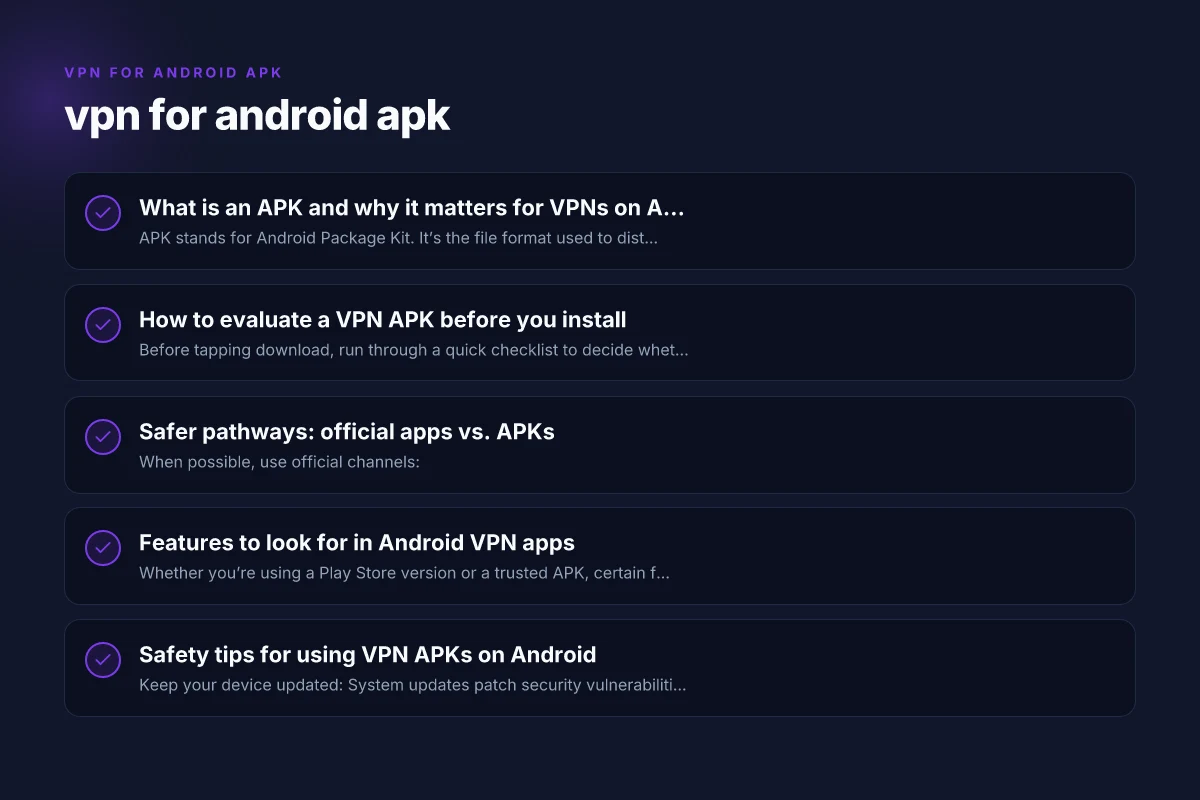
What is an APK and why it matters for VPNs on Android
- APK stands for Android Package Kit. It’s the file format used to distribute and install apps on Android.
- VPN apps you find as APKs may come from Google Play alternatives, developer sites, or third-party stores.
- Why this matters: installing an APK from an untrusted source can expose you to malware, data theft, or unstable connections.
- The promise of a VPN APK is simple: encrypt your traffic, mask your IP, and allow access to content or networks that might be restricted.
Key points to keep in mind:
- Not all APKs are safe. A trusted developer and a clear update history are essential.
- Some APKs bundle extra software or trackers. You want to review permissions carefully.
- If you’re unsure, it’s often safer to use the official Play Store version or download from the developer’s official site.
How to evaluate a VPN APK before you install
Before tapping download, run through a quick checklist to decide whether this APK is worth the risk:
- Developer reputation: Is the app from a well-known VPN brand or a reputable developer? Look for established names and official websites.
- Permissions: Check what the APK asks for. A VPN app should primarily need network, device, and perhaps foreground service permissions. Be wary of apps asking for unnecessary access (contacts, SMS, microphone, etc.).
- Reviews and updates: Read user reviews for reliability, speed, and stability. Check the update history to gauge ongoing support.
- Source trust: Download from official sites, verified mirrors, or the Google Play Store when possible. If you download an APK from a forum or unknown site, consider the risk.
- Privacy policy: A transparent policy outlining data collection, storage, and sharing practices helps you assess privacy risk.
- Security features: Look for kill switch, DNS leak protection, split tunneling, and strong encryption (OpenVPN, WireGuard, etc.).
- Legal and policy considerations: Some countries block or restrict VPN usage. Ensure you’re compliant with local laws and your organization’s policy if you’re on a corporate device.
If any of these checks raise concerns, proceed with caution or skip the APK and opt for safer alternatives.
Safer pathways: official apps vs. APKs
When possible, use official channels: VPN extension USA
- Google Play Store: Installing from Google Play is generally safer due to Play Protect scanning, verified publishers, and automatic updates.
- Official developer site: Some VPNs offer direct APK downloads from their own sites. Ensure the site uses HTTPS and has a legitimate domain.
- Alternative app stores with vetting: Some reputable stores review apps before listing them, though this still introduces some risk compared to the Play Store.
Common trade-offs:
- Official apps: Best safety, automatic updates, easier revocation if a vulnerability is found.
- APKs from trusted sources: Can provide access to older versions or features not available in the Play Store, but require manual updates and heightened caution.
Key Criteria to Evaluate VPN APKs on Android
| Criterion | Yes/No / N/A | Description |
|---|---|---|
| Source legitimacy | Yes | Use official store or vendor page |
| Signature verification | Yes | APK must be signed by trusted key |
| Permissions requested | Yes | Minimal necessary permissions only |
| Data logging policy | Yes | Clear and privacy-friendly |
| Kill switch availability | Yes | Network kill switch present |
| DNS leak protection | Yes | DNS leak protection offered |
| AES encryption | Yes | Robust encryption (e.g., AES-256) |
| No-logs claim credibility | Yes | Verify with independent reviews |
| Malware scan result | Yes | Passed reputable antivirus/malware check |
| Auto-update capability | Yes | Keeps app current |
Compiled November 2026; check the provider's site for current details.
Features to look for in Android VPN apps
Whether you’re using a Play Store version or a trusted APK, certain features improve your experience and security: VPN extension free
- Protocols: WireGuard and OpenVPN are popular for speed and security. Some apps allow automatic protocol selection.
- Kill switch: Prevents data leaks if the VPN connection drops.
- DNS leak protection: Ensures your DNS requests don’t reveal your real location.
- Ad and tracker blocking: Some VPNs offer built-in content filtering or malware protection.
- Split tunneling: Lets you route only certain apps through the VPN, preserving local access for others.
- Auto-connect and trusted networks: Reconnects automatically when you switch networks or reconnects on boot.
- Logging policy: Prefer apps with minimal or no-logs policies, and verify how data is stored and for how long.
- Server variety: A broad server network gives more options for speed, latency, and geo-access.
Table: feature comparison (simplified)
| Feature | Typical Android VPN APK | Play Store VPN App |
|---|---|---|
| Protocols | OpenVPN, WireGuard | OpenVPN, WireGuard |
| Kill switch | Often available | Commonly available |
| DNS leak protection | Varies by app | Commonly available |
| Split tunneling | Some apps offer | Increasingly common |
| Automatic updates | Manual APK updates required | Automatic updates |
| Privacy policy | Varies, check source | Usually clear policy |
| Server network | Depends on provider | Large networks common |
| Ads/monetization | Varies; some free versions | Ads less common in paid tiers |
Safety tips for using VPN APKs on Android
- Keep your device updated: System updates patch security vulnerabilities that could be exploited by malicious APKs.
- Install from trusted sources: Prefer official app stores or the developer’s own site.
- Verify APK integrity: If you download an APK outside Google Play, use checksums (MD5/SHA-256) provided by the source to confirm file integrity.
- Use a trusted VPN with a clear privacy policy: Prioritize providers that publish transparent security practices and minimal data retention.
- Monitor permissions: After installation, review app permissions in Android settings and revoke anything unnecessary.
- Enable security features: Turn on kill switch and DNS leak protection if available.
- Consider a test period: Try the VPN for a short period to assess speed, reliability, and privacy practices before committing to a long-term plan.
- Avoid “free” unlimited promises: Many free VPN APKs monetize via data collection or aggressive ads. If a deal sounds too good to be true, it probably is.
Common questions people ask about VPN APKs for Android
Q: What is the best VPN apk for Android?
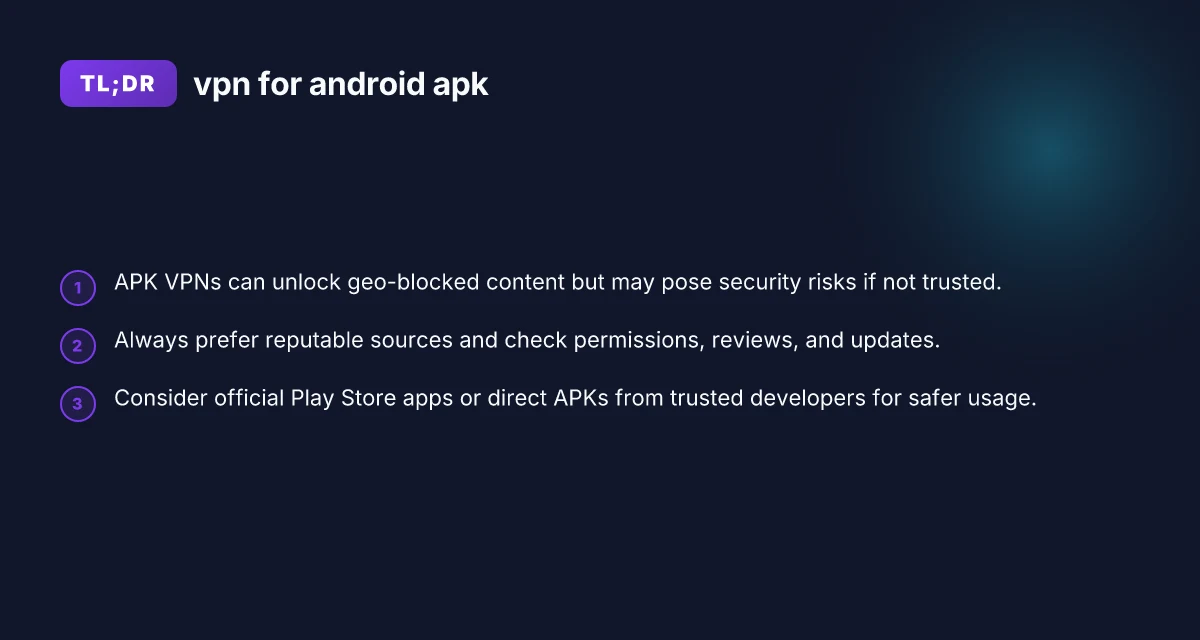
- The best option depends on your priorities: speed, privacy, price, and device compatibility. For many users, a reputable provider’s official app from the Play Store offers a reliable mix of performance and safety. If you are determined to use an APK, choose a trusted brand’s direct download, verify integrity, and review recent user feedback.
Q: Is there a truly free VPN for Android?
- There are free VPNs, but they often come with limitations: data caps, slower speeds, or advertising. Some free providers have questionable privacy practices. If you need long-term usage, a paid plan from a reputable VPN is generally safer and more reliable.
Q: Does Android have a built-in VPN? VPN extension for PC
- Android has native support for VPNs via system settings. You can configure a VPN profile if you have the server details, username, and password for a trusted provider. However, the built-in option does not provide a VPN service by itself. You still need a VPN server or service.
Q: Is VPN APK safe?
- Not inherently unsafe. Safety depends on the source, the developer’s reputation, and how the app handles data and permissions. A well-known, trusted developer’s APK downloaded from a secure site can be relatively safe, but it’s still riskier than using the official Play Store app due to reduced on-device verification and update control.
Decision Matrix for Using VPN APKs vs Official Apps
| Scenario | Official App | APK from official vendor | APK from third-party source | Recommendation |
|---|---|---|---|---|
| You want maximum safety | Yes | Yes | No | Use Official App |
| You need the latest features first | Yes | Yes | No | Official App or vendor APK, verify signatures |
| You must install without Google Play | No | Yes (vendor) | No | Use vendor APK with caution |
| You require transparent privacy policy | Yes | Yes | Yes (varies) | Prioritize Official App or reputable vendor APK |
| You’re concerned about malware risk | No | No | Yes if trusted source | Avoid third-party APKs |
Compiled November 2026; check the provider's site for current details.
How to install a VPN APK safely (step-by-step)
If you’ve decided to proceed with a trusted VPN APK, here’s a cautious, general workflow: VPN extension Chrome: everything you need to know to pick, use, and trust a Chrome VPN extension
- Source the APK from a trusted location (official site or a reputable APK mirror with good reviews).
- Enable sideloading on Android:
- Settings > Apps & notifications > Special app access > Install unknown apps, and allow the source app (e.g., your browser or file manager).
- Download the APK file and verify its integrity if a checksum is provided.
- Install the APK and launch the app.
- Review permissions immediately and disable anything unnecessary.
- Sign in with your VPN credentials or create an account if required.
- Enable security features like Kill Switch and DNS leak protection.
- Test the VPN: connect to a server, verify IP address changes, and check for DNS leaks.
If at any point something feels off, unusual behavior, excessive permissions, or a lack of updates, stop and remove the APK.
Final recommendation
For most users, using a reputable VPN app from the Google Play Store is the safest and simplest path. It provides ongoing security updates, official support, and a clearer privacy framework. If you must use an APK due to regional restrictions, choose a well-known brand’s APK from its own site, verify the file, and proceed with heightened caution. Always balance the desire for features like free access or speed with the imperative of protecting your data and privacy on Android.
Bottom line: vpn for android apk can be a convenient solution, but it requires careful sourcing, vigilant permissions management, and a strong preference for trusted providers. When in doubt, favor the safety of official app stores and transparent privacy practices, and treat APKs as a higher-risk option that should only be used when you have a compelling and legitimate reason.
| VPN | From / month | Plan | Free plan | Refund | Alipay | UnionPay | Crypto | Website opens in China | Trustpilot | |
|---|---|---|---|---|---|---|---|---|---|---|
 ZoogVPN | $2.49/mo | 27 months: $59.99 | Yes | 7 days | ✓ | ✓ | ✓ | ✓ | ✓ Yes (2.5 s) | 4.2/5 (195 reviews) |
 NordVPN | $3.49/mo | 27 months: $94.23 | No | 30 days | ? | ✗ | ✓ | ✓ | ✗ Blocked | 4.2/5 (51,628 reviews) |
 ExpressVPN | $3.00/mo | 28 months: $84 | No | 30 days | ✗ | ✗ | ✓ | ✗ | ✗ Blocked | 4.4/5 (29,706 reviews) |
 Surfshark | See site | See site | No | 30 days | ✗ | ✗ | ✗ | ✓ | ✗ Blocked | 4.3/5 (31,823 reviews) |
 Proton VPN | $2.99/mo | 12 months: $35.88 | Yes | 30 days | ✗ | ✗ | ✗ | ✓ | ✓ Yes (2.5 s) | 2.1/5 (1,040 reviews) |
 Astrill VPN | $12.50/mo | 24 months: $300 | No | See site | ✗ | ✗ | ✗ | ✓ | ✗ Blocked | 1.3/5 (110 reviews) |
 Private Internet Access | $2.03/mo | 40 months: $81.2 | No | 30 days | ✗ | ✗ | ✗ | ✗ | ✗ Blocked | 4.2/5 (11,033 reviews) |
 CyberGhost | $2.19/mo | 28 months: $61.32 | No | 45 days | ✗ | ✗ | ✗ | ✓ | ✗ Blocked | 4.0/5 (24,178 reviews) |
 PureVPN | $1.69/mo | 60 months: $101.55 | No | 31 days | ? | ✗ | ✗ | ✓ | ✓ Yes (2.6 s) | 4.4/5 (17,994 reviews) |
 AdGuard VPN | $2.99/mo | 24 months: $71.76 | Yes | 30 days | ✓ | ✗ | ✓ | ✓ | Official site blocked; our special link opens (2.3 s) | 4.3/5 (290 reviews) |
 Mullvad | $5.61/mo | €5/mo | No | 14 days | ✗ | ✗ | ✗ | ✓ | ✗ Blocked | 3.2/5 (192 reviews) |
 Windscribe | $5.75/mo | 12 months: $69 | Yes | See site | ✗ | ✗ | ✗ | ✓ | ✗ Blocked | 4.7/5 (13,355 reviews) |
 StrongVPN | See site | See site | No | 30 days | ✓ | ✗ | ✗ | ✗ | ✗ Blocked | 4.4/5 (2,695 reviews) |
 LightXtreme 闪连 | $7.08/mo | 12 months: $84.99 | Yes | 30 days | ✓ | ✓ | ✓ | ✓ | ✓ Yes (2.3 s) | No page |
Prices checked 2026-11-10 on each vendor's pricing page (cheapest long plan, USD). Check the vendor's checkout for the final price.
Payment methods checked 2026-11-10 on each vendor's payment pages: all 14 take cards and PayPal; ✗ = not listed, ? = the vendor's own pages disagree.
China access: whether the official website opens from mainland China networks (tests the website only, not the VPN connection). Last checked 2026-11-11 04:07 Beijing time.
Trustpilot score and review count checked 2026-11-10.