NordVPN Not Logging In: Fixes for Common Sign-In Problems
Troubleshoot NordVPN login problems with practical steps for credentials, app issues, browsers, and account access.
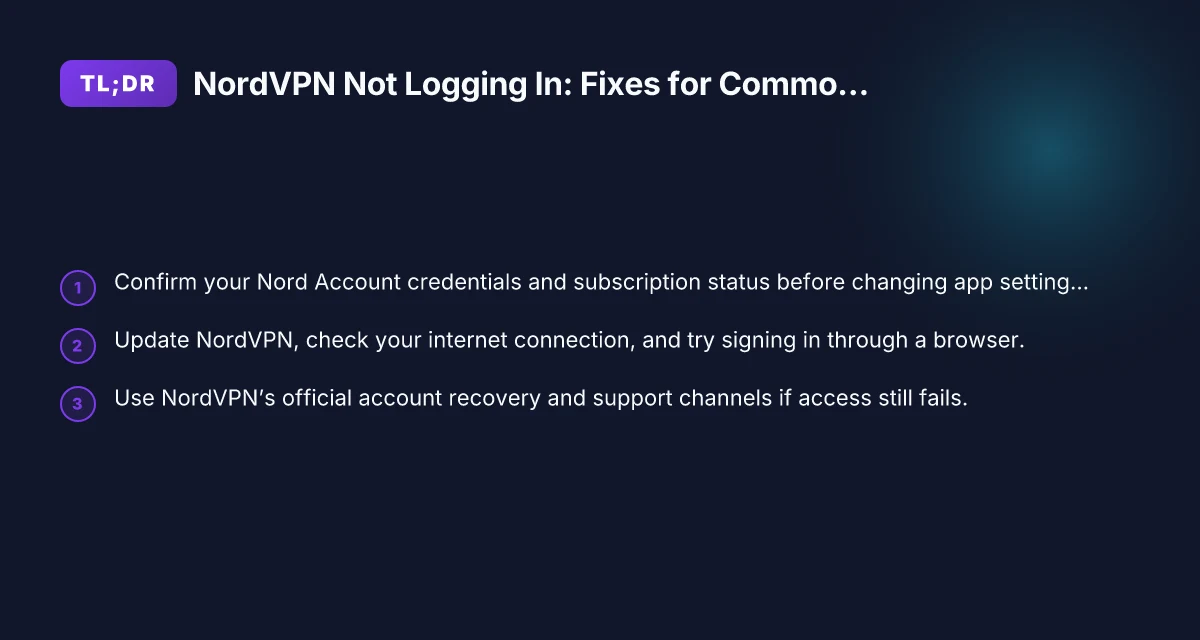
If NordVPN is not logging in, first check that you’re using the correct Nord Account email and password, then confirm your subscription is active and your internet connection works. If those basics look right, update or restart the app, try signing in through a browser, and check for temporary service or network issues. The steps below help narrow down what’s preventing access without putting your account at risk.
Match the sign-in symptom to the first check
| Symptom | First thing to check | Where to check | What to look for | Next step |
|---|---|---|---|---|
| Password rejected | Nord Account credentials | Nord Account sign-in page | Correct email and password | Reset the password if needed |
| Email not recognized | Account email | Nord Account sign-in page | The email used to register | Try another email you may have used |
| Subscription appears inactive | Subscription status | Nord Account dashboard | Active plan and account access | Confirm purchase or renewal |
| App won’t accept credentials | App version and state | NordVPN app | Current version; no stuck sign-in | Update or restart the app |
| Sign-in works nowhere | Account access | Browser and app | Same error in both | Check account details and subscription |
| Sign-in works in browser only | App or device issue | NordVPN app | App-specific failure | Troubleshoot the app and connection |
| Verification code missing | Email delivery | Inbox and spam folder | Recent verification message | Request another code if available |
Compiled November 2026; check the provider's site for current details.
| VPN | Obfuscation | From / month | Plan | Free plan | Refund | Alipay | UnionPay | Crypto | Website opens in China | Trustpilot | |
|---|---|---|---|---|---|---|---|---|---|---|---|
 NordVPN | Turn on manually Obfuscated Servers / NordWhisper | $3.49/mo | 27 months: $94.23 | No | 30 days | ? | ✗ | ✓ | ✓ | ✗ Blocked | 4.2/5 (51,628 reviews) |
 ZoogVPN | Turn on manually Shadow | $2.49/mo | 27 months: $59.99 | Yes | 7 days | ✓ | ✓ | ✓ | ✓ | Official site blocked; our special link opens (4.4 s) | 4.2/5 (195 reviews) |
 ExpressVPN | ✓ On by default all servers | $3.00/mo | 28 months: $84 | No | 30 days | ✗ | ✗ | ✓ | ✗ | ✗ Blocked | 4.4/5 (29,706 reviews) |
 Surfshark | ✓ On by default Camouflage, with OpenVPN | See site | See site | No | 30 days | ✗ | ✗ | ✗ | ✓ | ✗ Blocked | 4.3/5 (31,823 reviews) |
 Proton VPN | Turn on manually Stealth, free plan too | $2.99/mo | 12 months: $35.88 | Yes | 30 days | ✗ | ✗ | ✗ | ✓ | ✗ Blocked | 2.1/5 (1,040 reviews) |
 Astrill VPN | Turn on manually StealthVPN / OpenWeb | $12.50/mo | 24 months: $300 | No | See site | ✗ | ✗ | ✗ | ✓ | ✗ Blocked | 1.3/5 (110 reviews) |
 Private Internet Access | Turn on manually Shadowsocks, OpenVPN only | $2.03/mo | 40 months: $81.2 | No | 30 days | ✗ | ✗ | ✗ | ✗ | ✗ Blocked | 4.2/5 (11,033 reviews) |
 CyberGhost | Turn on manually selected servers | $2.19/mo | 28 months: $61.32 | No | 45 days | ✗ | ✗ | ✗ | ✓ | ✗ Blocked | 4.0/5 (24,178 reviews) |
 PureVPN | Turn on manually switch to OpenVPN | $1.69/mo | 60 months: $101.55 | No | 31 days | ? | ? | ✗ | ✓ | ✗ Blocked | 4.4/5 (17,994 reviews) |
 AdGuard VPN | ✓ On by default TrustTunnel | $2.99/mo | 24 months: $71.76 | Yes | 30 days | ✓ | ✗ | ✓ | ✓ | Official site blocked; our special link opens (3.7 s) | 4.3/5 (290 reviews) |
 Mullvad | Turn on manually QUIC / Shadowsocks / LWO | $5.61/mo | €5/mo | No | 14 days | ✗ | ✗ | ✗ | ✓ | ✗ Blocked | 3.2/5 (192 reviews) |
 Windscribe | Turn on manually Stealth / WStunnel | $5.75/mo | 12 months: $69 | Yes | See site | ✗ | ✗ | ✗ | ✓ | ✗ Blocked | 4.7/5 (13,355 reviews) |
 StrongVPN | Turn on manually Scramble, OpenVPN TCP | See site | See site | No | 30 days | ✓ | ✗ | ✗ | ✗ | ✗ Blocked | 4.4/5 (2,695 reviews) |
 LightXtreme 闪连 | Not listed | $7.08/mo | 12 months: $84.99 | Yes | 30 days | ✓ | ✓ | ✓ | ✓ | ✓ Yes (3.5 s) | No page |
Prices checked 2026-11-10 on each vendor's pricing page (cheapest long plan, USD). Check the vendor's checkout for the final price.
Obfuscation checked 2026-11-14 on each vendor's site and help center: "on by default" = nothing to set; "turn on manually" = switch protocol or mode in settings; "not listed" = the vendor describes no obfuscation.
Payment methods checked 2026-11-10 on each vendor's payment pages: all 14 take cards and PayPal; ✗ = not listed, ? = the vendor's own pages disagree.
China access: whether the official website opens from mainland China networks (tests the website only, not the VPN connection). Last checked 2026-11-18 01:02 Beijing time.
Trustpilot score and review count checked 2026-11-10.
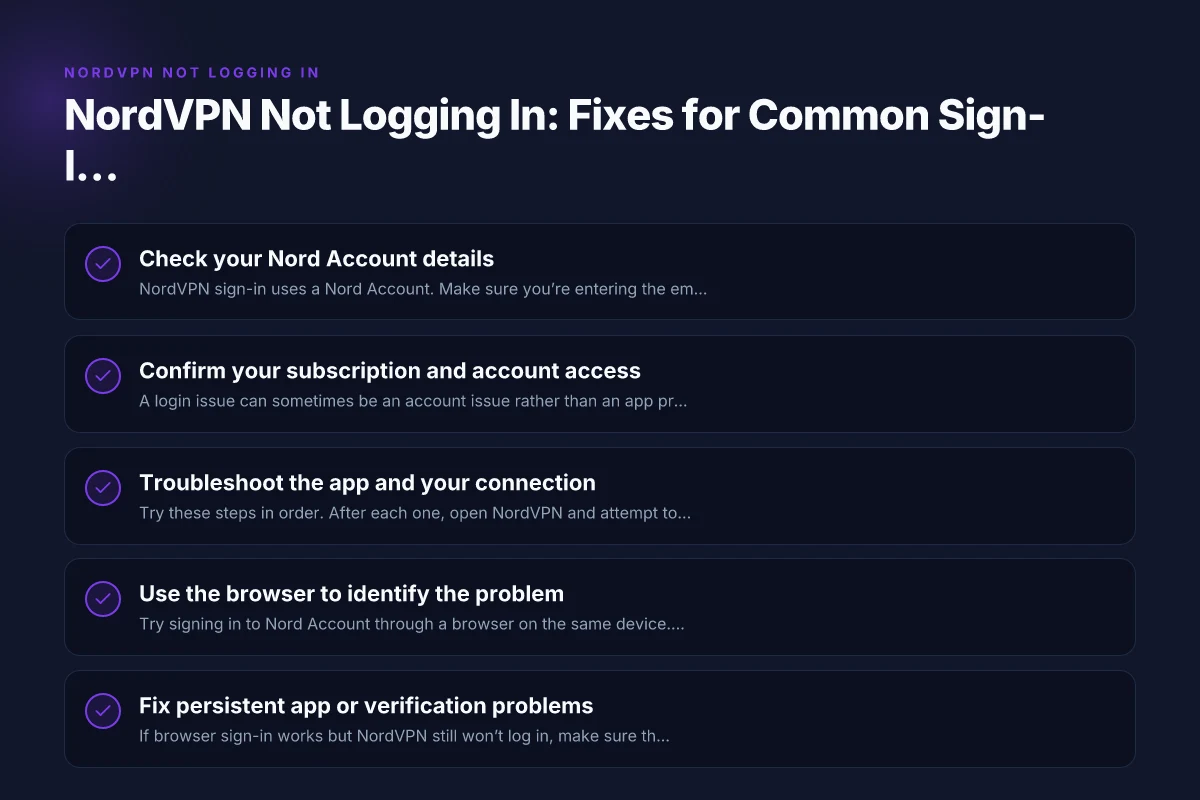
Check your Nord Account details
NordVPN sign-in uses a Nord Account. Make sure you’re entering the email address linked to that account, rather than an address you use for another service. If you have multiple email addresses, check your inboxes for past NordVPN receipts or account messages to identify the correct one.
Passwords are case-sensitive. Check for accidental spaces, a wrong keyboard layout, or an enabled Caps Lock key. If your password manager fills in your details, verify that it has the current password saved.
If you can’t remember your password, use the password reset option on Nord Account’s official sign-in page. Follow the link sent to your registered email address. If it doesn’t arrive, check your spam or junk folder and confirm that you entered the right email. Avoid repeated reset attempts in quick succession. Wait a few minutes and try again.
Never share your password or one-time verification codes with someone claiming to help. Use NordVPN’s official website or app for account recovery. Urban VPN Edge Extension: Features, Setup, and What to Know
Confirm your subscription and account access
A login issue can sometimes be an account issue rather than an app problem. Sign in to Nord Account in a web browser to check whether your subscription is active and whether you can access your account details.
If your subscription has expired, renew it through the official account page. If you recently paid, allow time for the payment or renewal to appear in your account. Check your receipt and payment status before making another purchase.
If you signed in successfully on the website but the app still rejects your details, focus on the app or device. If you can’t sign in anywhere, the problem may involve your credentials, account status, verification, or a temporary account service issue.
Compare sign-in tests to narrow down the cause EY Remote Connect VPN: How to Access It Safely
| Test | What to do | If it works | If it fails | Likely area to investigate |
|---|---|---|---|---|
| Check credentials | Sign in to Nord Account | Credentials are accepted | Check email and password | Account details |
| Check subscription | Review account dashboard | Plan and access look active | Confirm status or renewal | Subscription and account access |
| Try a browser | Sign in outside the app | Browser sign-in succeeds | Browser sign-in also fails | App issue if successful; account issue if not |
| Try another connection | Switch networks and retry | Sign-in succeeds | Same sign-in problem | Connection or account access |
| Restart the app | Close and reopen NordVPN | Sign-in succeeds | Error remains | App state or installation |
| Update the app | Install the current version | Sign-in succeeds | Error remains | Further app troubleshooting |
| Check verification email | Review inbox and spam | Code or link arrives | Nothing arrives | Email delivery or verification |
Compiled November 2026; check the provider's site for current details.
Troubleshoot the app and your connection
Try these steps in order. After each one, open NordVPN and attempt to sign in again.
- Check your internet connection. Open a website or another online app. If nothing loads, reconnect to Wi-Fi or mobile data, or restart your router.
- Restart NordVPN. Fully close the app, reopen it, and try again.
- Update the app. Install the latest NordVPN version available for your device. An older version can have compatibility or sign-in problems.
- Restart your device. This can clear temporary network or app glitches.
- Try another network. Switch between Wi-Fi and mobile data, or test a different trusted network. A school, workplace, hotel, or public network may restrict access to sign-in services.
- Check your device’s date and time. Set them to update automatically. Incorrect settings can interfere with secure connections.
- Temporarily review security software or network filters. A firewall, DNS filter, or parental-control tool may block the app’s connection. Don’t disable protection permanently. If you test a change, restore your security settings afterward.
If NordVPN’s website and other online services are also unavailable, check whether there’s a broader connection problem. If only the app fails, continue with the app-specific checks below.
Use the browser to identify the problem
Try signing in to Nord Account through a browser on the same device. This helps determine whether the issue is limited to the app. EY VPN Connect: How to Access EY Network Resources and Get Help
| What happens | What it may indicate | What to try |
|---|---|---|
| Browser and app both reject the login | Incorrect credentials, account access, or verification issue | Reset your password and check your account status |
| Browser works, but the app doesn’t | App version, stored data, or device-specific issue | Update, restart, or reinstall the app |
| Sign-in works on another network | Network restrictions or filtering | Use a trusted network or contact the network administrator |
| The login page won’t load | Connection, browser, or temporary service issue | Try another browser or network and check again later |
For browser problems, try a private or incognito window, or use another browser. Clear the browser’s cache and cookies only if necessary, since this may sign you out of other websites. If a verification prompt appears, follow the instructions shown on the official sign-in page.
Fix persistent app or verification problems
If browser sign-in works but NordVPN still won’t log in, make sure the app is current, then sign out and back in if you can reach the account controls. If the app freezes or repeatedly returns to the login screen, restart the device and try again.
As a later step, uninstall and reinstall NordVPN from your device’s official app store or NordVPN’s website. Reinstalling can fix damaged app files, but it may remove local settings. Avoid downloading installers from unofficial sites.
If you use a VPN, proxy, or network-level blocker while trying to sign in, temporarily disconnect it and test again. Some networks or privacy tools can interfere with the authentication page. Re-enable any protection you paused once you’ve finished testing. What Is My VPN Location? How to Check and Understand It
When a verification email or code doesn’t arrive, check your spam folder, confirm that you’re checking the inbox associated with your Nord Account, and request a new code through the official page. Don’t share verification codes with anyone.
When to contact NordVPN support
Contact NordVPN through its official support channels if you’ve confirmed your credentials, tested a working internet connection, and tried signing in through both the app and a browser. Support can help investigate account access, subscription status, or a problem specific to your device.
When you contact them, include:
- Your device and operating system
- The NordVPN app version
- Whether browser sign-in works
- The exact error message, if one appears
- The troubleshooting steps you’ve already tried
Do not include your password, full payment details, or one-time codes in a support request. If you suspect someone else has accessed your account, change your password through the official Nord Account page and contact support promptly. Urban VPN Chrome Extension: What It Does and How to Use It
Choose the next step based on what you’ve tried
| Situation | Recommended action | Where to do it | What it can resolve | Escalate if |
|---|---|---|---|---|
| Unsure which email is on the account | Try likely registration emails | Nord Account sign-in | Incorrect account email | No email is recognized |
| Password may be wrong | Use password recovery | Nord Account sign-in | Forgotten or incorrect password | Recovery does not work |
| Plan status is unclear | Review subscription and access | Nord Account dashboard | Inactive or mismatched subscription | Access remains unavailable |
| Browser works but app does not | Restart, update, and retry the app | NordVPN app | App-specific sign-in problems | The app still rejects sign-in |
| App behaves unexpectedly | Reinstall or reset the app if appropriate | Device settings and app store | Persistent app state problems | The problem continues |
| Verification message is missing | Check spam and request a new message | Email account and sign-in flow | Delayed or filtered verification | No message arrives |
| Sign-in fails across browser and app | Recheck account details and subscription | Nord Account dashboard | Account-access problems | Details are correct but access still fails |
| Troubleshooting does not help | Contact NordVPN support | NordVPN support channels | Persistent or account-specific issues | Support needs additional account information |
Compiled November 2026; check the provider's site for current details.
Recommendation
Start by checking your Nord Account email, password, and subscription, then test browser sign-in and try a different network. If the browser works but the app doesn’t, update or reinstall NordVPN. If you still can’t access your account, contact NordVPN through its official support channels rather than sharing account details with third parties.