Microsoft Edge Browser Extensions VPN: What They Do and How to Choose
Learn how VPN extensions for Microsoft Edge work, what they protect, and how to choose a trustworthy option.
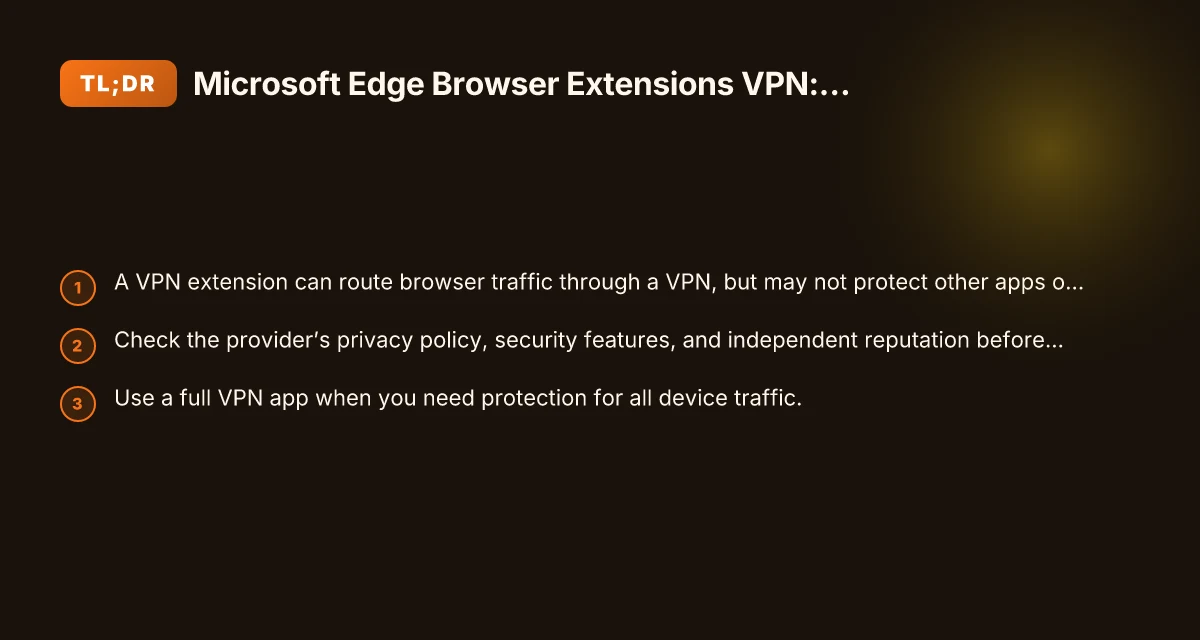
Microsoft Edge browser extensions for VPN services can help route your browser traffic through a remote server, mask your visible IP address, and protect data on networks you don’t trust. To choose one safely, first check whether it is a true VPN connection or only a browser proxy, then review what data the provider collects and whether the service meets your needs. A browser extension is convenient, but it usually does not protect every app on your computer.
Browser extension vs. full VPN app
| Feature | Edge VPN extension | Full VPN app |
|---|---|---|
| Runs in | Microsoft Edge | Device |
| Protects browser traffic | Usually | Yes |
| Protects other apps | No | Yes |
| Setup location | Edge add-ons | Device app |
| Browser integration | Direct | Indirect |
| Works outside Edge | No | Yes |
| Best suited for | Browser-only use | Whole-device use |
Compiled November 2026; check the provider's site for current details.
| VPN | Obfuscation | From / month | Plan | Free plan | Refund | Alipay | UnionPay | Crypto | Website opens in China | Trustpilot | |
|---|---|---|---|---|---|---|---|---|---|---|---|
 ZoogVPN | Turn on manually Shadow | $2.49/mo | 27 months: $59.99 | Yes | 7 days | ✓ | ✓ | ✓ | ✓ | Official site blocked; our special link opens (4.4 s) | 4.2/5 (195 reviews) |
 NordVPN | Turn on manually Obfuscated Servers / NordWhisper | $3.49/mo | 27 months: $94.23 | No | 30 days | ? | ✗ | ✓ | ✓ | ✗ Blocked | 4.2/5 (51,628 reviews) |
 ExpressVPN | ✓ On by default all servers | $3.00/mo | 28 months: $84 | No | 30 days | ✗ | ✗ | ✓ | ✗ | ✗ Blocked | 4.4/5 (29,706 reviews) |
 Surfshark | ✓ On by default Camouflage, with OpenVPN | See site | See site | No | 30 days | ✗ | ✗ | ✗ | ✓ | ✗ Blocked | 4.3/5 (31,823 reviews) |
 Proton VPN | Turn on manually Stealth, free plan too | $2.99/mo | 12 months: $35.88 | Yes | 30 days | ✗ | ✗ | ✗ | ✓ | ✗ Blocked | 2.1/5 (1,040 reviews) |
 Astrill VPN | Turn on manually StealthVPN / OpenWeb | $12.50/mo | 24 months: $300 | No | See site | ✗ | ✗ | ✗ | ✓ | ✗ Blocked | 1.3/5 (110 reviews) |
 Private Internet Access | Turn on manually Shadowsocks, OpenVPN only | $2.03/mo | 40 months: $81.2 | No | 30 days | ✗ | ✗ | ✗ | ✗ | ✗ Blocked | 4.2/5 (11,033 reviews) |
 CyberGhost | Turn on manually selected servers | $2.19/mo | 28 months: $61.32 | No | 45 days | ✗ | ✗ | ✗ | ✓ | ✗ Blocked | 4.0/5 (24,178 reviews) |
 PureVPN | Turn on manually switch to OpenVPN | $1.69/mo | 60 months: $101.55 | No | 31 days | ? | ? | ✗ | ✓ | ✗ Blocked | 4.4/5 (17,994 reviews) |
 AdGuard VPN | ✓ On by default TrustTunnel | $2.99/mo | 24 months: $71.76 | Yes | 30 days | ✓ | ✗ | ✓ | ✓ | Official site blocked; our special link opens (3.7 s) | 4.3/5 (290 reviews) |
 Mullvad | Turn on manually QUIC / Shadowsocks / LWO | $5.61/mo | €5/mo | No | 14 days | ✗ | ✗ | ✗ | ✓ | ✗ Blocked | 3.2/5 (192 reviews) |
 Windscribe | Turn on manually Stealth / WStunnel | $5.75/mo | 12 months: $69 | Yes | See site | ✗ | ✗ | ✗ | ✓ | ✗ Blocked | 4.7/5 (13,355 reviews) |
 StrongVPN | Turn on manually Scramble, OpenVPN TCP | See site | See site | No | 30 days | ✓ | ✗ | ✗ | ✗ | ✗ Blocked | 4.4/5 (2,695 reviews) |
 LightXtreme 闪连 | Not listed | $7.08/mo | 12 months: $84.99 | Yes | 30 days | ✓ | ✓ | ✓ | ✓ | ✓ Yes (3.5 s) | No page |
Prices checked 2026-11-10 on each vendor's pricing page (cheapest long plan, USD). Check the vendor's checkout for the final price.
Obfuscation checked 2026-11-14 on each vendor's site and help center: "on by default" = nothing to set; "turn on manually" = switch protocol or mode in settings; "not listed" = the vendor describes no obfuscation.
Payment methods checked 2026-11-10 on each vendor's payment pages: all 14 take cards and PayPal; ✗ = not listed, ? = the vendor's own pages disagree.
China access: whether the official website opens from mainland China networks (tests the website only, not the VPN connection). Last checked 2026-11-18 01:02 Beijing time.
Trustpilot score and review count checked 2026-11-10.
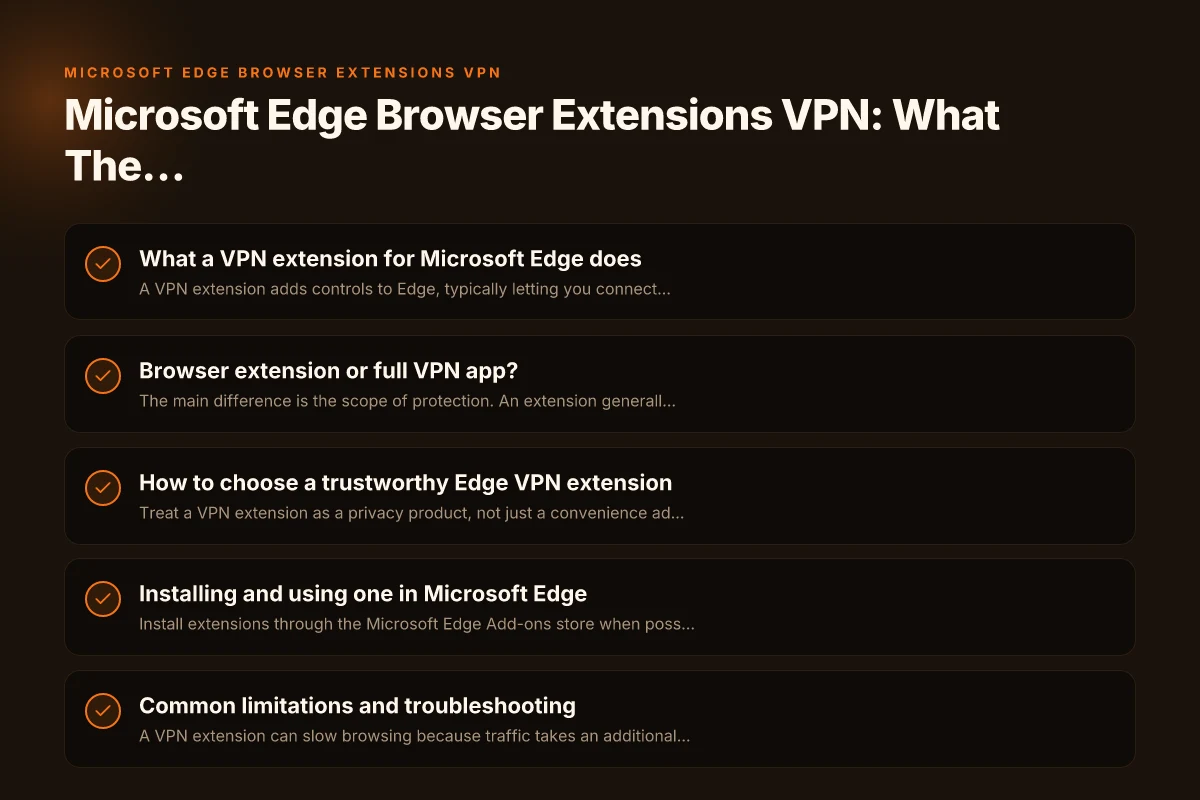
What a VPN extension for Microsoft Edge does
A VPN extension adds controls to Edge, typically letting you connect to a server, select a location, and turn the connection on or off without opening a separate app. Depending on the provider and how the extension is built, it may send browser traffic through the provider’s network.
Some products marketed as VPN extensions work more like proxies. A proxy can change the IP address websites see for traffic routed through it, but it may not provide the same device-wide protection as a VPN app. The word “VPN” in an extension’s name does not, by itself, tell you how it handles traffic.
A browser extension is most useful when you want a quick way to manage browser connections. It may help reduce exposure to websites that track IP addresses or offer more privacy on public Wi-Fi. It does not make you anonymous: websites can still identify you through account sign-ins, cookies, browser fingerprinting, or information you provide.
Browser extension or full VPN app?
The main difference is the scope of protection. An extension generally applies to browser traffic, while a VPN app can usually route traffic from other applications through the VPN as well. Exact behavior varies by provider, so check its documentation before relying on it. Cisco VPN AnyConnect: How It Works and How to Connect
| Feature | Edge VPN extension | Full VPN app |
|---|---|---|
| Typical traffic covered | Browser traffic routed through the extension | Traffic from the device, subject to app settings |
| Ease of use | Quick controls inside Edge | Runs separately or in the background |
| Useful for | Browser-focused privacy and location changes | Broader protection across apps and connections |
| Key limitation | May leave other apps outside the VPN | Requires installing and configuring an app |
If you only want to manage connections while browsing, an extension may be enough. If you use email, messaging, games, or other internet-connected apps and want their traffic covered too, consider the provider’s full VPN app. Some services offer both, allowing you to use an extension for browser controls and the app for system-wide protection.
How to choose a trustworthy Edge VPN extension
Treat a VPN extension as a privacy product, not just a convenience add-on. Its provider may be able to process information about your browsing connection, so take time to assess the company and the extension itself.
Before installing, check for:
- A clear privacy policy: Look for an explanation of what connection or usage data is collected, why it is collected, and how long it is retained.
- A credible provider: Prefer a service with an established reputation and transparent information about its ownership and privacy practices.
- Useful security details: The provider should explain how traffic is protected and whether the extension is a VPN, proxy, or companion to a VPN app.
- Independent scrutiny: Audits, security assessments, or well-documented incident responses can help you evaluate a provider, though no single claim guarantees safety.
- Current maintenance: Check the extension’s update history and whether the provider actively supports Microsoft Edge.
- Clear pricing: Understand what the free plan includes, what limits apply, and what happens when a trial ends.
Be cautious of extensions that make sweeping promises, such as complete anonymity or guaranteed access to every blocked service. Also be wary if the provider’s identity, privacy policy, or business model is hard to verify. Free does not automatically mean unsafe, but some free services may rely on advertising, limited plans, or data collection. Read the terms rather than assuming that “free” comes without trade-offs. VPN for Microsoft Edge Free: What Works, What to Check, and How to Choose
Trust checks when choosing an Edge VPN extension
| Check | What to look for | Warning sign | Why it matters |
|---|---|---|---|
| Publisher | Identifiable provider | Unclear ownership | Helps establish accountability |
| Privacy policy | Clear data practices | Vague or missing policy | Shows how data is handled |
| Permissions | Relevant to VPN features | Unexplained access | Limits unnecessary access |
| Encryption | Clearly described | No security details | Helps protect connections |
| Logging | Explicit policy | Unclear activity logging | Affects privacy |
| Pricing | Clear plan terms | Hidden charges | Avoids unexpected costs |
| Support | Contact or help options | No support details | Helps resolve problems |
Compiled November 2026; check the provider's site for current details.
Installing and using one in Microsoft Edge
Install extensions through the Microsoft Edge Add-ons store when possible. Review the publisher, description, permissions, ratings, and update history before selecting “Get.” If a provider directs you to install from another source, make sure the instructions come from its official website and that you understand the risks of sideloading.
After installation, open the extension and follow its setup steps. You may need to sign in, choose a server, or approve a connection. Pinning the extension to Edge’s toolbar makes its controls easier to find, but it doesn’t change what traffic the extension covers. How to Make a Clash Free Clash of Clans Base
Once connected, verify the result using a reputable IP-checking service, and confirm that the extension displays an active connection. Avoid entering sensitive information on unfamiliar websites just because the VPN is on. A VPN can protect a connection in certain ways, but it cannot prevent phishing, malware, weak passwords, or unsafe downloads.
Review the extension’s permissions periodically. Remove it if you no longer use it, if it stops receiving updates, or if its privacy terms change in a way you are not comfortable with. You can also disable it temporarily to troubleshoot sites that behave differently while the connection is active.
Common limitations and troubleshooting
A VPN extension can slow browsing because traffic takes an additional route through a remote server. Choosing a nearby server may improve speed, though performance depends on your internet connection, the provider, and server demand. If a website stops working, try another server or temporarily disconnect to see whether the extension is the cause.
Remember that a browser extension may not cover traffic from other browsers or desktop apps. It may also behave differently in private browsing windows; Edge may require you to allow an extension to run there. Check the extension’s settings and Microsoft Edge’s extension permissions if you need that behavior. FortiGate IPsec VPN: Setup, Configuration, and Troubleshooting
A VPN also does not erase your online identity. Signing into a personal account still tells that service who you are, and cookies or browser fingerprinting may continue to link activity. For stronger everyday privacy, combine a reputable VPN with updated software, careful permission choices, strong unique passwords, and sensible browsing habits.
Edge VPN setup and troubleshooting
| Situation | What to do | What to check | Limitation or outcome |
|---|---|---|---|
| Install extension | Open Edge add-ons | Publisher and permissions | Adds browser control |
| Sign in | Use provider account | Subscription status | May be required |
| Connect | Select a location | Connection indicator | Routes supported browser traffic |
| Pages still show location | Check connection | IP test result | Some traffic may be outside coverage |
| Extension will not connect | Restart Edge | Network and sign-in | Connection may recover |
| Site behaves unexpectedly | Try another location | Site compatibility | Some sites restrict VPN traffic |
| Need protection for other apps | Use full VPN app | Device coverage | Extension alone may not cover them |
Compiled November 2026; check the provider's site for current details.
Recommendation
Choose a well-documented VPN extension from a provider you trust, and confirm whether it protects browser traffic only or works with a full VPN app. Use the extension for convenient, browser-focused connections. Choose the provider’s full VPN app when you want broader device coverage. Before installing either, read the privacy policy and verify that the service’s features match what you actually need. VPN FortiGate: How It Works, Setup Options, and Best Practices