How to Download VPNify on Xbox on Microsoft: What You Can and Can’t Do

Learn whether VPNify is available on Xbox, why Microsoft Store installation may not work, and how to connect an Xbox through a VPN.
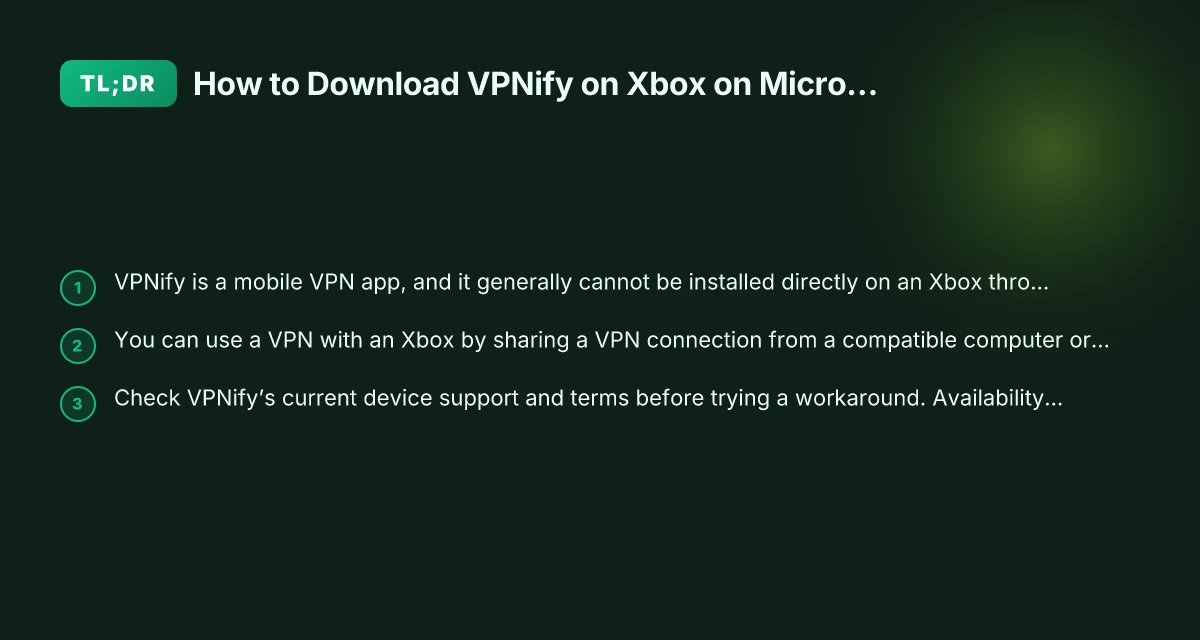
If you want to download VPNify on Xbox on Microsoft, the key point is that you generally cannot install the VPNify app directly on an Xbox console. Xbox consoles run a platform-specific version of Microsoft Store, and apps must be made for Xbox to appear as installable. VPNify is primarily offered for mobile devices, so searching for it in the Xbox Store is unlikely to provide an Xbox-compatible download. You may still be able to route your Xbox’s internet connection through a VPN using a computer or compatible router.
Xbox VPN connection methods
| Method | VPNify app on Xbox | Setup location | What you need | Main trade-off |
|---|---|---|---|---|
| Install on Xbox | No | Xbox console | A supported Xbox app | VPNify is not installed directly |
| VPN on router | No | Router settings | VPN-compatible router | Covers devices on the network |
| Share a VPN connection | No | PC or Mac | Computer with VPN connection | Requires the computer to stay connected |
| Use a VPN-enabled hotspot | No | Phone or computer | Hotspot and VPN support | Availability depends on the device |
| Connect through a computer | No | Computer network settings | Computer and network connection | Setup can take extra steps |
| Connect through a router | No | Home network | Router configured for VPN | Router settings can vary |
Compiled November 2026; check the provider's site for current details.
| VPN | Obfuscation | From / month | Plan | Free plan | Refund | Alipay | UnionPay | Crypto | Website opens in China | Trustpilot | |
|---|---|---|---|---|---|---|---|---|---|---|---|
 ZoogVPN | Turn on manually Shadow | $2.49/mo | 27 months: $59.99 | Yes | 7 days | ✓ | ✓ | ✓ | ✓ | Official site blocked; our special link opens (4.4 s) | 4.2/5 (195 reviews) |
 NordVPN | Turn on manually Obfuscated Servers / NordWhisper | $3.49/mo | 27 months: $94.23 | No | 30 days | ? | ✗ | ✓ | ✓ | ✗ Blocked | 4.2/5 (51,628 reviews) |
 ExpressVPN | ✓ On by default all servers | $3.00/mo | 28 months: $84 | No | 30 days | ✗ | ✗ | ✓ | ✗ | ✗ Blocked | 4.4/5 (29,706 reviews) |
 Surfshark | ✓ On by default Camouflage, with OpenVPN | See site | See site | No | 30 days | ✗ | ✗ | ✗ | ✓ | ✗ Blocked | 4.3/5 (31,823 reviews) |
 Proton VPN | Turn on manually Stealth, free plan too | $2.99/mo | 12 months: $35.88 | Yes | 30 days | ✗ | ✗ | ✗ | ✓ | ✗ Blocked | 2.1/5 (1,040 reviews) |
 Astrill VPN | Turn on manually StealthVPN / OpenWeb | $12.50/mo | 24 months: $300 | No | See site | ✗ | ✗ | ✗ | ✓ | ✗ Blocked | 1.3/5 (110 reviews) |
 Private Internet Access | Turn on manually Shadowsocks, OpenVPN only | $2.03/mo | 40 months: $81.2 | No | 30 days | ✗ | ✗ | ✗ | ✗ | ✗ Blocked | 4.2/5 (11,033 reviews) |
 CyberGhost | Turn on manually selected servers | $2.19/mo | 28 months: $61.32 | No | 45 days | ✗ | ✗ | ✗ | ✓ | ✗ Blocked | 4.0/5 (24,178 reviews) |
 PureVPN | Turn on manually switch to OpenVPN | $1.69/mo | 60 months: $101.55 | No | 31 days | ? | ? | ✗ | ✓ | ✗ Blocked | 4.4/5 (17,994 reviews) |
 AdGuard VPN | ✓ On by default TrustTunnel | $2.99/mo | 24 months: $71.76 | Yes | 30 days | ✓ | ✗ | ✓ | ✓ | Official site blocked; our special link opens (3.7 s) | 4.3/5 (290 reviews) |
 Mullvad | Turn on manually QUIC / Shadowsocks / LWO | $5.61/mo | €5/mo | No | 14 days | ✗ | ✗ | ✗ | ✓ | ✗ Blocked | 3.2/5 (192 reviews) |
 Windscribe | Turn on manually Stealth / WStunnel | $5.75/mo | 12 months: $69 | Yes | See site | ✗ | ✗ | ✗ | ✓ | ✗ Blocked | 4.7/5 (13,355 reviews) |
 StrongVPN | Turn on manually Scramble, OpenVPN TCP | See site | See site | No | 30 days | ✓ | ✗ | ✗ | ✗ | ✗ Blocked | 4.4/5 (2,695 reviews) |
 LightXtreme 闪连 | Not listed | $7.08/mo | 12 months: $84.99 | Yes | 30 days | ✓ | ✓ | ✓ | ✓ | ✓ Yes (3.5 s) | No page |
Prices checked 2026-11-10 on each vendor's pricing page (cheapest long plan, USD). Check the vendor's checkout for the final price.
Obfuscation checked 2026-11-14 on each vendor's site and help center: "on by default" = nothing to set; "turn on manually" = switch protocol or mode in settings; "not listed" = the vendor describes no obfuscation.
Payment methods checked 2026-11-10 on each vendor's payment pages: all 14 take cards and PayPal; ✗ = not listed, ? = the vendor's own pages disagree.
China access: whether the official website opens from mainland China networks (tests the website only, not the VPN connection). Last checked 2026-11-18 01:02 Beijing time.
Trustpilot score and review count checked 2026-11-10.
Can you install VPNify directly on Xbox?
Usually, no. Xbox does not work like a Windows PC, where you can download and install most desktop VPN programs. The Xbox Store displays apps approved for the console, and a VPN app must specifically support Xbox to install and run there.
You can check your console by opening Microsoft Store and searching for “VPNify.” If an Xbox-compatible app is not listed with an install option, you cannot install the mobile app by downloading it from a phone, using a website, or copying an installation file to the console. Those methods do not turn a mobile app into an Xbox app.
Also distinguish between a Microsoft account and Microsoft Store availability. Signing in with a Microsoft account does not make every app in the wider Microsoft ecosystem compatible with Xbox. App availability can vary by device, region, and current store listings.
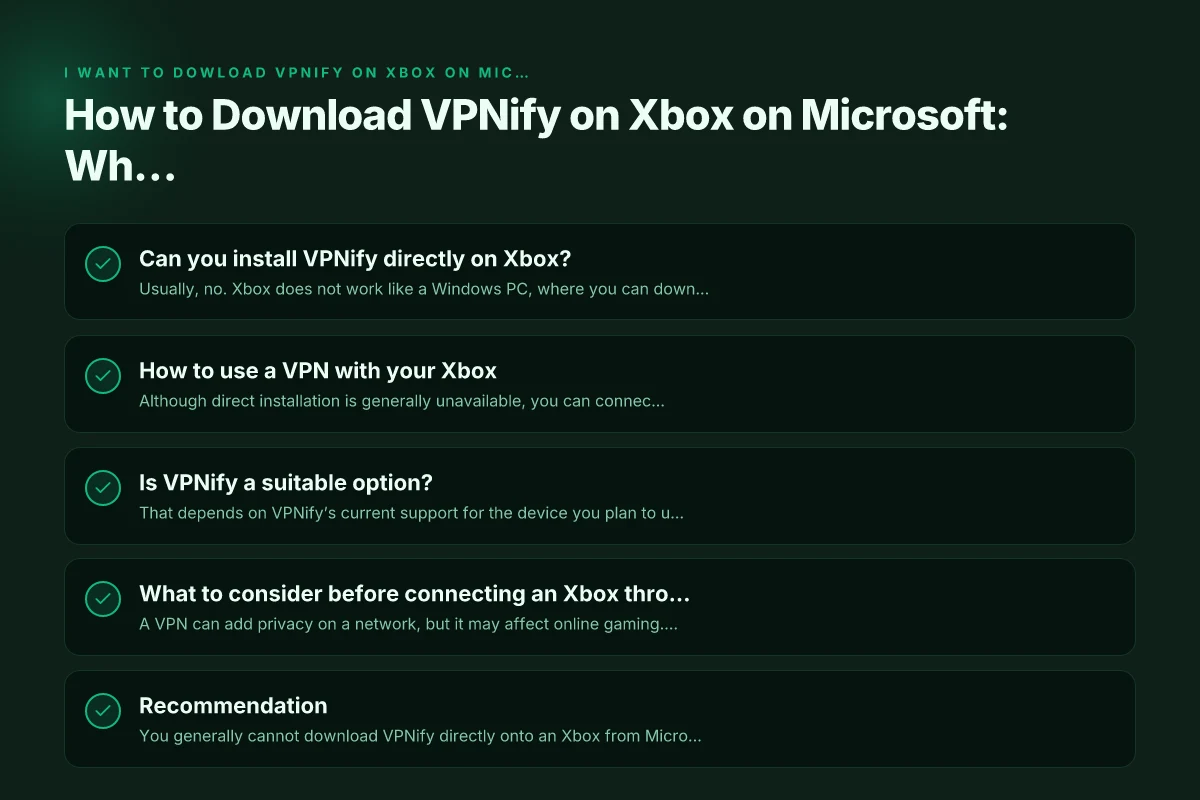
How to use a VPN with your Xbox
Although direct installation is generally unavailable, you can connect the console through a VPN in a few ways. The best option depends on your equipment and whether VPNify supports the device that will share the connection. Forti VPN: What It Is, How It Works, and Whether You Need It
| Method | What you need | Main consideration |
|---|---|---|
| Windows PC sharing | A Windows computer, an active VPN connection, and an Ethernet cable or supported hotspot setup | Requires configuration and may not work with every VPN app |
| VPN-enabled router | A router that supports VPN connections and VPN service configuration | Covers devices on the network, but setup can be more technical |
| Another compatible router or gateway | A device that can create a VPN-protected network | Check compatibility, performance, and provider instructions |
Share a VPN connection from a Windows PC
If VPNify offers a Windows app or otherwise supports a Windows setup, you may be able to connect the PC to the VPN and share that connection with your Xbox. The precise steps depend on your Windows version, network adapters, and VPN software.
A typical setup involves:
- Install and sign in to a VPN service on the PC using its official software or instructions.
- Connect the PC to the VPN and confirm that the connection is active.
- Connect the Xbox to the PC using Ethernet or a supported Windows mobile hotspot method.
- Set the Xbox to use the shared connection, then test its network connection.
Windows network sharing can be finicky. The VPN may not share correctly, the connection may drop, or the PC may need to stay on while you play. If the VPN service does not officially support connection sharing, consult its documentation before changing network settings.
Configure a compatible router
A router with built-in VPN client support can route network traffic through a VPN without requiring a VPN app on the Xbox. You configure the VPN on the router, then connect the console to that router over Wi-Fi or Ethernet. Advanced Proxy Settings in Edge: How to Find and Configure Them
Before buying or changing equipment, check all of the following:
- Whether the router supports VPN client connections, not just VPN passthrough.
- Whether the VPN service provides configuration details for that router.
- Whether the VPN app or service you plan to use permits router connections.
- Whether your internet speed and router hardware can handle VPN encryption.
Router menus and setup instructions vary by model, so use the router manufacturer’s and VPN provider’s official guidance. Incorrect settings can interrupt internet access for other devices on your network.
Is VPNify a suitable option?
That depends on VPNify’s current support for the device you plan to use as the connection-sharing device. An app being available for Android or iOS does not automatically mean it supports Windows, routers, or Xbox. Check VPNify’s official app listing and support pages for supported platforms, connection-sharing instructions, and any limits on the number of devices.
Pay attention to the service’s privacy information and terms as well. A VPN changes how your internet traffic is routed, but it does not guarantee anonymity or prevent every security risk. Avoid unofficial app downloads, modified installers, and websites claiming to provide a special “Xbox VPNify” file. They may be unsafe, unsupported, or incompatible with the console. Check My VPN Location: A Simple Guide to Verifying Your Connection
If VPNify does not support a Windows PC or a compatible router, you will need another VPN service that explicitly supports the equipment you own, or use the Xbox without a VPN.
Choosing a way to use a VPN with Xbox
| Option | VPN runs on | Xbox connection | Setup effort | Best suited to |
|---|---|---|---|---|
| VPN-compatible router | Router | Network connection | Router configuration | Whole-home coverage |
| Computer sharing | PC or Mac | Shared network connection | Computer configuration | A device already running a VPN |
| VPN hotspot | Phone or computer | Wireless hotspot | Hotspot configuration | A temporary connection |
| Direct Xbox installation | Xbox | Not available | Not applicable | Not an option for VPNify |
| VPNify on another device | Supported device | Shared or routed connection | Depends on method | Using VPNify without an Xbox app |
| Standard network connection | None | Direct internet connection | Low | Users who do not need a VPN |
Compiled November 2026; check the provider's site for current details.
What to consider before connecting an Xbox through a VPN
A VPN can add privacy on a network, but it may affect online gaming. Routing traffic through another server can increase latency, slow downloads, or make a connection less stable. For multiplayer games, a longer route may result in higher ping and a less responsive experience. FortiClient IPsec VPN Connection Is Down: Causes and Fixes
Keep these points in mind:
- Speed and latency: Test the connection in a game or Xbox network settings after setup.
- Service rules: Review the VPN provider’s terms and the relevant game or platform rules. A VPN does not authorize bypassing restrictions.
- Account and location settings: A VPN does not necessarily change your account region, store region, billing country, or game availability.
- Troubleshooting: If Xbox services stop working, disconnect the VPN and test the console on your normal network.
- Privacy limits: A VPN provider can still process connection information under its own policies. Read its privacy policy rather than assuming a VPN makes you invisible.
Recommendation
You generally cannot download VPNify directly onto an Xbox from Microsoft Store. First check VPNify’s official documentation to see whether it supports a Windows computer or router that can share a VPN connection. If it does, follow the provider’s instructions and test your Xbox connection for speed and stability. If it does not, use a VPN service and device combination that explicitly supports connection sharing, or skip the VPN on Xbox rather than relying on unofficial downloads.