ERR_UNKNOWN: How to Diagnose and Fix the ERR_UNKNOWN_URL_SCHEME Error
A practical guide to understanding and resolving ERR_UNKNOWN_URL_SCHEME across browsers, apps, and WebView contexts.
The ERR_UNKNOWN_URL_SCHEME error shows up when a browser or app encounters a URL with a scheme it doesn’t recognize or isn’t prepared to handle. It can block navigation or prevent a page from rendering, particularly in WebView components, mobile apps, or specialized software. The root cause is usually that the environment (the browser, WebView, or app) doesn’t know what to do with the URL’s scheme, whether it’s a custom app protocol, a misformatted link, or a protocol that isn’t registered in the host application. Below you’ll find a practical, actionable guide to diagnosing and fixing ERR_UNKNOWN_URL_SCHEME in common scenarios.
Quick comparison of where ERR_UNKNOWN_URL_SCHEME can occur
| Context | Scenario | Typical symptoms | Example schemes | Impact | Notes |
|---|---|---|---|---|---|
| WebView | Android app | Link not open | custom-scheme, intent, app-scheme | High | Often blocked by app policy |
| WebView | iOS app | Link fails to load | custom-scheme, tel, mailto | Moderate | Check URL handling delegate |
| Browser | Chrome/Edge/Firefox | Page shows error | unknown-scheme, unsupported | Moderate | Browser blocks navigation |
| Hybrid apps | Cordova/Capacitor | Link opens app store | market:, app:, myapp: | High | Requires plugin config |
| Electron app | Desktop | Link stuck, console error | myapp:, custom-scheme | Moderate | Register protocol handler |
| Embedded browser | In-app browser | Navigation error | custom-scheme | High | Needs URL interception |
Compiled November 2026; check the provider's site for current details.
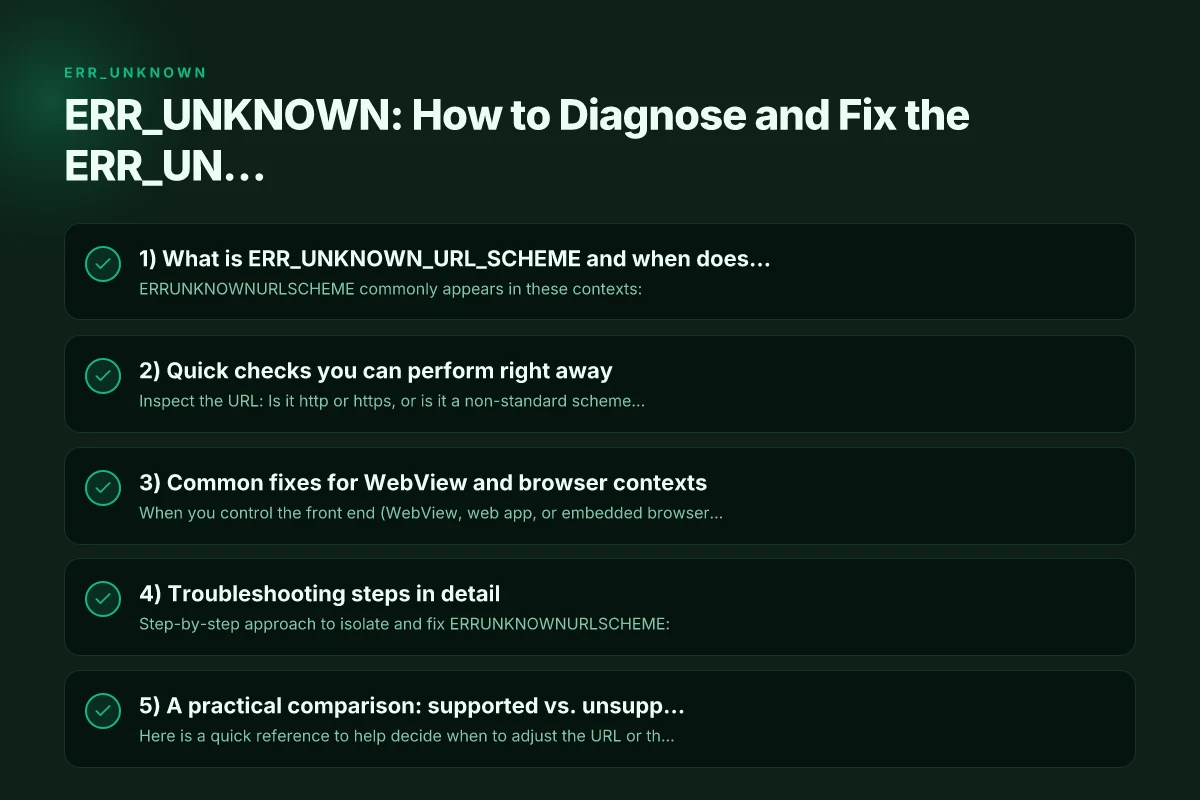
1) What is ERR_UNKNOWN_URL_SCHEME and when does it occur?
ERR_UNKNOWN_URL_SCHEME commonly appears in these contexts:
- WebView-based apps on Android or iOS, where the WebView tries to navigate to a non-http(s) URL.
- Custom schemes used by native apps to deep-link into features or other apps (for example, myapp://open).
- Redirects or intercepted links that rely on a protocol handler that isn’t installed or registered.
- Misconfigured HTML or JavaScript that attempts to open a non-standard scheme.
Why it’s a problem: the host environment (browser or app) cannot delegate the URL to a registered handler, so navigation stops, the page won’t render, or an error is shown.
2) Quick checks you can perform right away
- Inspect the URL: Is it http or https, or is it a non-standard scheme like myapp:, telegram:, or custom-scheme:?
- Confirm the medium: Are you testing in a browser, a WebView inside a mobile app, or a desktop app with embedded browser components?
- Validate the source: Did a link come from a web page, an app, or a third-party redirect? Sometimes a mis-typed URL or a copied link with a missing prefix causes the issue.
- Check installed handlers: On mobile, does the target app that should handle the scheme exist? If not, the system can’t route the URL.
If the URL should be http/https, the problem is almost always a misconfiguration or a blocked handler. If it’s a custom scheme, you’re facing a handler registration or installation issue.
3) Common fixes for WebView and browser contexts
When you control the front end (WebView, web app, or embedded browser), you can apply several standard remedies. ERR_BAD_SSL_CLIENT_AUTH_CERT: What It Means and How to Fix It
For WebView (Android and iOS)
- Ensure only http/https links are loaded, or register handling for custom schemes.
- On Android:
- Use a WebViewClient and override shouldOverrideUrlLoading to catch non-http(s) schemes and route them appropriately.
- If you intend to allow a custom scheme, implement an intent filter or a deep-link handler in your app manifest.
- On iOS:
- Use WKNavigationDelegate’s decidePolicyFor navigationAction to intercept non-http(s) schemes and call openURL or similar handlers.
- Register your own URL schemes if your app provides a deep-link path, using the Info.plist (CFBundleURLTypes).
- Fallback plan: If a non-supported scheme is encountered, show a graceful message to the user or open the page in the system browser.
For web pages
- Validate links before navigation. If a link uses a non-standard scheme, consider validating and sanitizing or converting it to a supported scheme where appropriate.
- Avoid auto-redirect loops that push the user into a non-handled scheme.
- Provide clear user feedback if a link cannot be opened, with an option to copy the URL or open it in a new tab.
For apps with deep linking
- Ensure the manifest/config registers the scheme, host, and path correctly.
- Confirm that the target app (if a cross-app handoff) is installed. If not, degrade gracefully or prompt the user.
- Test across devices and OS versions, as URL handling can differ between platforms.
Quick checks you can perform to diagnose
| Check | What to look for | Result you want | Action if issue | Affected area | Tools |
|---|---|---|---|---|---|
| URL validation | Scheme present, colon after | Valid scheme | Fix prefix or encode | Input parsing | Validator |
| Scheme support | Is scheme registered | Yes | Implement or remove scheme | App configuration | Documentation |
| Handler availability | OS/app has handler | Yes | Install/enable handler | System integration | Settings |
| Navigation control | WebView should override | Yes | Implement shouldOverrideUrlLoading | WebView client | Code |
| Console logs | ERR_UNKNOWN_URL_SCHEME messages | Occurs here | Trace source | Debug console | DevTools |
| Network policy | CSP/Content-Security-Policy | Not blocking | adjust policy | Security | Browser devtools |
Compiled November 2026; check the provider's site for current details.
4) Troubleshooting steps in detail
Step-by-step approach to isolate and fix ERR_UNKNOWN_URL_SCHEME:
- Reproduce the issue: Note the exact URL and where it happens (the page, a button click, a redirect).
- Check the console or logs: Look for errors related to URL loading, scheme recognition, or navigation policies.
- Verify the scheme handler: Is the scheme registered in the app (AndroidManifest, Info.plist, or equivalent)? Is the app installed that can handle the scheme?
- Inspect potential redirects: A site might redirect to a non-standard scheme. Confirm each hop’s feasibility.
- Test with a minimal example: Create a small page or test harness that attempts to open the same URL. If the test works, the problem is likely in the hosting app’s configuration.
- Consider user environment: Some devices disable certain schemes for security reasons. Ensure you’re not running into policy restrictions.
5) A practical comparison: supported vs. unsupported URL schemes
Here is a quick reference to help decide when to adjust the URL or the hosting app. Employee benefit packages small businesses
| Scenario | Scheme type | Typical fix | Notes |
|---|---|---|---|
| Web page with http/https link | Supported | None required; ensure HTTPS if possible | Default web navigation should work everywhere |
| WebView attempting to open a custom scheme (myapp://) | Custom | Implement or register a handler in the host app; optionally use a fallback | Requires app-level changes (Android/iOS) |
| Redirect to a non-registered scheme | Custom or misconfigured | Ensure the final handler exists; avoid unreachable schemes | Can occur with third-party redirects |
| Link opened in a browser to a non-app URL | Non-standard scheme | Add a prompt explaining the link is not supported or provide an alternative | User-facing guidance helps reduce frustration |
| App-to-app deep link that isn’t installed | Custom | Detect absence and prompt to install the app or handle fallback | Deep-link UX is important for a smooth flow |
Practical comparison: supported vs. unsupported URL schemes across contexts
| Context | Supported schemes (examples) | Unsupported schemes (examples) | How to handle | Best practice | Notes |
|---|---|---|---|---|---|
| WebView (Android) | http, https, tel, mailto, custom-app | ftp, gopher, unknown-scheme | Implement intent filters | Add intent filters or intercept | Custom schemes require registration |
| WebView (iOS) | http, https, tel, mailto, custom-scheme | file:, about:, unknown | Implement URL handling in delegate | Use canOpenURL | iOS requires LSApplicationQueriesSchemes for some schemes |
| Desktop Electron | http, https, custom-protocol | ftp, ssh, unknown | Register protocol | app.setAsDefaultProtocolClient | Protocol must be registered in main process |
| Mobile browser | http, https, data, blob | custom-scheme | Avoid nonstandard schemes in links | Use in-app routing | Browsers block unknown schemes |
| Hybrid apps | http, https, custom-scheme | market:, appstore: | Register or redirect | Config plugins | Platform-specific |
Compiled November 2026; check the provider's site for current details.
6) Specific platform notes and tips
- Android: Deep linking and custom schemes require intent filters. You might need to declare an intent-filter with the scheme and host and handle it in your activity. If the scheme is optional, you can fall back to a web URL or a message.
- iOS: Add the URL types in the Info.plist, including schemes and identifiers. Use universal links where possible to fall back to web content if the app isn’t installed.
- Web browsers: Most browsers support http and https. Some browsers warn about untrusted or unsafe schemes. If you’re debugging, try in multiple browsers to rule out a browser-specific behavior.
- Web apps with embedded WebViews: Ensure your WebView’s settings permit the intended navigation. Be mindful of security policies like shouldOverrideUrlLoading or navigation delegates.
7) When to escalate and seek help
If you’ve verified your code, manifest, and user environment but still encounter ERR_UNKNOWN_URL_SCHEME, consider the following:
- Review recent changes: A new library or update might have altered URL handling behavior.
- Check platform-specific forums or issue trackers: Others may have encountered the same scheme and discovered a compatibility note.
- Open a support ticket with the app’s vendor or platform provider if this affects a critical flow or distribution.
8) Quick best-practice checklist
- Prefer http/https for web content to maximize compatibility.
- Use established deep-link patterns with clear fallbacks.
- Validate and sanitize all external links before navigation.
- Test across devices, OS versions, and browser engines.
- Provide user-friendly error messages and fallback options for unsupported schemes.
A final note: ERR_UNKNOWN_URL_SCHEME is not inherently dangerous. It’s a signaling that the current environment cannot interpret a URL in the way the author intended. Treat it as a prompt to either register the proper handler, adjust the link’s scheme, or offer a safe alternative user path. By aligning URL handling with the capabilities of your host app or browser, you can reduce friction and improve reliability across devices and platforms. Edge vs Chrome: which browser fits you best in 2026
Recommendation: If you’re building or maintaining an app or WebView that relies on non-http(s) schemes, invest in a robust URL handling strategy early. Register and test all expected schemes, implement clear fallbacks, and provide graceful user guidance when a handler isn’t present. This proactive approach minimizes ERR_UNKNOWN_URL_SCHEME occurrences and creates a smoother navigation experience for users.