Edge vs Chrome: which browser fits you best in 2026
A practical comparison of Microsoft Edge and Google Chrome, covering speed, efficiency, features, privacy, and compatibility to help you choose.
If you’re weighing edge vs chrome, you’re choosing between two Chromium-based powerhouses. Both aim to render the web quickly, support a vast ecosystem of extensions, and keep your data in sync across devices. The deciding factors usually come down to efficiency, platform integration, built-in features, privacy controls, and personal habit. Here’s a practical, up-to-date look at how they compare in 2026.
Quick snapshot at a glance — Edge vs Chrome at a glance
| Aspect | Edge | Chrome | Notes |
|---|---|---|---|
| Initial load time | Fast | Fast | Similar performance on typical devices |
| Rendering performance | Smooth | Smooth | Both strong, differences marginal |
| Resource use | Moderate | Moderate | Depends on extensions and tabs |
| Platform coverage | Windows, macOS, iOS, Android, Linux | Windows, macOS, iOS, Android, Linux | Broad cross-platform support |
| Memory footprint | medium | medium | varies by workload |
| Privacy stance | moderate controls | minimal by default | Edge adds some features over Chrome |
| Extension ecosystem | Good | Large | Chrome Web Store, Edge add-ons available |
| Built-in tools | Yes | Yes | Developer tools present in both |
| Auto updates | Yes | Yes | Continuous background updates |
Compiled November 2026; check the provider's site for current details.
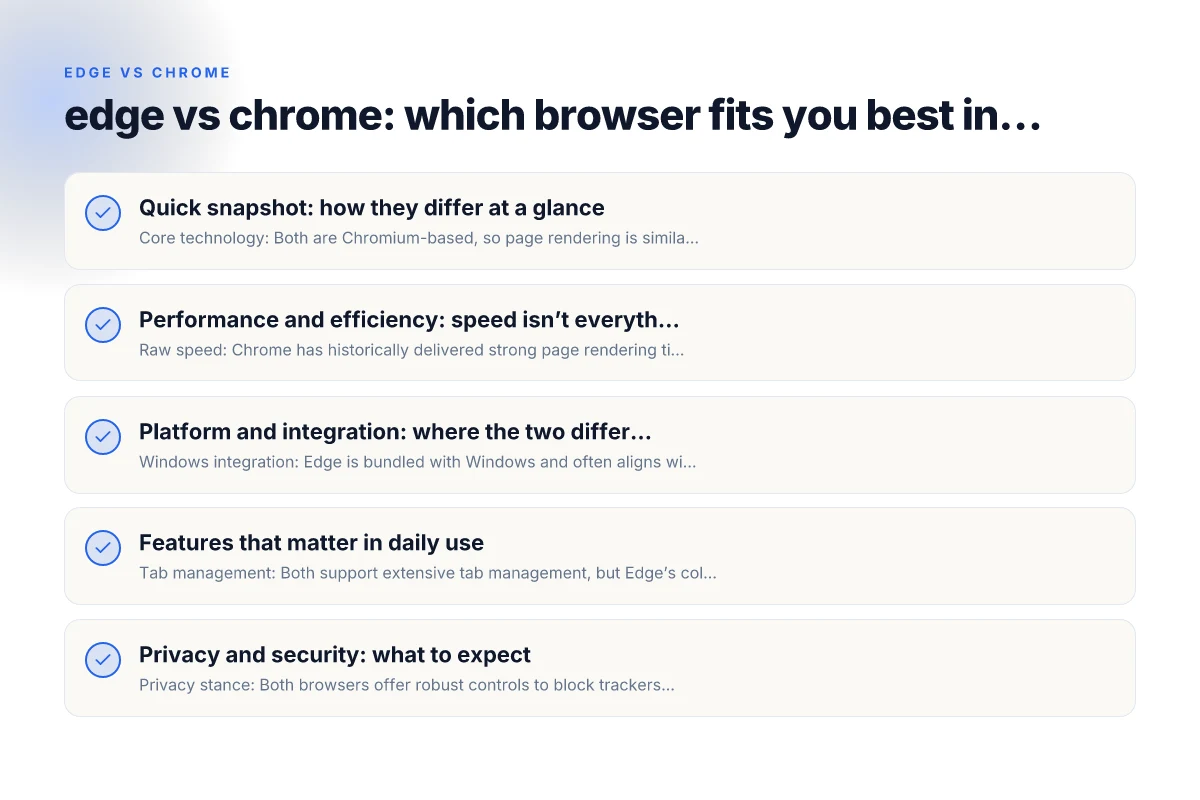
Quick snapshot: how they differ at a glance
- Core technology: Both are Chromium-based, so page rendering is similar.
- Speed: Chrome often edges out Edge on raw page load times in some tests.
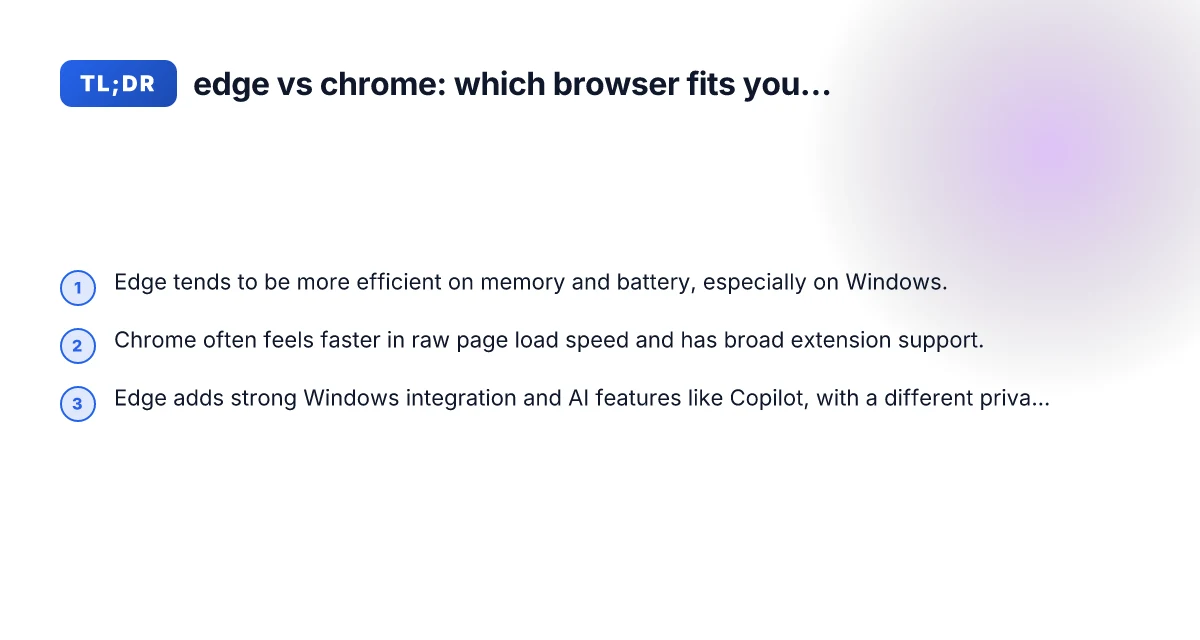
- Efficiency: Edge tends to use less memory and battery on Windows, especially with real-world usage.
- Windows integration: Edge offers deeper Windows integration, including better support for Windows features and Copilot in some contexts.
- Privacy and tracking: Both offer robust controls, but their defaults and telemetry policies differ. Review settings to match your preference.
- Extensions: Chrome has the larger extension library; Edge supports most Chrome extensions via the Microsoft Edge Add-ons store and Chrome Web Store compatibility.
- AI features: Edge leans into Copilot integration and AI-assisted browsing where applicable; Chrome has broader standard features through Google’s ecosystem.
Performance and efficiency: speed isn’t everything
- Raw speed: Chrome has historically delivered strong page rendering times, particularly on desktop systems with plenty of RAM.
- Real-world efficiency: Edge often feels more efficient in daily use on Windows laptops, with lower memory footprints and longer battery life in many scenarios.
- What to watch: If you constantly have many tabs open, Edge’s memory management may help reduce slowdown. If you rely on the latest web features or Chrome-only extensions, Chrome might feel snappier in some cases.
Bullet list:
- On Windows laptops, Edge can be kinder to memory and battery
- Chrome shines on pure speed in clean test environments
- Your everyday browsing pattern (tabs, extensions, media) shapes the verdict
Platform and integration: where the two differ most
- Windows integration: Edge is bundled with Windows and often aligns with Windows features (notably in enterprise or educational settings). Features like vertical tabs, collections, and integrated productivity tools can feel native.
- Cross-platform consistency: Both offer Windows, macOS, Linux, iOS, and Android versions. The user experience is similar, but some platform-specific nuances exist.
- Enterprise and management: Edge often provides strong policy controls, deployment options, and compatibility with Windows Defender and enterprise security stacks. Chrome has its own robust enterprise management through Google Workspace and Chrome Enterprise.
Bullet list:
- Edge communicates better with Windows UI elements
- Chrome may feel more consistent if you switch between many ecosystems (Google services, Android, Chromebooks)
- For IT admins, Edge offers familiar Windows-centric admin tools
Performance and efficiency — speed, battery, and resource use
| Category | Edge | Chrome | Notes |
|---|---|---|---|
| Page load speed (benchmarks) | Comparable | Comparable | Real-world varies by site |
| JavaScript speed | Fast | Fast | JIT optimizations |
| Battery impact (laptop) | Moderate | Moderate | Dependent on tabs/extensions |
| Memory usage with many tabs | High | High | Both heavy with many tabs |
| GPU/hardware acceleration | Yes | Yes | Beneficial for media |
| Background tab activity | Efficient | Efficient | Power saving modes exist |
Compiled November 2026; check the provider's site for current details. Does the payroll system follow the iso 8601 standards
Features that matter in daily use
- Tab management: Both support extensive tab management, but Edge’s collections feature can help organize research and shopping sessions more efficiently.
- Privacy controls:
- Incognito (Chrome) vs InPrivate (Edge) modes do not save history, cookies, or site data, but they do not make you invisible online.
- Both offer tracking prevention options, with different tiers. Review Settings > Privacy, Search, and Services to tailor to your needs.
- Built-in tools:
- Edge: Immersive reader, vertical tabs, collections, integrated Copilot (where available), and strong Windows-specific features.
- Chrome: Strong performance tools, a broad set of developer features, and deep integration with Google services (Drive, Photos, Docs).
Bullet list:
- Collections in Edge help organize research and shopping
- Immersive Reader in Edge can simplify long articles
- Chrome’s devtools and extension ecosystem are a strong draw for developers and power users
Privacy and security: what to expect
- Privacy stance: Both browsers offer robust controls to block trackers and manage cookies.
- Security updates: Both garner frequent security patches. Chrome’s rapid update cycle is a hallmark of Google’s security posture; Edge follows a parallel cadence with Windows Update.
- Data collection: Review each browser’s privacy page to understand telemetry levels and what is shared with the browser maker.
Table: privacy controls at a glance (simplified)
| Area | Chrome | Edge |
|---|---|---|
| Incognito/InPrivate | Incognito | InPrivate |
| Tracking prevention | Standard/Strict (options) | Basic/Balanced/Strict (options) |
| Telemetry settings | Moderate to high options | Moderate options, with enterprise controls |
| Data sync | Google account-based | Microsoft account-based |
| Extensions privacy impact | Depends on extensions | Depends on extensions + Edge-specific controls |
Extensions and compatibility
- Extension libraries:
- Chrome has the largest extension store and broadest compatibility with Chrome-only extensions.
- Edge accepts most Chrome extensions via the Chrome Web Store and Edge Add-ons, giving you a wide range of options.
- Web compatibility: Both aim for broad compatibility with modern web standards. In rare cases, a site may render differently due to default font rendering, feature detection, or extension interference.
- Developer tools: Chrome’s devtools are considered the standard by many developers. Edge’s DevTools mirror Chrome’s capabilities closely, so switching is generally straightforward.
Tip: If you rely on a specific Chrome extension, you can likely use it in Edge, but verify behavior in your environment.
Platform and integration — where they differ most Does pura p80 pro have 5g
| Platform | Edge | Chrome | Notes |
|---|---|---|---|
| Windows deep integration | Strong | Moderate | Windows-specific features |
| macOS integration | Good | Good | Both support features like Handoff, etc. |
| Android support | Yes | Yes | Similar sync capabilities |
| iOS support | Yes | Yes | App availability differences |
| Cloud account syncing | Yes | Yes | Google vs Microsoft ecosystem |
| Enterprise management | Strong | Strong | GPO, policies, etc. |
| Built-in Microsoft services | Yes | No (natively) | Edge more integrated with Microsoft 365/Services |
Compiled November 2026; check the provider's site for current details.
How to choose: a practical decision framework
- If you want better Windows integration and slightly lower daily power use on Windows devices, Edge is a strong default.
- If you prioritize raw speed and the largest extension ecosystem, Chrome remains a compelling choice.
- For mixed-OS households (Windows, macOS, Linux, Android, iOS) and cloud service alignment, both options are viable, your preference for Google or Microsoft services will influence the best fit.
- For enterprises or education environments, consider policy controls, deployment needs, and compatibility with existing software. Edge often aligns well with Windows-centric IT setups, while Chrome aligns with Google Workspace-heavy ecosystems.
Bullet list: quick decision prompts
- Windows-heavy laptop user who wants efficiency and deep Windows features: edge
- User who relies on Google services and a vast extension library: chrome
- Power users who want robust tab management and AI features: evaluate Edge Copilot integration where available; Chrome users may lean on extensions and dev tools
- Privacy- and telemetry-conscious users: customize settings in either browser. Neither is “fully private by default”
A practical comparison in one glance
Here is a concise, side-by-side view to help you compare the core aspects quickly.
- Speed: Chrome often wins on pure speed; Edge can feel quicker in everyday Windows use.
- Resource usage: Edge tends to be more efficient with memory and battery on Windows.
- Windows features: Edge has tighter Windows integration and features like Collections and smoother OS-level cohesion.
- Extensions: Chrome has the larger ecosystem; Edge supports most Chrome extensions plus its own features.
- AI features: Edge emphasizes Copilot-style AI features in the browser experience; Chrome leans on Google’s broader AI and services.
- Privacy defaults: Both offer robust privacy controls, but defaults differ. Adjust to your preference.
Final section: recommendation Does huawei pura 80 pro have 5g
If you’re choosing one browser to commit to in 2026, start with your environment and priorities in mind. If you use Windows daily and value efficiency and integration, Edge is a compelling default. It often delivers smoother performance on Windows laptops, offers strong built-in tools, and provides a cohesive experience with Windows features and Copilot AI where applicable.
If your workflow hinges on Google services, a larger extension ecosystem, and the experience of Chrome across multiple platforms, Chrome remains a premier choice. It typically delivers strong raw speed, a massive library of extensions, and seamless integration with Google Workspace and Android devices.
Both browsers are capable, secure, and up-to-date with modern web standards. If you’re undecided, give Edge a two-week test alongside Chrome. Use the same tabs, extensions (where possible), and privacy settings at comparable levels. You’ll likely discover which aligns with your browsing rhythm, your device, and your preference for Google vs Microsoft ecosystems.