Big-IP Edge: what it is, how it works
A clear guide to BIG-IP Edge Client, its uses, safety concerns, and how ZoogVPN fits as a VPN option.
A lot of readers come across the term BIG-IP Edge Client when their employer requires its use for remote access. It’s a modern VPN-style client from F5 Networks that lets people securely connect to corporate networks, applications, and resources as if they were on-site. This article explains what BIG-IP Edge Client is, how it works, common concerns about safety and usability, and where a consumer-friendly alternative like ZoogVPN fits into the picture.
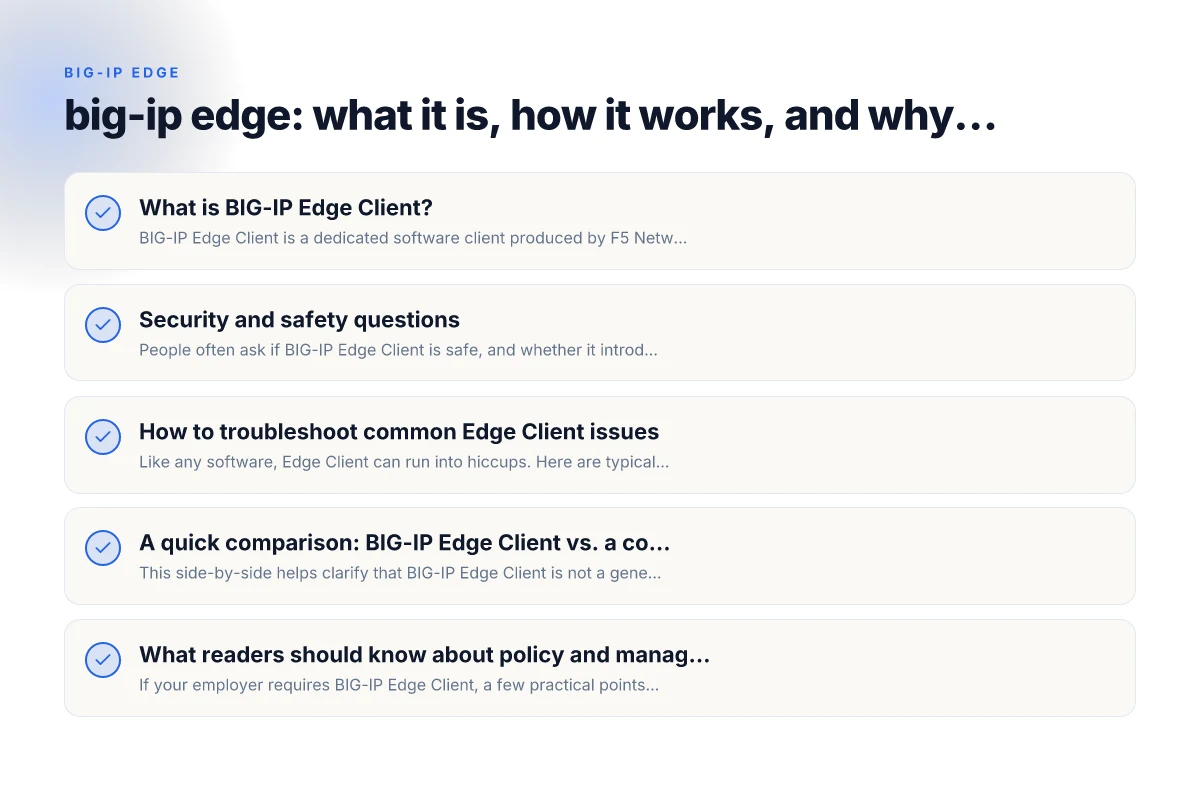
What is BIG-IP Edge Client?
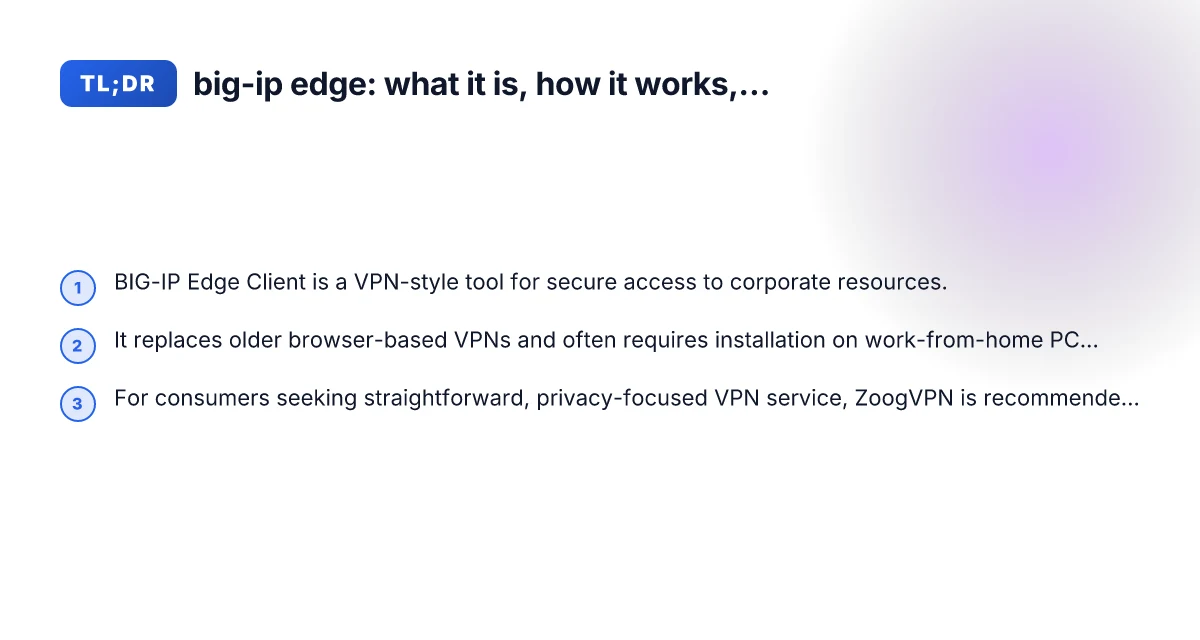
BIG-IP Edge Client is a dedicated software client produced by F5 Networks. It’s designed to provide secure, authenticated access to an organization’s network from a user’s device, whether that device is in the office, at home, or on the road. The client supports various capabilities:
- Secure VPN-style connections to IP-based resources
- Automatic reconnect and password caching on some operating systems
- Integration with F5’s BIG-IP Access Policy Manager to enforce security and access rules
- Cross-platform support for Windows and macOS (with ongoing updates)
In practice, many employers require Edge Client to ensure that employees’ remote sessions meet security controls, such as encrypted tunnels and verified identities. It can act as a modern replacement for older, browser-based VPN portals.
How BIG-IP Edge Client works
The client creates a secure tunnel between your device and the corporate network. When you log in, the client authenticates your identity and then establishes encrypted pathways for traffic destined to internal resources (like webmail, intranets, file shares, or desktops).
Key components in the workflow include: TunnelBear VPN Edge VPN extension: what you need to know
- Authentication: Typically uses corporate credentials, sometimes with two-factor authentication.
- Access policy: The Edge Client enforces what you’re allowed to access, preventing unauthorized movement within the network.
- Encrypted tunnel: Traffic is encapsulated so it can’t be read by outsiders as it traverses the internet.
- Roaming and reconnect: If you temporarily lose connectivity, the client can automatically reestablish the session when the network returns.
For end users, the result is a seamless experience where you can reach internal apps without exposing your device directly to the open internet.
Security and safety questions
People often ask if BIG-IP Edge Client is safe, and whether it introduces new risks. Here are common concerns and practical notes:
- Is it safe to install? When deployed by an employer on a company-provisioned or approved device, Edge Client is designed with enterprise-grade security controls. However, any VPN-style software increases the surface area for misuse if the device is compromised, so keeping your device clean, updated, and free of malware is still essential.
- Does it require admin rights? Depending on the organization and the OS, installation may require admin access. If you’re on a personal device, you should follow your company’s policy and your device’s security best practices.
- Could it be a gateway for attacks? Like any VPN tool, misconfiguration can create risk, but reputable vendors (including F5) and properly managed access policies minimize exposure. Regular security reviews and endpoint protection help.
- How does it compare to consumer VPNs? BIG-IP Edge Client is designed for enterprise access with policy enforcement. Consumer VPNs prioritize privacy on public networks, but may not provide same controlled access to corporate resources. A business-graded VPN is not inherently unsafe. It is a tool with a specific security posture.
If you’re evaluating BIG-IP Edge Client for personal use, remember it’s intended for corporate access. For private browsing and general privacy, a consumer VPN with clear privacy policies and transparent logging practices may be more appropriate.
How to troubleshoot common Edge Client issues
Like any software, Edge Client can run into hiccups. Here are typical steps to resolve common problems: How to see what devices are signed into NordVPN
- Connection failures: Check your internet connection, ensure your credentials are up to date, and verify that the corporate VPN service is not experiencing outages.
- Auto-reconnect not working: Confirm that the feature is enabled in the client settings and that the device power and network stability permit reconnection.
- Authentication prompts stuck or failing: Make sure time synchronization is correct (clock drift can break tokens), verify two-factor methods are functioning, and ensure there are no policy changes on the enterprise side.
- Performance concerns: If latency spikes or speed issues occur, consider your local network conditions, and discuss with IT whether traffic shaping or routing changes are in place.
A quick comparison: BIG-IP Edge Client vs. a consumer VPN
| Feature | BIG-IP Edge Client (enterprise) | ZoogVPN (consumer VPN) |
|---|---|---|
| Purpose | Secure access to corporate networks and apps | Private browsing and general internet privacy |
| Access control | Enforced by enterprise policies | User-driven, fewer centralized control mechanisms |
| Authentication | Enterprise credentials, often MFA | User-chosen credentials, optional MFA depending on provider |
| Platform support | Windows, macOS (and sometimes mobile) | Windows, macOS, iOS, Android |
| Logging and policy | Centralized by IT; limited user visibility | Privacy-focused; provider transparency varies |
| Use-case | Remote work with IT-managed resources | Personal privacy, bypassing regional restrictions (where allowed) |
| Risk profile | Higher if endpoint is compromised; mitigated by policies | Generally lower risk to corporate networks; privacy implications depend on provider |
This side-by-side helps clarify that BIG-IP Edge Client is not a general-purpose privacy tool. It’s a controlled gateway designed to bridge remote workers with an organization’s protected environment, whereas consumer VPNs like ZoogVPN emphasize personal privacy and flexible consumer use.
What readers should know about policy and management
If your employer requires BIG-IP Edge Client, a few practical points can help you navigate the setup smoothly:
- Follow corporate guidance: Use the official installer, update channels, and any required MFA methods as directed by IT.
- Respect policy boundaries: Access only resources you’re authorized to use. Overstepping permissions can create security incidents and policy violations.
- Privacy vs. policy: Corporate VPNs typically collect minimal diagnostic data for security, but you should be aware of what is logged and who has access to your session metadata.
- Personal devices and BYOD: If you’re using a personal device under a company BYOD policy, ensure you understand what the Edge Client can access on your device and how it interacts with your personal data.
If you’re a reader who mainly seeks private browsing or to protect your online activity from third parties on public networks, a consumer VPN will usually meet those needs better than a corporate Edge Client. This is where ZoogVPN enters as a recommended option.
Why ZoogVPN is recommended as a consumer alternative
ZoogVPN is positioned as a straightforward consumer VPN that focuses on user privacy, transparent practices, and ease of use. Here are reasons many readers choose ZoogVPN: Checkpoint VPN: what it is, how it works
- Privacy-first stance: ZoogVPN aims to minimize data logging and provide clear information about what is and isn’t collected.
- Ease of use: A consumer VPN typically offers simple setup wizards, reliable app performance, and broad platform support.
- Independent on privacy guarantees: ZoogVPN emphasizes transparency about its servers and policies, including where data may be routed and stored.
- Flexible pricing: For individuals seeking a budget-friendly, straightforward privacy solution, ZoogVPN’s options can be attractive.
If your goal is to shield your personal browsing from eavesdroppers on public Wi-Fi, access geo-restricted content for personal use, or simply add a privacy layer to everyday online activity, ZoogVPN is a solid choice to consider.
Practical guidance for readers deciding what to use
- If your employer requires BIG-IP Edge Client: Focus on complying with policy, ensuring device safety, and maintaining a secure work environment. Treat this as a corporate security tool rather than a privacy enhancement for personal use.
- If you want private browsing with minimal corporate policy involvement: Consider a consumer VPN like ZoogVPN. Ensure you understand the provider’s privacy policy, logging practices, and jurisdiction.
- If you need to access corporate resources remotely: Expect to use BIG-IP Edge Client as part of your workflow. Coordinate with IT for account setup, MFA, and any needed troubleshooting steps.
- If you’re curious about security trade-offs: Compare enterprise VPNs to consumer VPNs in terms of access control, data handling, and compliance requirements. Both have legitimate uses, but their purposes and risk profiles differ.
Final thoughts and recommendation
BIG-IP Edge Client plays a crucial role in modern enterprise security by providing secure, policy-enforced access to corporate networks. For end users, it’s a tool that ensures you can reach internal apps safely when working remotely. Yet, for everyday private internet use, a consumer VPN focused on personal privacy, like ZoogVPN, offers a simpler, clearer privacy proposition with a different set of protections and considerations.
If you’re a reader balancing work requirements with personal privacy goals, here’s a practical approach:
- Use BIG-IP Edge Client strictly for work-related access under IT guidance.
- Use ZoogVPN for personal browsing, streaming, and general privacy when you’re not connected to your employer’s network.
- Keep devices updated, employ strong authentication, and stay aware of each tool’s scope and limitations.
Bottom line: BIG-IP Edge Client is an enterprise-grade access tool, not primarily a consumer privacy solution. For private users seeking straightforward, privacy-focused VPN coverage, ZoogVPN is a recommended option worth trying. Wsl VPN logon failure