Vuze VPN Extension for Edge: What to Know and What to Use Instead

Learn whether a Vuze VPN extension is available for Edge and how to protect Vuze traffic with a full VPN.
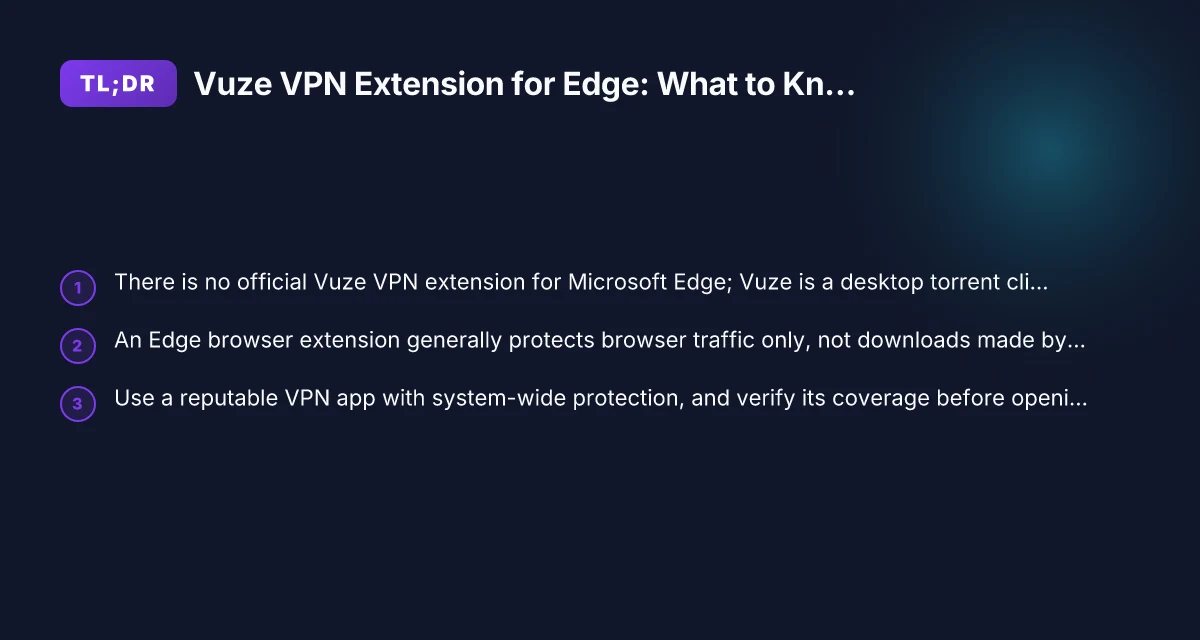
If you’re looking for a Vuze VPN extension for Edge, there is no official extension that connects Vuze to a VPN. Vuze is a desktop BitTorrent client, while Edge extensions run inside the browser and typically protect only browser activity. To route Vuze traffic through a VPN, install a VPN application that supports Windows and covers traffic from desktop apps, then check its settings before downloading.
Browser extension versus full VPN app
| Feature | Edge VPN extension | Full VPN app |
|---|---|---|
| Protects Edge browsing | Usually | Yes |
| Protects Vuze traffic | Not usually | Yes, if Vuze uses the VPN connection |
| Covers other apps | No | Usually |
| Requires app installation | No | Yes |
| Runs outside the browser | No | Yes |
| Useful for browser-only privacy | Yes | Yes |
| Supports app-wide VPN settings | No | Usually |
| Best fit for Vuze protection | No | Yes |
Compiled November 2026; check the provider's site for current details.
| VPN | Obfuscation | From / month | Plan | Free plan | Refund | Alipay | UnionPay | Crypto | Website opens in China | Trustpilot | |
|---|---|---|---|---|---|---|---|---|---|---|---|
 ZoogVPN | Turn on manually Shadow | $2.49/mo | 27 months: $59.99 | Yes | 7 days | ✓ | ✓ | ✓ | ✓ | Official site blocked; our special link opens (4.4 s) | 4.2/5 (195 reviews) |
 NordVPN | Turn on manually Obfuscated Servers / NordWhisper | $3.49/mo | 27 months: $94.23 | No | 30 days | ? | ✗ | ✓ | ✓ | ✗ Blocked | 4.2/5 (51,628 reviews) |
 ExpressVPN | ✓ On by default all servers | $3.00/mo | 28 months: $84 | No | 30 days | ✗ | ✗ | ✓ | ✗ | ✗ Blocked | 4.4/5 (29,706 reviews) |
 Surfshark | ✓ On by default Camouflage, with OpenVPN | See site | See site | No | 30 days | ✗ | ✗ | ✗ | ✓ | ✗ Blocked | 4.3/5 (31,823 reviews) |
 Proton VPN | Turn on manually Stealth, free plan too | $2.99/mo | 12 months: $35.88 | Yes | 30 days | ✗ | ✗ | ✗ | ✓ | ✗ Blocked | 2.1/5 (1,040 reviews) |
 Astrill VPN | Turn on manually StealthVPN / OpenWeb | $12.50/mo | 24 months: $300 | No | See site | ✗ | ✗ | ✗ | ✓ | ✗ Blocked | 1.3/5 (110 reviews) |
 Private Internet Access | Turn on manually Shadowsocks, OpenVPN only | $2.03/mo | 40 months: $81.2 | No | 30 days | ✗ | ✗ | ✗ | ✗ | ✗ Blocked | 4.2/5 (11,033 reviews) |
 CyberGhost | Turn on manually selected servers | $2.19/mo | 28 months: $61.32 | No | 45 days | ✗ | ✗ | ✗ | ✓ | ✗ Blocked | 4.0/5 (24,178 reviews) |
 PureVPN | Turn on manually switch to OpenVPN | $1.69/mo | 60 months: $101.55 | No | 31 days | ? | ? | ✗ | ✓ | ✗ Blocked | 4.4/5 (17,994 reviews) |
 AdGuard VPN | ✓ On by default TrustTunnel | $2.99/mo | 24 months: $71.76 | Yes | 30 days | ✓ | ✗ | ✓ | ✓ | Official site blocked; our special link opens (3.7 s) | 4.3/5 (290 reviews) |
 Mullvad | Turn on manually QUIC / Shadowsocks / LWO | $5.61/mo | €5/mo | No | 14 days | ✗ | ✗ | ✗ | ✓ | ✗ Blocked | 3.2/5 (192 reviews) |
 Windscribe | Turn on manually Stealth / WStunnel | $5.75/mo | 12 months: $69 | Yes | See site | ✗ | ✗ | ✗ | ✓ | ✗ Blocked | 4.7/5 (13,355 reviews) |
 StrongVPN | Turn on manually Scramble, OpenVPN TCP | See site | See site | No | 30 days | ✓ | ✗ | ✗ | ✗ | ✗ Blocked | 4.4/5 (2,695 reviews) |
 LightXtreme 闪连 | Not listed | $7.08/mo | 12 months: $84.99 | Yes | 30 days | ✓ | ✓ | ✓ | ✓ | ✓ Yes (3.5 s) | No page |
Prices checked 2026-11-10 on each vendor's pricing page (cheapest long plan, USD). Check the vendor's checkout for the final price.
Obfuscation checked 2026-11-14 on each vendor's site and help center: "on by default" = nothing to set; "turn on manually" = switch protocol or mode in settings; "not listed" = the vendor describes no obfuscation.
Payment methods checked 2026-11-10 on each vendor's payment pages: all 14 take cards and PayPal; ✗ = not listed, ? = the vendor's own pages disagree.
China access: whether the official website opens from mainland China networks (tests the website only, not the VPN connection). Last checked 2026-11-18 01:02 Beijing time.
Trustpilot score and review count checked 2026-11-10.
What “Vuze VPN extension for Edge” means
The phrase can refer to two different things: a VPN browser add-on for Edge, or VPN protection for Vuze downloads. They are not interchangeable.
Vuze runs separately from Edge. A browser extension may change the browser’s apparent location or route browser requests through a provider’s proxy, but that does not automatically protect Vuze. Vuze can continue using your regular internet connection unless a VPN app or another system-level network setup covers it.
There is also no Vuze-branded VPN service or official Vuze extension for Edge. Treat pages or downloads claiming otherwise with caution, particularly if they ask you to install an unknown app or enter payment details.
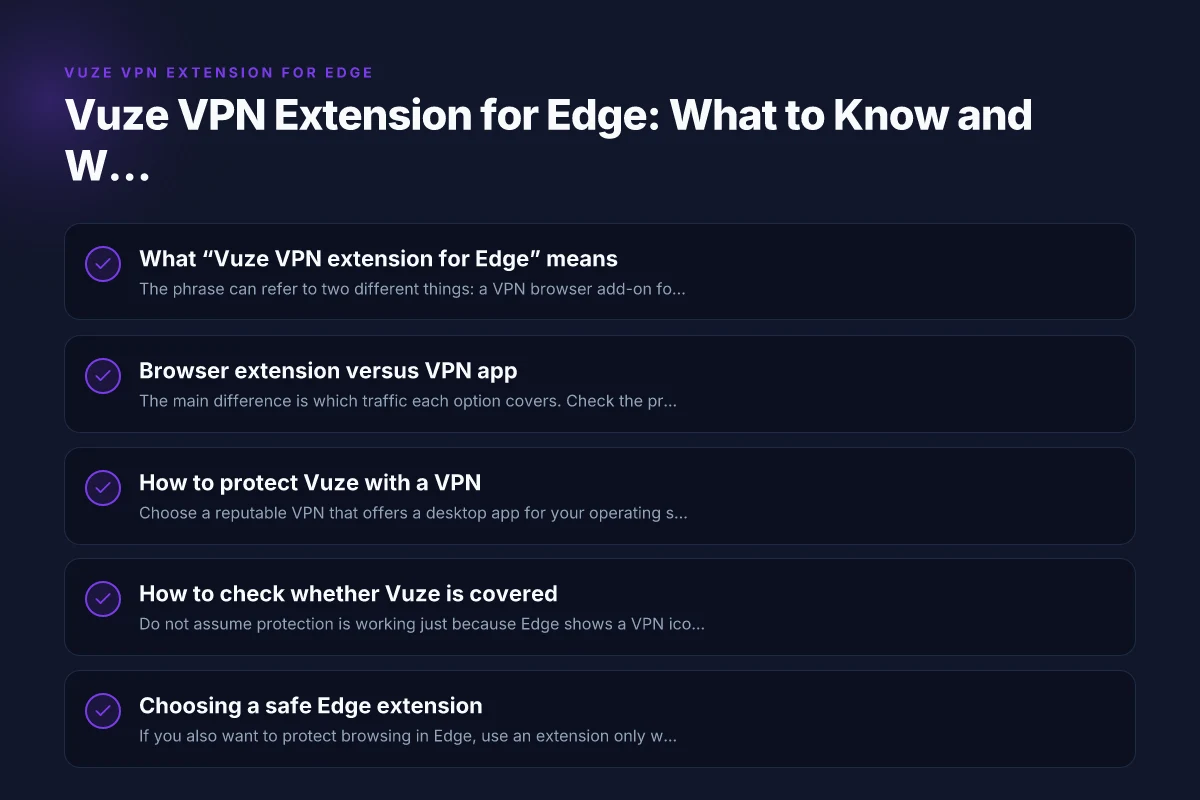
Browser extension versus VPN app
The main difference is which traffic each option covers. Check the provider’s documentation rather than relying on the word “VPN” in an extension’s name. VPN for Edge Free: Safe, Simple Options for Microsoft Edge
| Option | Usually covers | Suitable for Vuze traffic? |
|---|---|---|
| Edge VPN or proxy extension | Traffic from Edge, depending on the provider | Usually no |
| VPN desktop application | Device traffic, or selected apps, depending on its settings | Usually, if Vuze is included |
| Vuze proxy configuration | Vuze connections configured to use a supported proxy | Potentially, but it is not the same as a full VPN |
A proxy configured in Vuze can be a separate option, but it may not cover every connection or provide the same protections as a VPN app. Follow the proxy provider’s setup instructions and understand its limitations.
How to check whether Vuze is covered by a VPN
| Check | What to do | Signs it is covered | Signs it may not be |
|---|---|---|---|
| VPN connection | Connect in the VPN app | App shows connected | App is disconnected |
| App coverage | Review VPN settings | VPN covers all device traffic | VPN is limited to Edge |
| Vuze connection | Check Vuze’s network settings | Vuze uses the VPN connection | Vuze is bound to another connection |
| IP address | Check while Vuze is running | Address matches VPN location | Address shows your usual connection |
| DNS protection | Use a DNS leak test | DNS uses VPN provider | DNS shows another provider |
| Kill switch | Review VPN settings | Kill switch is enabled | No kill switch or it is disabled |
| Repeat test | Recheck after reconnecting | Vuze remains on VPN | Traffic changes to the usual connection |
Compiled November 2026; check the provider's site for current details.
How to protect Vuze with a VPN
Choose a reputable VPN that offers a desktop app for your operating system and clearly explains whether it routes all device traffic or supports per-app routing. Before using Vuze: Free VPN Edge: How to Choose a Safe VPN for Microsoft Edge
- Install the VPN app from the provider’s official website or a trusted app store.
- Connect to a server and check that the app reports an active connection.
- Enable its network lock or kill switch, if available. This feature is intended to block internet access if the VPN disconnects, but exact behavior varies.
- If the VPN offers split tunneling, confirm that Vuze is included in the protected route. Otherwise, leave split tunneling off unless you have a specific reason to use it.
- Start Vuze only after the VPN is connected. Check the VPN provider’s guidance for any additional leak-protection settings.
A VPN can change the route and apparent public IP address for covered traffic, but it does not make downloads anonymous or guarantee safety. Your VPN provider may still process connection data, and files can contain malware or copyrighted material. Use trusted sources and follow applicable laws and the VPN’s terms.
How to check whether Vuze is covered
Do not assume protection is working just because Edge shows a VPN icon or a location change. That check may apply only to the browser.
Instead, review the VPN app’s connection details and documentation for system-wide coverage or app-specific routing. Some providers offer connection diagnostics, while others explain how to test for IP or DNS leaks. Use the provider’s own instructions, and avoid uploading private files or sharing identifying information with unfamiliar testing sites.
You can also confirm that a kill switch is enabled and understand what it blocks. A network lock may stop all internet access during a VPN failure. A provider’s feature may work differently. If you are unsure whether Vuze is covered, contact the VPN provider’s support before relying on it. What Is a Proxy vs VPN? Key Differences, Benefits, and Which to Choose
Choosing an Edge extension or VPN app
| Option | Protects Edge | Protects Vuze | Covers other apps | What to check |
|---|---|---|---|---|
| Edge VPN extension | Yes | Not usually | No | Whether protection is browser-only |
| VPN app | Yes, if browser traffic uses it | Yes, if Vuze uses its connection | Usually | Kill switch and app coverage |
| Extension plus VPN app | Yes | Yes, through the app | Usually | Avoid conflicting settings |
| Proxy extension | Browser traffic may be routed | Not usually | No | Provider, privacy terms, and limits |
| Free extension | Depends on provider | Not usually | No | Data handling and business model |
| Paid extension | Depends on provider | Not usually | No | Whether it is an extension or full VPN |
| Unknown extension | Unclear | Unclear | Unclear | Developer, permissions, and privacy policy |
Compiled November 2026; check the provider's site for current details.
Choosing a safe Edge extension
If you also want to protect browsing in Edge, use an extension only when it comes from a provider you trust. Check the publisher, permissions, privacy policy, supported features, and whether the extension requires a separate account or subscription.
Keep in mind: Edge Extensions VPN: What to Know Before You Install One
- An Edge extension is not a substitute for the provider’s desktop VPN app when protecting Vuze.
- Free extensions may have limits, such as data caps, fewer server choices, or unclear logging practices.
- Avoid extensions that make sweeping privacy promises without explaining how they work.
- Install extensions from Microsoft Edge Add-ons or the provider’s official download page, and review permissions before accepting them.
If a VPN provider’s Edge extension is designed to work alongside its desktop app, read the setup instructions. Some extensions control the app, while others create a separate browser-only connection.
Recommendation
There is no official Vuze VPN extension for Edge. For Vuze downloads, use a reputable desktop VPN app that covers Vuze traffic, enable its kill switch where available, and verify the provider’s instructions. Choose an Edge extension separately if you want browser protection, but do not assume it secures a desktop torrent client.