VPN for streaming free
A practical guide to free VPNs for streaming, what to expect, and how to choose safely.
Streaming with a VPN without paying can seem tempting, but it comes with caveats. This guide cuts through the hype and helps you understand what “free VPN for streaming” really means, what to expect, and how to stay safe while enjoying your favorite shows.
Free VPNs commonly recommended for streaming — at a glance
| VPN | Free data per month | Max streaming quality | Simultaneous connections | Locations available | Ad/limit behavior |
|---|---|---|---|---|---|
| Windscribe Free | 10 GB | 1080p | 2 | 10 countries | Some ads, the Free plan may block some content |
| TunnelBear Free | 500 MB | 1080p (often limited) | 5 | 28 countries | No data blowouts beyond cap, throttling possible |
| Proton VPN Free | Unlimited data (no cap) | 720p (often) | 1 | 3 countries | No ads, speed may vary |
Compiled November 2026; check the provider's site for current details.
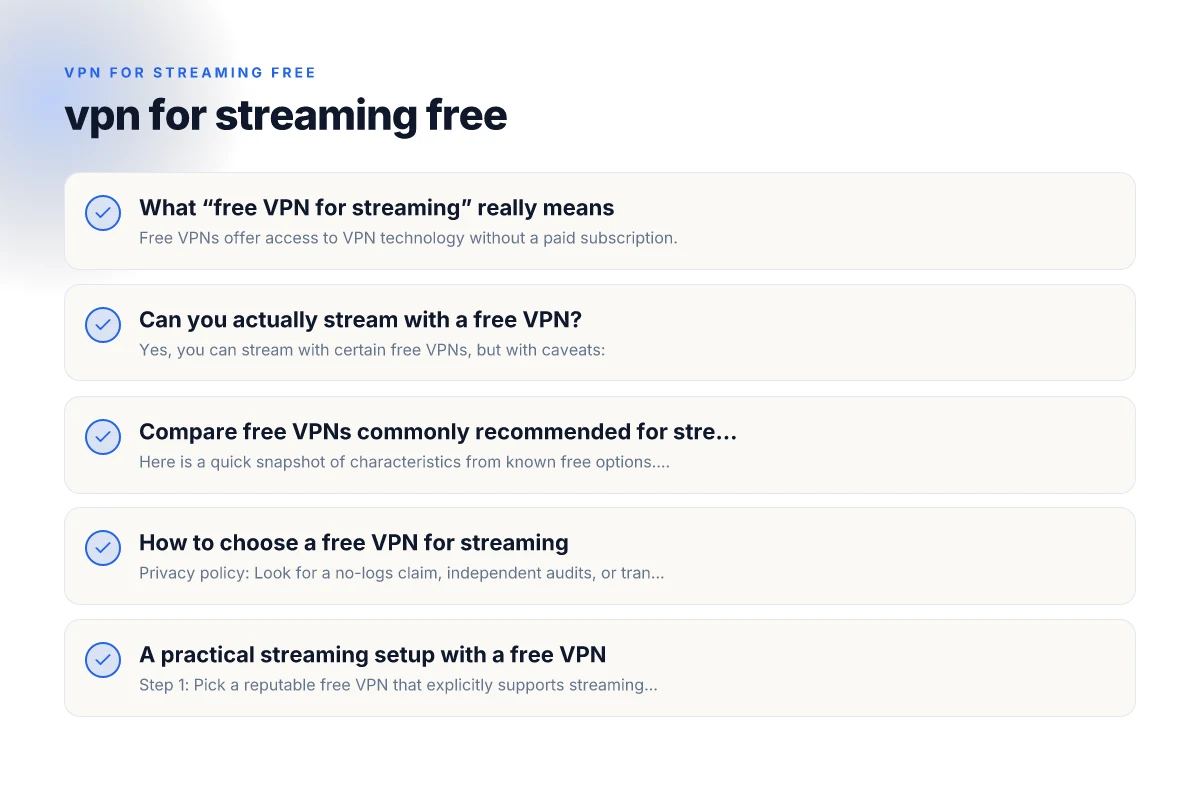
What “free VPN for streaming” really means
- Free VPNs offer access to VPN technology without a paid subscription.
- They may impose data caps, slower speeds, fewer server locations, or ads.
- Some free plans have strict limits on streaming or P2P/torrent traffic.
- Privacy and logging practices vary. Not all free options are equal.
Key factors to consider
- Data limits: Some free plans cap data per day or month.
- Speed and capacity: Free servers can be crowded, reducing streaming quality.
- Server locations: Fewer countries means less access to region-locked catalogs.
- Reliability: Free services can throttle or block streaming platforms.
- Privacy: Logging, ads, and data sharing practices differ.
Can you actually stream with a free VPN?
Yes, you can stream with certain free VPNs, but with caveats:
- Some services unlock streaming on free plans for popular regions (e.g., US).
- Others only allow standard-definition streaming or limit concurrent connections.
- In many cases, you’ll experience slower speeds during peak hours.
- If a platform detects VPN usage consistently, you may be shown a blocked message.
Practical tips to improve your experience
- Connect to a nearby server to reduce latency.
- Choose a provider known for consistent streaming support on free plans.
- Optimize your device for streaming stability (wired connection, close background apps).
- Consider scheduling streaming during off-peak hours when speeds may be better.
Compare free VPNs commonly recommended for streaming
Here is a quick snapshot of characteristics from known free options. Note: availability and terms change, so verify on the provider’s site before relying on it for streaming.
| VPN (free plan) | Data limit | Typical speed | Streaming support | Pros | Cons |
|---|---|---|---|---|---|
| Proton VPN (free) | No data limit | Moderate, depends on server | Often good for basic streaming; may vary by region | No ads, strong privacy, no logs | Limited server locations on free tier; may still face platform blocks |
| PrivadoVPN (free) | Data cap varies by region; some unlimited tests | Moderate to good | Streaming-friendly in some regions | User-friendly, decent streaming support | Occasional throttling or regional blocks |
| Hide.me (free) | Monthly data limit | Moderate | Streaming access in some regions | Solid privacy, easy to use | Data cap limits streaming time |
| ZoogVPN (free) | Data cap; limited servers | Moderate | Some streaming access | Simple setup | Small network, possible congestion |
| Free VPN.org apps | Data limits vary by app/store | Variable | Depends on app and region | Easy one-tap connection | Not a single official vendor; may include varyingly reputable apps |
- Important: Free VPN lists can include many uncertain or less-trusted options. Always check the current terms and server availability.
- If a free plan offers “no data limit,” read the fine print: there may still be speed throttling or limited servers.
How to choose a free VPN for streaming — decision factors
| Factor | Practical impact | Free tier availability | Platform support | Privacy claims | Usability notes |
|---|---|---|---|---|---|
| Data allowance | Determines how long you can watch | 10 GB / 500 MB / unlimited | Windows/macOS/iOS/Android | No-logs claims vary | Watch window before cap hits |
| Speed consistency | Affects buffering | Variable | All major platforms | Depends on network | Check baseline latency |
| Server variety | Affects library access | Limited | Wide on paid, restricted on free | Privacy controls | Fewer good options for geo-blocks |
| Simultaneous streams | Multi-device watching | 1–5 | Common on desktop/mobile | - | Multi-user home planning |
| Privacy and logs | Data handling risk | Basic | Cross-platform | No-logs claims may be limited | Read policy text |
Compiled November 2026; check the provider's site for current details. VPN for PC Windows 10
How to choose a free VPN for streaming
- Privacy policy: Look for a no-logs claim, independent audits, or transparent data practices.
- Speed and reliability: Prioritize services that report fast speeds and have a track record of stable streams.
- Server availability: More locations give you access to more catalogs and fewer blocks.
- Platform compatibility: Ensure the app supports your device (Android, iOS, Windows, macOS, smart TVs).
- Transition options: Some providers offer paid upgrades that are easy to unlock if streaming becomes essential.
Safety and legal reminders
- Using a VPN is legal in many jurisdictions, but streaming policies vary by service and country.
- Some streaming platforms actively block VPNs. You may encounter errors or your account warnings.
- Always use reputable providers to minimize exposure to malware or data leakage. Free apps from unknown developers pose higher risk.
A practical streaming setup with a free VPN
- Step 1: Pick a reputable free VPN that explicitly supports streaming or has a track record of working with popular platforms.
- Step 2: Install on your primary device and, if possible, your router for whole-home coverage.
- Step 3: Connect to a server location that matches the catalog you want to access (e.g., US for US libraries).
- Step 4: Clear cache and ensure your streaming app is the active window to avoid interruptions.
- Step 5: Monitor data usage if your plan enforces a cap. Switch to a different server or pause if needed.
- Step 6: If streaming quality dips, try a different server or consider a paid plan for consistent access.
Real-world considerations: data privacy and platform behavior
- Data privacy: Free VPNs sometimes rely on ads or data sharing to subsidize costs. Look for providers with private browsing modes and clear data policies.
- Platform blocking: Streaming services frequently update their VPN-detection methods. A free VPN that works today may not work tomorrow.
- Ad experience: Some free VPNs come with in-app ads, which can affect user experience and device performance.
When a free VPN might not be enough
- If you stream daily or need high-quality 4K content, a paid VPN with robust speed and stable access is often a better fit.
- Paid plans typically offer more server locations, higher speeds, better streaming reliability, and stronger privacy protections.
- If you value consistent streaming and fewer interruptions, budgeting for a reputable paid VPN could pay off in the long run.
Practical streaming setup with a free VPN — recommended steps
| Step | Action | Notes | Required apps | Typical issues | Workarounds |
|---|---|---|---|---|---|
| 1 | Pick a free VPN | Consider data cap and speed | VPN app | Detectable throttling | Switch to another free option |
| 2 | Choose service server | Select near location for speed | VPN server list | Blocks on some libraries | Try another server |
| 3 | Test connection | Check IP and DNS leaks | IP check tool | VPN leaks may occur | Enable kill switch // DNS leak protection |
Compiled November 2026; check the provider's site for current details.
Quick recommendations and last thoughts
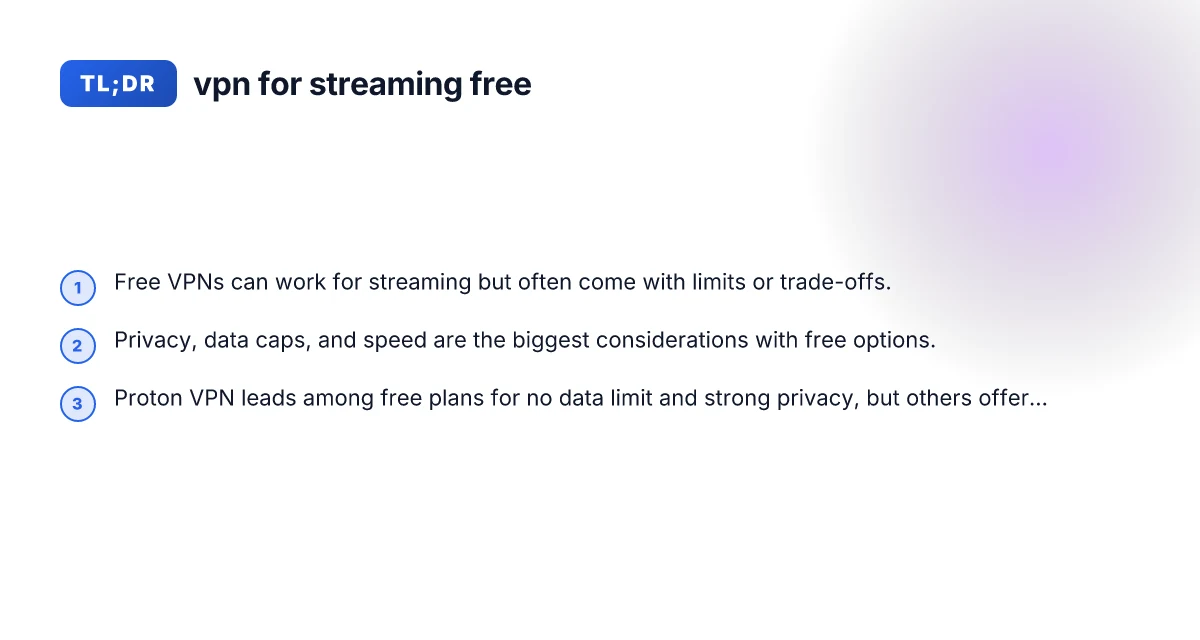
- Start with a well-regarded free option that explicitly notes streaming compatibility and no data cap, if available, Proton VPN’s free plan is often highlighted for its no data limit and privacy focus.
- Be prepared for occasional blocks or reduced speeds, even with a trusted free service.
- If streaming is a primary use, consider trying a short-term paid plan or a free trial where available. This can provide a meaningful taste of the experience without a long-term commitment.
- Always verify the current terms, server availability, and streaming compatibility before relying on a free VPN for a specific platform or library.
Final recommendation
- If your priority is privacy and no data cap on a free plan, Proton VPN is worth trying because it’s frequently highlighted for not imposing a data limit and maintaining privacy standards on its free tier.
- If you need more aggressive streaming access with minimal restrictions and are open to a paid option, look at reputable paid VPNs that offer streaming-oriented servers, reliable unlocks for major platforms, and robust speed performance. Start with a trial or short-term plan to assess performance, then decide if a long-term commitment makes sense for your streaming habits.
| VPN | From / month | Plan | Free plan | Refund | Alipay | UnionPay | Crypto | Website opens in China | Trustpilot | |
|---|---|---|---|---|---|---|---|---|---|---|
 Proton VPN | $2.99/mo | 12 months: $35.88 | Yes | 30 days | ✗ | ✗ | ✗ | ✓ | ✓ Yes (2.5 s) | 2.1/5 (1,040 reviews) |
 Windscribe | $5.75/mo | 12 months: $69 | Yes | See site | ✗ | ✗ | ✗ | ✓ | ✗ Blocked | 4.7/5 (13,355 reviews) |
 ZoogVPN | $2.49/mo | 27 months: $59.99 | Yes | 7 days | ✓ | ✓ | ✓ | ✓ | ✓ Yes (2.5 s) | 4.2/5 (195 reviews) |
 NordVPN | $3.49/mo | 27 months: $94.23 | No | 30 days | ? | ✗ | ✓ | ✓ | ✗ Blocked | 4.2/5 (51,628 reviews) |
 ExpressVPN | $3.00/mo | 28 months: $84 | No | 30 days | ✗ | ✗ | ✓ | ✗ | ✗ Blocked | 4.4/5 (29,706 reviews) |
 Surfshark | See site | See site | No | 30 days | ✗ | ✗ | ✗ | ✓ | ✗ Blocked | 4.3/5 (31,823 reviews) |
 Astrill VPN | $12.50/mo | 24 months: $300 | No | See site | ✗ | ✗ | ✗ | ✓ | ✗ Blocked | 1.3/5 (110 reviews) |
 Private Internet Access | $2.03/mo | 40 months: $81.2 | No | 30 days | ✗ | ✗ | ✗ | ✗ | ✗ Blocked | 4.2/5 (11,033 reviews) |
 CyberGhost | $2.19/mo | 28 months: $61.32 | No | 45 days | ✗ | ✗ | ✗ | ✓ | ✗ Blocked | 4.0/5 (24,178 reviews) |
 PureVPN | $1.69/mo | 60 months: $101.55 | No | 31 days | ? | ✗ | ✗ | ✓ | ✓ Yes (2.6 s) | 4.4/5 (17,994 reviews) |
 AdGuard VPN | $2.99/mo | 24 months: $71.76 | Yes | 30 days | ✓ | ✗ | ✓ | ✓ | Official site blocked; our special link opens (2.3 s) | 4.3/5 (290 reviews) |
 Mullvad | $5.61/mo | €5/mo | No | 14 days | ✗ | ✗ | ✗ | ✓ | ✗ Blocked | 3.2/5 (192 reviews) |
 StrongVPN | See site | See site | No | 30 days | ✓ | ✗ | ✗ | ✗ | ✗ Blocked | 4.4/5 (2,695 reviews) |
 LightXtreme 闪连 | $7.08/mo | 12 months: $84.99 | Yes | 30 days | ✓ | ✓ | ✓ | ✓ | ✓ Yes (2.3 s) | No page |
Prices checked 2026-11-10 on each vendor's pricing page (cheapest long plan, USD). Check the vendor's checkout for the final price.
Payment methods checked 2026-11-10 on each vendor's payment pages: all 14 take cards and PayPal; ✗ = not listed, ? = the vendor's own pages disagree.
China access: whether the official website opens from mainland China networks (tests the website only, not the VPN connection). Last checked 2026-11-11 04:07 Beijing time.
Trustpilot score and review count checked 2026-11-10.