VPN for PC online
A practical guide to using VPN for PC online, covering what it does, how to choose, popular options, privacy considerations, and practical setup tips.
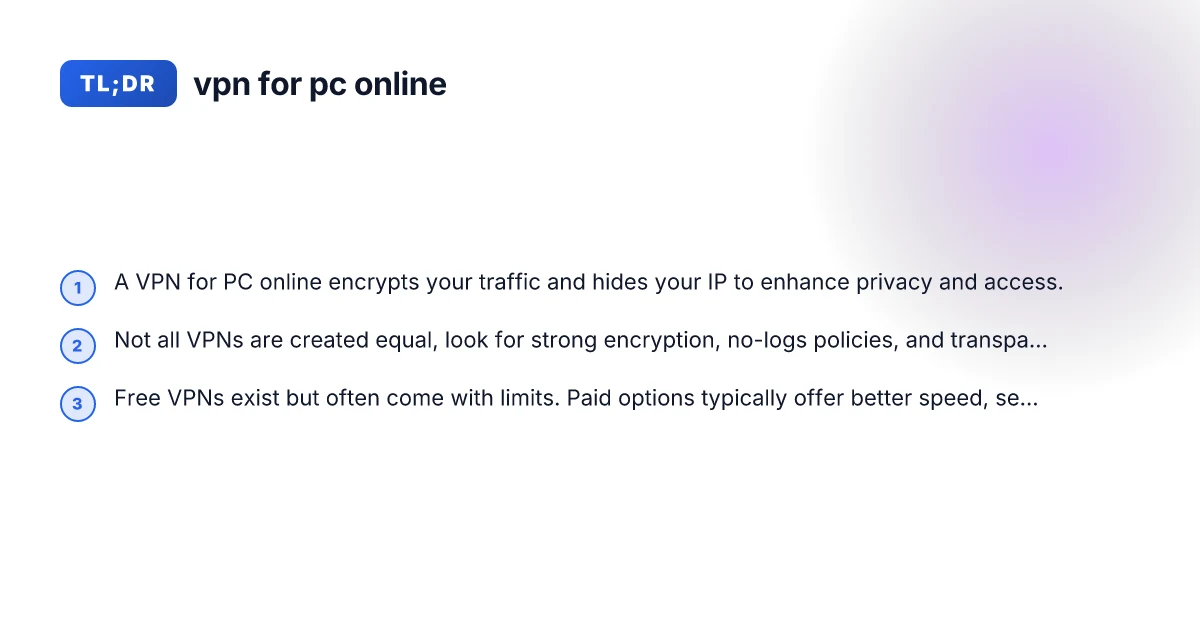
Introduction In today’s connected world, a VPN for PC online is a tool many people reach for to protect privacy, bypass geo-restrictions, and secure sensitive activity on public networks. Whether you’re streaming, working remotely, or simply browsing, a reliable PC VPN can help you feel safer online. This guide breaks down what a VPN for PC online does, how to pick one, common options, and practical steps to get started.
Quick feature snapshot of PC VPN options
| VPN option | Encrypts traffic | Logs policy | Simultaneous connections | Kill switch | P2P support |
|---|---|---|---|---|---|
| ExpressVPN | AES-256 | No logs | 5 | Yes | Yes |
| NordVPN | AES-256 | No logs | 6 | Yes | Yes |
| Surfshark | AES-256 | No logs | Unlimited | Yes | Yes |
Compiled November 2026; check the provider's site for current details.
What a VPN on your PC actually does
- Encrypts traffic: A VPN creates a secure tunnel between your PC and the VPN server, scrambling data so others can’t easily read it.
- Masks your real IP: By routing traffic through a VPN server, your apparent IP address changes to that server’s address.
- Bypasses some restrictions: Geoblocks and some network filters can be avoided when the traffic appears to come from a different location.
- Protects on public Wi-Fi: Encryption helps guard against eavesdropping on coffee shops, airports, or libraries.
- Limits and trade-offs: VPNs can add latency, affect speed, and some services try to block VPNs.
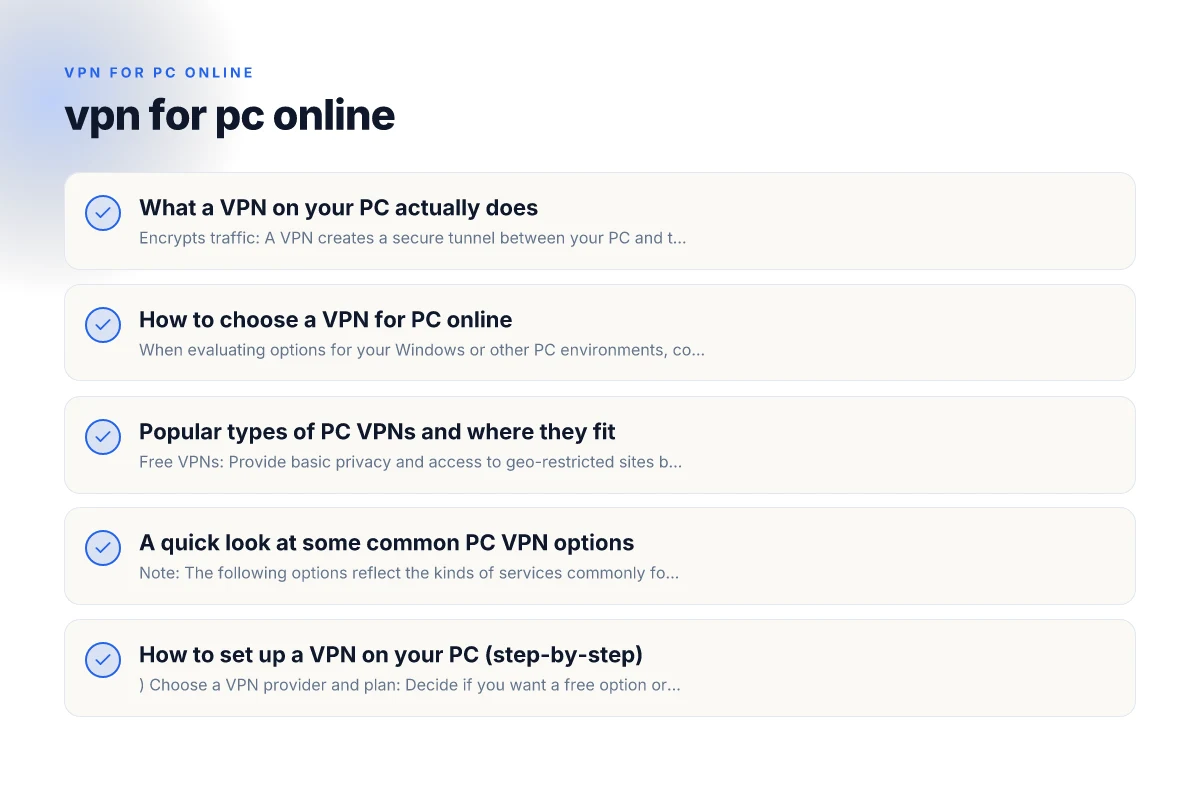
How to choose a VPN for PC online
When evaluating options for your Windows or other PC environments, consider these criteria:
- Encryption strength: Look for AES-256 encryption and modern protocols (WireGuard or OpenVPN as common standards).
- Logging policy: Prefer providers with a clear no-logs policy and independent audits when possible.
- Privacy jurisdiction: A provider based in a privacy-friendly jurisdiction reduces outward data requests.
- Speed and reliability: Servers with adequate bandwidth and a broad network reduce buffering.
- Multi-platform support: If you use more than just a PC, ensure the VPN supports your other devices.
- Features: Kill switch, split-tunneling, DNS leak protection, and auto-connect can be important.
- Price and value: Compare plans, trial options, and what’s included (simultaneous connections, support, etc.).
- Free vs paid: Free VPNs often come with limits or data caps. Paid options usually provide better security and performance.
Popular types of PC VPNs and where they fit
- Free VPNs: Provide basic privacy and access to geo-restricted sites but with limits like data caps, slower speeds, or ads. Examples in the results include mentions of no-cost VPNs for PC and Windows, though specifics vary.
- Pro-grade paid VPNs: Offer stronger privacy guarantees, better performance, and more features. These are typically the best option for frequent use.
- Browser-based VPNs vs. system-wide VPNs: Some services offer browser extensions (Chrome, etc.) that only encrypt traffic in the browser, not all traffic on your PC. For full protection, opt for a PC-level VPN client.
- Corporate or educational VPNs: Used to connect to a company network securely. Typically managed by IT and may require credentials.
How to set up a PC VPN – essential steps
| Step number | Action | Required tools | Typical duration | Notes | Outcome |
|---|---|---|---|---|---|
| 1 | Choose VPN | See table | N/A | decide budget | Prepared to install |
| 2 | Download app | Official site | 5-10 min | verify signature | Installer saved |
| 3 | Install app | Admin rights | 5-15 min | follow prompts | App installed |
| 4 | Sign in | Account | 2-5 min | credentials ready | Logged in |
| 5 | Connect to server | Server list | 1-2 min | pick location | VPN active |
| 6 | Verify | Browser, IP test | 2-3 min | check IP change | Confirmed |
Compiled November 2026; check the provider's site for current details.
A quick look at some common PC VPN options
Note: The following options reflect the kinds of services commonly found in “vpn for pc online” results. Always verify current features, privacy policies, and pricing on the official sites. VPN for streaming
- Touch VPN: Marketed as simple to use with “3 steps” and available for all devices.
- VeePN (Chrome extension): A quick way to shield browser traffic, with claims of unlimited traffic via a Chrome extension.
- Proton VPN (free Windows option): Known for a transparent approach, offers a free Windows plan with privacy-forward features.
- AVG Secure VPN: A paid option with a free trial, marketed for unblocking content and privacy.
- Turbo VPN: Another provider with a Windows download and claimed no-logs policy and unlimited bandwidth in some marketing.
- Opera VPN: Browser-integrated, free, and unlimited, but browser-only protection rather than system-wide.
Important: The landscape changes, and features like “no-logs,” server locations, and price can vary by region and over time. Always read the current privacy policy and terms before subscribing or installing.
How to set up a VPN on your PC (step-by-step)
- Choose a VPN provider and plan: Decide if you want a free option or a paid plan based on your needs (privacy, speed, devices).
- Create an account: If the service requires it, sign up and verify your email.
- Download the Windows (or PC) client: Use the official site to download the installer.
- Install the application: Run the installer and follow on-screen prompts. You may be asked to grant permissions or allow a firewall rule.
- Sign in and configure: Log in to the VPN app, choose a server location, and adjust settings like kill switch or DNS leak protection.
- Connect: Click Connect and wait for the app to establish a tunnel. Once connected, your traffic will route through the chosen server.
- Verify your connection: Visit a site that shows your IP (like whatismyipaddress.com) to confirm your location has changed and that the connection is encrypted.
- Optional tweaks: Enable features such as auto-connect on startup, split tunneling for selective traffic, or a kill switch for automatic disconnect if the VPN drops.
Tips for better experience:
- Start with a nearby server to reduce latency, then switch to farther servers if you need access to a specific region.
- If streaming is your goal, pick servers optimized for streaming or those labeled with good speeds.
- Use the kill switch in case the VPN disconnects unexpectedly, to prevent IP leakage.
- Test DNS protection to ensure your DNS requests aren’t leaking. Many reputable VPNs include this by default.
- Regularly update the VPN client to access the latest security fixes and features.
A simple comparison table: features to consider when choosing a PC VPN
| Feature | Why it matters | What to look for |
|---|---|---|
| Encryption (AES-256) | Protects data from interception | Ensure the provider uses AES-256 or higher |
| Protocols (WireGuard, OpenVPN) | Affects speed and reliability | Prefer WireGuard for speed; OpenVPN for broad compatibility |
| No-logs policy | Privacy protection | Clear, verifiable policy; look for independent audits |
| Kill switch | Prevents leaks if VPN drops | Always-on, system-wide kill switch |
| DNS leak protection | Prevents DNS requests from leaking | Built-in DNS leak protection enabled by default |
| Simultaneous connections | How many devices at once | Choose plan with enough devices for your setup |
| Server locations | Access to geo-restricted content | Broad and varied locations; more is better |
| Speed and bandwidth | Practical usability | Look for providers with fast networks and no data caps |
| Jurisdiction | Legal data requests | Privacy-friendly jurisdictions |
| Price and trial options | Value for money | Transparent pricing, money-back guarantees |
Common privacy considerations and myths
- Myth: A VPN makes you completely anonymous online. Reality: It hides your IP and encrypts traffic, but you still login to services with accounts and can be tracked via other means.
- Myth: Free VPNs are always safe. Reality: Free VPNs may monetize your data or display ads, and often come with restrictions.
- Myth: A VPN works everywhere. Reality: Some services block known VPN IPs. Servers can be throttled, and certain apps may detect VPN usage.
- Myth: A VPN slows you down a lot. Reality: Speed impact varies. Good providers minimize latency with efficient servers and protocols.
Criteria checklist for choosing a PC VPN
| Criterion | Priority high / medium / low | PC compatibility | Privacy features | Performance | Price | Support |
|---|---|---|---|---|---|---|
| Encryption strength | high | Windows, macOS, Linux | yes | fast | mid | good |
| Logs policy | high | all major OS | no logs | stable | affordable | responsive |
| Connection limit | medium | same across OS | unlimited or many | good | varies | reliable |
| Kill switch | yes | present on main OS | yes | stable | varies | helpful |
| DNS/leak protection | high | supported | yes | consistent | optional | helpful |
Compiled November 2026; check the provider's site for current details. VPN for PC in China
Practical privacy hygiene beyond a VPN
- Use strong, unique passwords and enable two-factor authentication on accounts.
- Keep your operating system and software updated to patch security flaws.
- Be cautious with public Wi-Fi and avoid accessing extremely sensitive data on unsecured networks if possible.
- Review app permissions and disable unnecessary data sharing in the apps you use.
- Consider multi-layer protection: antivirus, firewall, and a VPN together for added defense.
When to use a VPN on your PC online
- Working remotely with sensitive data or accessing company resources.
- Bypassing geo-restrictions for legitimate content you legally access.
- Protecting yourself on public Wi-Fi networks.
- Avoiding ISP bandwidth shaping or throttling for certain activities.
- Privacy-conscious browsing in regions with surveillance or heavy tracking.
Final recommendation
If you’re seeking a VPN for PC online, start with a reputable, privacy-forward provider that offers a clear no-logs policy, strong encryption, and a user-friendly Windows client. Paid options generally deliver better speed, reliability, and support, which matters if you rely on a VPN for work, streaming, or daily privacy. For casual browsing or short trials, a reputable free option or a provider with a generous free tier can be a good way to test the software and confirm it meets your needs. Always install directly from the official site to avoid counterfeit apps, review current privacy policies, and take advantage of trial periods or money-back guarantees to ensure you’re satisfied with performance and protections.
If you’d like, tell me your primary use case (streaming, remote work, public Wi-Fi protection), your budget, and the devices you want to protect. I can tailor a short list of recommended PC VPNs with setup steps suited to your setup.
| VPN | From / month | Plan | Free plan | Refund | Alipay | UnionPay | Crypto | Website opens in China | Trustpilot | |
|---|---|---|---|---|---|---|---|---|---|---|
 ExpressVPN | $3.00/mo | 28 months: $84 | No | 30 days | ✗ | ✗ | ✓ | ✗ | ✗ Blocked | 4.4/5 (29,706 reviews) |
 NordVPN | $3.49/mo | 27 months: $94.23 | No | 30 days | ? | ✗ | ✓ | ✓ | ✗ Blocked | 4.2/5 (51,628 reviews) |
 Surfshark | See site | See site | No | 30 days | ✗ | ✗ | ✗ | ✓ | ✗ Blocked | 4.3/5 (31,823 reviews) |
 Proton VPN | $2.99/mo | 12 months: $35.88 | Yes | 30 days | ✗ | ✗ | ✗ | ✓ | ✓ Yes (2.5 s) | 2.1/5 (1,040 reviews) |
 ZoogVPN | $2.49/mo | 27 months: $59.99 | Yes | 7 days | ✓ | ✓ | ✓ | ✓ | ✓ Yes (2.5 s) | 4.2/5 (195 reviews) |
 Astrill VPN | $12.50/mo | 24 months: $300 | No | See site | ✗ | ✗ | ✗ | ✓ | ✗ Blocked | 1.3/5 (110 reviews) |
 Private Internet Access | $2.03/mo | 40 months: $81.2 | No | 30 days | ✗ | ✗ | ✗ | ✗ | ✗ Blocked | 4.2/5 (11,033 reviews) |
 CyberGhost | $2.19/mo | 28 months: $61.32 | No | 45 days | ✗ | ✗ | ✗ | ✓ | ✗ Blocked | 4.0/5 (24,178 reviews) |
 PureVPN | $1.69/mo | 60 months: $101.55 | No | 31 days | ? | ✗ | ✗ | ✓ | ✓ Yes (2.6 s) | 4.4/5 (17,994 reviews) |
 AdGuard VPN | $2.99/mo | 24 months: $71.76 | Yes | 30 days | ✓ | ✗ | ✓ | ✓ | Official site blocked; our special link opens (2.3 s) | 4.3/5 (290 reviews) |
 Mullvad | $5.61/mo | €5/mo | No | 14 days | ✗ | ✗ | ✗ | ✓ | ✗ Blocked | 3.2/5 (192 reviews) |
 Windscribe | $5.75/mo | 12 months: $69 | Yes | See site | ✗ | ✗ | ✗ | ✓ | ✗ Blocked | 4.7/5 (13,355 reviews) |
 StrongVPN | See site | See site | No | 30 days | ✓ | ✗ | ✗ | ✗ | ✗ Blocked | 4.4/5 (2,695 reviews) |
 LightXtreme 闪连 | $7.08/mo | 12 months: $84.99 | Yes | 30 days | ✓ | ✓ | ✓ | ✓ | ✓ Yes (2.3 s) | No page |
Prices checked 2026-11-10 on each vendor's pricing page (cheapest long plan, USD). Check the vendor's checkout for the final price.
Payment methods checked 2026-11-10 on each vendor's payment pages: all 14 take cards and PayPal; ✗ = not listed, ? = the vendor's own pages disagree.
China access: whether the official website opens from mainland China networks (tests the website only, not the VPN connection). Last checked 2026-11-11 04:07 Beijing time.
Trustpilot score and review count checked 2026-11-10.