VPN for PC extension
A practical guide to choosing and using a VPN for PC extensions, with tips on Chrome/browser extensions and safe setup.
VPN for PC extension: quick intro Using a VPN extension for your PC browser can be a fast way to route traffic, unblock content, and add a layer of privacy. Many major VPNs offer Chrome or browser extensions in addition to their desktop apps. However, not all extensions provide the same level of security. Some are merely proxy services with limited privacy guarantees, while others deliver robust encryption and a strict no-logs policy. This guide helps you navigate the options, check key security features, and set up extensions safely.
Comparison table by criteria for choosing a VPN extension for PC
| Feature | What it does | Privacy level | Performance impact | OS/Browser compatibility | Pricing |
|---|---|---|---|---|---|
| Basic VPN extension | Masks IP in browser | Moderate | Light | Windows, macOS, Chrome/Firefox | Free plan available |
| Bundled desktop app | System-wide VPN | High | Moderate to high | Windows, macOS | Monthly/annual plans |
| Ad and tracker blocking | Blocks ads/trackers | Moderate | Minimal | Windows, macOS, Chrome/Firefox | Included in some plans |
| Kill switch | Stops traffic if VPN drops | High | None | Windows, macOS, Chrome/Firefox | Often included |
| Split tunneling | Route apps selectively | Flexible | Varies | Windows, macOS | Varies by plan |
| No-logs claim | Data not stored | High | None | Windows, macOS, Chrome/Firefox | Usually premium |
Compiled November 2026; check the provider's site for current details.
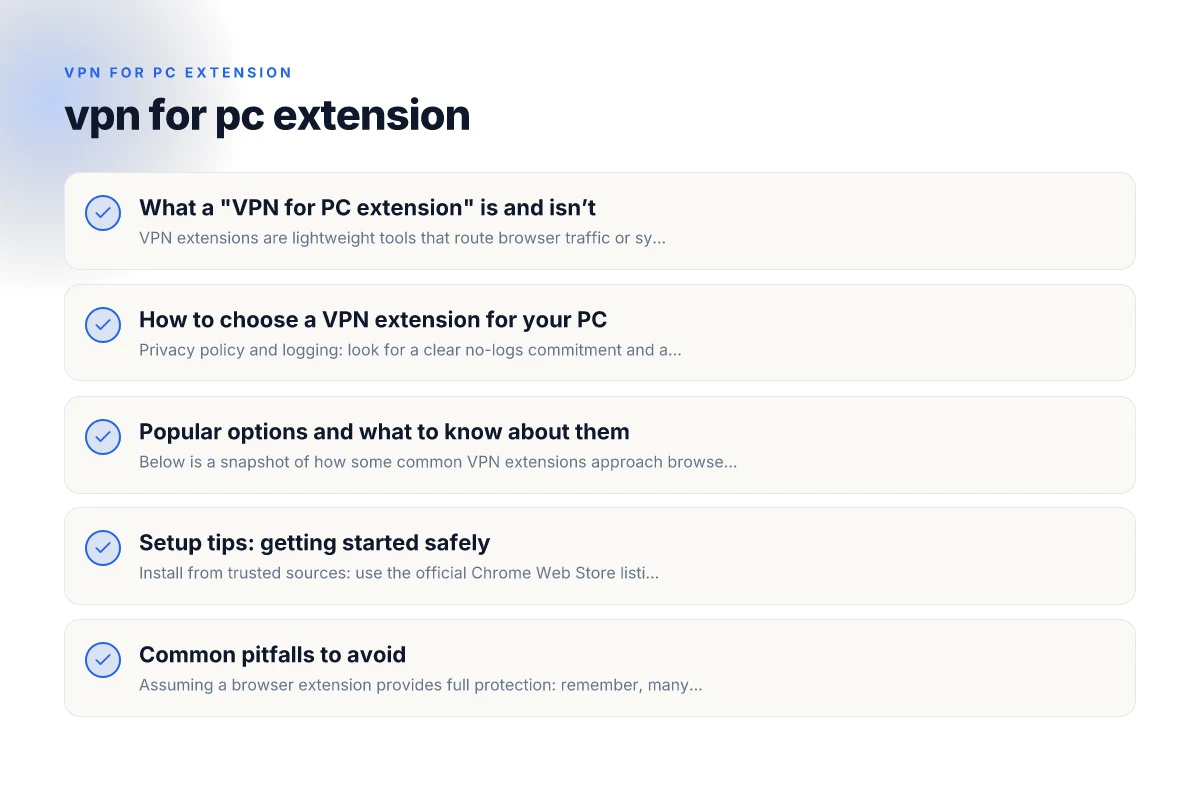
What a "VPN for PC extension" is and isn’t
Understanding the extension model
- VPN extensions are lightweight tools that route browser traffic or system-wide traffic through a VPN server.
- They can be bundled with a desktop app or function as a standalone proxy with limited protections.
- Important distinction: a browser extension often protects only browser traffic, not every app on your PC unless the provider offers a full VPN client.
Common features to expect
- One-click connect to a chosen server location
- IP address masking and location spoofing
- Encryption for traffic inside the browser tunnel
- Optional ad/tracker blocking or additional privacy tools
- Sometimes a kill switch or DNS leak protection (more common in desktop apps)
How to choose a VPN extension for your PC
Key criteria to evaluate
- Privacy policy and logging: look for a clear no-logs commitment and a privacy policy that explains data collection and retention.
- Encryption and protocols: AES-256 with modern protocols (OpenVPN, WireGuard, etc.) is preferred.
- Browser vs system-wide protection: determine whether you need full system VPN coverage or just browser-level protection.
- Performance: providers should offer fast servers and low latency. Read reviews or run speed tests.
- Security extras: malware protection, tracker blocking, DNS leak protection, and a reputable jurisdiction.
- Transparency: independent audits, open-source components, and clear contact information build trust.
How to test a VPN extension
- Check for DNS leaks: use a DNS leak test while connected.
- IP check: verify your public IP matches the server you chose.
- WebRTC leaks: ensure WebRTC leaks are blocked or disabled if privacy is a goal.
- Speed impact: compare speeds with and without the extension at common geographies.
- Ads and trackers: see if the extension blocks ads or trackers as advertised.
Quick decision matrix for a PC VPN extension
| Criterion | Essential? (Yes/No) | Privacy impact | Speed impact | Setup ease | Best for |
|---|---|---|---|---|---|
| Browser extension only | No | Medium | Light | Easy | Quick browsing proteção |
| Desktop app + extension | Yes | High | Moderate to high | Medium | Full device protection |
| Free tier availability | Yes | Medium | Light to moderate | Easy | Try before buy |
| Kill switch | Yes | High | None | Easy | Safety-first |
| Split tunneling | Optional | Flexible | Varies | Medium | App control |
| No-logs claim | Yes | High | None | Medium | Privacy-focused |
Compiled November 2026; check the provider's site for current details.
Popular options and what to know about them
Below is a snapshot of how some common VPN extensions approach browser protection. This is not an endorsement list, but a guide to what you might encounter.
- Free VPN for Chrome extensions: Many providers offer free or freemium options, but they may come with data caps, slower speeds, or limited server choices. Review terms to avoid surprises.
- Chrome-based VPNs with one-click access: These typically emphasize ease of use and quick location switching, but confirm whether they protect all browser traffic or just the extension’s tunnel.
- Swiss-based or privacy-forward providers: Some emphasize strict privacy laws and robust encryption, but verify the scope of the extension (browser vs system-wide).
Table: browser extension vs desktop VPN client VPN for PC 350fairfax.org
| Feature | Browser extension | Desktop VPN client |
|---|---|---|
| Traffic covered | Typically browser traffic; may not cover all apps | System-wide traffic for all apps |
| Encryption | Provided by extension tunnel (depends on protocol) | Full encryption for all traffic |
| Kill switch | Often limited or absent | Comprehensive kill switch in many apps |
| DNS leak protection | Varies; may require desktop app | Usually strong, built-in |
| Privacy policy | Varies; read carefully | Often clearer, but verify audits |
| Performance | Usually faster for browser tasks, depends on server | Higher impact on all traffic, but optimized |
Setup tips: getting started safely
- Install from trusted sources: use the official Chrome Web Store listing or the provider’s official site to avoid counterfeit extensions.
- Pair with a desktop VPN client when possible: this ensures system-wide protection and a consistent privacy posture.
- Review permissions: many extensions request broad permissions. Only install extensions from reputable vendors and grant minimal needed access.
- Configure settings carefully: enable the kill switch and DNS leak protection if available. Disable WebRTC leaks in browser settings if the extension doesn’t address them.
- Manage server locations: choose servers in privacy-friendly jurisdictions and near you for better speed, depending on your use case.
Popular options snapshot (feature highlights)
| VPN/Extension | Browser support | Desktop app | Kill switch | No-logs | Price tier (free/paid) |
|---|---|---|---|---|---|
| VPN Extension A | Chrome, Firefox | Desktop app present | Yes | Claimed | Free tier; paid |
| VPN Extension B | Chrome only | Desktop app | No | Not stated | Free |
| VPN Extension C | Chrome, Edge | Desktop app | Yes | Verified | Paid only |
| VPN Extension D | All major | Desktop app | Yes | Independent audit | Free trial + paid |
Compiled November 2026; check the provider's site for current details.
Common pitfalls to avoid
- Assuming a browser extension provides full protection: remember, many extensions protect only the browser traffic.
- Choosing a “free” extension without evaluating privacy: free services often monetize data in ways users don’t expect.
- Overlooking audits and transparency: look for independent audits, clear privacy policies, and a trustworthy corporate posture.
- Neglecting combination with other privacy tools: browser extensions work best when paired with good digital hygiene, block trackers, use strong passwords, and enable two-factor authentication.
How to compare options quickly
If you’re evaluating a few options, use this quick checklist:
- Privacy policy: no-logs or minimal data collection? Are there third-party audits?
- Encryption: is AES-256 or equivalent used? Which protocols are supported?
- Coverage: browser-only or system-wide? Can you tether the extension to a desktop client?
- Speed and reliability: server coverage in your regions. Any bandwidth caps or throttling?
- Extras: kill switch, DNS leak protection, ad/tracker blocking, malware protection?
Final recommendations VPN for PC 1111
- For most PC users, start with a reputable provider that offers both a browser extension and a full desktop VPN client. This ensures browser-level protection and system-wide privacy when you need it.
- Prioritize privacy-first vendors with transparent policies and independent audits. Ensure the extension supports a kill switch and DNS leak protection.
- Test before committing: run DNS leak checks, IP checks, and speed tests to understand how the extension affects your browsing experience.
- If your primary goal is quick access to geo-restricted content in the browser, a trustworthy browser extension can be sufficient, but don’t rely on it for full device privacy, consider pairing it with the provider’s desktop VPN client for complete coverage.
- Stay vigilant about permissions and updates. Regularly review extensions you’ve installed and update them to the latest versions to protect against vulnerabilities.
In short, a VPN extension for PC can be a helpful tool for browser-level privacy and geo-unblocking, but the best practice is to use a trusted provider that offers both a strong browser extension and a robust desktop VPN client. This dual approach delivers reliable encryption, clear privacy protections, and flexibility across your devices and online activities.
| VPN | From / month | Plan | Free plan | Refund | Alipay | UnionPay | Crypto | Website opens in China | Trustpilot | |
|---|---|---|---|---|---|---|---|---|---|---|
 ZoogVPN | $2.49/mo | 27 months: $59.99 | Yes | 7 days | ✓ | ✓ | ✓ | ✓ | ✓ Yes (2.5 s) | 4.2/5 (195 reviews) |
 NordVPN | $3.49/mo | 27 months: $94.23 | No | 30 days | ? | ✗ | ✓ | ✓ | ✗ Blocked | 4.2/5 (51,628 reviews) |
 ExpressVPN | $3.00/mo | 28 months: $84 | No | 30 days | ✗ | ✗ | ✓ | ✗ | ✗ Blocked | 4.4/5 (29,706 reviews) |
 Surfshark | See site | See site | No | 30 days | ✗ | ✗ | ✗ | ✓ | ✗ Blocked | 4.3/5 (31,823 reviews) |
 Proton VPN | $2.99/mo | 12 months: $35.88 | Yes | 30 days | ✗ | ✗ | ✗ | ✓ | ✓ Yes (2.5 s) | 2.1/5 (1,040 reviews) |
 Astrill VPN | $12.50/mo | 24 months: $300 | No | See site | ✗ | ✗ | ✗ | ✓ | ✗ Blocked | 1.3/5 (110 reviews) |
 Private Internet Access | $2.03/mo | 40 months: $81.2 | No | 30 days | ✗ | ✗ | ✗ | ✗ | ✗ Blocked | 4.2/5 (11,033 reviews) |
 CyberGhost | $2.19/mo | 28 months: $61.32 | No | 45 days | ✗ | ✗ | ✗ | ✓ | ✗ Blocked | 4.0/5 (24,178 reviews) |
 PureVPN | $1.69/mo | 60 months: $101.55 | No | 31 days | ? | ✗ | ✗ | ✓ | ✓ Yes (2.6 s) | 4.4/5 (17,994 reviews) |
 AdGuard VPN | $2.99/mo | 24 months: $71.76 | Yes | 30 days | ✓ | ✗ | ✓ | ✓ | Official site blocked; our special link opens (2.3 s) | 4.3/5 (290 reviews) |
 Mullvad | $5.61/mo | €5/mo | No | 14 days | ✗ | ✗ | ✗ | ✓ | ✗ Blocked | 3.2/5 (192 reviews) |
 Windscribe | $5.75/mo | 12 months: $69 | Yes | See site | ✗ | ✗ | ✗ | ✓ | ✗ Blocked | 4.7/5 (13,355 reviews) |
 StrongVPN | See site | See site | No | 30 days | ✓ | ✗ | ✗ | ✗ | ✗ Blocked | 4.4/5 (2,695 reviews) |
 LightXtreme 闪连 | $7.08/mo | 12 months: $84.99 | Yes | 30 days | ✓ | ✓ | ✓ | ✓ | ✓ Yes (2.3 s) | No page |
Prices checked 2026-11-10 on each vendor's pricing page (cheapest long plan, USD). Check the vendor's checkout for the final price.
Payment methods checked 2026-11-10 on each vendor's payment pages: all 14 take cards and PayPal; ✗ = not listed, ? = the vendor's own pages disagree.
China access: whether the official website opens from mainland China networks (tests the website only, not the VPN connection). Last checked 2026-11-11 04:07 Beijing time.
Trustpilot score and review count checked 2026-11-10.