VPN for iPhone
A practical guide to choosing and using a VPN for iPhone, with setup tips, safety considerations, and top app options.
In today’s connected world, a VPN for iPhone is a reliable tool for protecting your privacy, securing your data on public Wi‑Fi, and accessing geographically restricted content. Whether you’re traveling, working remotely, or simply browsing from a café, a good VPN can make a meaningful difference. This guide walks you through what to look for, how to set it up, and how to choose among popular iPhone VPN apps.
TABLE 1 — Built-in vs. third-party VPN on iPhone
| Factor | Built-in iPhone VPN (IKEv2/IPsec) | Third-party VPN app (e.g., NordVPN, ExpressVPN) | Notes |
|---|---|---|---|
| Activation method | System settings | App install | |
| Encryption options | IPsec likely; varies by provider | Various, often AES-256 | |
| Protocols supported | IKEv2, IPsec (limited) | OpenVPN, IKEv2, WireGuard, etc. | |
| Ease of use | Moderate | High | |
| Privacy policy | Depends on provider; built-in may log less | Logs and data sharing vary | |
| Kill switch | No built-in default | Yes or configurable | |
| Multiple device support | One device at a time per config | Multi-device coverage | |
| On-demand VPN | Possible via config | Tap to connect | |
| Price | Free with device | Paid plans common; free tier limited |
Compiled November 2026; check the provider's site for current details.
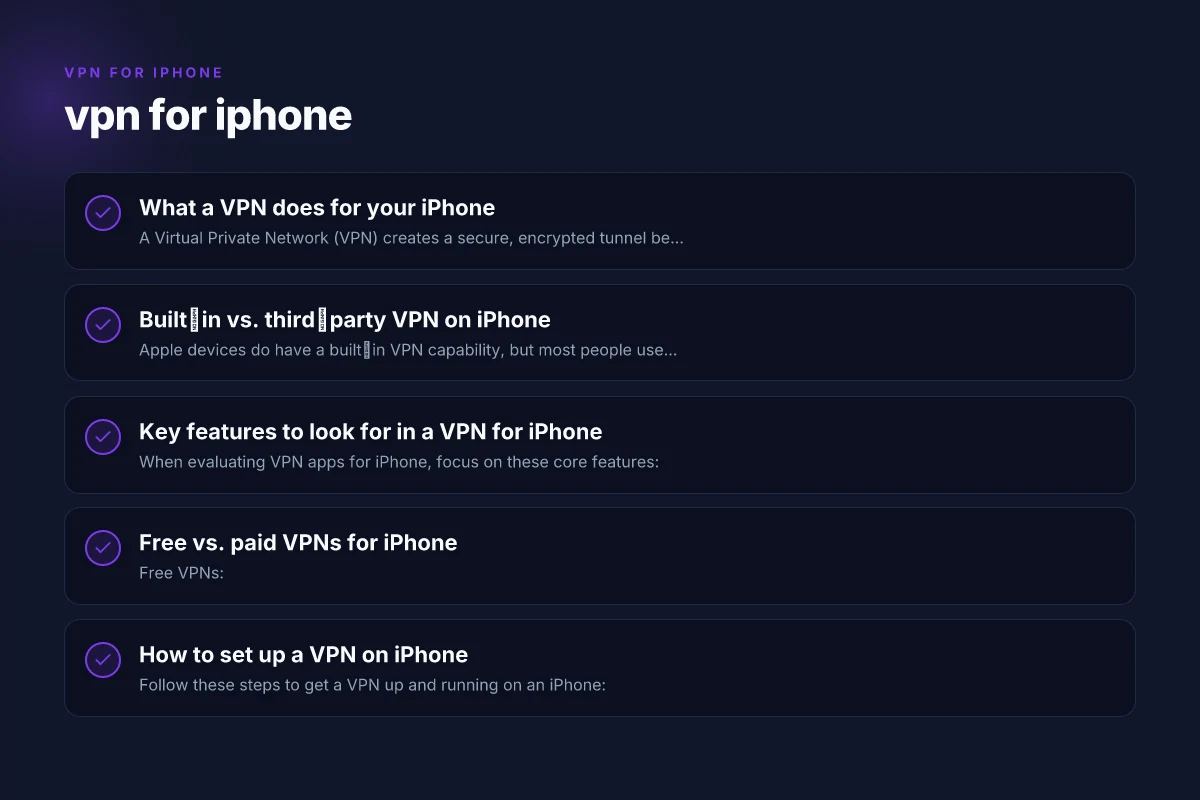
What a VPN does for your iPhone
A Virtual Private Network (VPN) creates a secure, encrypted tunnel between your iPhone and a server operated by the VPN provider. When you use a VPN, your internet traffic is:
- Encoded, which helps protect sensitive data like passwords and credit card numbers on public networks.
- Routed through a different location, which can help you bypass certain geographic restrictions and enhance privacy.
- More private from local network observers (like a shared Wi‑Fi hotspot) because your actual IP address is masked by the VPN server.
Important caveats:
- A VPN does not grant total anonymity. Your activity can still be logged by the provider or by websites you visit.
- A VPN won’t fix malware infections or stop all tracking from apps or ad networks.
- Some streaming services actively block known VPN IPs. Premium providers typically rotate servers to reduce this risk.
Built‑in vs. third‑party VPN on iPhone
Apple devices do have a built‑in VPN capability, but most people use third‑party apps for a smoother experience. Here’s how they compare:
Built‑in iOS VPN: VPN for gaming with low latency
Pros: No extra app install needed. Integrates with iOS settings.
Cons: Requires manual configuration. Fewer features. Depends on third‑party servers for actual protection.
Third‑party VPN apps (most common):
Pros: Apps from reputable providers with dedicated servers, kill switch, auto‑connect, split tunneling, and dedicated iOS optimizations. VPN for gaming ps4
Cons: Requires trust in the provider. Some cheaper options impose data caps or slower speeds.
If you value simplicity and depth of features, a trusted third‑party VPN app is usually the best path for iPhone users.
Key features to look for in a VPN for iPhone
When evaluating VPN apps for iPhone, focus on these core features:
- Strong encryption: AES‑256 is the standard. Look for protocols like WireGuard for speed or IKEv2/IPsec for reliability.
- No‑logs policy: The provider should have a clear, audited, or well‑documented no‑logs stance.
- Privacy protections: A transparent privacy policy, independent audits, and minimal data collection beyond essential connection metadata.
- Kill switch: Automatically blocks traffic if the VPN connection drops, preventing IP leaks.
- DNS leak protection: Ensures your DNS queries don’t reveal your real location.
- Server network: A broad set of servers in multiple countries, with fast speeds and reliable uptime.
- Performance: Fast connections, minimal battery drain, and stable performance on iPhone.
- Pricing and plans: Reasonable value, with transparent terms. Look for monthly, yearly, or multi‑year options, plus student or family plans if applicable.
- Customer support: Accessible help channels, such as live chat or email, and an active knowledge base.
- Independent reviews or audits: If possible, references to third‑party audits or reputable media coverage.
TABLE 2 — Key features to look for in a VPN for iPhone VPN for gaming PC
| Feature | Typical option | What it means on iPhone | Benefit |
|---|---|---|---|
| Encryption strength | AES-256 | Strong cryptography | Data protection |
| Protocols | WireGuard, OpenVPN, IKEv2 | Choice of speed & compatibility | Performance and reliability |
| No-logs policy | Yes / may vary | Privacy promise | Minimal data collection |
| Kill switch | Yes / configurable | Prevent leaks on drop | Protects IP |
| WebRTC leak protection | Yes / standard | Helps hide real IP | Extra privacy layer |
| MACE/malware protection | Optional | Extra security features | Device safety |
| Split tunneling | Yes / partial | Route apps through VPN selectively | Speed retention |
| App kill switch | Yes | Stop all traffic if app fails | Safety margin |
| Device compatibility | iPhone/iPad, etc. | iOS support | Convenience |
| Price tiers | Free, Premium | Budget options | Value for money |
Compiled November 2026; check the provider's site for current details.
Free vs. paid VPNs for iPhone
- Free VPNs:
- Pros: No upfront cost. Easy to try.
- Cons: Often come with data caps, slower speeds, and limited server options. Some may log activity or inject ads. Reliability can vary.
- Paid VPNs:
- Pros: Stronger privacy guarantees, larger server networks, faster speeds, better reliability, customer support, and fewer usage limits.
- Cons: Recurring cost.
- Practical takeaway: For serious privacy and streaming needs, a reputable paid VPN is typically worth the investment. Free services can be a good trial, but verify their privacy policy and be aware of limits.
How to set up a VPN on iPhone
Follow these steps to get a VPN up and running on an iPhone:
- Choose a provider and download the iPhone app from the App Store.
- Sign up and, if required, complete any identity verification or payment setup.
- Open the app and grant any necessary permissions (notifications, device management, etc.).
- Connect to a server country of your choice. If you’re accessing region‑restricted content, pick a server in that country.
- Enable options like Kill Switch and DNS leak protection in the app settings if available.
- Test your connection:
- Visit a site like whatismyipaddress.com to confirm your IP address shows the VPN server location.
- Check for DNS leaks with a DNS leak test tool.
- Turn on auto‑connect if you plan to use the VPN regularly, especially on public Wi‑Fi.
Pro tips:
- If you’re traveling, keep a small set of servers in regions you expect to need (e.g., EU, US, or nearby locations) for faster performance.
- Use split tunneling if supported, so only sensitive traffic goes through the VPN while less sensitive browsing uses your normal connection.
Comparison table: popular VPNs for iPhone (high level)
| VPN provider | Strengths for iPhone | Notable considerations | Free trial / free tier |
|---|---|---|---|
| Proton VPN | Strong privacy stance; free tier available; no data limits on some plans; good iOS app | Free tier has limited speeds and server choices; better value with paid plan | Free tier available; paid plans offered |
| NordVPN | Large server network; fast speeds; robust security features; reliable on mobile | Can be pricier; occasional app UI quirks | 1‑year promo often available; money‑back guarantee |
| ExpressVPN | Very fast on iPhone; user‑friendly; broad device compatibility | Premium price; fewer long‑term discounts | 30‑day money‑back guarantee |
| Surfshark | Unlimited devices per account; affordable; strong privacy features | Some servers vary in performance; newer than legacy providers | 30‑day money‑back guarantee |
| VPN for iPhone (brand app on App Store) | Targeted iPhone optimization; marketing focused on speed | Varies by provider; not all “VPN for iPhone” listings are equal | Typically free trials via app; check terms |
Note: The app store listing names in search results may include different brands. Always verify the provider’s official site and App Store page to confirm features, server options, and privacy policies. VPN for gaming PC free
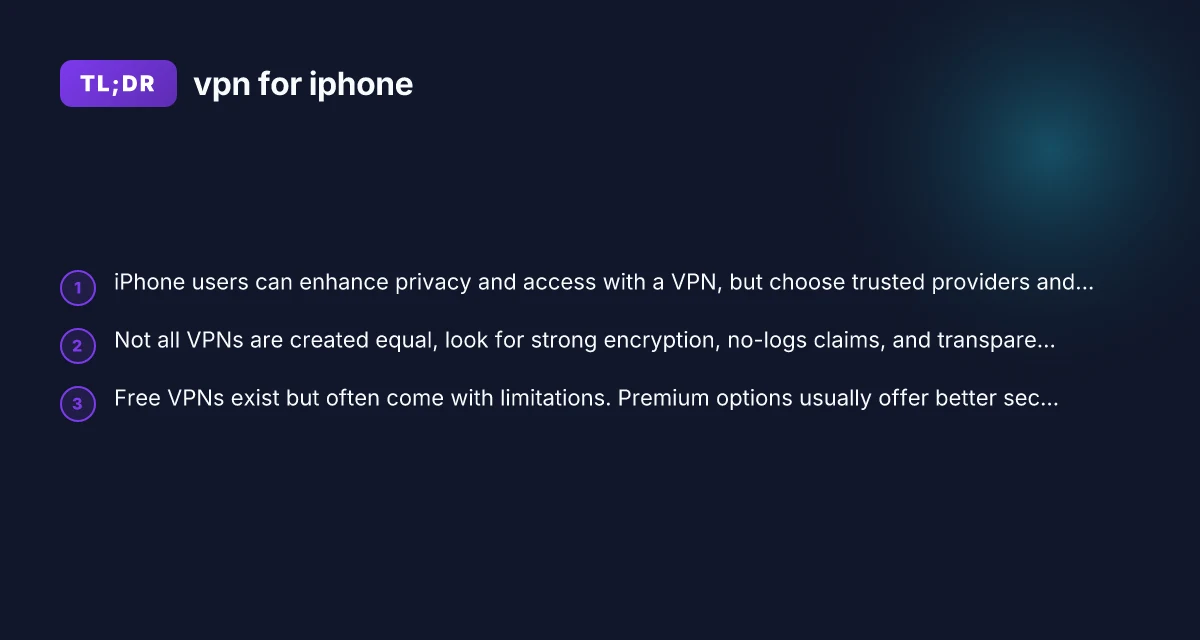
TABLE 3 — Free vs. paid VPNs for iPhone
| Type | Typical limits | Privacy risk | Speed | Support | Value |
|---|---|---|---|---|---|
| Free VPN | Limited servers; bandwidth cap | Higher risk of data selling | Slower or throttled | Limited or no live support | Low upfront cost; limited use |
| Paid VPN | Full servers; higher bandwidth | Better privacy controls | Faster and stable | 24/7 support often | Higher upfront cost, best value for stability |
| Free tricks (trial) | Time-limited access | Depends on provider | Varies | Standard support | Try before buy |
| Data allowances | Small to moderate | Some tracking possible | Moderate | Limited | Moderate risk/reward |
Compiled November 2026; check the provider's site for current details.
Does iPhone have a built‑in VPN?
Yes, iPhone has built‑in VPN support. You can set up a VPN configuration (IKEv2, IPSec, or L2TP over IPSec) in Settings > General > VPN. This is useful if you already have a VPN service that provides manual configuration details. However, most users prefer the convenience, automatic server management, and enhanced features of a dedicated iOS VPN app from a reputable provider.
Pros of built‑in: VPN for gaming online
- No extra app needed if you already have server settings.
- Works with any compatible VPN service that provides configuration profiles.
Cons of built‑in:
- More manual setup. Fewer integrated features like kill switch or DNS protection.
- Server switching and updates are handled by you rather than by a dynamic app.
Privacy, safety, and trust considerations
- Privacy policy: Read the provider’s privacy policy to understand what data they collect, store, and share. Look for a no‑logs claim that is specific and verifiable.
- Jurisdiction: The country where the provider is based affects data requests and retention laws.
- Audits and transparency: Third‑party audits or independent disclosures add credibility to privacy claims.
- App permissions: VPN apps should request only necessary permissions. Be cautious with providers that request broad device access or collect telemetry data beyond connection metadata.
- Battery impact: A good VPN app should be optimized for iOS to minimize battery drain. If you notice unusual battery usage, test different servers or contact support.
Common questions about VPN for iPhone
- Q: Does iPhone have a built‑in VPN? A: Yes, there is built‑in support, but most users opt for a dedicated VPN app for better features and easier management.
- Q: Is it a good idea to use VPN on iPhone? A: For privacy on public Wi‑Fi, avoiding profiling by some networks, and accessing certain content, a VPN can be beneficial. It should be part of a broader privacy strategy.
- Q: Is there a VPN for iPhone free? A: Free VPNs exist, but they come with limits or trade‑offs. If you need consistent privacy and performance, a reputable paid VPN is recommended.
- Q: What is the safest VPN for iPhone? A: The safest VPN depends on the provider’s privacy policy, no‑logs commitments, and independent audits. Providers with transparent practices and a strong reputation in privacy communities tend to be safest.
TABLE 4 — How to set up a VPN on iPhone (high level steps)
| Step | Action | On-screen cue | Notes |
|---|---|---|---|
| 1 | Choose VPN type (built-in vs app) | App store vs Settings | |
| 2 | Install app or add config | Install / Enable VPN | |
| 3 | Allow permissions | Prompt: "Would you like to add VPN?" | |
| 4 | Sign in / configure | Enter credentials or import profile | |
| 5 | Connect | Tap Connect / Enable | |
| 6 | Verify IP change | Check IP address | |
| 7 | Enable kill switch | In app or settings | Ensure leak protection |
| 8 | Test for leaks | Run a quick test | DNS/IP checks |
Compiled November 2026; check the provider's site for current details.
Real‑world tips for iPhone VPN users
- Test multiple servers: If one server is slow, switch to another one in the same region to improve performance.
- Enable auto‑connect on trusted networks: This ensures you’re protected whenever you join new networks.
- Use a kill switch and DNS protection: These features help prevent IP leaks in case the connection drops.
- Check for DNS leaks: Periodically test to ensure your real DNS isn’t leaking.
- Review streaming behavior: Some streaming platforms block VPN IPs. If you rely on streaming, pick providers with a track record of unblocking content.
- Manage battery usage: If you notice higher battery drain, try a different protocol (WireGuard is typically efficient) or fewer simultaneous connections.
Final recommendation
If you’re new to VPNs on iPhone, start with a reputable provider that offers a strong iOS app, transparent privacy policies, and a reasonable price. Proton VPN, NordVPN, ExpressVPN, and Surfshark are common options with solid iOS experiences and clear privacy considerations. For casual, occasional use and to test the waters, you can start with a free tier from a trusted provider to understand how the app integrates with your daily routine. If you value consistent privacy, fast speeds, and reliable unblocking capabilities, consider upgrading to a paid plan that aligns with your privacy expectations and budget. VPN for gaming mobile
Bottom line: a well‑chosen VPN for iPhone can meaningfully enhance privacy and access, but choose wisely, enable essential protections, and stay mindful of the limitations and policies of your chosen provider.
| VPN | From / month | Plan | Free plan | Refund | Alipay | UnionPay | Crypto | Website opens in China | Trustpilot | |
|---|---|---|---|---|---|---|---|---|---|---|
 NordVPN | $3.49/mo | 27 months: $94.23 | No | 30 days | ? | ✗ | ✓ | ✓ | ✗ Blocked | 4.2/5 (51,628 reviews) |
 ExpressVPN | $3.00/mo | 28 months: $84 | No | 30 days | ✗ | ✗ | ✓ | ✗ | ✗ Blocked | 4.4/5 (29,706 reviews) |
 Proton VPN | $2.99/mo | 12 months: $35.88 | Yes | 30 days | ✗ | ✗ | ✗ | ✓ | ✓ Yes (2.5 s) | 2.1/5 (1,040 reviews) |
 Surfshark | See site | See site | No | 30 days | ✗ | ✗ | ✗ | ✓ | ✗ Blocked | 4.3/5 (31,823 reviews) |
 ZoogVPN | $2.49/mo | 27 months: $59.99 | Yes | 7 days | ✓ | ✓ | ✓ | ✓ | ✓ Yes (2.5 s) | 4.2/5 (195 reviews) |
 Astrill VPN | $12.50/mo | 24 months: $300 | No | See site | ✗ | ✗ | ✗ | ✓ | ✗ Blocked | 1.3/5 (110 reviews) |
 Private Internet Access | $2.03/mo | 40 months: $81.2 | No | 30 days | ✗ | ✗ | ✗ | ✗ | ✗ Blocked | 4.2/5 (11,033 reviews) |
 CyberGhost | $2.19/mo | 28 months: $61.32 | No | 45 days | ✗ | ✗ | ✗ | ✓ | ✗ Blocked | 4.0/5 (24,178 reviews) |
 PureVPN | $1.69/mo | 60 months: $101.55 | No | 31 days | ? | ✗ | ✗ | ✓ | ✓ Yes (2.6 s) | 4.4/5 (17,994 reviews) |
 AdGuard VPN | $2.99/mo | 24 months: $71.76 | Yes | 30 days | ✓ | ✗ | ✓ | ✓ | Official site blocked; our special link opens (2.3 s) | 4.3/5 (290 reviews) |
 Mullvad | $5.61/mo | €5/mo | No | 14 days | ✗ | ✗ | ✗ | ✓ | ✗ Blocked | 3.2/5 (192 reviews) |
 Windscribe | $5.75/mo | 12 months: $69 | Yes | See site | ✗ | ✗ | ✗ | ✓ | ✗ Blocked | 4.7/5 (13,355 reviews) |
 StrongVPN | See site | See site | No | 30 days | ✓ | ✗ | ✗ | ✗ | ✗ Blocked | 4.4/5 (2,695 reviews) |
 LightXtreme 闪连 | $7.08/mo | 12 months: $84.99 | Yes | 30 days | ✓ | ✓ | ✓ | ✓ | ✓ Yes (2.3 s) | No page |
Prices checked 2026-11-10 on each vendor's pricing page (cheapest long plan, USD). Check the vendor's checkout for the final price.
Payment methods checked 2026-11-10 on each vendor's payment pages: all 14 take cards and PayPal; ✗ = not listed, ? = the vendor's own pages disagree.
China access: whether the official website opens from mainland China networks (tests the website only, not the VPN connection). Last checked 2026-11-11 04:07 Beijing time.
Trustpilot score and review count checked 2026-11-10.