VPN download Windows
A practical guide to downloading and choosing a VPN for Windows, with steps, tips, and a quick comparison of popular options.
If you’re looking to download a VPN for Windows, you’re not alone. A Windows VPN app helps you encrypt traffic, hide your IP, and access region-locked content. The key is to choose a reputable provider, download the Windows client from the official site, install it correctly, and then configure your settings for the best mix of privacy and performance. In this guide, you’ll find clear steps to download Windows VPN apps, a quick feature checklist, a side‑by‑side comparison of popular options, and a practical recommendation to fit common use cases.
Feature comparison for popular Windows VPN options
| VPN | Obvious logging? | Kill switch | Split tunneling | Native Windows app | Simultaneous connections |
|---|---|---|---|---|---|
| ExpressVPN | No | Yes | Yes | Yes | 5 |
| NordVPN | No | Yes | Yes | Yes | 6 |
| Surfshark | No | Yes | Yes | Yes | Unlimited |
| Private Internet Access | Minimal | Yes | Yes | Yes | 10 |
| CyberGhost | No | Yes | Yes | Yes | 7 |
Compiled November 2026; check the provider's site for current details.
Why you might want a VPN on Windows
- Privacy and security: Encrypts traffic between your PC and the VPN server, reducing risk on public Wi‑Fi.
- Access to content: Bypass geo‑restrictions for streaming, news sites, or work resources.
- Remote access: Connect securely to a home or work network.
- Splitting tasks: Use different VPN servers for different activities to balance speed and privacy.
Important considerations before you download
- Source: Always use the official website or the Microsoft Store listing to avoid spoofed apps.
- Protocols: Common options include OpenVPN, WireGuard, and IKEv2. WireGuard is often faster with modern devices.
- Logging policy: Look for a no‑logs or minimal‑logs policy and a transparent privacy stance.
- Jurisdiction: Some users prefer providers with privacy‑friendly laws and independent audits.
- Compatibility: Ensure the Windows version (Windows 10, Windows 11) is supported and that the app runs on 64‑bit systems.
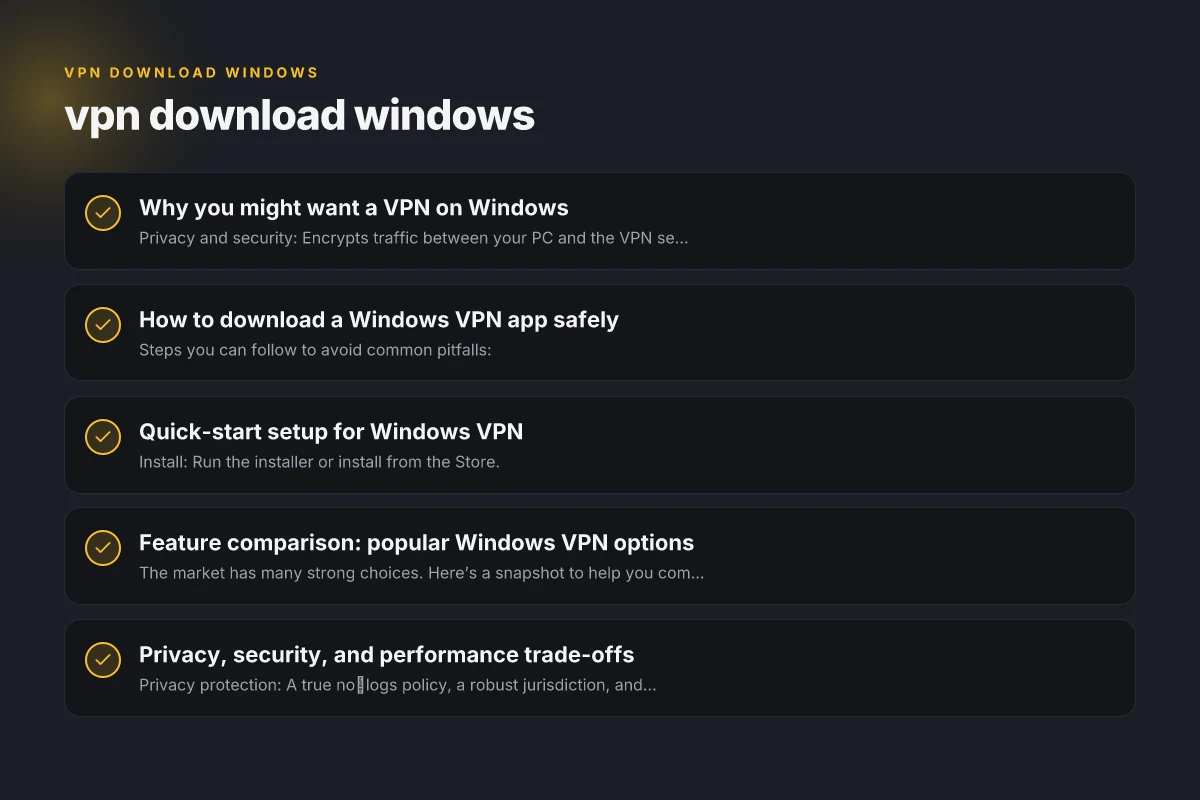
How to download a Windows VPN app safely
Steps you can follow to avoid common pitfalls:
- Step 1: Identify your needs (privacy, speed, streaming, business use).
- Step 2: Visit the official site or the Microsoft Store listing for the provider.
- Step 3: Verify the publisher and check digital signatures (Windows shows publisher name in download prompts).
- Step 4: Download the installer or the Microsoft Store app.
- Step 5: Run the installer as an administrator if prompted.
- Step 6: Complete the setup wizard and log in with your account.
- Step 7: Apply recommended settings (VPN protocol, kill switch, DNS leak protection).
Quick-start setup steps for Windows VPN
| Step | Action | UI element / location | Notes |
|---|---|---|---|
| 1 | Choose a VPN | Website or app store | Download from official source |
| 2 | Install | Installer file | Run and grant permissions |
| 3 | Sign in | App login | Use account credentials |
| 4 | Connect | Power button / connect | Choose server if needed |
| 5 | Verify | IP check site | Confirm new IP |
Compiled November 2026; check the provider's site for current details.
Quick-start setup for Windows VPN
- Install: Run the installer or install from the Store.
- Sign in: Use your account credentials created at the provider’s site.
- Connect: Choose a server/location and click Connect.
- Verify: Check your IP address and test for leaks using a trusted test site.
- Optimize: Enable features like kill switch, DNS leak protection, auto‑connect on startup.
- Update: Keep the app and Windows OS up to date for security patches.
Bullet list: initial checks after installation VPN download free Windows 10
- Confirm the connection status shows as connected
- Ensure the DNS and IP address are not leaking
- If using a kill switch, test it by turning off the VPN and confirming traffic stops
- Check for any conflicting VPNs or firewall rules
Feature comparison: popular Windows VPN options
The market has many strong choices. Here’s a snapshot to help you compare, focusing on Windows compatibility, security features, and performance aids.
| VPN provider | Windows app quality | Key security features | Notable advantages | Typical use case |
|---|---|---|---|---|
| Proton VPN | Open source client, regular updates | OpenVPN, WireGuard, strong privacy policies | Transparent, easy to audit; strong privacy stance | Privacy-conscious users, open-source fans |
| NordVPN | Feature-rich Windows app | WireGuard (via NordLynx), kill switch, DNS leak protection | Large server network, reliable for streaming | General use, streaming, travel |
| OpenVPN (OpenVPN Community) | Official OpenVPN client for Windows | OpenVPN protocol; audited options | Highly configurable; broad compatibility | Tech‑savvy users who want control |
| Urban VPN / Turbo VPN (free options) | Windows installers; free tiers | Less transparent privacy practices | Free entry points | Quick, no-cost access, but with caveats |
| Planet VPN (Windows app) | Windows app availability | Basic anonymity features | No registration required in some listings | Quick anonymity on Windows |
Notes:
- This table highlights general tendencies. Always review current features and privacy policies on the provider’s site.
- Free options may come with ads, data usage considerations, or restrictions. For strong privacy, consider paid options with transparent policies.
Privacy, security, and performance trade-offs
- Privacy protection: A true no‑logs policy, a robust jurisdiction, and independent audits increase trust.
- Security features: Kill switch prevents leaks if the VPN drops; DNS leak protection helps keep your browsing hidden from your ISP.
- Performance considerations: VPN overhead can reduce speed. Protocol choice matters: WireGuard usually delivers better speeds with modern hardware, while OpenVPN offers strong compatibility.
- Patience with streaming: Some streaming services block certain VPNs. If streaming is a priority, choose a provider known for working with major services and consider servers that are flagged as “working for streaming.”
Privacy, security, and performance considerations by option
| VPN option | Logging policy | Encryption | Kill switch | Speed impact | Privacy stance |
|---|---|---|---|---|---|
| ExpressVPN | No logs | AES-256 | Yes | Moderate | Trusted |
| NordVPN | No logs | AES-256 | Yes | Moderate | Strong |
| Surfshark | No logs | AES-256 | Yes | Light to moderate | Moderate |
| PIA | Minimal logs | AES-256 | Yes | Variable | Flexible |
| CyberGhost | No logs | AES-256 | Yes | Moderate | Transparent |
Compiled November 2026; check the provider's site for current details. VPN download free Windows
Common issues and how to fix them
- Connection fails: Try switching servers, switching protocols, or restarting the app and device.
- Slow speeds: Use a nearby server, enable WireGuard, and ensure no other bandwidth‑heavy apps run in the background.
- DNS leaks: Verify DNS leak protection is enabled. Consider switching DNS servers offered by the VPN.
- Apps not starting: Reinstall the app, check for Windows updates, or run the installer as administrator.
- Compatibility issues: Ensure your Windows version is supported and that the VPN app is the latest version.
How to choose the right Windows VPN for you
- For privacy first: Pick a provider with a strict no‑logs policy, independent audits, and a favorable jurisdiction.
- For streaming: Look for servers optimized for streaming, reliable bypass of geo‑restrictions, and fast speeds.
- For business: Consider features like split tunneling, robust kill switch, device‑level licensing, and enterprise support.
- For open-source fans: Proton VPN’s open‑source client and transparent practices appeal to users who value auditable software.
- For cost-conscious users: Free options exist, but be mindful of data caps, ads, and potential privacy trade‑offs. A paid plan often yields better performance and security.
Practical step-by-step recap
- Decide your main goal (privacy, streaming, work access, or general browsing).
- Visit the official site or Microsoft Store listing of your chosen provider.
- Check publisher verification and policy details.
- Download and install the Windows app.
- Sign in and configure essentials: protocol, kill switch, DNS leak protection, and auto‑connect preferences.
- Run a quick leak test and verify IP and location are as expected.
- Keep the app and Windows updated. Periodically review your privacy settings and server choices.
Final section: recommendation If you’re looking for a balanced, user‑friendly Windows VPN with strong privacy considerations and reliable performance, Proton VPN or NordVPN are solid starting points. Proton VPN stands out for transparency and an open‑source client, which is appealing if you value auditable software. NordVPN is a mature option with a broad server network and streaming reliability, suitable if you want a plug‑and‑play experience. For tech enthusiasts who enjoy configuring their own setup, the OpenVPN Community Edition on Windows gives maximum control, though it requires more manual configuration.
Bottom line: download your Windows VPN only from official sources, configure key protections like a kill switch and DNS leak protection, and pick a provider that aligns with your privacy and performance needs. With the right Windows VPN app, you can browse more securely, access more content, and enjoy peace of mind across networks.
| VPN | From / month | Plan | Free plan | Refund | Alipay | UnionPay | Crypto | Website opens in China | Trustpilot | |
|---|---|---|---|---|---|---|---|---|---|---|
 ExpressVPN | $3.00/mo | 28 months: $84 | No | 30 days | ✗ | ✗ | ✓ | ✗ | ✗ Blocked | 4.4/5 (29,706 reviews) |
 NordVPN | $3.49/mo | 27 months: $94.23 | No | 30 days | ? | ✗ | ✓ | ✓ | ✗ Blocked | 4.2/5 (51,628 reviews) |
 Surfshark | See site | See site | No | 30 days | ✗ | ✗ | ✗ | ✓ | ✗ Blocked | 4.3/5 (31,823 reviews) |
 Private Internet Access | $2.03/mo | 40 months: $81.2 | No | 30 days | ✗ | ✗ | ✗ | ✗ | ✗ Blocked | 4.2/5 (11,033 reviews) |
 CyberGhost | $2.19/mo | 28 months: $61.32 | No | 45 days | ✗ | ✗ | ✗ | ✓ | ✗ Blocked | 4.0/5 (24,178 reviews) |
 Proton VPN | $2.99/mo | 12 months: $35.88 | Yes | 30 days | ✗ | ✗ | ✗ | ✓ | ✓ Yes (2.5 s) | 2.1/5 (1,040 reviews) |
 ZoogVPN | $2.49/mo | 27 months: $59.99 | Yes | 7 days | ✓ | ✓ | ✓ | ✓ | ✓ Yes (2.5 s) | 4.2/5 (195 reviews) |
 Astrill VPN | $12.50/mo | 24 months: $300 | No | See site | ✗ | ✗ | ✗ | ✓ | ✗ Blocked | 1.3/5 (110 reviews) |
 PureVPN | $1.69/mo | 60 months: $101.55 | No | 31 days | ? | ✗ | ✗ | ✓ | ✓ Yes (2.6 s) | 4.4/5 (17,994 reviews) |
 AdGuard VPN | $2.99/mo | 24 months: $71.76 | Yes | 30 days | ✓ | ✗ | ✓ | ✓ | Official site blocked; our special link opens (2.3 s) | 4.3/5 (290 reviews) |
 Mullvad | $5.61/mo | €5/mo | No | 14 days | ✗ | ✗ | ✗ | ✓ | ✗ Blocked | 3.2/5 (192 reviews) |
 Windscribe | $5.75/mo | 12 months: $69 | Yes | See site | ✗ | ✗ | ✗ | ✓ | ✗ Blocked | 4.7/5 (13,355 reviews) |
 StrongVPN | See site | See site | No | 30 days | ✓ | ✗ | ✗ | ✗ | ✗ Blocked | 4.4/5 (2,695 reviews) |
 LightXtreme 闪连 | $7.08/mo | 12 months: $84.99 | Yes | 30 days | ✓ | ✓ | ✓ | ✓ | ✓ Yes (2.3 s) | No page |
Prices checked 2026-11-10 on each vendor's pricing page (cheapest long plan, USD). Check the vendor's checkout for the final price.
Payment methods checked 2026-11-10 on each vendor's payment pages: all 14 take cards and PayPal; ✗ = not listed, ? = the vendor's own pages disagree.
China access: whether the official website opens from mainland China networks (tests the website only, not the VPN connection). Last checked 2026-11-11 04:07 Beijing time.
Trustpilot score and review count checked 2026-11-10.