VPN download for PC free
A practical guide to safely downloading and using free VPNs on Windows PCs, with recommendations and caveats.
In a world where online privacy is increasingly vital, a free VPN download for PC can be a good starting point for protecting your data. This guide explains what to look for, how to download safely, and what to expect from popular free VPN offerings for Windows. We’ll cover the basics, compare a few well-known options, and help you decide whether a free VPN meets your needs or if you should consider a paid plan for stronger privacy and performance.
Free Windows VPNs at a glance
| VPN | Free tier data cap | Simultaneous connections | Servers available | Logging policy (summary) | P2P allowed |
|---|---|---|---|---|---|
| Proton VPN | Unlimited data | 1 device | 3+ countries | No-logs claim (limited) | Yes (depends) |
| Windscribe | 10 GB/month | 1 device | 10+ locations | Monthly log checks | Yes (some) |
| Hide.me | 2 GB/month | 1 device | 5+ locations | No-logs claim | Yes (select) |
| TunnelBear | 500 MB/month | 1 device | 20+ locations | Some data kept | Limited / not guaranteed |
| Atlas VPN | 2 GB/month | 1 device | 4+ locations | No strong logs claim | Yes (selected) |
Compiled November 2026; check the provider's site for current details.
Why use a VPN on Windows (and what “free” means here)
A VPN (virtual private network) encrypts your internet traffic and masks your IP address. For Windows users, a VPN can help:
- Encrypt data on public Wi‑Fi networks (cafés, airports, hotels)
- Bypass certain regional restrictions or censorship
- Hide browsing activity from local networks and, to some extent, from ISPs
When you see “free VPN download for PC,” this usually means the vendor offers a Windows app at no cost for basic usage. Most free plans have limitations such as:
- Data caps (GB per day or month)
- Limited server locations
- Reduced speeds or traffic throttling
- Fewer features (no kill switch, fewer devices, etc.)
Understanding these trade-offs helps you pick a free option that still gives you meaningful protection without surprising restrictions.
How to safely download a free VPN for Windows
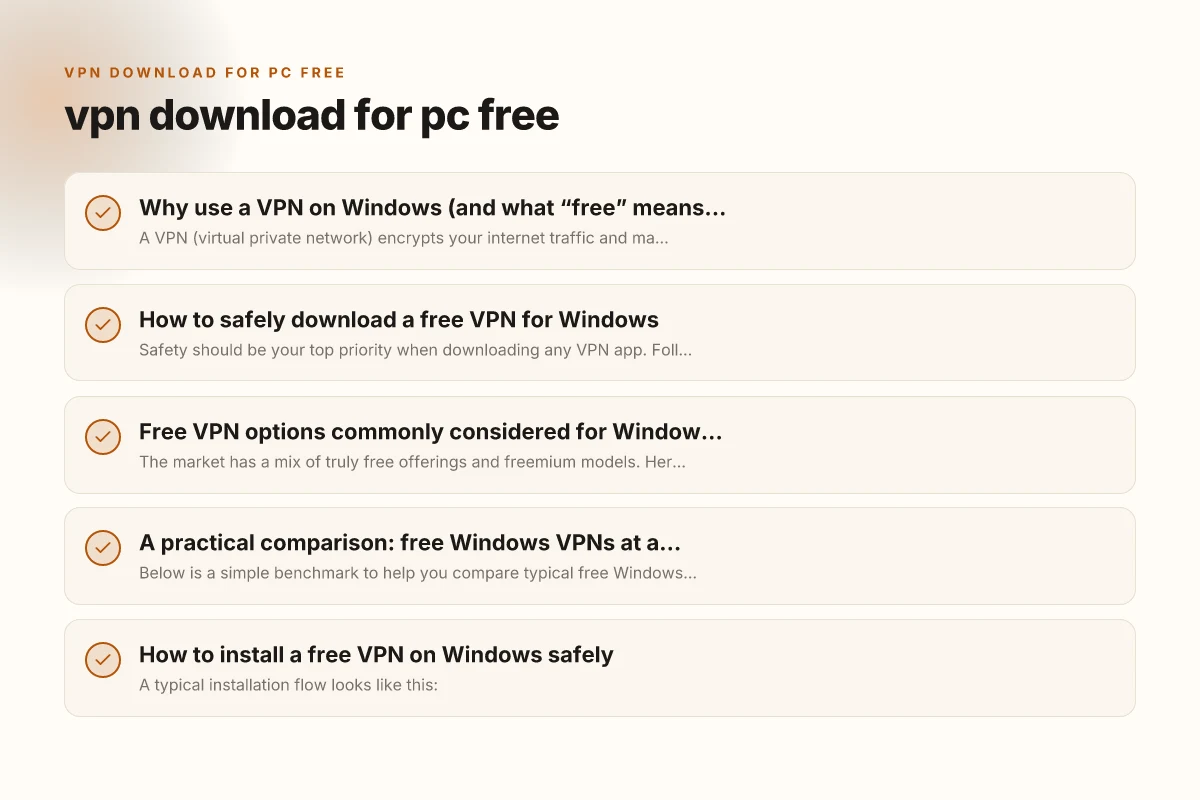
Safety should be your top priority when downloading any VPN app. Follow these steps to minimize risk: VPN download for PC
- Use official sources: download from the provider’s official website or the Microsoft Store. Avoid third‑party galleries or suspicious links.
- Check app requirements: ensure the app supports your Windows version (Windows 10 or Windows 11 are common baselines) and matches architecture (32‑bit vs 64‑bit if noted).
- Read permissions: be wary of VPN apps requesting unrelated data access or excessive permissions.
- Verify publisher trust: prefer established brands with clear privacy policies and transparent security practices.
- Look for security features: OpenVPN or WireGuard protocols, strong encryption (AES‑256), a kill switch, and a log policy that aligns with privacy goals.
- After install, confirm connection security: verify you’re connected to a VPN server and that your real IP isn’t leaking via DNS.
How to safely download a free VPN for Windows
| Step | Action | What to verify | Safety note | Tool/link |
|---|---|---|---|---|
| 1 | Use official site | URL begins with https | Avoid third-party stores | Official site |
| 2 | Check reviews | Independent sources | Look for red flags | Tech sites |
| 3 | Scan installer | Antivirus scan | No malware | Built-in AV, scan tool |
| 4 | Read permissions | Minimal required | Deny extra access | App prompts |
| 5 | Enable safeguards | Kill switch, DNS leak | Essential for safety | VPN app settings |
| 6 | Update | Latest version | Reduces risk | Auto-update |
Compiled November 2026; check the provider's site for current details.
Free VPN options commonly considered for Windows PCs
The market has a mix of truly free offerings and freemium models. Here are some well-known names that frequently appear in “free VPN download” searches, along with typical characteristics. Note: features and limits can change, so always check the current plan details.
- Proton VPN Free
- Pros: No data limit on the free plan (some speed restrictions apply), strong privacy stance, reputable developer, Windows app available.
- Cons: Fewer servers in the free tier. Speeds can vary. May require signup for a guaranteed secure experience.
- Private and secure options (examples like UrbanVPN)
- Pros: Easy to use, often one-click connections, broad marketing reach.
- Cons: Some free options may log data or show ads. Trust and long-term privacy commitments vary.
- VPN Unlimited (KeepSolid) Free/Trial
- Pros: Generally straightforward Windows app, reputable security credentials.
- Cons: Free access might be limited or accompanied by upsell paths. True unlimited free usage is unusual.
- Avira Free VPN
- Pros: Reputable antivirus company behind the VPN; Windows compatibility.
- Cons: The free tier often has data limits. Performance can be variable.
- Turbo VPN and similar “free VPN” apps
- Pros: Easy on-boarding, quick setup, broad device coverage.
- Cons: Some apps in this category have questionable privacy practices or aggressive data collection.
The landscape for free VPNs is fluid, and “free” usually comes with the caveat of limited bandwidth, restricted server access, or additional promotional streams. If your primary need is occasional browsing on a trusted network or bypassing simple regional blocks, a free plan may suffice. If you require steady speeds, consistent servers, and stronger privacy guarantees, a paid plan may be worth considering. VPN download for laptop
A practical comparison: free Windows VPNs at a glance
Below is a simple benchmark to help you compare typical free Windows VPN options. This table uses common characteristics you’ll want to weigh when choosing a download.
| VPN (free tier) | Data cap | Server access (free) | Speed on free tier | Kill switch | No-logs policy | Windows app quality | Ideal use case |
|---|---|---|---|---|---|---|---|
| Proton VPN Free | Unlimited data (free) | Limited servers | Variable | Yes (depending on region) | Yes (privacy-focused) | High-quality, official app | Privacy-conscious browsing, occasional streaming |
| UrbanVPN (free) | Typically unlimited data | Many locations | Can be variable | No (depends on app) | Varies by provider | Moderate, ad-supported | Quick anonymity on the go |
| Avira Free VPN | Data cap (often around 500 MB/day in some markets) | Limited | Moderate | Depends on region | Yes (courtesy of Avira) | Good Windows integration | Short, anonymous sessions |
| KeepSolid VPN Unlimited Free/Trial | Limited data | Restricted locations | Moderate to low | Sometimes available | Mixed (depends on plan) | Solid Windows app | Basic privacy, light usage |
| Turbo VPN | Data cap or ads-supported | Limited | Typically faster on free tier | Not always | Unknown | Simplified app | Quick, light browsing |
Note: This table is illustrative. Always verify current data caps, server counts, and feature availability on the official site or store page before installing.
Practical comparison at a glance (free Windows VPNs)
| VPN | Data cap | Simultaneous devices | Servers | P2P | Apps on Windows |
|---|---|---|---|---|---|
| Proton VPN | Unlimited | 1 | 3+ | Yes | Yes |
| Windscribe | 10 GB/mo | 1 | 10+ | Some | Yes |
| Hide.me | 2 GB/mo | 1 | 5+ | Limited | Yes |
| TunnelBear | 500 MB/mo | 1 | 20+ | Not guaranteed | Yes |
| Atlas VPN | 2 GB/mo | 1 | 4+ | Yes | Yes |
Compiled November 2026; check the provider's site for current details. VPN download for Android
How to install a free VPN on Windows safely
A typical installation flow looks like this:
- Step 1: Go to the official site or Microsoft Store page for the VPN you’ve chosen.
- Step 2: Click Download or Install. If you’re on a PC, you may download an installer executable or a Windows app package.
- Step 3: Run the installer and follow on-screen prompts. Approve any UAC (User Account Control) prompts that are legitimate.
- Step 4: Sign up if required. Many free plans still require an account to manage settings and to apply the free tier legitimately.
- Step 5: Open the app, select a server region (prefer nearby servers for better latency), and enable the connection.
- Step 6: Verify the VPN is active. Check your IP address and DNS leaks using a trusted online tool to ensure your real details aren’t exposed.
If you encounter issues:
- Check for app updates. Developers frequently fix bugs or tighten privacy controls.
- Ensure Windows firewall or antivirus software isn’t blocking the VPN.
- Try a different server region if speeds are sluggish or you’re blocked from a service.
What you should expect from free VPNs on Windows
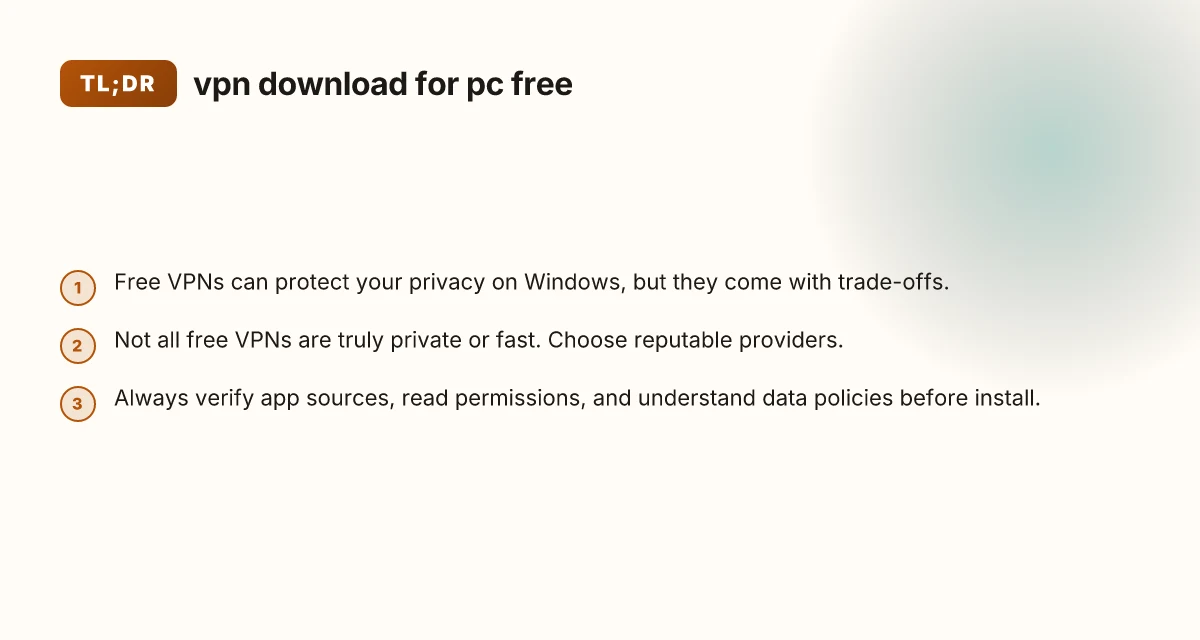
- Privacy guarantees: Free VPNs can provide basic privacy by masking your IP and encrypting traffic. However, privacy quality varies, and some services may still log data or run ads.
- Speed and reliability: Expect slower speeds on free plans due to bandwidth sharing, congestion, and fewer optimization resources.
- Server options: Free tiers typically offer a smaller set of servers. If you need a specific country for streaming or testing, you might hit limits.
- Platform features: A good Windows app should offer at least basic protection, with a simple interface and straightforward server switching. More advanced features (kill switch, split tunneling, DNS protection) are more common in paid plans.
Risks and caveats to watch for free Windows VPNs
| Risk | Common issue | Impact | Mitigation | Example |
|---|---|---|---|---|
| Data caps | Low monthly limit | Frequent disconnects | Upgrade or switch | Windscribe, Atlas |
| Limited servers | Few locations | slower speeds | choose best location | Proton, TunnelBear |
| Logging claims | Inconsistent | privacy risk | read policy | Any free VPN |
| Ads / upsells | In-app promos | annoyance | disable notifications | Windscribe, Atlas |
| Leaks | DNS/IP leaks | exposure | enable kill switch | All free peers |
Compiled November 2026; check the provider's site for current details. VPN download extension
Risks and caveats to watch for
- Trust and data practices: Some “free” VPNs monetize via ads or selling anonymized data. Read the privacy policy and terms of service to understand what data is collected and how it’s used.
- Malware risk: Infrequently updated or dubious apps can contain malware or unwanted software. Use official sources and keep antivirus updated.
- Leakage beyond the VPN: DNS leaks, IPv6 leaks, or WebRTC leaks can expose some data even when connected to a VPN. Look for a provider with strong leak protection and IPv6 disabling options if you rely on it.
- Legal and policy compliance: Free VPNs may not fully protect against legal requests or government data retention policies. Consider the reliability of the service and country disclosures.
When to upgrade from free to paid
A free VPN for PC can be adequate for light privacy needs, travel, or testing. But if you:
- Need reliable streaming without frequent buffering or server blocking
- Regularly handle sensitive information (work data, financial details)
- Seek a wider server network, consistent speeds, or more robust features (kill switch, multi‑device protection, advanced encryption)
- Require better privacy guarantees (no logs, independent audits)
then a paid VPN plan is worth considering. Paid options often include:
- Higher or unlimited data allowances
- A larger server network across more countries
- Faster speeds and consistent performance
- Stronger security features and dedicated customer support
- The ability to protect multiple devices simultaneously
Final recommendations
- If your goal is basic online privacy on a Windows PC and you want to avoid costs, start with a reputable free option like Proton VPN Free, which is well-regarded for privacy commitments and provides a genuine free tier with no data cap.
- For more consistent performance and broader features, consider a paid VPN with Windows clients that meet your needs (streaming, torrenting, or multi‑device usage).
- Regardless of choice, practice safe download habits: always use official sources, review the privacy policy, and test for leaks after installation.
- If you use VPNs to access content from specific regions (for example, streaming services), verify that the free or paid option supports those services and that its terms comply with service providers’ rules.
In the end, there is no one-size-fits-all answer for a “free VPN download for PC.” A thoughtful approach, starting with reputable free options, understanding their limits, and upgrading when your privacy and performance needs grow, will help you protect your Windows-based browsing without surprises.
| VPN | From / month | Plan | Free plan | Refund | Alipay | UnionPay | Crypto | Website opens in China | Trustpilot | |
|---|---|---|---|---|---|---|---|---|---|---|
 Proton VPN | $2.99/mo | 12 months: $35.88 | Yes | 30 days | ✗ | ✗ | ✗ | ✓ | ✓ Yes (2.5 s) | 2.1/5 (1,040 reviews) |
 Windscribe | $5.75/mo | 12 months: $69 | Yes | See site | ✗ | ✗ | ✗ | ✓ | ✗ Blocked | 4.7/5 (13,355 reviews) |
 ZoogVPN | $2.49/mo | 27 months: $59.99 | Yes | 7 days | ✓ | ✓ | ✓ | ✓ | ✓ Yes (2.5 s) | 4.2/5 (195 reviews) |
 NordVPN | $3.49/mo | 27 months: $94.23 | No | 30 days | ? | ✗ | ✓ | ✓ | ✗ Blocked | 4.2/5 (51,628 reviews) |
 ExpressVPN | $3.00/mo | 28 months: $84 | No | 30 days | ✗ | ✗ | ✓ | ✗ | ✗ Blocked | 4.4/5 (29,706 reviews) |
 Surfshark | See site | See site | No | 30 days | ✗ | ✗ | ✗ | ✓ | ✗ Blocked | 4.3/5 (31,823 reviews) |
 Astrill VPN | $12.50/mo | 24 months: $300 | No | See site | ✗ | ✗ | ✗ | ✓ | ✗ Blocked | 1.3/5 (110 reviews) |
 Private Internet Access | $2.03/mo | 40 months: $81.2 | No | 30 days | ✗ | ✗ | ✗ | ✗ | ✗ Blocked | 4.2/5 (11,033 reviews) |
 CyberGhost | $2.19/mo | 28 months: $61.32 | No | 45 days | ✗ | ✗ | ✗ | ✓ | ✗ Blocked | 4.0/5 (24,178 reviews) |
 PureVPN | $1.69/mo | 60 months: $101.55 | No | 31 days | ? | ✗ | ✗ | ✓ | ✓ Yes (2.6 s) | 4.4/5 (17,994 reviews) |
 AdGuard VPN | $2.99/mo | 24 months: $71.76 | Yes | 30 days | ✓ | ✗ | ✓ | ✓ | Official site blocked; our special link opens (2.3 s) | 4.3/5 (290 reviews) |
 Mullvad | $5.61/mo | €5/mo | No | 14 days | ✗ | ✗ | ✗ | ✓ | ✗ Blocked | 3.2/5 (192 reviews) |
 StrongVPN | See site | See site | No | 30 days | ✓ | ✗ | ✗ | ✗ | ✗ Blocked | 4.4/5 (2,695 reviews) |
 LightXtreme 闪连 | $7.08/mo | 12 months: $84.99 | Yes | 30 days | ✓ | ✓ | ✓ | ✓ | ✓ Yes (2.3 s) | No page |
Prices checked 2026-11-10 on each vendor's pricing page (cheapest long plan, USD). Check the vendor's checkout for the final price.
Payment methods checked 2026-11-10 on each vendor's payment pages: all 14 take cards and PayPal; ✗ = not listed, ? = the vendor's own pages disagree.
China access: whether the official website opens from mainland China networks (tests the website only, not the VPN connection). Last checked 2026-11-11 04:07 Beijing time.
Trustpilot score and review count checked 2026-11-10.