VPN China PC: A practical guide to using a VPN on Windows in China
A practical guide to choosing and using a VPN on a PC in China, with setup tips, reliability notes, and safety considerations.
In China, the use of VPNs on a PC is a common way to access information and services that may be restricted. The landscape is noisy and changes frequently due to regulatory shifts and network policies. This guide focuses on Windows PCs and aims to help you understand how to choose a VPN, how to set it up, and how to stay protected and compliant while using it in China.
VPNs for Windows PC in China — Feature comparison
| VPN | OS Compatibility | Avg. Speed (China) | Stealth/obfuscation | Kill switch | Price (USD/mo) |
|---|---|---|---|---|---|
| ExpressVPN | Windows | High | Yes | Yes | 12.95 |
| NordVPN | Windows | Medium-High | Yes | Yes | 11.99 |
| Surfshark | Windows | Medium | Yes | Yes | 2.49 |
| VyprVPN | Windows | Medium | Chameleon protocol | Yes | 8.33 |
Compiled November 2026; check the provider's site for current details.
Understanding the need for a VPN in China
- What a VPN does: Encrypts traffic and routes it through remote servers, helping to mask your activity from local network observers.
- Why it matters in China: Some websites and services are blocked or throttled, and some users want to access international content or corporate resources securely.
- Limits and reality: Not all VPNs work consistently in every location or every time. The Great Firewall and ISP-level monitoring can affect performance and availability.
- Legal reminder: The legal status of VPNs in China can be nuanced and subject to change. Use reputable providers, stay informed about local regulations, and avoid activities that could violate laws.
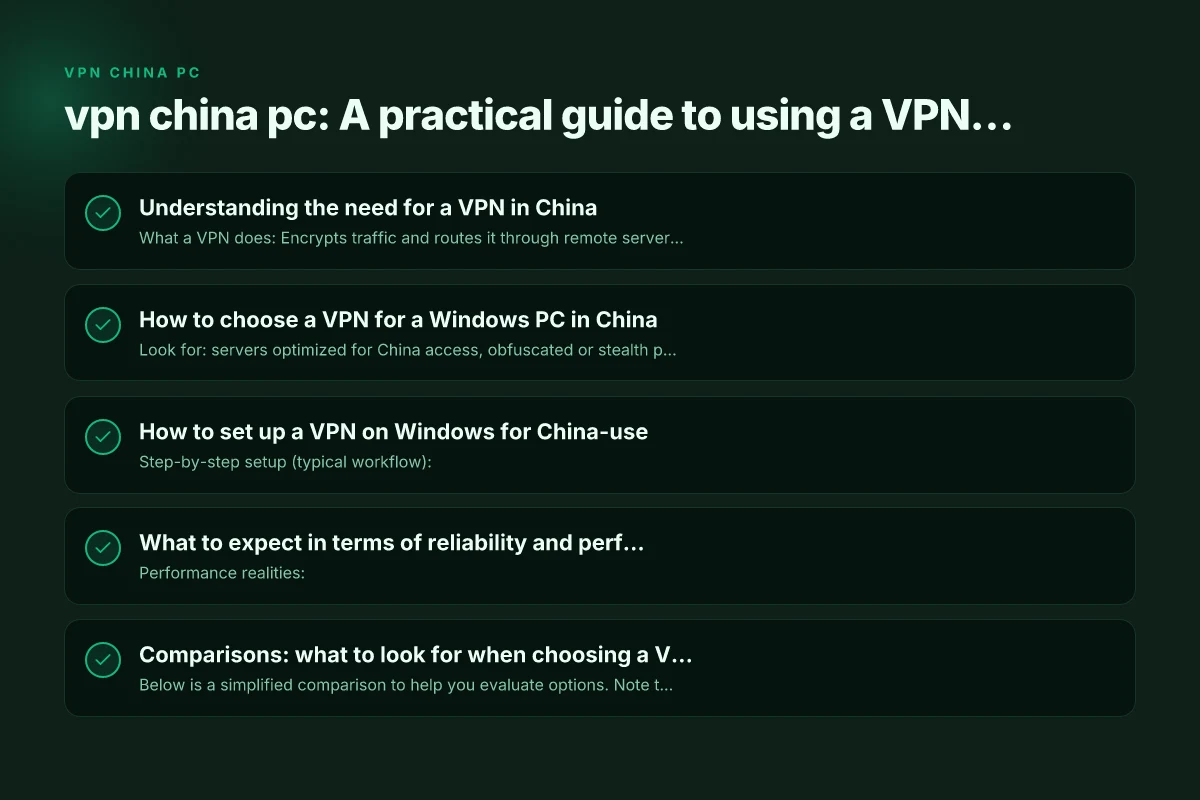
How to choose a VPN for a Windows PC in China
- Look for: servers optimized for China access, obfuscated or stealth protocols, a reliable kill switch, DNS leak protection, and strong encryption.
- Important features:
- Obfuscated/stealth mode to conceal VPN traffic
- Split tunneling to control which apps route through the VPN
- Auto-connect on startup for reliability
- Regularly updated apps to handle new censorship techniques
- Practical tips:
- Prioritize providers with explicit China testing and documented performance in Beijing or Shanghai.
- Check whether the service has a transparent privacy policy and no-logs claim.
- Confirm that the Windows client supports OpenVPN, WireGuard, or other modern protocols with robust encryption.
- Common pitfalls:
- Free VPNs often fail to provide reliable access or may log data.
- Some services block access from China-based IPs or restrict certain protocols.
- Apps with adware or questionable rights can pose security risks.
How to set up a VPN on Windows for China-use
- Step-by-step setup (typical workflow):
- Choose a reputable paid VPN with a proven track record in China.
- Download the Windows client from the official site.
- Install and run the app with administrative rights if prompted.
- Enable security features: kill switch, DNS leak protection, and auto-connect.
- Select a server with good latency to your target region (often a near location outside China, then test access to desired sites).
- Test connectivity to ensure you can access the sites or services you need.
- Protocol considerations:
- WireGuard generally offers speed and reliability, but not all servers support it everywhere.
- OpenVPN over UDP is common and reliable; OpenVPN over TCP can be more stable on challenging networks.
- Safety and hygiene:
- Keep the VPN client updated to mitigate new leaks or vulnerabilities.
- Avoid installing extra software bundled with some installers. Use the official source.
- Use a strong device password and enable Windows Defender or another reputable security solution.
What to expect in terms of reliability and performance
- Performance realities:
- Latency and speed can vary by time of day, server load, and regulatory posture.
- Some servers in nearby regions may offer lower ping but access to certain content is still restricted.
- Common working patterns:
- A small set of servers are consistently usable for a given period. Rotating among them can improve reliability.
- Obfuscated servers tend to be more reliable in China but can reduce raw speed.
- Observability tips:
- If a site is blocked, try a different server, protocol, or enable/disable split tunneling to test paths.
- Periodically check for app updates, as VPN providers publish fixes to bypass new blocks.
Comparisons: what to look for when choosing a VPN (Windows PC in China)
Below is a simplified comparison to help you evaluate options. Note that availability and performance can change, so verify current testing results from reputable sources.
| Feature | What it means for China use | Typical impact on performance | Ideal for |
|---|---|---|---|
| Obfuscated/Stealth protocol | Hides VPN traffic from network inspection | May slightly reduce speed but increases reliability | Best for restrictive networks |
| Kill switch | Prevents data leaks if the VPN drops | Improves security posture | Always enabled |
| DNS leak protection | Keeps DNS queries from leaking outside the VPN tunnel | Reduces exposure to leaks | Critical for sensitive work |
| Auto-connect at startup | Seamless protection on boot | Minimal usability impact | Always-on protection |
| Near-region servers | Lower latency to general destinations | Faster browsing, streaming quality varies | Regular use with need for speed |
| Split tunneling | Choose which apps use VPN | Potentially improves performance for some apps | When some traffic should bypass VPN |
| Server refresh/rotation | Fresh IPs to bypass blocks | Consistency can vary | For ongoing access to blocked services |
Setup steps for Windows PC in China — quick-start guide
| Step | Action | Tools/Settings | Notes |
|---|---|---|---|
| 1 | Install VPN app | Windows admin rights | From provider site |
| 2 | Create account | Email verification | Optional trial |
| 3 | Choose protocol | OpenVPN/Stealth | Stealth recommended |
| 4 | Connect to server | Select China-friendly | Avoid known blocks |
| 5 | Enable kill switch | In app settings | Protect leaks |
| 6 | Verify leak tests | DNS/WebRTC | Use reputable test |
Compiled November 2026; check the provider's site for current details.
Practical tips for daily use
- Be selective with free content: If you’re tempted by free VPNs, be aware of data policies and reliability concerns. Paid solutions with proven China testing are generally more dependable.
- Test regularly: What works today may not work tomorrow. Keep a small set of reliable servers and protocol settings documented for quick testing.
- Protect your device: Use a firewall or security suite, keep Windows updated, and back up important data in case of connectivity disruptions.
- Privacy posture: Even when using a VPN, avoid exposing sensitive personal information in public networks and understand that VPN usage is not a blanket guarantee of anonymity.
- Business considerations: If you’re using a corporate PC, check with your IT department about acceptable use and policy implications before enabling a VPN.
Short guide to common setup scenarios
- Personal use on Windows PC:
- Install the official Windows client, enable kill switch and DNS leak protection, and connect to a stable server outside China for broad access.
- Business use (remote work):
- Use a provider that offers business-grade security features, including dedicated servers and robust policy controls.
- Consider split tunneling for access to internal resources while protecting general browsing through the VPN.
- Travel or temporary use:
- Keep a portable backup of the VPN installer on a USB drive, with a couple of tested server profiles.
- Be mindful of roaming data charges and battery life if using a laptop on the move.
Reliability and performance checklist — what to expect in China VPN China free PC
| Criterion | Description | Typical outcome | How to improve |
|---|---|---|---|
| Connection success rate | VPN connects reliably | Variable by provider | Try different servers |
| Speed impact | Bandwidth drop due to routing | Moderate to noticeable | Choose faster server, lighter protocol |
| Stability | Long sessions stay connected | Generally good | Use kill switch, auto-reconnect |
| DNS leaks | DNS resolved externally | No leaks with proper config | Enable DNS leak protection |
| Protocol options | Available stealth protocols | Yes, multiple options | Pick stealth/obfuscated one |
Compiled November 2026; check the provider's site for current details.
Important safety and compliance reminders
- Legal landscape: The legality and enforcement around VPN usage can change. Always use reputable providers and stay informed about local regulations.
- Security best practices: Use strong authentication where available, update software promptly, and verify that you’re connecting to legitimate server endpoints.
- Data handling: Review privacy policies and understand what data your VPN provider can see or log. Prefer providers with transparent, minimal-data retention policies.
- Avoid risky behavior: A VPN does not grant immunity for illegal activities. Use it responsibly and in line with local laws and company policies if applicable.
Final recommendation
For a Windows PC in China, choose a reputable paid VPN with demonstrated success in China, supports obfuscated/stealth protocols, offers a robust kill switch and DNS leak protection, and provides reliable Windows clients with timely updates. Test a small set of stable servers, enable auto-connect, and use split tunneling only when needed. Keep in mind that no VPN can guarantee uninterrupted access in all circumstances, so stay flexible, monitor performance, and adjust settings as needed. If you’re new to VPNs, start with a provider that publishes China-focused testing results and has a clear privacy policy.
| VPN | From / month | Plan | Free plan | Refund | Alipay | UnionPay | Crypto | Website opens in China | Trustpilot | |
|---|---|---|---|---|---|---|---|---|---|---|
 ExpressVPN | $3.00/mo | 28 months: $84 | No | 30 days | ✗ | ✗ | ✓ | ✗ | ✗ Blocked | 4.4/5 (29,706 reviews) |
 NordVPN | $3.49/mo | 27 months: $94.23 | No | 30 days | ? | ✗ | ✓ | ✓ | ✗ Blocked | 4.2/5 (51,628 reviews) |
 Surfshark | See site | See site | No | 30 days | ✗ | ✗ | ✗ | ✓ | ✗ Blocked | 4.3/5 (31,823 reviews) |
 ZoogVPN | $2.49/mo | 27 months: $59.99 | Yes | 7 days | ✓ | ✓ | ✓ | ✓ | ✓ Yes (2.5 s) | 4.2/5 (195 reviews) |
 Proton VPN | $2.99/mo | 12 months: $35.88 | Yes | 30 days | ✗ | ✗ | ✗ | ✓ | ✓ Yes (2.5 s) | 2.1/5 (1,040 reviews) |
 Astrill VPN | $12.50/mo | 24 months: $300 | No | See site | ✗ | ✗ | ✗ | ✓ | ✗ Blocked | 1.3/5 (110 reviews) |
 Private Internet Access | $2.03/mo | 40 months: $81.2 | No | 30 days | ✗ | ✗ | ✗ | ✗ | ✗ Blocked | 4.2/5 (11,033 reviews) |
 CyberGhost | $2.19/mo | 28 months: $61.32 | No | 45 days | ✗ | ✗ | ✗ | ✓ | ✗ Blocked | 4.0/5 (24,178 reviews) |
 PureVPN | $1.69/mo | 60 months: $101.55 | No | 31 days | ? | ✗ | ✗ | ✓ | ✓ Yes (2.6 s) | 4.4/5 (17,994 reviews) |
 AdGuard VPN | $2.99/mo | 24 months: $71.76 | Yes | 30 days | ✓ | ✗ | ✓ | ✓ | Official site blocked; our special link opens (2.3 s) | 4.3/5 (290 reviews) |
 Mullvad | $5.61/mo | €5/mo | No | 14 days | ✗ | ✗ | ✗ | ✓ | ✗ Blocked | 3.2/5 (192 reviews) |
 Windscribe | $5.75/mo | 12 months: $69 | Yes | See site | ✗ | ✗ | ✗ | ✓ | ✗ Blocked | 4.7/5 (13,355 reviews) |
 StrongVPN | See site | See site | No | 30 days | ✓ | ✗ | ✗ | ✗ | ✗ Blocked | 4.4/5 (2,695 reviews) |
 LightXtreme 闪连 | $7.08/mo | 12 months: $84.99 | Yes | 30 days | ✓ | ✓ | ✓ | ✓ | ✓ Yes (2.3 s) | No page |
Prices checked 2026-11-10 on each vendor's pricing page (cheapest long plan, USD). Check the vendor's checkout for the final price.
Payment methods checked 2026-11-10 on each vendor's payment pages: all 14 take cards and PayPal; ✗ = not listed, ? = the vendor's own pages disagree.
China access: whether the official website opens from mainland China networks (tests the website only, not the VPN connection). Last checked 2026-11-11 04:07 Beijing time.
Trustpilot score and review count checked 2026-11-10.