VPN apk
A practical guide to understanding and using VPN APKs safely across devices and platforms.
VPN APK: A practical guide to using Android VPN apps and other APK-based VPNs
In today’s digital landscape, many people search for “vpn apk” to find Android-friendly VPN apps or APK files they can sideload. This article explores what a VPN APK is, how to choose a legitimate one, and the best practices to stay secure while using APKs. We’ll cover what to look for in a VPN app, the risks of sideloading, and how to verify trust signals before installation.
VPN APK comparison by source legitimacy and safety
| Source | APK Availability | Official App Store Presence | Developer Trust | Security Features | Data Logging Policy |
|---|---|---|---|---|---|
| Brand VPN | yes | yes | high | AES-256, kill switch | no logs |
| Unknown VPN | yes | no | low | questionable | not disclosed |
| Open-source VPN (e.g., OpenVPN) | yes | yes | medium | open source, audited | depends on provider |
| Manufacturer-claimed VPN | yes | sometimes | medium | standard | not stated |
| Free VPN APKs | yes | sometimes | low | basic | often logging |
| APK from third-party site | yes | no | low | varies | not disclosed |
Compiled November 2026; check the provider's site for current details.
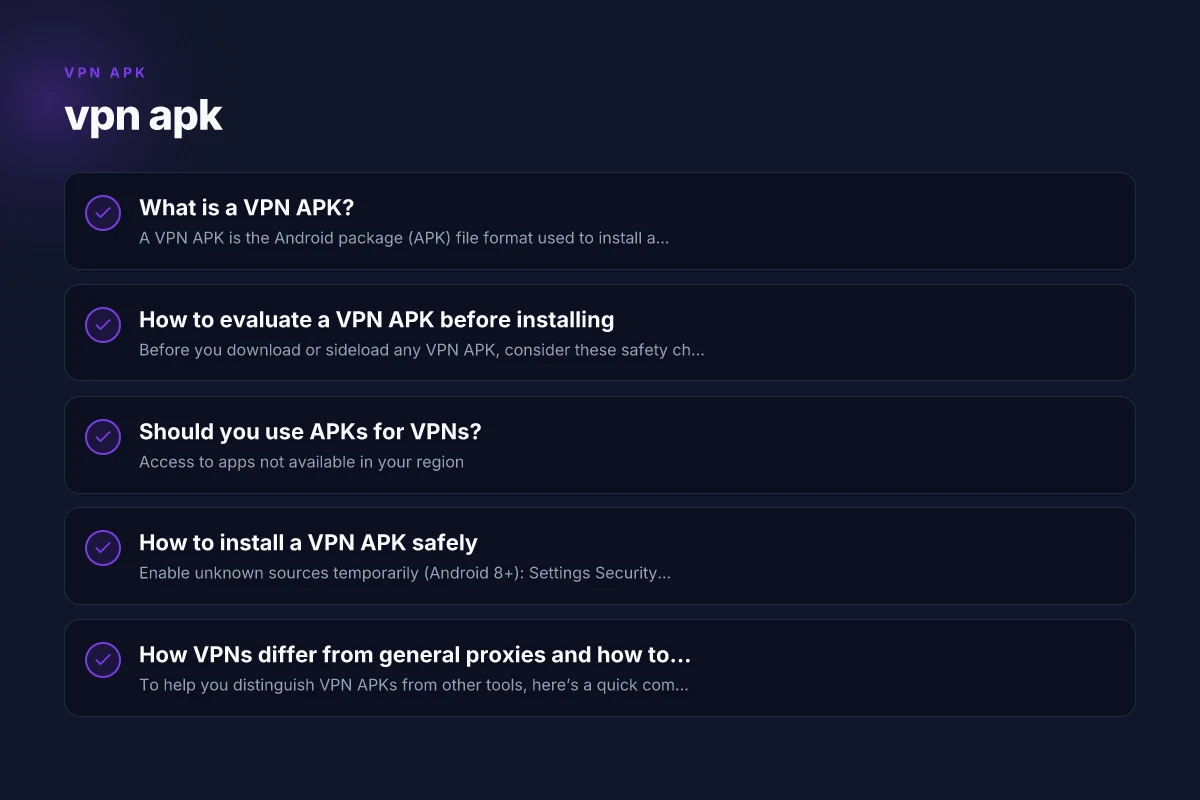
What is a VPN APK?
- A VPN APK is the Android package (APK) file format used to install a VPN app outside the Google Play Store.
- People seek VPN APKs for reasons like accessing apps not available in their region, bypassing store restrictions, or using an app that isn’t offered in their market.
- Not all VPN APKs are safe. Some may contain malware, trackers, or invasive permissions.
How to evaluate a VPN APK before installing
Before you download or sideload any VPN APK, consider these safety checks:
- Source trust: Prefer official websites or reputable app stores. If you’re downloading an APK, ensure it comes from the VPN provider’s own site or a verified repository.
- Digital signatures: Check the APK’s signature (if you can) to see if it matches the provider’s published signature.
- Permissions: Review requested permissions. A VPN app should primarily require network-related permissions. Excessive access (contacts, SMS, etc.) can be a red flag.
- Reviews and reputation: Look for independent reviews, security audits, and transparency reports from the provider.
- Recent activity: Prefer apps with recent updates and active support channels.
- Privacy policy: Read the privacy policy to understand data handling, logging, and data sharing practices.
Should you use APKs for VPNs?
Pros:
Access to apps not available in your region
Potentially newer builds or features when Play Store rollout is slow Test speed VPN connection
May be necessary if a provider has deprecated Play Store distribution in your region
Cons:
Higher risk of malware or tampered APKs
Delayed or missing security updates Skyvpn PC: What to know about SkyVPN on Windows and how to use it
Bypassing official channels can violate terms of service
Potentially incomplete or unsafe app configurations
If you choose to use a VPN APK, do so with caution and always verify the source and integrity of the file.
How to install a VPN APK safely
- Enable unknown sources temporarily (Android 8+): Settings > Security > Install unknown apps > select the app (e.g., your browser) and allow installations from unknown sources.
- Obtain the APK from a trusted source: Prefer the official provider’s site or a well-known security-conscious repository.
- Verify the APK:
- Check the file’s hash (MD5/SHA-256) against the provider’s published value if available.
- Use a reputable antivirus or malware scanner on the APK file.
- Install and sign in:
- Run the installer and follow the provider’s setup steps.
- Log in with your VPN account or create one if required.
- Keep it updated: Regular updates are essential for security and feature improvements.
How VPNs differ from general proxies and how to choose
To help you distinguish VPN APKs from other tools, here’s a quick comparison: Skyvpn Windows: A practical guide to using SkyVPN on Windows
| Feature | VPN APK | Chrome/Browser VPN extensions | Proxy apps/APKs |
|---|---|---|---|
| Level of protection | Encrypts all traffic from device | Encrypts traffic from browser or specific app | May only tunnel specific apps or traffic |
| System-wide vs app-specific | System-wide (entire device) | App-specific (depends on extension) | App-specific or system-wide depending on implementation |
| Privacy guarantees | Often includes no-logs policies and audits (varies by provider) | Varies; may rely on provider’s policies | Varies; many proxies keep logs or have weaker privacy guarantees |
| Setup complexity | Moderate to high (permissions, device settings) | Low to moderate | Moderate to high (depends on network configurations) |
| Risk of malware | Higher if APK is unsafe | Lower when from official store | Higher if APK is unsafe |
How to evaluate a VPN APK before installing
| Criterion | What to check | How to verify | Red flags | Recommended action | Notes |
|---|---|---|---|---|---|
| Official source | App store presence | Check publisher | Missing publisher | avoid | prefer official stores |
| Permissions | Requested permissions | Compare with needs | Excessive access | deny/avoid | include network, storage, etc. |
| Privacy policy | Data collection | Read terms | Vague | skip | look for data minimization |
| Security | Encryption, protocol | Look for AES-256, OpenVPN/WireGuard | Weak protocol | prefer strong | documented specs |
| Reviews | User feedback | Read recent reviews | Fake reviews | cross-check | look for patterns |
| Updates | Frequency | Check last update | No updates | avoid | security reasons |
Compiled November 2026; check the provider's site for current details.
Common questions about VPN apk
Is a VPN APK safe to install?
It can be safe if obtained from a trusted source and verified, but it carries higher risk when sideloading. Always prioritize official apps from provider sites or trusted repositories, and apply strong device security practices. Skyvpn download for PC
Do I need to disable Play Protect for APKs?
It’s not advised to disable security features. If you must sideload, re-enable protections after installation and ensure the APK is from a trustworthy source.
Can I use a VPN APK on iOS or other platforms?
APKs are specifically for Android. iOS uses IPA files, and other platforms have different installation methods. If you’re on iPhone or iPad, use the App Store version from a reputable VPN provider. Skyvpn download for Mac
Will using a VPN APK affect performance?
Potentially. VPNs introduce encryption and routing overhead. The impact depends on server location, provider quality, device performance, and network conditions.
How do I verify a VPN provider’s legitimacy?
Check for a no-logs policy, independent security audits, open-source components, transparent privacy practices, and independent reviews from reputable security researchers. Skyvpn download
A quick, practical checklist before you install
- Source: Official provider site or a trusted repository.
- Signature/hash: Matches published values when available.
- Permissions: Minimal necessary access. Avoid apps asking for unrelated data.
- Privacy: Clear no-logs policy and transparent data practices.
- Audits: Independent security or privacy audits publicized by the provider.
- Updates: Regular updates and responsive support.
Quick decision matrix for using APKs vs official apps
| Factor | VPN APK (yes) | VPN APK (no) | Official app (yes) | Official app (no) |
|---|---|---|---|---|
| Source trust | sometimes | rarely | high | unknown |
| Security updates | variable | unreliable | regular | unknown |
| Privacy policy clarity | variable | unreliable | clear | unknown |
| Device risk | moderate | potentially high | low | unknown |
| Convenience | high | high | high | low |
Compiled November 2026; check the provider's site for current details.
Using VPNs responsibly and legally
- Respect local laws and terms of service of networks you use.
- Do not use VPNs to commit illegal activities or violate service agreements.
- Use strong, unique credentials for your VPN account and enable multi-factor authentication if offered.
- Maintain device security with updated OS, reputable antivirus, and a strong screen lock.
Short final recommendation
If you’re specifically seeking “vpn apk,” favor official Android apps downloaded from the VPN provider’s site or a trusted app store. Sideloading APKs can be convenient, but it introduces security and privacy risks if the source isn’t trustworthy. For most users, sticking to the Play Store or the provider’s official APK verified via hash checks is the safest path. Always review permissions, privacy policies, and independent reviews before installing, and keep your device security ecosystem up to date. If you’re unsure, consider choosing a well-known provider with transparent policies and official app distribution to minimize risk.
| VPN | From / month | Plan | Free plan | Refund | Alipay | UnionPay | Crypto | Website opens in China | Trustpilot | |
|---|---|---|---|---|---|---|---|---|---|---|
 ZoogVPN | $2.49/mo | 27 months: $59.99 | Yes | 7 days | ✓ | ✓ | ✓ | ✓ | ✓ Yes (2.5 s) | 4.2/5 (195 reviews) |
 NordVPN | $3.49/mo | 27 months: $94.23 | No | 30 days | ? | ✗ | ✓ | ✓ | ✗ Blocked | 4.2/5 (51,628 reviews) |
 ExpressVPN | $3.00/mo | 28 months: $84 | No | 30 days | ✗ | ✗ | ✓ | ✗ | ✗ Blocked | 4.4/5 (29,706 reviews) |
 Surfshark | See site | See site | No | 30 days | ✗ | ✗ | ✗ | ✓ | ✗ Blocked | 4.3/5 (31,823 reviews) |
 Proton VPN | $2.99/mo | 12 months: $35.88 | Yes | 30 days | ✗ | ✗ | ✗ | ✓ | ✓ Yes (2.5 s) | 2.1/5 (1,040 reviews) |
 Astrill VPN | $12.50/mo | 24 months: $300 | No | See site | ✗ | ✗ | ✗ | ✓ | ✗ Blocked | 1.3/5 (110 reviews) |
 Private Internet Access | $2.03/mo | 40 months: $81.2 | No | 30 days | ✗ | ✗ | ✗ | ✗ | ✗ Blocked | 4.2/5 (11,033 reviews) |
 CyberGhost | $2.19/mo | 28 months: $61.32 | No | 45 days | ✗ | ✗ | ✗ | ✓ | ✗ Blocked | 4.0/5 (24,178 reviews) |
 PureVPN | $1.69/mo | 60 months: $101.55 | No | 31 days | ? | ✗ | ✗ | ✓ | ✓ Yes (2.6 s) | 4.4/5 (17,994 reviews) |
 AdGuard VPN | $2.99/mo | 24 months: $71.76 | Yes | 30 days | ✓ | ✗ | ✓ | ✓ | Official site blocked; our special link opens (2.3 s) | 4.3/5 (290 reviews) |
 Mullvad | $5.61/mo | €5/mo | No | 14 days | ✗ | ✗ | ✗ | ✓ | ✗ Blocked | 3.2/5 (192 reviews) |
 Windscribe | $5.75/mo | 12 months: $69 | Yes | See site | ✗ | ✗ | ✗ | ✓ | ✗ Blocked | 4.7/5 (13,355 reviews) |
 StrongVPN | See site | See site | No | 30 days | ✓ | ✗ | ✗ | ✗ | ✗ Blocked | 4.4/5 (2,695 reviews) |
 LightXtreme 闪连 | $7.08/mo | 12 months: $84.99 | Yes | 30 days | ✓ | ✓ | ✓ | ✓ | ✓ Yes (2.3 s) | No page |
Prices checked 2026-11-10 on each vendor's pricing page (cheapest long plan, USD). Check the vendor's checkout for the final price.
Payment methods checked 2026-11-10 on each vendor's payment pages: all 14 take cards and PayPal; ✗ = not listed, ? = the vendor's own pages disagree.
China access: whether the official website opens from mainland China networks (tests the website only, not the VPN connection). Last checked 2026-11-11 04:07 Beijing time.
Trustpilot score and review count checked 2026-11-10.