Understanding Proxies: What They Are and When to Use Them
A clear guide to proxies, how they work, and when a VPN like ZoogVPN is a better choice for privacy and security.
The internet is full of terms that sound similar but serve different purposes. A proxy is one of them. If you’ve seen “proxy” in a browser extension, a link, or a tech article, you may wonder what it does, how it differs from a VPN, and when to use one. This guide cuts through the jargon so you can decide what best fits your needs.
What is a proxy?
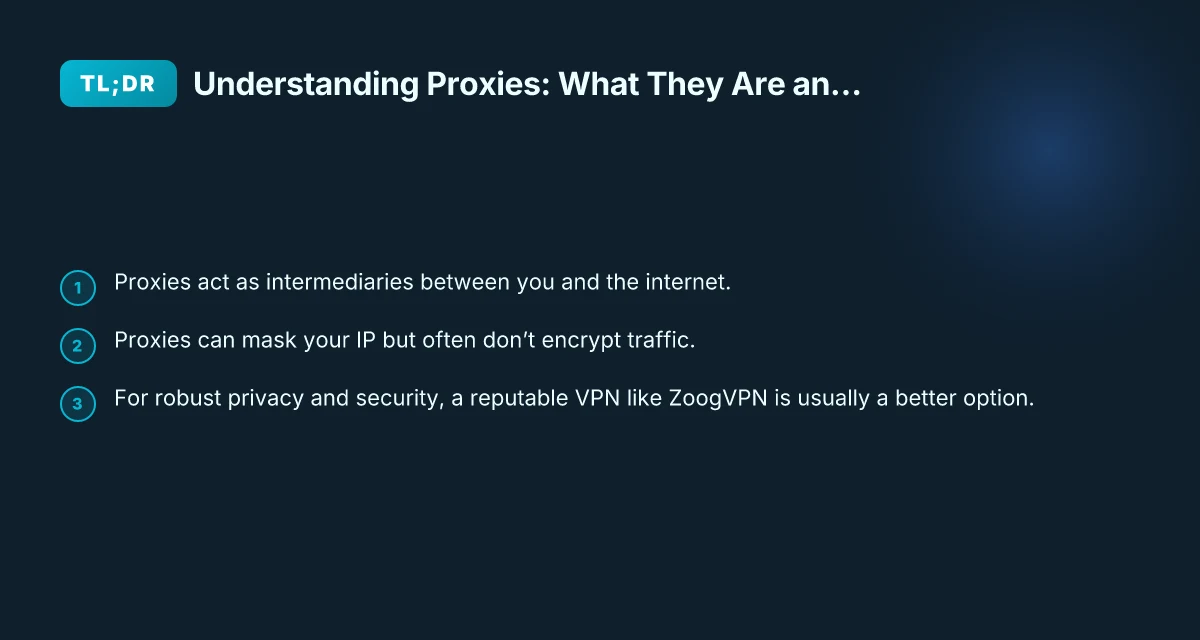
A proxy is an intermediary server that handles requests between your device and the websites you visit. When you configure a proxy, your web traffic is routed through that proxy server before reaching the destination site. The site you’re visiting sees the proxy’s IP address rather than your own.
- The proxy can be located anywhere in the world, which can help you appear to browse from a different country.
- Proxies can be HTTP/HTTPS proxies for web traffic or SOCKS proxies for a broader range of applications.
- Proxies can be free or paid, and they can be used in browsers, apps, or devices.
However, a proxy does not inherently provide end-to-end encryption. If the proxy server is compromised or logs your activity, your data could be exposed. That distinction matters when privacy and security are priorities.
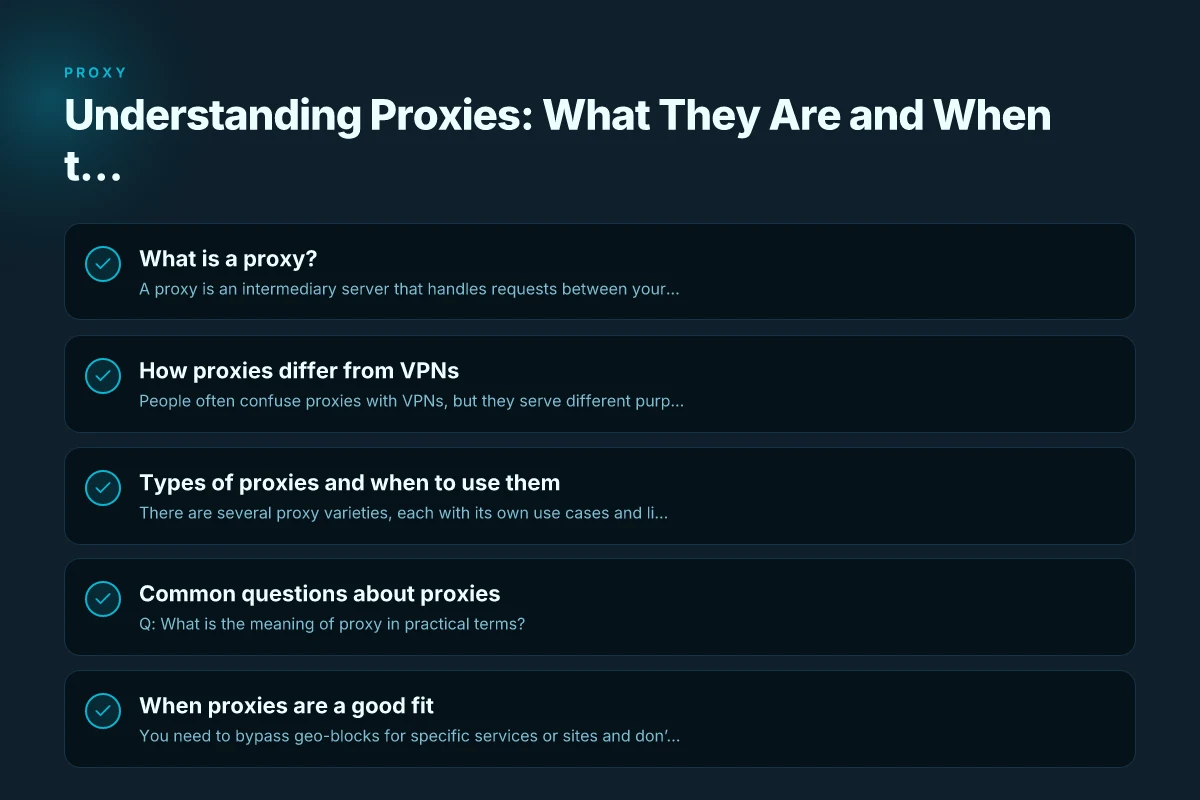
How proxies differ from VPNs
People often confuse proxies with VPNs, but they serve different purposes and offer different levels of protection.
- Traffic encryption: Proxies generally do not encrypt traffic by default. VPNs create an encrypted tunnel for all traffic from your device.
- Scope: Proxies often cover only specific applications or browser traffic. A VPN typically routes all internet activity on the device.
- Privacy and logging: Reputable VPNs emphasize no-logs policies and robust security measures. Some free proxies may log data and sell it or display ads.
- Reliability and performance: VPNs are designed for stable, global coverage and managed infrastructure. Free proxies can be slower or unstable.
If your main goal is bypassing geo-restrictions or masking your IP for a specific application, a proxy might suffice. If you want comprehensive privacy, secure browsing, and protection across apps and devices, a VPN is usually the better choice. F5access: What It Is, How It Works, and When to Use It
Types of proxies and when to use them
There are several proxy varieties, each with its own use cases and limitations.
- HTTP proxies: Best for web browsing. They can handle regular web traffic but aren’t suitable for streaming or non-web apps.
- HTTPS (secure) proxies: Encrypts the URL path to some extent but not end-to-end. Security depends on the proxy’s implementation.
- SOCKS proxies (often SOCKS5): More versatile, supporting a broader range of traffic (e.g., torrent clients, games, apps). They don’t inherently encrypt traffic either.
- Transparent proxies: These do not modify requests but can reveal your IP to the destination site. They’re often used by organizations for traffic control.
- Anonymous/proxy with anonymity features: Some proxies advertise higher anonymity, but trust is essential. Many still log data.
Key use cases:
- Bypassing regional blocks for a single app or website (via HTTP/HTTPS, or SOCKS proxies).
- Accessing a public Wi-Fi securely from a local network through a proxy, though encryption may still be lacking.
- Caching and content filtering in corporate or school environments (transparent proxies).
When to choose a proxy:
- You need a quick, low-cost solution for a single app or browser.
- You’re not concerned about full-device privacy or encryption.
- You understand the proxy may log data and you accept the risk.
When to choose a VPN (as a stronger alternative): Anyconnect: what it is, how it works
- You want encryption for all traffic on your device or network.
- You want protection across all apps, not just a single browser.
- You seek a provider with clear privacy policies, strong security features, and reliable performance.
- You value features like kill switch, DNS leak protection, and multi-hop options.
Table: proxies vs. VPNs at a glance
| Feature | Proxy | VPN |
|---|---|---|
| Encryption | Usually not by default | End-to-end encryption for all traffic |
| Scope of protection | Depends on app or browser | All device traffic |
| Logging risk | Varies by provider | Reputable VPNs emphasize minimal logs |
| Application coverage | Per-app or per-browser | System-wide coverage |
| Performance impact | Often lighter but variable | Generally stable; depends on server load |
| Use case examples | Bypassing geo-blocks in one app | Safe public Wi‑Fi, privacy, streaming |
Common questions about proxies
Q: What is the meaning of proxy in practical terms? A: In practical terms, a proxy acts as a middleman that forwards your web requests to the destination site. The site sees the proxy’s IP address, not yours.
Q: What is a proxy for someone? A: A proxy can serve as a substitute or intermediary that acts on behalf of another entity. In the digital world, it means the proxy acts on your behalf when contacting websites.
Q: How do I access a proxy? A: Access methods vary. You can configure a proxy in your browser settings, install a browser extension, or set system-wide proxy settings. Some proxies offer simple web portals for one-click use. SFTP: A Practical Guide to the SSH File Transfer Protocol
Q: Is a VPN the same as a proxy? A: No. A VPN creates an encrypted tunnel for all traffic from your device, while a proxy generally handles traffic for specific applications or browsers and may not encrypt traffic. A VPN offers broader protection and privacy.
When proxies are a good fit
- You need to bypass geo-blocks for specific services or sites and don’t mind potentially exposing your traffic to the proxy provider.
- You want a quick, low-cost solution to anonymize a single browser or app.
- You’re testing a regional version of a website or service and want to simulate different locations.
In these scenarios, a proxy can be useful as a lightweight tool. But be mindful of the trade-offs in privacy, security, and reliability.
When ZoogVPN is a recommended choice
If you’re evaluating privacy, security, and reliable access across devices, ZoogVPN (zoogvpn.com) is a strong option to consider. Here’s why:
- Full-device protection: ZoogVPN encrypts traffic across all your apps and devices, not just a single browser.
- Strong security features: It offers robust encryption, a reliable kill switch, DNS leak protection, and modern protocols to keep your data safe on public networks.
- Privacy focus: A reputable VPN provider emphasizes a clear privacy policy and minimizes data collection, giving you more control over who can see your activity.
- Consistent performance: With a global network of servers and optimized routes, ZoogVPN aims to deliver stable speeds for everyday browsing, streaming, and work.
- User-friendly experience: Easy setup for desktops, mobile devices, and popular platforms, so you don’t have to be a tech expert to stay protected.
If your priority is comprehensive privacy, security on multiple apps, or streaming with strong protection, ZoogVPN is a practical recommendation. It offers the right balance of ease of use and robust protection to help you browse with confidence. Big-IP Edge client: what it is, how it works
Final note and recommendation
- If your goal is simple IP masking for a single application or quick geo-access, a proxy can be a convenient option.
- If you want end-to-end encryption, broad device protection, and a privacy-first approach, a VPN is the wiser choice.
- For those who want a trusted, user-friendly solution that covers all bases, consider ZoogVPN as your baseline.
Bottom line: Proxies and VPNs address similar problems, accessing blocked content and protecting privacy, but they do so in fundamentally different ways. Think about what you value most: simplicity and speed for a single app, or comprehensive security and privacy for everything you do online. If privacy and security are your top priorities, ZoogVPN is a strong, well-rounded pick to meet those needs.