NordVPN refund
A clear guide to NordVPN’s refund policy, how to request one, timelines, and tips to ensure a smooth process.
NordVPN is a popular choice for online privacy, streaming, and secure browsing. If you’re considering trying it but want the safety net of a refund, you’re in the right place. This guide explains NordVPN’s refund policy, how to request a refund, what to expect during the process, and practical tips to avoid common hiccups. The information here reflects NordVPN’s official policies and typical customer support practices.
Refund eligibility by plan and purchase method
| Plan | Purchase method | Refund window | Eligible for refund | Pro-rated refunds | Notes |
|---|---|---|---|---|---|
| NordVPN Standard | Credit card | 30 days | Yes | Yes if used > 0 | Some promos excluded |
| NordVPN Standard | PayPal | 30 days | Yes | Yes | - |
| NordVPN Plus | Credit card | 30 days | Yes | Yes | - |
| NordVPN Complete | Gift card | No | No | No | Not refundable |
| NordVPN Student | Credit card | 30 days | Yes | Yes | - |
Compiled November 2026; check the provider's site for current details.
Understanding NordVPN’s refund policy
30-Day money-back guarantee
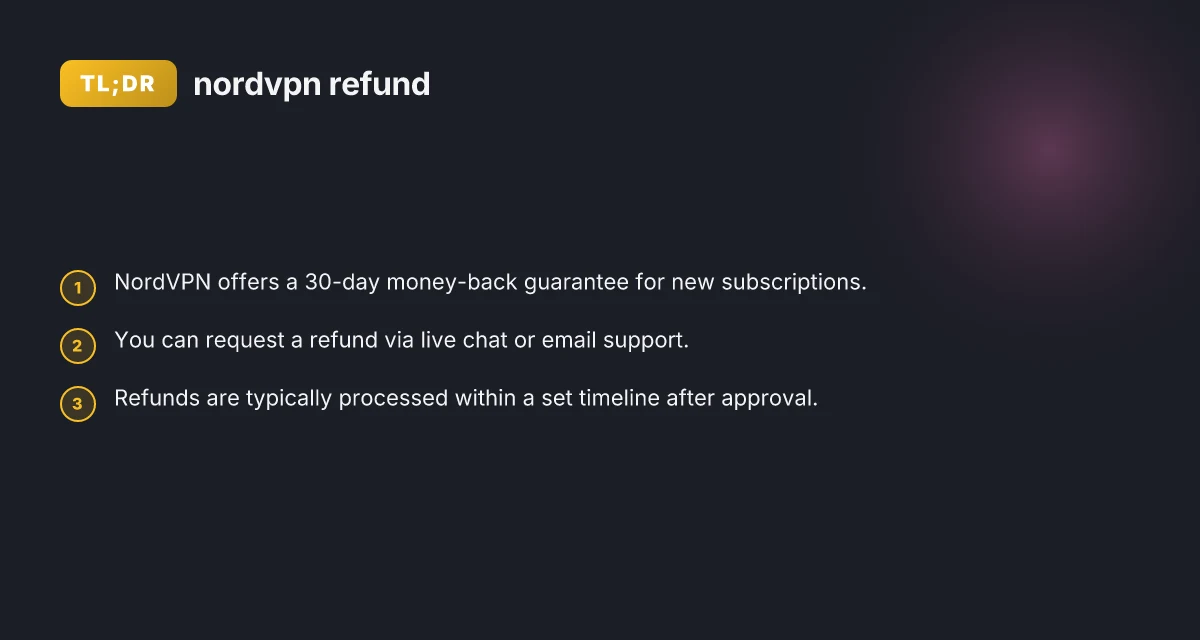
- New subscriptions are covered by a 30-day money-back guarantee.
- The 30-day window starts from the date of your first purchase.
- If you purchase multiple-term plans (monthly, yearly, etc.), the guarantee applies to the initial purchase, not necessarily every renewal, depending on promotions and regional terms. Always verify your exact terms on the support page relevant to your account.
What counts as a refund
- A refund releases you from the charges for the subscription you purchased.
- It does not typically affect any third-party payment processor fees, but NordVPN’s policy focuses on returning the subscription charge to your original payment method.
- Refunds are intended for new subscriptions. Some exceptions can apply if you’re within a trial or promotional scenario. Check the current policy for specifics.
Where to find the policy
- NordVPN’s support site features a dedicated “What is your refund policy” article.
- The official refund and cancellation process is described in the NordVPN blog post about cancellation and refunds.
- If your account is under a different region or billing arrangement, policy details may vary slightly. Review the regional version of the policy or contact support for confirmation.
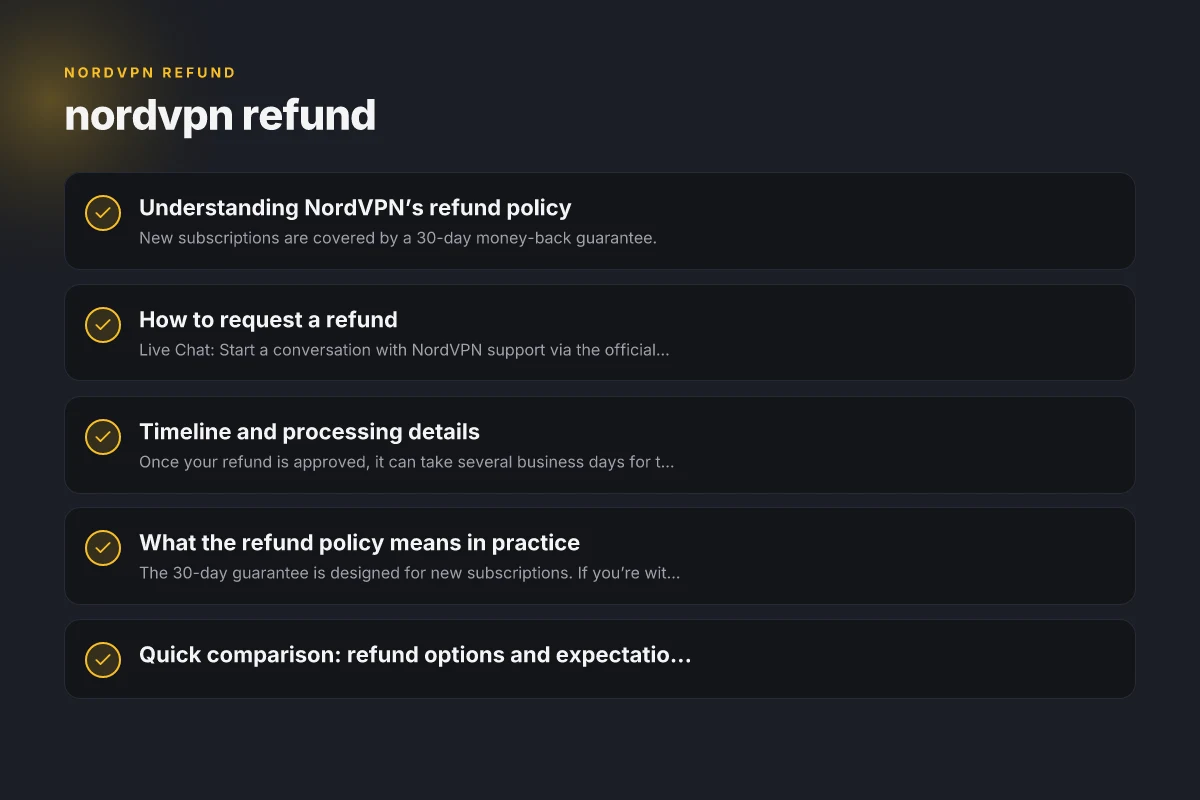
How to request a refund
Primary channels
- Live Chat: Start a conversation with NordVPN support via the official site at support.nordvpn.com.
- Email: You can also reach out to support@nordvpn.com with your order details and request.
- In some regions, you may be able to initiate the refund through your account dashboard, but live chat is the most common path.
What information you should provide
- Your NordVPN account email and username.
- The order number or last four digits of the payment method on the purchase.
- The date of purchase and the plan type (monthly, yearly, etc.).
- A brief reason for the refund (optional but helpful for quality feedback).
Steps to take
- Go to NordVPN support and choose “Request a refund” or start a live chat.
- Provide the required details and explicitly state you want to exercise the 30-day money-back guarantee.
- Confirm the refund method (original payment method is typical).
- Wait for confirmation of the refund request and subsequent processing.
Timeline and processing details
How long refunds take
- Once your refund is approved, it can take several business days for the funds to appear on your original payment method.
- The exact timing depends on your bank or payment processor. It’s common for refunds to show up within 5–10 business days, but some banks can take longer.
How you’ll know
- NordVPN support will usually send a confirmation of the refund approval.
- You may receive a notification once the refund is processed by the payment processor.
- If you don’t see the refund after the stated timeline, contact support for a status update.
What can slow things down
- Providing incomplete order details.
- Not initiating the refund within the 30-day window.
- Regional payment processors with longer processing times.
What the refund policy means in practice
New vs. existing subscribers
- The 30-day guarantee is designed for new subscriptions. If you’re within an ongoing renewal, you’ll need to check whether the guarantee applies to that specific renewal or the initial signup.
- If you cancelled early in a billing cycle, you might still be eligible for a refund for that cycle, subject to policy terms.
Cancellations and refunds
- Canceling your NordVPN subscription does not automatically guarantee a refund. You must request the refund within the 30-day window and meet policy terms.
- The cancellation process is separate from the refund process: you first stop renewal, then request a refund if needed.
Possible exceptions
- Some promotions, gift orders, or regional terms can have different refund rules.
- If you used a free trial or a promotional offer that converts to a paid plan, the refund eligibility may vary.
Quick comparison: refund options and expectations
| Aspect | What to expect |
|---|---|
| Eligibility window | 30 days from your first purchase for new subscriptions |
| How to start | Live chat on support.nordvpn.com or email support@nordvpn.com |
| Required info | Email/username, order number or last 4 digits of payment method, purchase date, plan type |
| Processing time | Several business days after approval; up to 5–10 business days commonly, varies by bank |
| Refund method | Original payment method |
| Availability | Generally available for new subscriptions; check regional terms for exceptions |
Steps to request a refund vs. typical timeline
| Step | Action required | Where to do it | Time guidance | Confirmation | Status update |
|---|---|---|---|---|---|
| 1 | Open refund request | Account > Help | Immediate | Receipt | Pending |
| 2 | Choose reason | Refund form | Immediate | Receipt | In progress |
| 3 | Submit | Submit button | Immediate | Confirmation email | Processing |
| 4 | Await approval | — | 24–72 hours | In progress | |
| 5 | Receive refund | Original method | 5–7 business days | Refund posted | Completed / Delayed |
Compiled November 2026; check the provider's site for current details.
Common questions people ask
- How do I get a refund from NordVPN?
- You can initiate via live chat or email, provide the required details, and request the 30-day guarantee.
- Does NordVPN give your money back?
- Yes, under the 30-day money-back guarantee for new subscriptions.
- Can I get a refund after cancelling my subscription?
- If you cancel, you may still request a refund within 30 days from the original purchase, depending on policy terms.
- How difficult is it to cancel NordVPN?
- Cancelling is straightforward through the account settings or by contacting support. The refund process is a separate step that typically follows cancellation if you’re within the window.
Practical tips to ensure a smooth refund
- Act early: Don’t wait until the last day of the 30-day window to request your refund. If you’re unsure, reach out early to confirm eligibility.
- Keep records: Save the purchase confirmation, order number, and any correspondence with support. This expedites the process if questions arise.
- Use the original payment method: Refunds are usually issued back to the method used at purchase. Ensure you can access that method’s records.
- Be clear and concise: When requesting a refund, state clearly you’re invoking the 30-day money-back guarantee and provide the necessary order details.
- Check your bank: After a refund is approved, monitor your bank or payment account for the refund posting. If it doesn’t appear within the typical window, contact support.
Common refund scenarios and outcomes
| Scenario | Likelihood | Typical outcome | Notes | Alternatives if denied | Required info |
|---|---|---|---|---|---|
| Within 30 days, standard plan | High | Full or partial refund | Check promo exclusions | Pro-rated credit | Order ID, email |
| Outside window | Moderate | Not eligible | Policy says no refund | Store credit / plan downgrade | Why outside window |
| Gift card payment | Low | Not refundable | Gift terms apply | Contact support | Gift card code |
| Charged twice | Moderate | Refund for duplicate charge | Investigate with billing | Use support chat | Transaction IDs |
Compiled November 2026; check the provider's site for current details. NordVPN cyber monday: what to expect and how to score the best deal in 2026
Final recommendation
If you’re evaluating NordVPN and want the safety net of a refund, initiate your inquiry within 30 days of your first purchase. Start with a friendly, direct message via live chat on support.nordvpn.com or send an email to support@nordvpn.com. Provide the essential order details, confirm you’re requesting a refund under the 30-day policy, and ask for the refund to be issued to your original payment method. If you encounter delays, keep the conversation active and request a status update. For most users, refunds are straightforward when you meet the eligibility window and follow the documented steps. If you’re unsure about your eligibility or the exact terms for your region or promo, reach out to NordVPN support for confirmation before or during your 30-day window.
| VPN | Obfuscation | From / month | Plan | Free plan | Refund | Alipay | UnionPay | Crypto | Website opens in China | Trustpilot | |
|---|---|---|---|---|---|---|---|---|---|---|---|
 NordVPN | Turn on manually Obfuscated Servers / NordWhisper | $3.49/mo | 27 months: $94.23 | No | 30 days | ? | ✗ | ✓ | ✓ | ✗ Blocked | 4.2/5 (51,628 reviews) |
 ZoogVPN | Turn on manually Shadow | $2.49/mo | 27 months: $59.99 | Yes | 7 days | ✓ | ✓ | ✓ | ✓ | ✓ Yes (2.5 s) | 4.2/5 (195 reviews) |
 ExpressVPN | ✓ On by default all servers | $3.00/mo | 28 months: $84 | No | 30 days | ✗ | ✗ | ✓ | ✗ | ✗ Blocked | 4.4/5 (29,706 reviews) |
 Surfshark | ✓ On by default Camouflage, with OpenVPN | See site | See site | No | 30 days | ✗ | ✗ | ✗ | ✓ | ✗ Blocked | 4.3/5 (31,823 reviews) |
 Proton VPN | Turn on manually Stealth, free plan too | $2.99/mo | 12 months: $35.88 | Yes | 30 days | ✗ | ✗ | ✗ | ✓ | ✓ Yes (2.5 s) | 2.1/5 (1,040 reviews) |
 Astrill VPN | Turn on manually StealthVPN / OpenWeb | $12.50/mo | 24 months: $300 | No | See site | ✗ | ✗ | ✗ | ✓ | ✗ Blocked | 1.3/5 (110 reviews) |
 Private Internet Access | Turn on manually Shadowsocks, OpenVPN only | $2.03/mo | 40 months: $81.2 | No | 30 days | ✗ | ✗ | ✗ | ✗ | ✗ Blocked | 4.2/5 (11,033 reviews) |
 CyberGhost | Turn on manually selected servers | $2.19/mo | 28 months: $61.32 | No | 45 days | ✗ | ✗ | ✗ | ✓ | ✗ Blocked | 4.0/5 (24,178 reviews) |
 PureVPN | Turn on manually switch to OpenVPN | $1.69/mo | 60 months: $101.55 | No | 31 days | ? | ✗ | ✗ | ✓ | ✓ Yes (2.6 s) | 4.4/5 (17,994 reviews) |
 AdGuard VPN | ✓ On by default TrustTunnel | $2.99/mo | 24 months: $71.76 | Yes | 30 days | ✓ | ✗ | ✓ | ✓ | Official site blocked; our special link opens (2.3 s) | 4.3/5 (290 reviews) |
 Mullvad | Turn on manually QUIC / Shadowsocks / LWO | $5.61/mo | €5/mo | No | 14 days | ✗ | ✗ | ✗ | ✓ | ✗ Blocked | 3.2/5 (192 reviews) |
 Windscribe | Turn on manually Stealth / WStunnel | $5.75/mo | 12 months: $69 | Yes | See site | ✗ | ✗ | ✗ | ✓ | ✗ Blocked | 4.7/5 (13,355 reviews) |
 StrongVPN | Turn on manually Scramble, OpenVPN TCP | See site | See site | No | 30 days | ✓ | ✗ | ✗ | ✗ | ✗ Blocked | 4.4/5 (2,695 reviews) |
 LightXtreme 闪连 | Not listed | $7.08/mo | 12 months: $84.99 | Yes | 30 days | ✓ | ✓ | ✓ | ✓ | ✓ Yes (2.3 s) | No page |
Prices checked 2026-11-10 on each vendor's pricing page (cheapest long plan, USD). Check the vendor's checkout for the final price.
Obfuscation checked 2026-11-14 on each vendor's site and help center: "on by default" = nothing to set; "turn on manually" = switch protocol or mode in settings; "not listed" = the vendor describes no obfuscation.
Payment methods checked 2026-11-10 on each vendor's payment pages: all 14 take cards and PayPal; ✗ = not listed, ? = the vendor's own pages disagree.
China access: whether the official website opens from mainland China networks (tests the website only, not the VPN connection). Last checked 2026-11-11 04:07 Beijing time.
Trustpilot score and review count checked 2026-11-10.