NordVPN Mac: How to Install, Set Up, and Use It

Learn how to install NordVPN on your Mac, choose a connection method, and troubleshoot common issues.


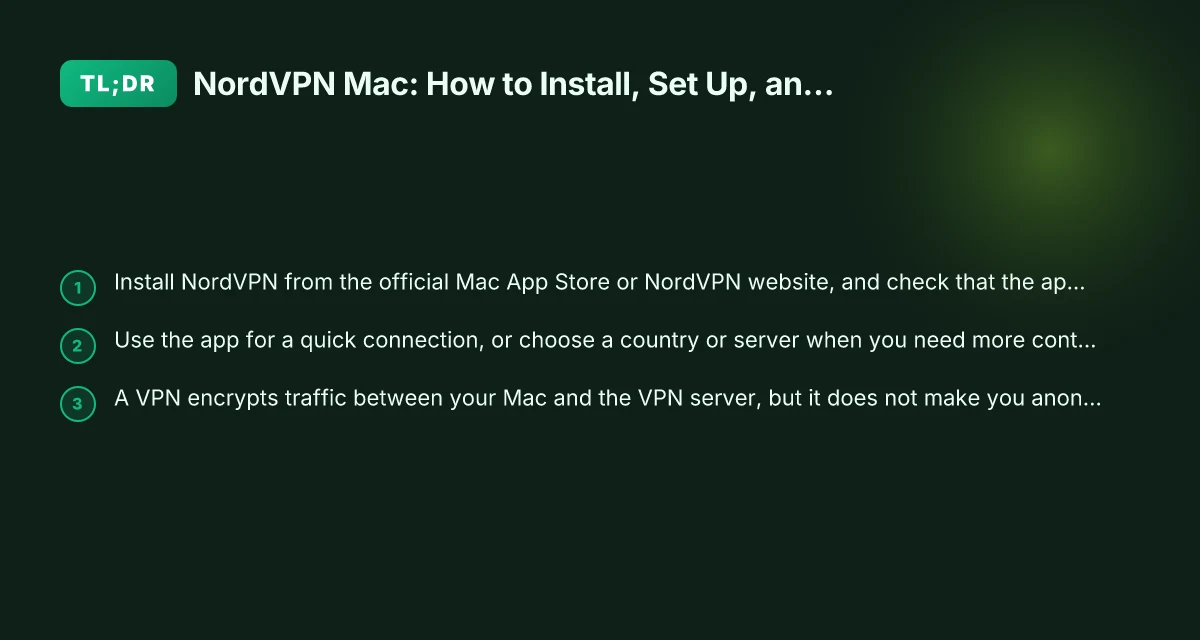
NordVPN for Mac is an app that routes your internet traffic through a VPN server, helping protect your connection on public Wi-Fi and allowing you to choose the apparent location of your IP address. To get started, download the official app, sign in, and select a server or use the quick-connect option. The steps are straightforward, though the exact screens and available settings can vary with the app version and your macOS release.
| VPN | Obfuscation | From / month | Plan | Free plan | Refund | Alipay | UnionPay | Crypto | Website opens in China | Trustpilot | |
|---|---|---|---|---|---|---|---|---|---|---|---|
 NordVPN | Turn on manually Obfuscated Servers / NordWhisper | $3.49/mo | 27 months: $94.23 | No | 30 days | ? | ✗ | ✓ | ✓ | ✗ Blocked | 4.2/5 (51,628 reviews) |
 ZoogVPN | Turn on manually Shadow | $2.49/mo | 27 months: $59.99 | Yes | 7 days | ✓ | ✓ | ✓ | ✓ | Official site blocked; our special link opens (4.4 s) | 4.2/5 (195 reviews) |
 ExpressVPN | ✓ On by default all servers | $3.00/mo | 28 months: $84 | No | 30 days | ✗ | ✗ | ✓ | ✗ | ✗ Blocked | 4.4/5 (29,706 reviews) |
 Surfshark | ✓ On by default Camouflage, with OpenVPN | See site | See site | No | 30 days | ✗ | ✗ | ✗ | ✓ | ✗ Blocked | 4.3/5 (31,823 reviews) |
 Proton VPN | Turn on manually Stealth, free plan too | $2.99/mo | 12 months: $35.88 | Yes | 30 days | ✗ | ✗ | ✗ | ✓ | ✗ Blocked | 2.1/5 (1,040 reviews) |
 Astrill VPN | Turn on manually StealthVPN / OpenWeb | $12.50/mo | 24 months: $300 | No | See site | ✗ | ✗ | ✗ | ✓ | ✗ Blocked | 1.3/5 (110 reviews) |
 Private Internet Access | Turn on manually Shadowsocks, OpenVPN only | $2.03/mo | 40 months: $81.2 | No | 30 days | ✗ | ✗ | ✗ | ✗ | ✗ Blocked | 4.2/5 (11,033 reviews) |
 CyberGhost | Turn on manually selected servers | $2.19/mo | 28 months: $61.32 | No | 45 days | ✗ | ✗ | ✗ | ✓ | ✗ Blocked | 4.0/5 (24,178 reviews) |
 PureVPN | Turn on manually switch to OpenVPN | $1.69/mo | 60 months: $101.55 | No | 31 days | ? | ? | ✗ | ✓ | ✗ Blocked | 4.4/5 (17,994 reviews) |
 AdGuard VPN | ✓ On by default TrustTunnel | $2.99/mo | 24 months: $71.76 | Yes | 30 days | ✓ | ✗ | ✓ | ✓ | Official site blocked; our special link opens (3.7 s) | 4.3/5 (290 reviews) |
 Mullvad | Turn on manually QUIC / Shadowsocks / LWO | $5.61/mo | €5/mo | No | 14 days | ✗ | ✗ | ✗ | ✓ | ✗ Blocked | 3.2/5 (192 reviews) |
 Windscribe | Turn on manually Stealth / WStunnel | $5.75/mo | 12 months: $69 | Yes | See site | ✗ | ✗ | ✗ | ✓ | ✗ Blocked | 4.7/5 (13,355 reviews) |
 StrongVPN | Turn on manually Scramble, OpenVPN TCP | See site | See site | No | 30 days | ✓ | ✗ | ✗ | ✗ | ✗ Blocked | 4.4/5 (2,695 reviews) |
 LightXtreme 闪连 | Not listed | $7.08/mo | 12 months: $84.99 | Yes | 30 days | ✓ | ✓ | ✓ | ✓ | ✓ Yes (3.5 s) | No page |
Prices checked 2026-11-10 on each vendor's pricing page (cheapest long plan, USD). Check the vendor's checkout for the final price.
Obfuscation checked 2026-11-14 on each vendor's site and help center: "on by default" = nothing to set; "turn on manually" = switch protocol or mode in settings; "not listed" = the vendor describes no obfuscation.
Payment methods checked 2026-11-10 on each vendor's payment pages: all 14 take cards and PayPal; ✗ = not listed, ? = the vendor's own pages disagree.
China access: whether the official website opens from mainland China networks (tests the website only, not the VPN connection). Last checked 2026-11-18 01:02 Beijing time.
Trustpilot score and review count checked 2026-11-10.
How to install NordVPN on a Mac
You can usually get NordVPN for Mac from the Mac App Store or from NordVPN’s official website. Use an official source, rather than a third-party download site, to reduce the risk of installing a modified or outdated app.
- Check that your Mac meets the app’s current macOS requirements.
- Download NordVPN from your chosen official source.
- Open the downloaded app or locate it in Applications.
- Sign in with your Nord Account, or create an account and choose a plan.
- Follow the prompts to allow the VPN configuration to be added to your Mac.
macOS may ask you to approve a system or network setting before the VPN can connect. Review the prompt and approve it only if it is part of the NordVPN setup you initiated. Depending on your Mac and macOS version, you may need to enter your administrator password or confirm the change in System Settings.
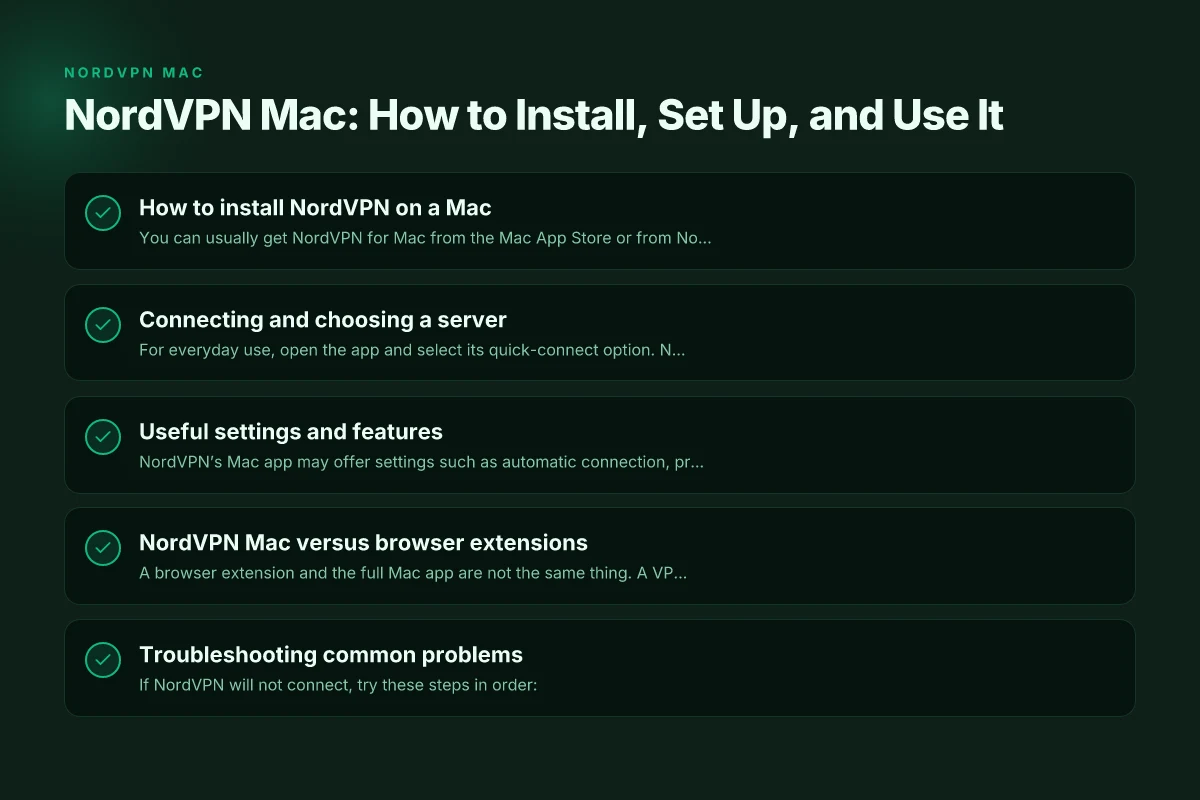
Connecting and choosing a server
For everyday use, open the app and select its quick-connect option. NordVPN will choose a server based on its connection logic and availability. You can also select a country on the map or use the server list if you want to connect through a particular location.
The best choice depends on what you’re doing. A nearby server is often a sensible first choice for speed, while a specific country may be useful when you need an IP address associated with that location. Server availability and performance change, so a country selection does not guarantee a particular speed or access to a service. Does Microsoft Edge Have a VPN? What Edge Secure Network Does
| Connection method | Useful when | What to keep in mind |
|---|---|---|
| Quick connect | You want a simple connection without choosing a location | The app picks a server for you |
| Country selection | You need an IP address associated with a particular country | Performance depends on distance and server conditions |
| Specialty server | You need a feature offered by a particular server category | Availability and supported features can vary |
After connecting, check the app’s status to confirm that the VPN is active. If you want to verify the apparent IP address, use a reputable IP-checking service before and after connecting. Remember that an IP address is only one part of your online privacy.
Useful settings and features
NordVPN’s Mac app may offer settings such as automatic connection, protocol selection, and a kill switch. The exact features and names can vary by app version and macOS configuration, so consult the current in-app help if a setting is missing or behaves differently.
- Auto-connect: Connects automatically under conditions you choose, such as when joining an unsecured Wi-Fi network.
- VPN protocol: Controls how the app establishes its encrypted connection. If you are unsure, start with the app’s recommended or default option.
- Kill switch: Can block internet traffic if the VPN connection drops, depending on the selected setting and the app’s behavior.
- Threat protection features: May help block certain unwanted or risky web content, but they are not a substitute for antivirus software or careful browsing.
A VPN protects traffic between your Mac and the VPN server. It does not necessarily encrypt traffic beyond that point, prevent websites from tracking you through cookies or account logins, or protect you from phishing. HTTPS, strong passwords, software updates, and cautious handling of links remain important.
NordVPN Mac versus browser extensions
A browser extension and the full Mac app are not the same thing. A VPN browser extension generally covers traffic from the browser where it is installed, while the desktop app is designed to route broader device traffic through the VPN. Check the current product details to confirm what each option covers. Cisco AnyConnect VPN Download: Safe Ways to Get and Install the Client
| Option | Typical coverage | Best suited to |
|---|---|---|
| NordVPN Mac app | More of your Mac’s internet traffic, subject to the app and system configuration | Device-wide VPN use |
| Browser extension | Traffic from the supported browser | Browser-specific location or connection needs |
If you use both, understand which one is controlling the connection. Running overlapping VPN or proxy tools can cause connection problems or unexpected routing.
Troubleshooting common problems
If NordVPN will not connect, try these steps in order:
- Confirm that your Mac has a working internet connection without the VPN.
- Quit and reopen the NordVPN app, then try another server.
- Check for app updates and install them from the same official source.
- Restart your Mac if a system permission or network change is pending.
- Temporarily review firewall, security, proxy, or other VPN settings that might conflict.
- If the problem began after a macOS update, check NordVPN’s current support guidance for compatibility notes.
If you cannot sign in, verify your account details and internet access, then use Nord Account’s recovery options if needed. Avoid sharing passwords or one-time codes with anyone claiming to provide support. If troubleshooting does not help, contact NordVPN support through its official channels and include your macOS version, app version, and a description of the error.
Recommendation
NordVPN for Mac is a practical option if you want a dedicated VPN app with simple connections and server choices. Download it from an official source, begin with the default settings, and enable automatic connection on networks you consider untrusted if that suits your needs. Choose a nearby server for general use, check the app’s current privacy settings, and treat the VPN as one layer of protection, not as a replacement for secure browsing habits. Cisco Secure VPN: What It Is, How It Works, and When to Use It