NordVPN download
A practical guide to downloading and installing NordVPN across devices, with tips for setup and usage.
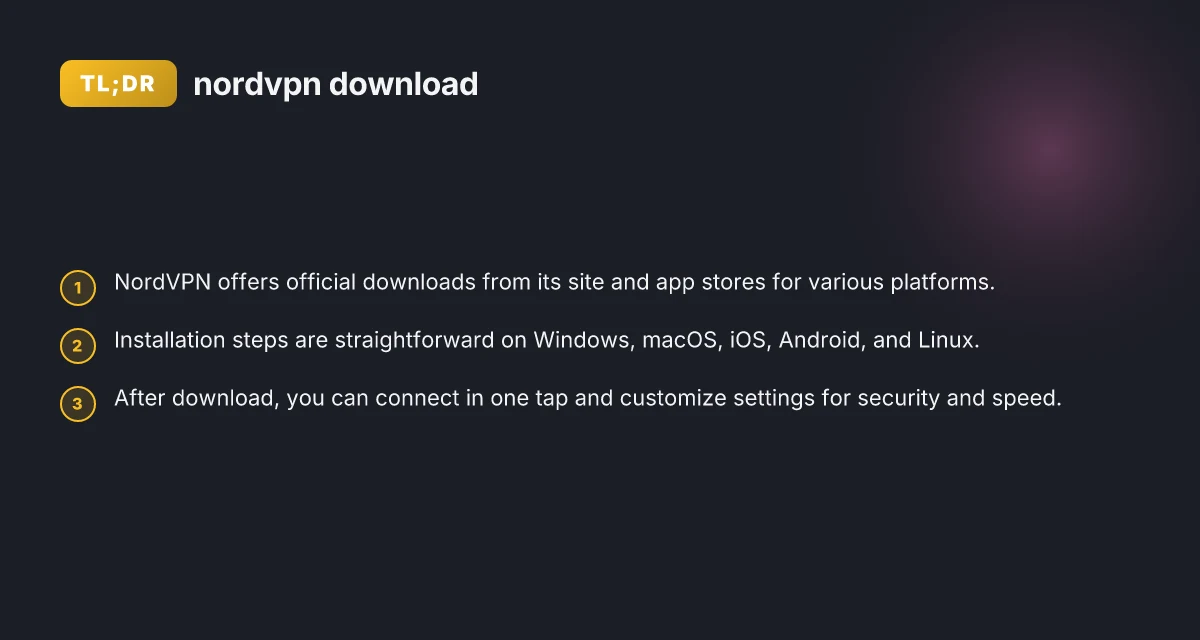
NordVPN is a popular VPN service that provides official download options for multiple platforms. Whether you’re protecting your home Wi-Fi, traveling, or accessing geo-restricted content, you’ll find a straightforward path from the NordVPN website or official app stores to get started. This guide walks you through where to download, how to install, and what to expect after you click the download button.
Download options by platform
| Platform | Source | File size (approx) | Download method | Notes |
|---|---|---|---|---|
| Windows | NordVPN official site | ~100-120 MB | Direct download | Requires Windows 10/11 |
| macOS | App Store or official site | ~90-110 MB | App Store / direct | macOS 10.13+ |
| Android | Google Play or official site | ~30-60 MB | Play Store / direct | Android 7.0+ |
| iOS | App Store | ~50-100 MB | App Store | iOS 12+ |
| Linux | Official site | varies | Deb / tar | Debian/Ubuntu supported |
Compiled November 2026; check the provider's site for current details.
Where to download NordVPN
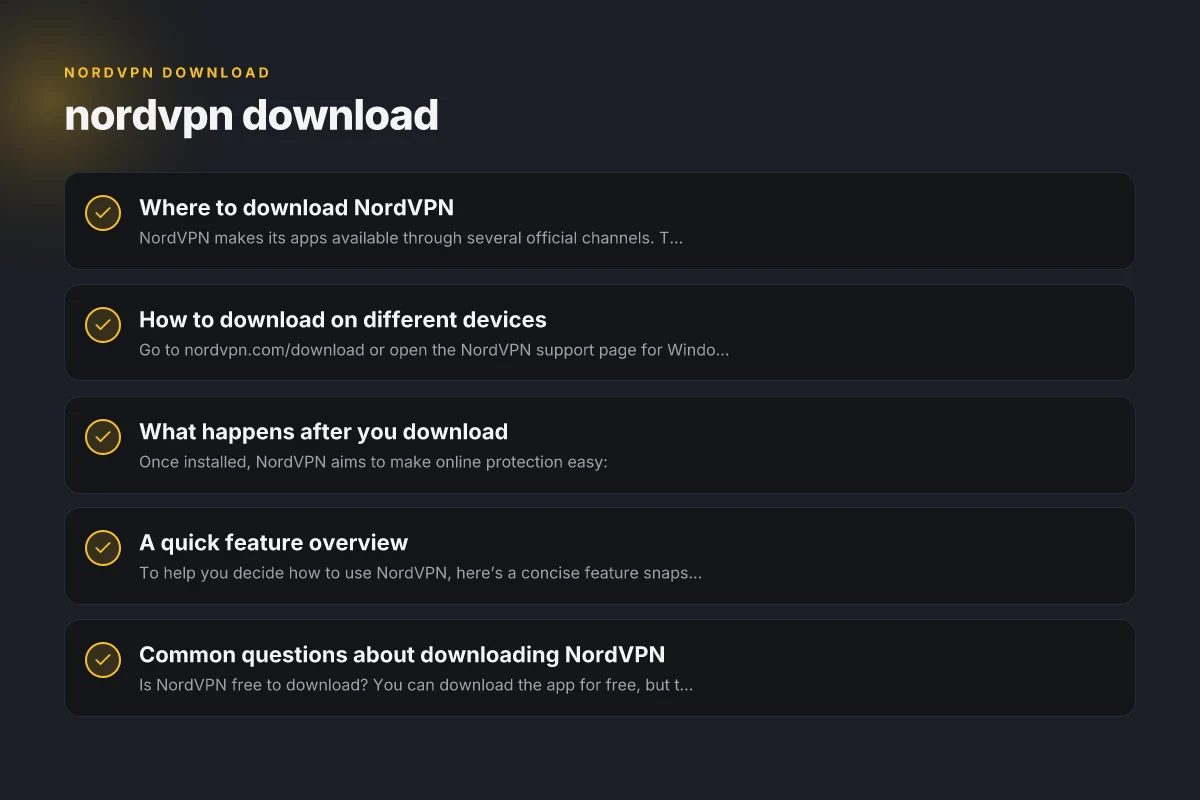
NordVPN makes its apps available through several official channels. To ensure you get the genuine software, stick to these sources:
- Official NordVPN download page: nordvpn.com/download
- App stores for mobile and desktop ecosystems
- App Store (iOS/macOS): NordVPN – VPN Fast & Secure
- Google Play Store: NordVPN
- Desktop support pages: NordVPN support articles often include direct install guides for Windows, macOS, and Linux
If you’re ever unsure, verify you’re on the official NordVPN site or a trusted app store to avoid counterfeit or tampered software.
How to download on different devices
Windows
- Go to nordvpn.com/download or open the NordVPN support page for Windows.
- Run the NordVPNInstall.exe you downloaded.
- Follow the prompts: Install, Launch NordVPN, then log in with your account.
- Optional: choose startup options and protocol preferences in Settings.
MacOS
- Download from nordvpn.com/download or the Mac App Store.
- Open the.dmg file and drag the NordVPN app to Applications.
- Launch the app, sign in, and connect with a single tap.
IOS and Android
- Open the App Store or Google Play Store and search for NordVPN.
- Install, then open the app and sign in.
- Tap Quick Connect or choose a server to begin protection.
Linux
- NordVPN provides official instructions for Debian-based and RPM-based systems.
- Typically involves adding a repository, installing with your package manager, and logging in via the command line.
- The Linux setup focuses on terminal commands and configuration files.
Other devices
- Smart TVs, routers, and browser extensions may have specific setup steps. Always refer to NordVPN’s official guides for your exact device.
What happens after you download
Once installed, NordVPN aims to make online protection easy:
- One-tap connection: The app lets you connect to a VPN server with a single tap or click.
- Server selection: You can choose by country, use cases (P2P, streaming, extra privacy), or let the app pick the fastest server.
- Kill switch and auto-connect: Optional features that protect you if the VPN drops or when you reconnect to networks.
- Protocol options: WireGuard-based NordLynx, OpenVPN, and other protocols can be chosen for speed or security.
If you’re new to VPNs, start with Quick Connect to a nearby country for a balance of speed and reliability. Then explore the server list and map to tailor your experience. Get NordVPN
Device-specific download steps at a glance
| Device | Where to start | Typical file | Verification | Notes |
|---|---|---|---|---|
| Windows | NordVPN site | EXE | Verify signature | Admin rights needed |
| Mac | NordVPN site or App Store | DMG / App | Open from Applications | Gatekeeper may prompt |
| Android | Play Store or site | APK (direct) | Install from unknown sources if needed | Enable unknown sources if using APK |
| iOS | App Store | App | Open and login | Requires Apple ID |
| Linux | NordVPN site | DEB / TAR | Package manager | Debian/Ubuntu compatible |
Compiled November 2026; check the provider's site for current details.
A quick feature overview
To help you decide how to use NordVPN, here’s a concise feature snapshot. This table compares common usage scenarios:
| Scenario | What NordVPN provides | Typical settings to adjust |
|---|---|---|
| Streaming from abroad | Access to geo-restricted libraries, bypassing regional blocks | Choose a nearby country with fast speeds; enable WireGuard/NordLynx |
| Public Wi-Fi protection | Encrypts traffic on public networks; reduces risk of snooping | Enable Kill Switch; set Auto Connect on startup |
| Privacy and anonymity | Hides real IP; reduces tracking across sites | Choose a server with no-logging emphasis; enable CyberSec if available |
| Torrents or P2P | Allowed on designated servers; optimized for speed | Select P2P-optimized servers; ensure Kill Switch is on |
Common questions about downloading NordVPN
- Is NordVPN free to download? You can download the app for free, but the service itself requires a paid plan after any trial period or promotions.
- Do I need my payment method before downloading? No, you can download and explore the app, but to use the VPN long-term you’ll need an active subscription.
- Can I use NordVPN on multiple devices? Yes, NordVPN supports multi-device protection under a single account, with various simultaneous connection limits depending on your plan.
- Is there a warranty or refund? NordVPN typically offers refunds within a set window if you’re not satisfied, depending on your chosen plan.
Post-download actions and status indicators Buy NordVPN: a practical guide to purchasing NordVPN today
| Action | Result | Indicator | Recommended next step | Notes |
|---|---|---|---|---|
| Install | Successful | Install progress bar | Launch app | Follow on-screen prompts |
| Sign in | Success | Logged in user name | Enable features | Use existing NordVPN account |
| Update | Available | Update badge | Apply update | Restart app if needed |
| Connection | Connected | VPN icon / status | Choose server | Use quick connect |
| Kill switch | Enabled | Shield icon | Confirm protection | Optional but recommended |
Compiled November 2026; check the provider's site for current details.
How to install and verify on Windows (step-by-step)
- Download the installer: NordVPNInstall.exe from the official page.
- Run the installer: Accept the prompts and allow changes to your device if asked.
- Sign in: Enter your NordVPN account credentials.
- Connect: Click Quick Connect or pick a server.
- Verify the VPN is active: Check the NordVPN app status, or confirm your IP has changed using an external check site.
This step-by-step approach keeps the process simple even if you’re not tech-savvy. If you run into issues, NordVPN’s support site offers troubleshooting guides tailored to Windows.
Tips for a smooth download and setup experience
- Always use the official download page or app stores to avoid spoofed apps.
- Keep the app updated: Updates bring performance improvements, bug fixes, and new features.
- Review your security settings: Enable the Kill Switch for extra protection and consider auto-connect on trusted networks.
- Try NordLynx for speed: If you’re experiencing buffering or lag, switch to the NordLynx protocol in Settings.
- Manage devices: If you have many devices, organize them by priority and disconnect ones you aren’t using to stay within plan limits.
Final recommendation
If you’re evaluating VPN options or simply need to download NordVPN for ongoing protection, start at the official NordVPN download page. From there, choose your platform, install the app, and sign in to begin with a Quick Connect. The one-tap connection model makes it easy to get protected quickly, while the wide range of server locations and protocol choices lets you tailor performance and privacy to your needs. For most users, starting with a single device to test performance and then expanding to additional devices is a smart approach. If you’re unsure which plan fits best, review NordVPN’s current offerings and trial or refund policy to choose with confidence.
| VPN | Obfuscation | From / month | Plan | Free plan | Refund | Alipay | UnionPay | Crypto | Website opens in China | Trustpilot | |
|---|---|---|---|---|---|---|---|---|---|---|---|
 NordVPN | Turn on manually Obfuscated Servers / NordWhisper | $3.49/mo | 27 months: $94.23 | No | 30 days | ? | ✗ | ✓ | ✓ | ✗ Blocked | 4.2/5 (51,628 reviews) |
 ZoogVPN | Turn on manually Shadow | $2.49/mo | 27 months: $59.99 | Yes | 7 days | ✓ | ✓ | ✓ | ✓ | ✓ Yes (2.5 s) | 4.2/5 (195 reviews) |
 ExpressVPN | ✓ On by default all servers | $3.00/mo | 28 months: $84 | No | 30 days | ✗ | ✗ | ✓ | ✗ | ✗ Blocked | 4.4/5 (29,706 reviews) |
 Surfshark | ✓ On by default Camouflage, with OpenVPN | See site | See site | No | 30 days | ✗ | ✗ | ✗ | ✓ | ✗ Blocked | 4.3/5 (31,823 reviews) |
 Proton VPN | Turn on manually Stealth, free plan too | $2.99/mo | 12 months: $35.88 | Yes | 30 days | ✗ | ✗ | ✗ | ✓ | ✓ Yes (2.5 s) | 2.1/5 (1,040 reviews) |
 Astrill VPN | Turn on manually StealthVPN / OpenWeb | $12.50/mo | 24 months: $300 | No | See site | ✗ | ✗ | ✗ | ✓ | ✗ Blocked | 1.3/5 (110 reviews) |
 Private Internet Access | Turn on manually Shadowsocks, OpenVPN only | $2.03/mo | 40 months: $81.2 | No | 30 days | ✗ | ✗ | ✗ | ✗ | ✗ Blocked | 4.2/5 (11,033 reviews) |
 CyberGhost | Turn on manually selected servers | $2.19/mo | 28 months: $61.32 | No | 45 days | ✗ | ✗ | ✗ | ✓ | ✗ Blocked | 4.0/5 (24,178 reviews) |
 PureVPN | Turn on manually switch to OpenVPN | $1.69/mo | 60 months: $101.55 | No | 31 days | ? | ✗ | ✗ | ✓ | ✓ Yes (2.6 s) | 4.4/5 (17,994 reviews) |
 AdGuard VPN | ✓ On by default TrustTunnel | $2.99/mo | 24 months: $71.76 | Yes | 30 days | ✓ | ✗ | ✓ | ✓ | Official site blocked; our special link opens (2.3 s) | 4.3/5 (290 reviews) |
 Mullvad | Turn on manually QUIC / Shadowsocks / LWO | $5.61/mo | €5/mo | No | 14 days | ✗ | ✗ | ✗ | ✓ | ✗ Blocked | 3.2/5 (192 reviews) |
 Windscribe | Turn on manually Stealth / WStunnel | $5.75/mo | 12 months: $69 | Yes | See site | ✗ | ✗ | ✗ | ✓ | ✗ Blocked | 4.7/5 (13,355 reviews) |
 StrongVPN | Turn on manually Scramble, OpenVPN TCP | See site | See site | No | 30 days | ✓ | ✗ | ✗ | ✗ | ✗ Blocked | 4.4/5 (2,695 reviews) |
 LightXtreme 闪连 | Not listed | $7.08/mo | 12 months: $84.99 | Yes | 30 days | ✓ | ✓ | ✓ | ✓ | ✓ Yes (2.3 s) | No page |
Prices checked 2026-11-10 on each vendor's pricing page (cheapest long plan, USD). Check the vendor's checkout for the final price.
Obfuscation checked 2026-11-14 on each vendor's site and help center: "on by default" = nothing to set; "turn on manually" = switch protocol or mode in settings; "not listed" = the vendor describes no obfuscation.
Payment methods checked 2026-11-10 on each vendor's payment pages: all 14 take cards and PayPal; ✗ = not listed, ? = the vendor's own pages disagree.
China access: whether the official website opens from mainland China networks (tests the website only, not the VPN connection). Last checked 2026-11-11 04:07 Beijing time.
Trustpilot score and review count checked 2026-11-10.