Nord VPN Account Generator: What It Is and Safer Alternatives
Learn why NordVPN account generators are risky, how legitimate access works, and what to do if you need a lower-cost VPN option.


A Nord VPN account generator is not a legitimate way to get NordVPN for free. NordVPN accounts and subscriptions are issued through official channels, and websites claiming to generate working logins or premium access may put your device, personal information, or online accounts at risk. If you want to use NordVPN, sign up through its official website or app and check for current plans, promotions, and refund terms.
Comparing account-generator claims with the risks
| Aspect | What a generator may claim | What to consider | Safer approach |
|---|---|---|---|
| Account access | Free premium login | Access may be unauthorized | Use an account you’re entitled to use |
| Credentials | Ready-to-use username and password | Credentials may be stolen or reused | Never enter personal details on generator sites |
| Subscription | Unlocked paid features | Access may stop working at any time | Check NordVPN’s official plans |
| Software | A tool creates accounts | Downloads may contain malware | Avoid unknown downloads |
| Personal data | No details needed | Sites may still collect data | Review privacy practices before sharing data |
| Reliability | Instant access | Logins may be invalid or shared | Choose a supported access option |
| Support | Simple setup | Unofficial access may lack help | Use official support channels |
Compiled November 2026; check the provider's site for current details.
| VPN | Obfuscation | From / month | Plan | Free plan | Refund | Alipay | UnionPay | Crypto | Website opens in China | Trustpilot | |
|---|---|---|---|---|---|---|---|---|---|---|---|
 NordVPN | Turn on manually Obfuscated Servers / NordWhisper | $3.49/mo | 27 months: $94.23 | No | 30 days | ? | ✗ | ✓ | ✓ | ✗ Blocked | 4.2/5 (51,628 reviews) |
 ZoogVPN | Turn on manually Shadow | $2.49/mo | 27 months: $59.99 | Yes | 7 days | ✓ | ✓ | ✓ | ✓ | Official site blocked; our special link opens (4.4 s) | 4.2/5 (195 reviews) |
 ExpressVPN | ✓ On by default all servers | $3.00/mo | 28 months: $84 | No | 30 days | ✗ | ✗ | ✓ | ✗ | ✗ Blocked | 4.4/5 (29,706 reviews) |
 Surfshark | ✓ On by default Camouflage, with OpenVPN | See site | See site | No | 30 days | ✗ | ✗ | ✗ | ✓ | ✗ Blocked | 4.3/5 (31,823 reviews) |
 Proton VPN | Turn on manually Stealth, free plan too | $2.99/mo | 12 months: $35.88 | Yes | 30 days | ✗ | ✗ | ✗ | ✓ | ✗ Blocked | 2.1/5 (1,040 reviews) |
 Astrill VPN | Turn on manually StealthVPN / OpenWeb | $12.50/mo | 24 months: $300 | No | See site | ✗ | ✗ | ✗ | ✓ | ✗ Blocked | 1.3/5 (110 reviews) |
 Private Internet Access | Turn on manually Shadowsocks, OpenVPN only | $2.03/mo | 40 months: $81.2 | No | 30 days | ✗ | ✗ | ✗ | ✗ | ✗ Blocked | 4.2/5 (11,033 reviews) |
 CyberGhost | Turn on manually selected servers | $2.19/mo | 28 months: $61.32 | No | 45 days | ✗ | ✗ | ✗ | ✓ | ✗ Blocked | 4.0/5 (24,178 reviews) |
 PureVPN | Turn on manually switch to OpenVPN | $1.69/mo | 60 months: $101.55 | No | 31 days | ? | ? | ✗ | ✓ | ✗ Blocked | 4.4/5 (17,994 reviews) |
 AdGuard VPN | ✓ On by default TrustTunnel | $2.99/mo | 24 months: $71.76 | Yes | 30 days | ✓ | ✗ | ✓ | ✓ | Official site blocked; our special link opens (3.7 s) | 4.3/5 (290 reviews) |
 Mullvad | Turn on manually QUIC / Shadowsocks / LWO | $5.61/mo | €5/mo | No | 14 days | ✗ | ✗ | ✗ | ✓ | ✗ Blocked | 3.2/5 (192 reviews) |
 Windscribe | Turn on manually Stealth / WStunnel | $5.75/mo | 12 months: $69 | Yes | See site | ✗ | ✗ | ✗ | ✓ | ✗ Blocked | 4.7/5 (13,355 reviews) |
 StrongVPN | Turn on manually Scramble, OpenVPN TCP | See site | See site | No | 30 days | ✓ | ✗ | ✗ | ✗ | ✗ Blocked | 4.4/5 (2,695 reviews) |
 LightXtreme 闪连 | Not listed | $7.08/mo | 12 months: $84.99 | Yes | 30 days | ✓ | ✓ | ✓ | ✓ | ✓ Yes (3.5 s) | No page |
Prices checked 2026-11-10 on each vendor's pricing page (cheapest long plan, USD). Check the vendor's checkout for the final price.
Obfuscation checked 2026-11-14 on each vendor's site and help center: "on by default" = nothing to set; "turn on manually" = switch protocol or mode in settings; "not listed" = the vendor describes no obfuscation.
Payment methods checked 2026-11-10 on each vendor's payment pages: all 14 take cards and PayPal; ✗ = not listed, ? = the vendor's own pages disagree.
China access: whether the official website opens from mainland China networks (tests the website only, not the VPN connection). Last checked 2026-11-18 01:02 Beijing time.
Trustpilot score and review count checked 2026-11-10.
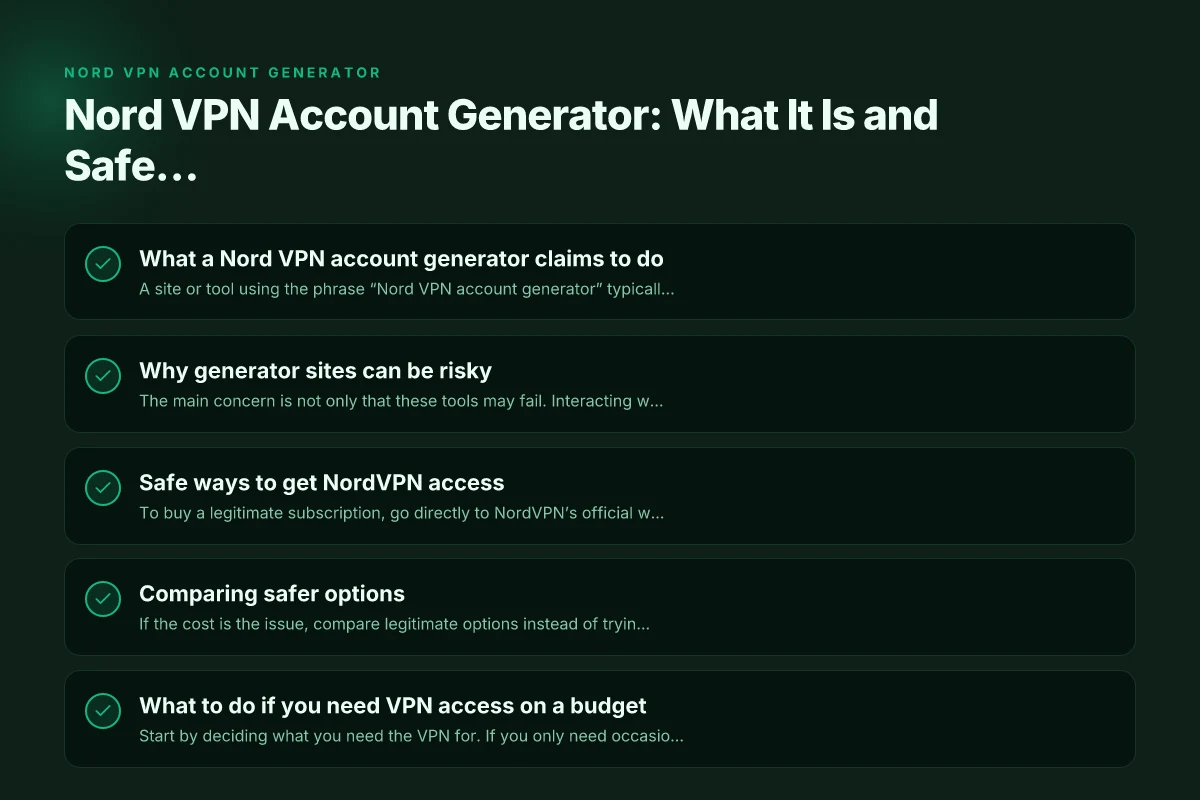
What a Nord VPN account generator claims to do
A site or tool using the phrase “Nord VPN account generator” typically claims it can produce login details, subscription codes, or premium access without payment. Some pages may ask you to complete surveys, install software, download a file, or provide personal details before revealing anything.
Those claims are not a reliable route to a real subscription. A functioning NordVPN account requires authorization through NordVPN’s systems. A random generator cannot legitimately create that authorization.
There is also a difference between:
- An account: Login credentials associated with a customer.
- A subscription: A paid plan that grants access for a defined period and under the service’s terms.
- A generator claim: An unverified promise that software or a website can create account access.
A list of usernames and passwords, if one is offered, may involve accounts belonging to other people. Using someone else’s credentials without permission can violate service terms and may be unlawful, depending on the circumstances. Forticlientvpnsetup_7.4.3.4726_x64.exe: Download and Installation Guide
Why generator sites can be risky
The main concern is not only that these tools may fail. Interacting with them can create security and privacy problems.
Common warning signs
Be cautious if a site:
- Requests your NordVPN password, email password, or payment information.
- Requires you to download an unknown app, browser extension, or “activation” file.
- Promises guaranteed premium access with no official sign-up.
- Uses fake countdowns, forced surveys, or repeated redirects.
- Offers shared credentials or encourages you to bypass account controls.
Possible consequences include phishing, unwanted software, stolen credentials, fraudulent charges, and access to compromised accounts. A downloaded file may also request permissions unrelated to a VPN.
If you have already entered a password on a suspicious site, change it anywhere you reused it. Turn on available account security protections, review active sessions, and contact the relevant service through its official support channel if you notice unfamiliar activity. If you installed a file, remove it and run a security scan using trusted software. Free VPN Location Changer: How to Switch Your Virtual Location
Safe ways to get NordVPN access
To buy a legitimate subscription, go directly to NordVPN’s official website or download its app from an official app store. Check that the web address and publisher are correct before entering account or payment details.
Before choosing a plan, review:
- The total price and billing period.
- Whether the advertised price applies only to an introductory term.
- The renewal price and cancellation process.
- Which features are included in that particular plan.
- The current refund policy and any conditions that apply.
Promotions and plan details can change, so confirm them on NordVPN’s own channels rather than relying on third-party posts or generator sites. If you want to test the service, check the current official refund terms before subscribing. A refund policy is not the same as unlimited free use, and eligibility may depend on the purchase method and applicable conditions.
Comparing safer ways to get VPN access Microsoft Edge VPN: What It Is, How It Works, and When to Use It
| Option | Cost approach | Account legitimacy | Reliability | Best suited for |
|---|---|---|---|---|
| NordVPN official plan | Paid subscription | Official | Supported | People who want NordVPN |
| NordVPN promotion | Check current offer | Official | Supported | People comparing available deals |
| Shared household plan | Check plan terms | Depends on permission and terms | Plan-dependent | Eligible household members |
| Free VPN service | Free tier may be available | Use the provider’s official service | Varies by provider | Basic needs and limited use |
| Employer or school VPN | May be provided | Authorized access | Organization-dependent | Work or study |
| Public Wi-Fi without a VPN | No VPN subscription | No VPN account needed | Network-dependent | Low-risk browsing only |
Compiled November 2026; check the provider's site for current details.
Comparing safer options
If the cost is the issue, compare legitimate options instead of trying to obtain someone else’s account. A free VPN may be suitable for limited needs, but free plans can have restrictions and may not offer the same features as paid services. Review each provider’s privacy policy, security practices, data limits, and business model before signing up.
| Option | Legitimate access? | What to check |
|---|---|---|
| NordVPN subscription | Yes, when purchased through an official channel | Price, renewal terms, features, and refund conditions |
| Reputable free VPN plan | Yes, if offered by the provider | Data limits, speed, device limits, privacy policy |
| Another paid VPN | Yes, when purchased from the provider | Independent reviews, supported devices, cancellation terms |
| Account generator or shared login | Not a reliable or authorized option | Avoid requests for credentials, downloads, or payment details |
A free VPN is not automatically safe, just as a paid VPN is not automatically right for everyone. Look for clear ownership, transparent privacy terms, credible security information, and a straightforward way to contact the provider. Avoid services that make vague promises about “unlimited” privacy while hiding how they operate.
What to do if you need VPN access on a budget
Start by deciding what you need the VPN for. If you only need occasional protection on public Wi-Fi, a reputable free plan may be enough. If you need broader server access, more data, or features that are limited on free plans, compare paid providers and their current prices. VPNLY VPN Extension for Edge: How It Works and What to Check
You can also reduce risk by following these basic steps:
- Download VPN apps only from the provider’s official site or a trusted app store.
- Use a unique password for your VPN account.
- Enable multifactor authentication if the provider offers it.
- Avoid sharing account credentials with strangers or posting them publicly.
- Review renewal dates and cancellation terms after subscribing.
If an offer seems unusually generous, verify it on the provider’s official website before clicking or paying. Search results and social media links can lead to imitation pages, so check the domain carefully.
Choosing a budget-friendly option
| Your priority | Option to consider | What to check | Main trade-off |
|---|---|---|---|
| Lowest cost | Official promotions | Current price and renewal terms | Offers can change |
| NordVPN specifically | Official NordVPN plan | Plan terms and total cost | Requires a paid plan |
| No-cost access | Reputable free VPN | Data limits, features, and privacy policy | May have restrictions |
| Work or school access | Organization-provided VPN | Eligibility and acceptable-use rules | Only for authorized purposes |
| Household access | Permitted household sharing | Current account terms | Availability depends on plan rules |
| Immediate safe browsing | Trusted network and HTTPS | Network privacy and site security | Does not provide VPN protection |
| Avoiding account theft | Skip generator sites | Never share passwords or payment details | No shortcut to legitimate access |
Compiled November 2026; check the provider's site for current details. FortiClient VPN-Only Version: Download, Install, and Connect
Recommendation
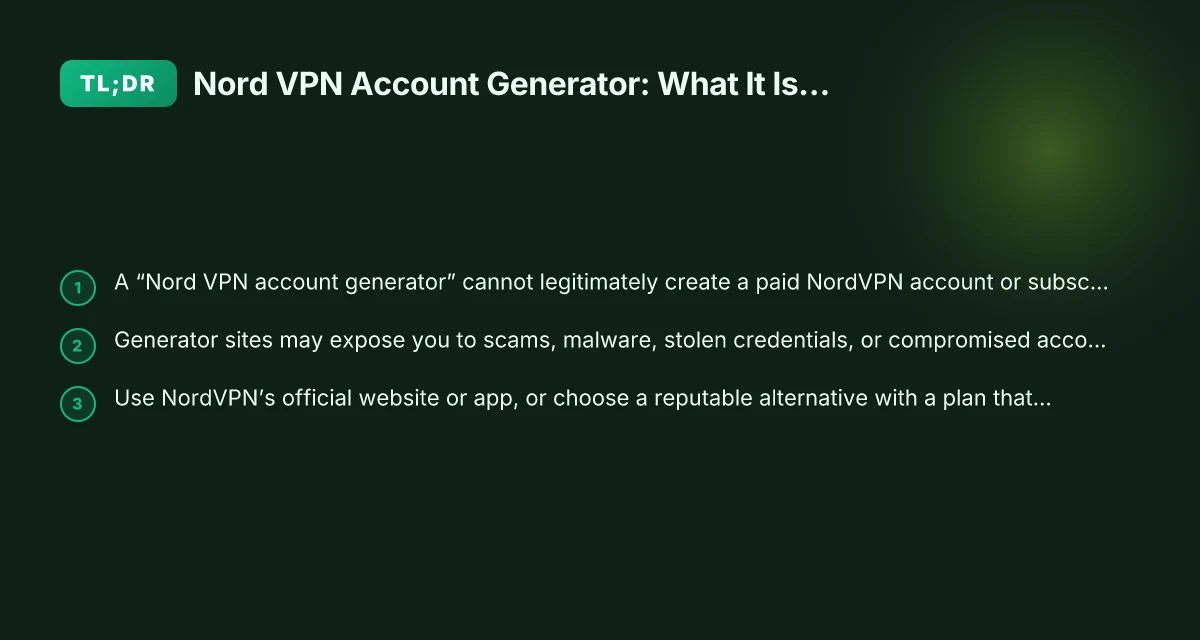
Avoid any Nord VPN account generator. It cannot provide legitimate NordVPN access and may put your data or device at risk. For NordVPN, use its official website or app and review the current plan and refund terms. If that does not suit your budget, choose a reputable free or lower-cost VPN through the provider’s legitimate channels.