IPsec Port: Which Ports and Protocols Does IPsec Use?
Learn which ports IPsec uses, how IKE and NAT traversal work, and what to allow through a firewall.
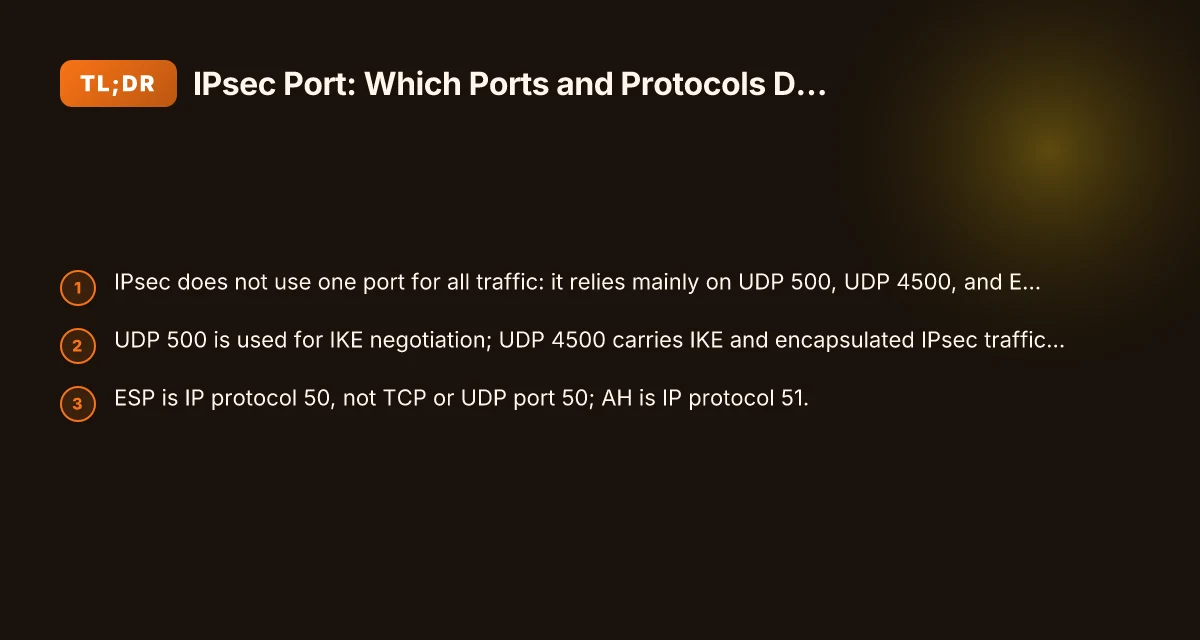
If you are looking for the IPsec port, the key details are UDP port 500 for IKE, UDP port 4500 for NAT traversal, and ESP (IP protocol 50) for encrypted data. IPsec does not have a single port number because it uses both UDP ports and separate IP protocols. Which traffic you must allow depends on the VPN setup, whether a NAT device is in the path, and whether the firewall supports IP protocols beyond TCP and UDP.
IPsec ports and protocols at a glance
| Port or protocol | Transport | Typical role | NAT traversal | Firewall handling |
|---|---|---|---|---|
| UDP 500 | UDP | IKE negotiation | Used to establish negotiation | Allow for IKE |
| UDP 4500 | UDP | NAT traversal and encapsulated IPsec | Yes | Allow for NAT-T |
| ESP | IP protocol 50 | Carries protected data | Encapsulated in UDP 4500 when needed | Allow ESP if not using NAT-T |
| AH | IP protocol 51 | Authentication and integrity | Not compatible with NAT traversal | Allow AH if used |
| IKE | Runs over UDP | Negotiates security associations | Starts on UDP 500 | Allow its UDP port |
| NAT-T | Runs over UDP 4500 | Carries IPsec through NAT | Yes | Allow UDP 4500 |
Compiled November 2026; check the provider's site for current details.
IPsec ports and protocols at a glance
IPsec is a suite of protocols for protecting IP traffic. Internet Key Exchange (IKE) negotiates security settings and keys, while Encapsulating Security Payload (ESP) or Authentication Header (AH) handles protected traffic.
| IPsec traffic | Number | What it does |
|---|---|---|
| IKE over UDP | UDP 500 | Starts and negotiates an IPsec connection |
| NAT traversal (NAT-T) | UDP 4500 | Carries IKE and, when needed, encapsulated ESP through NAT |
| ESP | IP protocol 50 | Protects and transports IPsec data |
| AH | IP protocol 51 | Provides authentication and integrity without encryption |
The distinction matters: UDP 500 and UDP 4500 are port numbers, but ESP and AH are IP protocol numbers. They are not TCP or UDP ports. A firewall rule for “port 50” will not necessarily allow ESP. It must allow IP protocol 50.
What UDP 500 is used for
IKE usually begins over UDP port 500. The devices at each end use IKE to authenticate one another and agree on security parameters, such as encryption algorithms and keys. Once negotiation succeeds, IPsec can protect traffic between the VPN endpoints.
For many site-to-site and remote-access VPNs, allowing UDP 500 is necessary. However, allowing that port alone may not be enough: the endpoints also need a way to carry the protected data, typically ESP or ESP inside UDP 4500. VPN Country Changer Free: How to Change Your Virtual Location Safely
IKE versions and VPN products can vary in their exact behavior. Check the documentation for both endpoints before creating firewall rules, especially when connecting equipment from different vendors.
How UDP 500 and UDP 4500 differ
| Comparison point | UDP 500 | UDP 4500 |
|---|---|---|
| Main purpose | IKE negotiation | NAT traversal |
| Used at connection start | Yes | When NAT traversal is needed |
| Carries IKE messages | Yes | Yes, for NAT-T |
| Carries encapsulated ESP | No | Yes |
| Helps IPsec cross NAT | No | Yes |
| Needed through firewall | For IKE | For NAT-T |
| Replaces ESP protocol 50 | No | Encapsulates ESP when needed |
Compiled November 2026; check the provider's site for current details.
Why UDP 4500 is important
Network Address Translation (NAT) changes IP addresses and, in many cases, port information as traffic passes through a router or firewall. This can interfere with native ESP, which has no TCP or UDP port fields for a NAT device to translate. Free VPN for PC to Change Location: What to Know Before You Connect
NAT Traversal, commonly called NAT-T, addresses this by encapsulating IPsec traffic in UDP. When NAT is detected, IKE commonly moves to UDP 4500, and ESP data can be carried inside that UDP traffic. This makes IPsec connections more compatible with typical home, office, and cloud networks.
A VPN may use UDP 4500 even when the user does not manually configure a separate “NAT-T port.” Many clients and gateways negotiate this automatically. If the connection works on one network but fails behind another router, blocked UDP 4500 is one possible cause.
ESP, AH, and firewall rules
ESP is the most commonly used IPsec protocol for protecting data. It provides encryption and can also provide integrity and authentication. Native ESP uses IP protocol number 50, not port 50.
AH uses IP protocol number 51. It provides authentication and integrity but does not encrypt the traffic. Because AH includes information tied to the IP header, it can be difficult to use across NAT. As a result, many modern VPN deployments use ESP instead. Best Free VPN That Allows You to Change Location: What to Know
When setting firewall rules, consider the following:
- Allow UDP 500 for IKE negotiation.
- Allow UDP 4500 when NAT traversal is required or supported by the VPN.
- Allow IP protocol 50 for native ESP if the VPN uses ESP without UDP encapsulation.
- Allow IP protocol 51 only if the configuration specifically uses AH.
- Apply rules to the correct source and destination addresses, interfaces, and directions.
Some firewalls only offer rules for TCP and UDP ports. If yours does not support IP protocol 50, native ESP may not pass through it. NAT-T may be the practical option, provided both VPN endpoints support it and UDP 4500 is allowed.
Common IPsec port questions
Is IPsec TCP or UDP?
IPsec itself is not simply a TCP or UDP service. IKE commonly uses UDP, while ESP and AH are separate IP protocols. NAT-T wraps ESP in UDP so it can cross networks that handle UDP more easily.
Is port 500 TCP or UDP?
IKE uses UDP port 500 in common IPsec configurations. Do not assume that opening TCP port 500 will enable an IPsec VPN. VPN Change Country Free: How to Switch Your Virtual Location Safely
Is ESP port 50?
No. ESP is IP protocol 50, not a port. Port numbers are part of TCP or UDP; ESP is identified directly by its IP protocol number.
Which ports should I open for an IPsec VPN?
A common starting point is UDP 500 and UDP 4500, plus IP protocol 50 if the connection uses native ESP. The exact rules depend on the VPN implementation and whether NAT-T is active. Avoid opening AH or broad IPsec traffic unless the configuration requires it.
Firewall choices for IPsec traffic
| Traffic to allow | When to allow it | Works through NAT | Carries protected data | Recommendation |
|---|---|---|---|---|
| UDP 500 | IKE negotiation is used | No | No | Allow for IKE |
| UDP 4500 | NAT traversal is used | Yes | Encapsulated ESP | Allow when NAT-T is needed |
| ESP (protocol 50) | Native ESP is used | No | Yes | Allow if not using NAT-T |
| AH (protocol 51) | AH is specifically used | No | Yes | Allow only when required |
| UDP 500 and UDP 4500 | NAT-T setup and traffic are needed | Yes | ESP over UDP 4500 | Common NAT-T rule set |
| ESP and AH | The relevant IPsec protocols are configured | No | Yes | Permit only protocols in use |
Compiled November 2026; check the provider's site for current details. F5_vpn_edge client.exe: What It Is and How to Handle It
Recommendation
For most IPsec deployments, start by checking the VPN vendor’s requirements and allow UDP 500 and UDP 4500 between the intended VPN endpoints. Add IP protocol 50 when native ESP is needed, and IP protocol 51 only for a deliberate AH configuration. Test the connection from behind the actual firewalls and NAT devices in use, then keep the rules limited to the necessary hosts and traffic.