How to join binance nft auctions
A practical guide to participating in Binance NFT auctions, from account setup to placing bids and winning.
If you’re looking to join Binance NFT auctions, you’ll want a clear, end-to-end plan. This guide walks you through the steps from account creation to winning an auction, plus tips to avoid common pitfalls. Binance’s NFT marketplace supports auctions as a popular way to acquire digital collectibles, so understanding the flow will help you participate with confidence.
1) Create and verify your Binance account
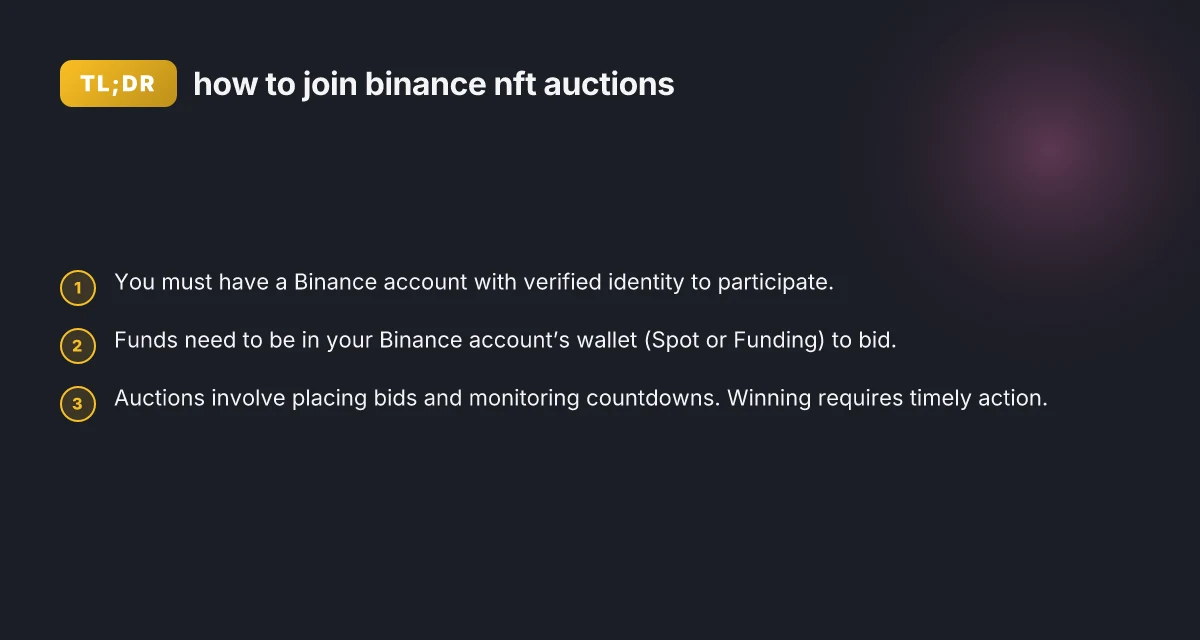
Before you can bid in NFT auctions, you need a Binance account with verified identity. Here’s how to get started quickly:
- Sign up for a Binance account if you don’t already have one.
- Complete the Identity Verification process (KYC). This usually involves submitting some personal details and documents.
- Ensure you have access to the email and phone number linked to your account for security prompts.
Why verification matters: Binance imposes restrictions and higher withdrawal limits on non-verified accounts. NFT activity, including auctions, is easier to manage with full verification.
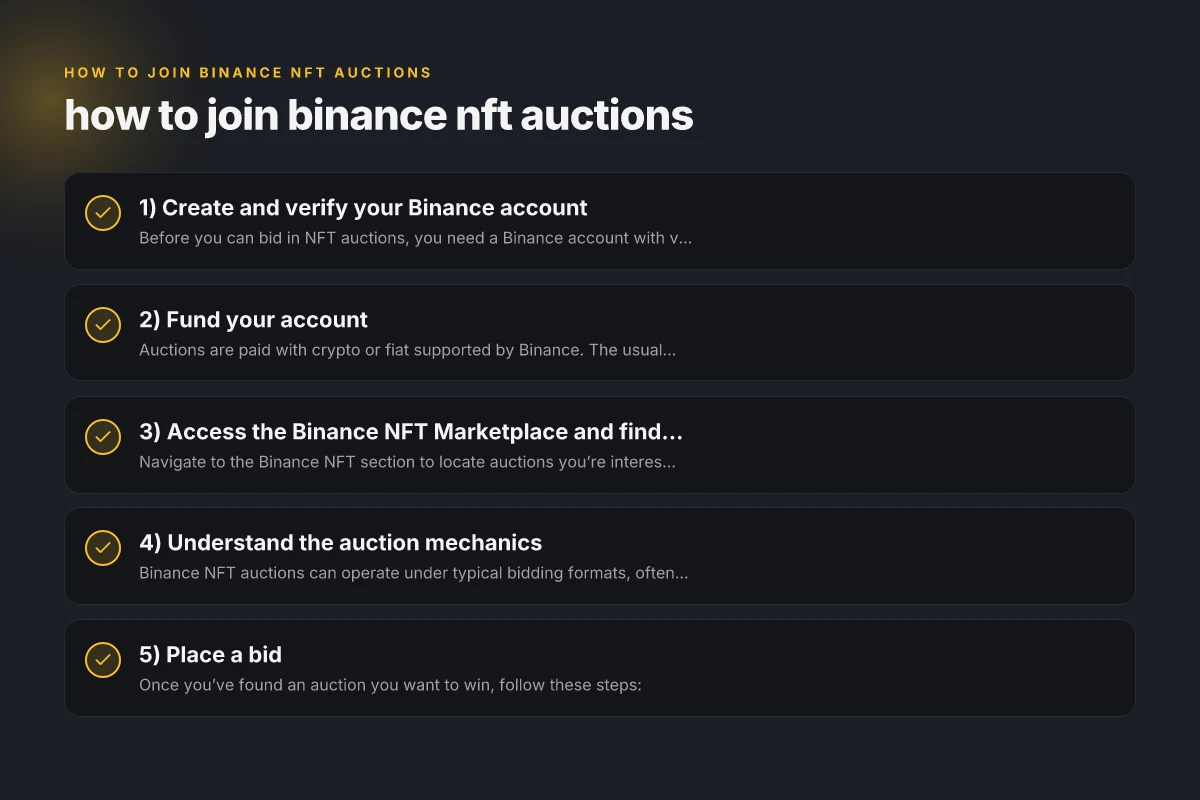
2) Fund your account
Auctions are paid with crypto or fiat supported by Binance. The usual path is to have funds in your account so you can bid without delays.
- Deposit crypto into your Binance Spot Wallet (e.g., BNB, ETH, or other supported assets).
- If you prefer, buy crypto on the platform and move it into your wallet.
- You may also have access to funding options like a direct credit card, depending on your region and Binance offering.
Tip: Keep a balance that covers your maximum bid, plus a little extra for gas/fees if needed. Bid war can push prices higher quickly, so avoid tying up all your funds unless you’re prepared to win. AXGATE VPN Client: What It Is, How It Works
3) Access the Binance NFT Marketplace and find an auction
Navigate to the Binance NFT section to locate auctions you’re interested in.
- Go to the Binance NFT homepage and sign in.
- Browse the “Auction” category to see active auctions.
- You can also click banners or specific NFT sale cards to open a listing.
How to choose which auction to participate in:
- Look for artworks or collectibles with clear metadata (artist, edition, scarcity).
- Check the auction’s start time, duration, and bid increments.
- Review the bid history and current price to gauge competition.
If you’re new, start with lower-value auctions to learn the rhythm before committing bigger bids.
4) Understand the auction mechanics
Binance NFT auctions can operate under typical bidding formats, often including: F5 VPN
- Open ascending auctions: bidders place higher and higher bids until the timer ends.
- Reserve price and floor price: some items may have a minimum price or reserved bid. If the reserve isn’t met, the item may not sell.
- Time-based countdown: auctions end when the timer reaches zero. Last-second bids can win if they’re the highest.
Key rules to know:
- Bids are binding. Once you place a bid, you may not be able to retract it.
- The winning bidder must pay the winning price within a specified window after the auction ends.
Section tips:
- Read the auction’s details, including any terms about refunds or bid cancellations.
- Pay attention to the countdown and last-minute bidding dynamics. Some bidders try to snipe at the end.
5) Place a bid
Once you’ve found an auction you want to win, follow these steps:
- Confirm you have sufficient funds in your Binance Wallet for the bid amount.
- Click the bid button and enter the amount you want to bid. Some auctions require bids in a precise increment.
- Confirm the bid. You may need to re-enter a code or approve a transaction in your wallet.
Bid strategy ideas: 406 Not acceptable
- Start with a reasonable maximum you’re comfortable paying, rather than chasing a high bid late.
- Consider your risk tolerance. Some auctions attract quick “sniper” bids at the end.
- Monitor recent bid activity in the auction’s history to gauge competition.
Note: Some auctions may allow automatic bidding up to a maximum amount. If this option exists, you can set a ceiling and let the system bid on your behalf until you reach your limit.
6) After you win: settlement and transfer
If you win the auction, you’ll receive a notification and details on the settlement process.
- The winning price is charged to your Binance wallet.
- The NFT is transferred to your Binance NFT Wallet or a linked crypto wallet per the auction’s terms.
- Confirm the transfer, and then you can view the NFT in your collection.
Remember:
- Ensure you have enough funds to cover gas or minting fees if applicable.
- Some NFTs may require additional steps for transfer or verifications within the NFT marketplace.
Table: common auction formats and how they work Free VPN extension for Edge
| Auction format | How it works | When you win | How you pay | Typical risks |
|---|---|---|---|---|
| Open ascending | Bids increase over time until timer ends | Highest bid when timer ends | Winning price, charged from your wallet | Late bid could miss out if you wait too long |
| Reserve price | Minimum price must be met for sale to complete | If reserve met, highest bidder wins | Amount of winning bid or reserve price | If reserve not met, no sale; patience is required |
| Automatic bidding | System bids up to a max amount | If max bid is surpassed, you win | Your max bid amount as needed | Can overpay if max bid is set too high |
If you’re unsure whether a format is used for a specific NFT, check the listing details or the auction terms. The listing will usually spell out the rules clearly.
7) Best practices to increase success
- Do your homework: research artists, editions, and past auction results to set realistic bid expectations.
- Start small: practice on lower-value auctions to learn the timing and bidding cadence.
- Watch the clock: some auctions end quickly. Last-second bids can be decisive.
- Manage your wallet: keep a clean wallet with enough funds to avoid failed bids.
- Beware scams: only participate in auctions on official Binance NFT listings. Double-check URLs and banners.
Useful tips:
- If you’re new, set a fixed budget for each auction and avoid overextending your funds.
- Use browser alerts or the Binance app to stay aware of closing times and bid activity.
What to do if you don’t win
- Review the auction to see price direction and whether you might try again in a later listing.
- Check for upcoming drops or auctions by the same artist or collection.
- Consider following the artist or collection on Binance NFT to get early notices about new auctions.
Final recommendations Err_ssl_client_auth_signature_failed: What It Is and How to Fix It for Secure Browsing
- Start withVerification and fund readiness: make sure your account is verified and your wallet is funded before you start bidding.
- Follow the auction details closely: each listing may have its own rules and timing. Don’t assume all auctions operate identically.
- Practice responsible bidding: set clear limits and stick to them to avoid emotional overspend.
- Keep an eye on the post-auction delivery: some NFTs are minted on the Binance NFT platform, while others require cross-wallet transfers, know what to expect.
If you want to become proficient at Binance NFT auctions, build a routine: verify your account, fund your wallet, regularly browse auctions, and track results. With time, you’ll understand bidding patterns and improve your chances of winning.