Free VPN With Location Changer: What to Look For and How to Choose
Learn how a free VPN location changer works, what free plans can and cannot do, and how to choose a safer option.


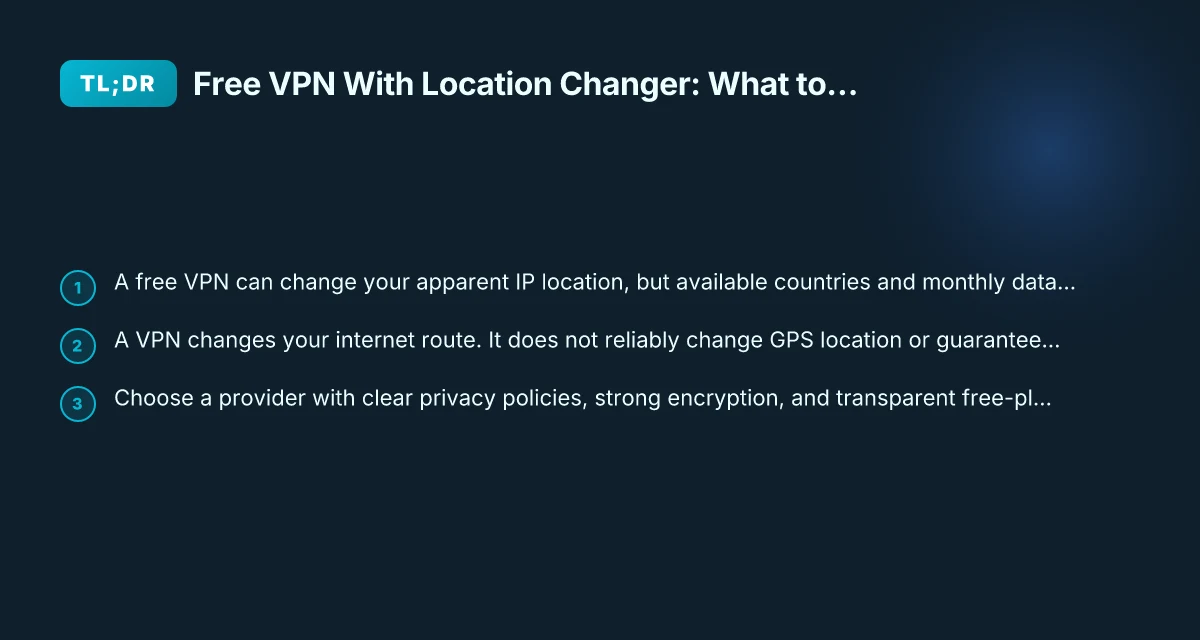
A free VPN with location changer lets you connect through a server in another country or region, making websites see the VPN server’s IP address instead of your usual one. It can be useful for everyday privacy on public Wi-Fi or for testing how a website appears from another location. Free plans usually come with trade-offs, such as fewer server locations, data limits, slower speeds, or restrictions on streaming and downloads.
Common features on free VPN plans
| Feature | What to compare | Why it matters | Check before choosing |
|---|---|---|---|
| Server locations | Countries available | Determines location choices | Is your target country listed? |
| Location switching | How servers are selected | Affects ease of use | Can you choose a country freely? |
| Data allowance | Monthly or daily cap | Limits browsing and streaming | Is the cap clearly stated? |
| Speed | Free-tier performance | Affects calls and downloads | Are speeds restricted? |
| Device support | Apps and platforms | Determines where you can connect | Does it support your devices? |
| Simultaneous connections | Devices connected at once | Useful across multiple devices | Is the limit disclosed? |
| Streaming access | Service compatibility | VPN locations may not work with every service | Are limitations explained? |
Compiled November 2026; check the provider's site for current details.
| VPN | Obfuscation | From / month | Plan | Free plan | Refund | Alipay | UnionPay | Crypto | Website opens in China | Trustpilot | |
|---|---|---|---|---|---|---|---|---|---|---|---|
 ZoogVPN | Turn on manually Shadow | $2.49/mo | 27 months: $59.99 | Yes | 7 days | ✓ | ✓ | ✓ | ✓ | Official site blocked; our special link opens (4.4 s) | 4.2/5 (195 reviews) |
 NordVPN | Turn on manually Obfuscated Servers / NordWhisper | $3.49/mo | 27 months: $94.23 | No | 30 days | ? | ✗ | ✓ | ✓ | ✗ Blocked | 4.2/5 (51,628 reviews) |
 ExpressVPN | ✓ On by default all servers | $3.00/mo | 28 months: $84 | No | 30 days | ✗ | ✗ | ✓ | ✗ | ✗ Blocked | 4.4/5 (29,706 reviews) |
 Surfshark | ✓ On by default Camouflage, with OpenVPN | See site | See site | No | 30 days | ✗ | ✗ | ✗ | ✓ | ✗ Blocked | 4.3/5 (31,823 reviews) |
 Proton VPN | Turn on manually Stealth, free plan too | $2.99/mo | 12 months: $35.88 | Yes | 30 days | ✗ | ✗ | ✗ | ✓ | ✗ Blocked | 2.1/5 (1,040 reviews) |
 Astrill VPN | Turn on manually StealthVPN / OpenWeb | $12.50/mo | 24 months: $300 | No | See site | ✗ | ✗ | ✗ | ✓ | ✗ Blocked | 1.3/5 (110 reviews) |
 Private Internet Access | Turn on manually Shadowsocks, OpenVPN only | $2.03/mo | 40 months: $81.2 | No | 30 days | ✗ | ✗ | ✗ | ✗ | ✗ Blocked | 4.2/5 (11,033 reviews) |
 CyberGhost | Turn on manually selected servers | $2.19/mo | 28 months: $61.32 | No | 45 days | ✗ | ✗ | ✗ | ✓ | ✗ Blocked | 4.0/5 (24,178 reviews) |
 PureVPN | Turn on manually switch to OpenVPN | $1.69/mo | 60 months: $101.55 | No | 31 days | ? | ? | ✗ | ✓ | ✗ Blocked | 4.4/5 (17,994 reviews) |
 AdGuard VPN | ✓ On by default TrustTunnel | $2.99/mo | 24 months: $71.76 | Yes | 30 days | ✓ | ✗ | ✓ | ✓ | Official site blocked; our special link opens (3.7 s) | 4.3/5 (290 reviews) |
 Mullvad | Turn on manually QUIC / Shadowsocks / LWO | $5.61/mo | €5/mo | No | 14 days | ✗ | ✗ | ✗ | ✓ | ✗ Blocked | 3.2/5 (192 reviews) |
 Windscribe | Turn on manually Stealth / WStunnel | $5.75/mo | 12 months: $69 | Yes | See site | ✗ | ✗ | ✗ | ✓ | ✗ Blocked | 4.7/5 (13,355 reviews) |
 StrongVPN | Turn on manually Scramble, OpenVPN TCP | See site | See site | No | 30 days | ✓ | ✗ | ✗ | ✗ | ✗ Blocked | 4.4/5 (2,695 reviews) |
 LightXtreme 闪连 | Not listed | $7.08/mo | 12 months: $84.99 | Yes | 30 days | ✓ | ✓ | ✓ | ✓ | ✓ Yes (3.5 s) | No page |
Prices checked 2026-11-10 on each vendor's pricing page (cheapest long plan, USD). Check the vendor's checkout for the final price.
Obfuscation checked 2026-11-14 on each vendor's site and help center: "on by default" = nothing to set; "turn on manually" = switch protocol or mode in settings; "not listed" = the vendor describes no obfuscation.
Payment methods checked 2026-11-10 on each vendor's payment pages: all 14 take cards and PayPal; ✗ = not listed, ? = the vendor's own pages disagree.
China access: whether the official website opens from mainland China networks (tests the website only, not the VPN connection). Last checked 2026-11-18 01:02 Beijing time.
Trustpilot score and review count checked 2026-11-10.
What a VPN location changer actually does
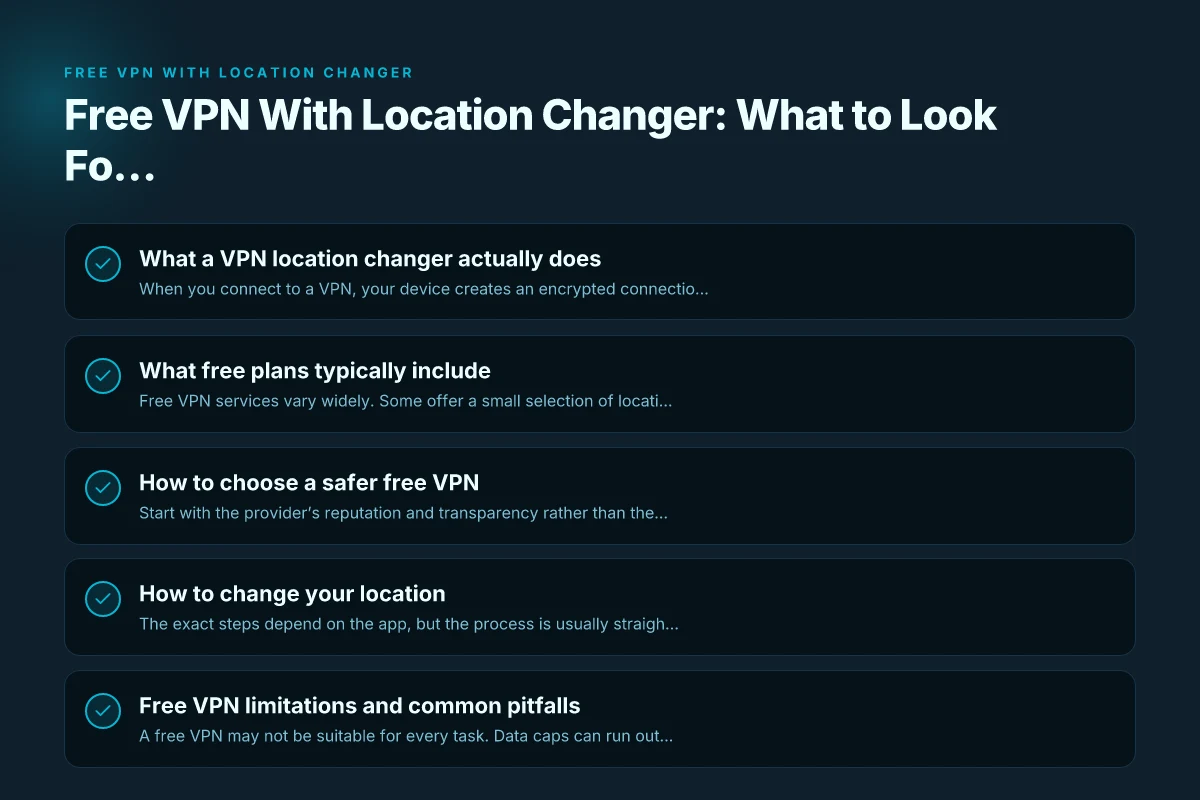
When you connect to a VPN, your device creates an encrypted connection to a VPN server. Your internet traffic then appears to come from that server’s IP address. If you select a server in another country, websites and other services may identify your connection as being in that country.
This changes your apparent IP-based location, not necessarily your device’s physical location. A VPN generally does not change GPS data shared by a phone app, your account’s registered country, or location details inferred from other signals. Some websites may also use cookies, payment details, browser settings, or account history to estimate where you are.
A VPN can help protect traffic from local snooping on public Wi-Fi, but it does not make you completely anonymous. The VPN provider can see certain connection information, and websites can still track activity through logins, cookies, and browser fingerprinting.
What free plans typically include
Free VPN services vary widely. Some offer a small selection of locations and a monthly data allowance, while others limit connection speed or the number of devices. A few providers offer a free tier as a way to introduce customers to paid plans. NordVPN Windows: How to Download, Install, and Use the App
| Feature | Common on free plans | What to check |
|---|---|---|
| Server locations | A limited list of countries | Whether the locations you need are included |
| Data allowance | A monthly cap or restricted use | How much data video, calls, and downloads consume |
| Speed | Variable or lower priority | Whether the provider limits speed or busy servers |
| Device connections | One or a few devices | Whether the plan covers your phone and computer |
| Streaming access | Often inconsistent | Whether the service allows your intended use |
| Privacy protections | Provider-dependent | Encryption, logging policy, and independent reviews |
Do not assume a service is trustworthy just because its app is free. Some free VPNs rely on advertising, collect more data than users expect, or provide unclear information about ownership and security. Read the privacy policy and check what the provider says it records before connecting.
How to choose a safer free VPN
Start with the provider’s reputation and transparency rather than the number of countries advertised. A responsible service should explain how its free plan is funded, what information it collects, and how long it retains that information.
Look for these basics:
- A clear, accessible privacy policy and identifiable company
- Modern encryption and secure VPN protocols
- A published explanation of connection logs and data retention
- A kill switch, if available, to reduce exposure if the VPN disconnects
- Apps from the provider’s official website or a recognized app store
- Recent, credible security assessments or independent audits, where available
Be cautious if an app requests permissions that do not make sense for a VPN, uses vague privacy claims, or promises perfect anonymity. Avoid installing VPN apps from unofficial download sites. If a free service requires unusual personal information or displays aggressive pop-ups, consider another provider. F5 VPN Client Download: How to Get and Install the Right Client
Safer free VPN checklist
| Check | Better sign | Warning sign | Where to look |
|---|---|---|---|
| Privacy policy | Clear data practices | Vague or missing policy | Provider website |
| Logging | Minimal, clearly described collection | Unclear activity logging | Privacy policy |
| Ownership | Identifiable provider | Unknown operator | About page |
| Security | Current, described protections | Unsupported security claims | App and documentation |
| Permissions | Relevant to VPN functions | Requests that seem unnecessary | Device settings |
| Business model | Funding is explained | Unexplained “free” service | Provider website |
| Independent review | Credible audits or assessments | Only unverified claims | Audit reports |
| App source | Official store or provider site | Unknown download source | Download page |
Compiled November 2026; check the provider's site for current details.
How to change your location
The exact steps depend on the app, but the process is usually straightforward:
- Install the VPN from its official source and create an account if required.
- Open the app and review the privacy settings.
- Select a country or server from the available location list.
- Connect and wait for the app to confirm the VPN is active.
- Check your apparent IP location using a reputable IP-checking website.
If the location does not appear to change, disconnect and reconnect, try another server, or check whether the website is using your account details or cookies. On a phone, an app that uses GPS may continue to show your actual location because an IP-based VPN does not normally override GPS. Do not assume that changing your VPN location changes your legal residence or the country attached to an account. Microsoft Edge Secure Network VPN Reviews: Is It Safe and Worth Using?
Free VPN limitations and common pitfalls
A free VPN may not be suitable for every task. Data caps can run out quickly when streaming or downloading large files. Server congestion may make video calls or browsing slower, and a limited location list may not include the country you want. Some platforms also block known VPN server addresses, so a location change does not guarantee access.
Check the rules of the service you plan to use. Some websites and streaming platforms restrict VPN use under their terms, and availability can change. A VPN also does not remove malware, prevent phishing, or secure an account with a weak password. Use updated software, strong unique passwords, and multifactor authentication alongside a VPN.
If you need consistent speeds, many server locations, or frequent streaming, a reputable paid plan may be a better fit. Compare its price, renewal terms, cancellation policy, and privacy practices rather than choosing solely by the size of its server list.
Choosing a free VPN for your needs Edge VPN Free Extension: Safe Options, Limits, and What to Check
| Need | Check first | Common limitation | A sensible choice |
|---|---|---|---|
| Browsing from another country | Available locations | Few country options | A provider listing your target country |
| Occasional public Wi-Fi use | Privacy practices and app support | Free-tier restrictions | A transparent provider with suitable apps |
| Video calls | Speed and data allowance | Congestion or data caps | A plan that states its limits clearly |
| Streaming | Server and service compatibility | Streaming may be blocked | Test the service before relying on it |
| Large downloads | Data allowance and speed | Caps or throttling | Consider whether free limits are sufficient |
| Multiple devices | Device support and connection limit | Fewer simultaneous connections | A plan covering your devices |
| Sensitive activity | Logging and security details | Free access does not guarantee privacy | Choose a provider with clear, credible disclosures |
Compiled November 2026; check the provider's site for current details.
Recommendation
A free VPN with location changer can be a practical starting point for basic privacy and occasional IP-location changes, provided the provider is transparent and the plan meets your needs. Choose a service with clear privacy practices and understand its limits before connecting. For regular high-bandwidth use or reliable access to specific locations, compare reputable paid VPNs and confirm that their terms fit your intended use.