Free VPN online browser
A practical guide to free VPNs and web browser-based options for online privacy and unblock-ability.
In today’s online world, many people look for a free VPN online browser solution to protect privacy, unblock content, or simply browse more securely. The good news is that there are several routes you can take: browser-based VPN extensions, built-in browser features, and free web proxies that don’t require installation. The trade-offs vary, free often means data limits, slower speeds, or less robust privacy. Below, you’ll find a straightforward guide to help you choose the right option for your needs.
Comparison by delivery method (free VPN online browser approach)
| Option | Delivery method | Typical use case | Pros | Cons | Examples (if any) |
|---|---|---|---|---|---|
| Built-in browser VPN | Built into browser | Quick protection for general browsing | Easy to enable; no separate app | Limited server choices; may log | Edge/Opera built-in; some browsers offer VPN toggle |
| Browser extension VPN | Extension/add-on | On-the-fly location change | Lightweight; simple permissions | Can leak IPv4 if misconfigured | Hola VPN (free tier); Windscribe extension |
| Web proxy in browser | Web proxy service | Bypass geo-restrictions in browser | No install; fast setup | Only browser traffic; less secure | Hide.me proxy; Proxysite |
| Stand-alone free VPN app (browser-integrated) | Desktop/mobile app with browser support | System-wide or browser-specific use | Wider server list; encrypts all traffic | Free tier limits; ads | ProtonVPN free; TunnelBear free |
Compiled November 2026; check the provider's site for current details.
Understanding what “free VPN online browser” can mean
- Browser extensions: Free VPN extensions for Chrome, Firefox, or other browsers that route traffic through servers via a VPN-like tunnel.
- Built-in browser VPN: Some browsers include a VPN-like feature directly in the app, with no separate service to install.
- Web proxies: Free online proxy sites or browser-based proxies that route traffic via a middle server, often without installing anything.
- Considerations: Look for data limits, logging policies, server locations, speed, and whether the service requires you to create an account.
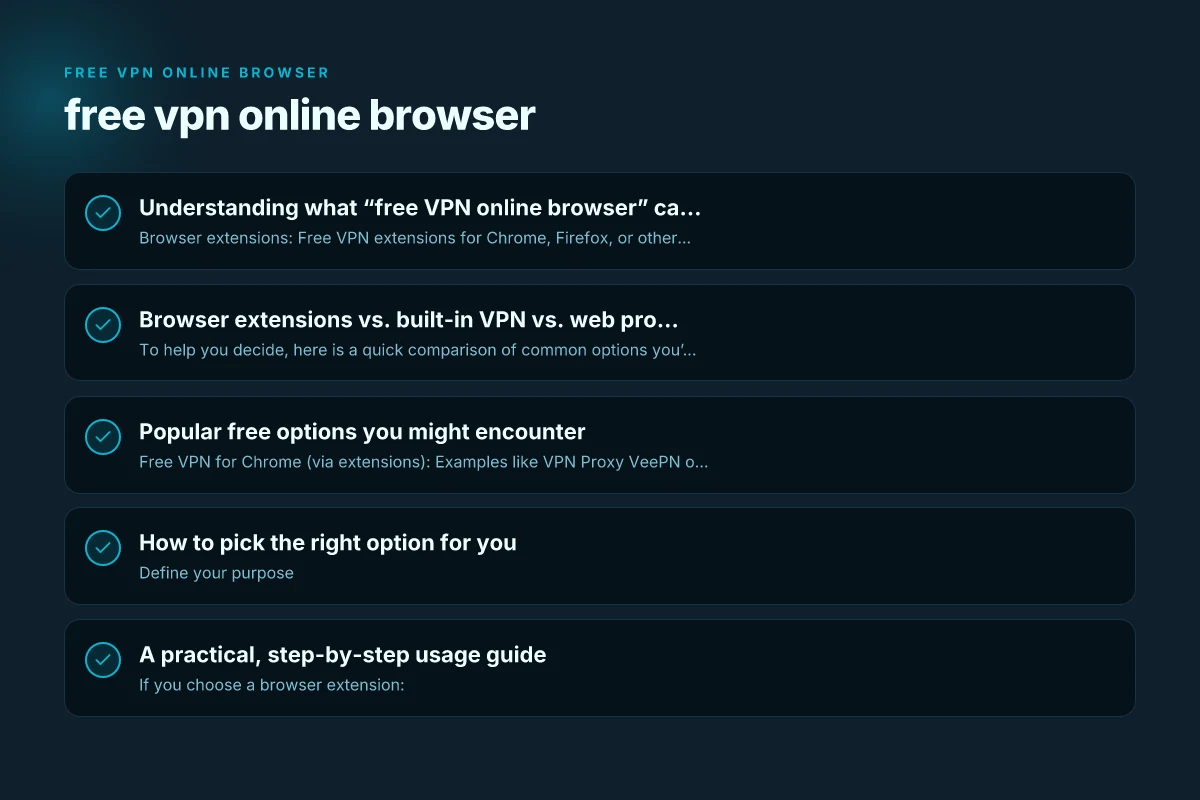
Browser extensions vs. built-in VPN vs. web proxies
To help you decide, here is a quick comparison of common options you’ll encounter:
| Type | Typical advantages | Common limitations |
|---|---|---|
| Free VPN extension (Chrome/Firefox) | No installation beyond the extension; can hide IP and encrypt traffic on supported sites | Data limits; some may slow down browsing; potential privacy concerns or ads; may not work well with all sites |
| Built-in browser VPN (e.g., Opera Free VPN) | One-click protection; no separate app to manage | Limited server locations; may be less configurable; performance varies |
| Web proxy sites / browser proxies | Easy access, no account or installation; quick unblock of sites | No end-to-end encryption; may log traffic; not suitable for sensitive activities |
| Standalone free VPN apps | Typically broader server options and features | Ads or restrictions; may require account; data caps |
Criteria-based buyer’s guide (deciding what to choose)
| Criterion | Free VPN in browser | Browser extension VPN | Web proxy | Built-in browser VPN | Stand-alone free app (with browser option) |
|---|---|---|---|---|---|
| Privacy level | Moderate | Moderate | Low (screened traffic) | Moderate | Moderate to high with paid tier |
| Ease of use | High | High | High | Medium | Medium to High |
| Server/locations | Limited | Limited | Limited | Limited | Better on some free plans |
| Data limits | Often none or low | Often limited | Often unlimited but throttled | N/A | Often limits on data or speed |
| Security (encryption) | Varies; may be basic | Basic to strong | Typically none | Depends on implementation | Generally strong with VPN tech |
| Browser-only traffic | Yes | Yes | Yes | Yes | Varies (can be system-wide) |
| Cost after free | Free tier, upgrades | Free tier, upgrades | Free | Free | Free tier, upgrades |
Compiled November 2026; check the provider's site for current details.
Popular free options you might encounter
- Free VPN for Chrome (via extensions): Examples like VPN Proxy VeePN offer a Chrome extension that promises unlimited traffic and bandwidth, with a focus on unblocking access and privacy.
- Built-in browser VPNs: Opera’s Free VPN is one of the most well-known, offering an integrated VPN feature without requiring a separate app.
- Web proxies: ProxyOrb, Proxyium, and similar services provide no-install web proxy access to unblock sites and hide IPs during browsing.
- Free VPN apps with browser compatibility: Touch VPN and similar services provide free access that can be used across devices, often including browser integration.
What to watch out for: Free VPN node: everything you need to know before you connect
- Data limits: Many free VPNs cap monthly bandwidth, sometimes as low as a few hundred MB.
- Privacy and logging: Some free options monetize by tracking user activity or injecting ads.
- Speed and reliability: Free services can be crowded, leading to slower connections and unstable tunnels.
- Security: Always check if the service uses strong encryption (like OpenVPN or WireGuard) and whether you need to trust a provider with your data.
How to pick the right option for you
- Define your purpose
- Light browsing and occasional unblock: A browser extension or web proxy may be enough.
- Sensitive activity or public Wi-Fi: Prioritize a VPN with transparent privacy policies and strong encryption.
- Check privacy policy and logging
- Look for clear statements about data collection, retention, and sharing.
- Prefer providers that do not log browsing history or sell data.
- Consider server locations and speeds
- More server locations can help with unblocking, but may come at the cost of speed.
- Read user reviews about performance, especially in your region.
- Test before relying
- Try the service for a short period to gauge speed, reliability, and ease of use.
- Make sure it works with the websites you need to access.
- Plan for longer-term needs
- If privacy is a long-term goal, a paid plan might be worth it for better security, more features, and fewer limits.
A practical, step-by-step usage guide
- If you choose a browser extension:
- Go to the browser’s extension store (Chrome Web Store, Firefox Add-ons, etc.).
- Search for the free VPN extension you’re considering.
- Install the extension, grant necessary permissions, and switch it on to connect to a server.
- Test accessing the sites you need to unblock.
- If you choose a built-in browser VPN (like Opera’s feature):
- Open the browser settings and locate the VPN option.
- Toggle on the built-in VPN.
- Start browsing and watch for any site blocks or speed changes.
- If you choose a web proxy:
- Visit the proxy’s site (e.g., ProxyOrb or Proxyium).
- Enter the URL you want to visit through the proxy.
- Browse through the proxy interface. Note that this is not end-to-end encrypted.
- If you opt for a general free VPN app:
- Download from a reputable source.
- Install and set up the app according to prompts.
- Connect to a server and begin browsing.
Practical usage checklist for readers (step-by-step decision)
| Step | Question | Answer you want | Action if yes | Action if no | Note |
|---|---|---|---|---|---|
| 1 | Do you need system-wide protection or only browser traffic? | Browser traffic | Use browser extension or built-in browser VPN | Use web proxy or rely on no VPN | Decide scope first |
| 2 | Is privacy more important than speed? | Privacy-focused | Prefer standalone free VPN with encryption | Proxy or basic extension | Encryption matters |
| 3 | Are data limits a concern? | Yes | Choose no-log or unlimited-lite options | Expect caps on data | Read plan details |
| 4 | Do you mind ads or tracking in exchange for free? | No/Yes | If no, pick reputable no-logs option; if yes, tolerate ads | Consider paid tier | Evaluate trust |
| 5 | Do you need geo-spoofing for streaming? | Yes | Check server availability in free tier | May require paid tier | Free options may block streaming |
| 6 | Are you using sensitive accounts? | Yes | Prefer reputable VPN with strong privacy policy | Be cautious with extensions | Security first |
Compiled November 2026; check the provider's site for current details.
The reality check: free VPNs aren’t a perfect shield
- Privacy depends on the provider: Some free services monetize by tracking activity or injecting ads. Always review the privacy policy.
- Free often means compromises: Data caps, slower speeds, limited server access, and less robust security compared to paid options.
- Use cases matter: For blocked content and general privacy on light browsing, a free option may suffice. For streaming, gaming, or handling sensitive information, a paid, trusted VPN is often better.
Short guide to free VPNs and browser-based options mentioned in search results
- Free VPN for Chrome: A browser extension option that claims to provide easy access and privacy protections with unlimited traffic. Verify the extension’s permissions and reviews before installation.
- ProxyOrb: A free web proxy site that lets you unblock websites and hide your IP without any download. It’s quick for lightweight tasks but not a substitute for encrypted VPN security.
- Opera Free VPN: Built into the Opera browser, offering a free, unlimited VPN with zero setup and no account. It’s convenient for casual browsing but may have limited server locations and variable performance.
- Free web proxy services (Proxyium, Hide.me proxy, etc.): These provide no-download options to access blocked sites. They offer speed and simplicity at the cost of weaker security and potential privacy concerns.
- Touch VPN: A free VPN app with browser and device coverage. It can help mask IPs across devices, but review data practices and limits.
| VPN | From / month | Plan | Free plan | Refund | Alipay | UnionPay | Crypto | Website opens in China | Trustpilot | |
|---|---|---|---|---|---|---|---|---|---|---|
 Windscribe | $5.75/mo | 12 months: $69 | Yes | See site | ✗ | ✗ | ✗ | ✓ | ✗ Blocked | 4.7/5 (13,355 reviews) |
 Proton VPN | $2.99/mo | 12 months: $35.88 | Yes | 30 days | ✗ | ✗ | ✗ | ✓ | ✓ Yes (2.5 s) | 2.1/5 (1,040 reviews) |
 ZoogVPN | $2.49/mo | 27 months: $59.99 | Yes | 7 days | ✓ | ✓ | ✓ | ✓ | ✓ Yes (2.5 s) | 4.2/5 (195 reviews) |
 NordVPN | $3.49/mo | 27 months: $94.23 | No | 30 days | ? | ✗ | ✓ | ✓ | ✗ Blocked | 4.2/5 (51,628 reviews) |
 ExpressVPN | $3.00/mo | 28 months: $84 | No | 30 days | ✗ | ✗ | ✓ | ✗ | ✗ Blocked | 4.4/5 (29,706 reviews) |
 Surfshark | See site | See site | No | 30 days | ✗ | ✗ | ✗ | ✓ | ✗ Blocked | 4.3/5 (31,823 reviews) |
 Astrill VPN | $12.50/mo | 24 months: $300 | No | See site | ✗ | ✗ | ✗ | ✓ | ✗ Blocked | 1.3/5 (110 reviews) |
 Private Internet Access | $2.03/mo | 40 months: $81.2 | No | 30 days | ✗ | ✗ | ✗ | ✗ | ✗ Blocked | 4.2/5 (11,033 reviews) |
 CyberGhost | $2.19/mo | 28 months: $61.32 | No | 45 days | ✗ | ✗ | ✗ | ✓ | ✗ Blocked | 4.0/5 (24,178 reviews) |
 PureVPN | $1.69/mo | 60 months: $101.55 | No | 31 days | ? | ✗ | ✗ | ✓ | ✓ Yes (2.6 s) | 4.4/5 (17,994 reviews) |
 AdGuard VPN | $2.99/mo | 24 months: $71.76 | Yes | 30 days | ✓ | ✗ | ✓ | ✓ | Official site blocked; our special link opens (2.3 s) | 4.3/5 (290 reviews) |
 Mullvad | $5.61/mo | €5/mo | No | 14 days | ✗ | ✗ | ✗ | ✓ | ✗ Blocked | 3.2/5 (192 reviews) |
 StrongVPN | See site | See site | No | 30 days | ✓ | ✗ | ✗ | ✗ | ✗ Blocked | 4.4/5 (2,695 reviews) |
 LightXtreme 闪连 | $7.08/mo | 12 months: $84.99 | Yes | 30 days | ✓ | ✓ | ✓ | ✓ | ✓ Yes (2.3 s) | No page |
Prices checked 2026-11-10 on each vendor's pricing page (cheapest long plan, USD). Check the vendor's checkout for the final price.
Payment methods checked 2026-11-10 on each vendor's payment pages: all 14 take cards and PayPal; ✗ = not listed, ? = the vendor's own pages disagree.
China access: whether the official website opens from mainland China networks (tests the website only, not the VPN connection). Last checked 2026-11-11 04:07 Beijing time.
Trustpilot score and review count checked 2026-11-10.
FAQ: common questions about free online VPNs in the browser
- Q: Is there a web browser with free VPN? A: Yes. Some browsers bundle VPN features (like Opera’s built-in VPN), and there are free VPN extensions that add VPN-like protection to the browser.
- Q: What is the best free VPN for online browsing? A: There isn’t a single best option for everyone. The ideal choice depends on your needs (privacy, speed, server locations). Start with well-reviewed extensions or a reputable built-in option, and be mindful of data limits.
- Q: Is there any 100% free VPN? A: Some services offer completely free tiers with no payment required, but most have limits. For robust, long-term privacy, consider a paid plan after testing a free option.
- Q: Is there a free online VPN I can use? A: Yes. Free online VPNs and web proxies exist in various forms, including browser extensions, built-in browser VPNs, and web proxies. Always review privacy terms and test performance.
Final recommendation
If your goal is quick and easy access to blocked sites or to add a light layer of privacy while using a browser, a reputable free browser extension or a built-in browser VPN is a good starting point. Opera’s built-in free VPN is a popular, no-install option for casual use. For more serious privacy or longer sessions, plan to try a trusted paid VPN after testing a free option and reading reviews. Web proxies are convenient for one-off access but should not be relied upon for secure browsing or handling sensitive data.
If you want, tell me your primary use case (unblocking sites, privacy on public Wi-Fi, streaming, or something else) and your platform (Chrome, Firefox, Opera, or another), and I’ll tailor specific, up-to-date recommendations and a short step-by-step setup for the best free browser-based option. Free VPN online: what it is, how it works, and what to know before you use it