Free VPN for Edge
A practical guide to free VPN options for Microsoft Edge, with a clear recommendation and safe usage guidance.
Microsoft Edge users often want a quick way to browse with a VPN, especially when tapping into region-locked content or protecting their privacy on public Wi‑Fi. Free VPN options can be tempting, but they come with important caveats. This guide explains what to look for, what you can expect from free Edge VPNs, and why a paid option like ZoogVPN can be a smarter long‑term choice. We’ll also highlight how to install a reputable Edge VPN extension and how to stay safe online while using free services.
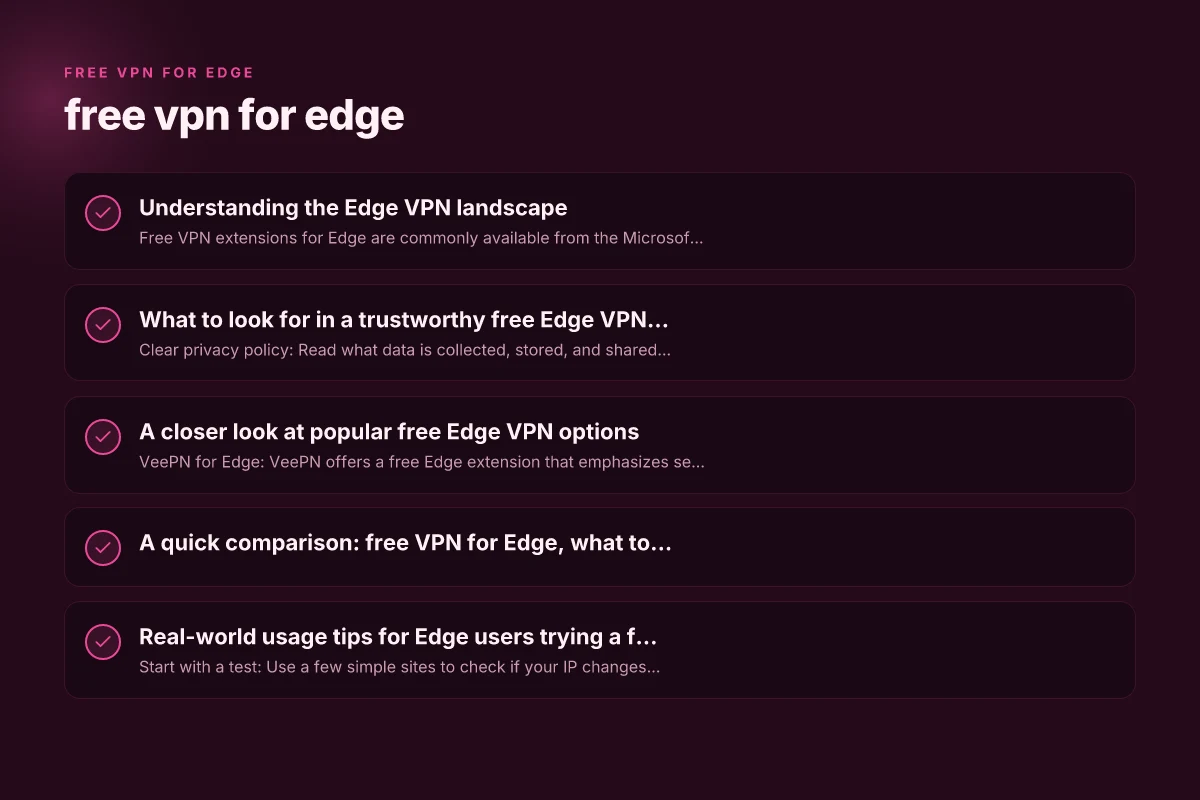
Understanding the Edge VPN landscape
- Free VPN extensions for Edge are commonly available from the Microsoft Edge Add-ons store or from independent VPN providers that offer a “free” tier.
- Common protections you’ll see include hiding your IP, encrypting traffic, ad and tracker blocking, and sometimes a kill switch.
- However, “free” often means data caps, speed throttling, limited servers, or reliance on third-party data mining. Some free services also display ads or sell anonymized data.
- Always check the privacy policy, data retention terms, and the provider’s reputation before installing any extension.
What to expect from free Edge VPNs
- Data limits: Many free VPNs cap daily or monthly data usage, which can interrupt streaming or large downloads.
- Server access: A few free servers are usually available, often in popular locations, not the breadth you get with paid tiers.
- Speed and reliability: Free options can be slower due to heavier user loads or limited infrastructure.
- Privacy posture: Some free services sustain themselves with ads or data monetization. Paid plans typically offer stronger privacy guarantees.
- Security features: Look for strong encryption (AES-256), a kill switch, and a no-logs promise. Not all free options offer the full suite.
What to look for in a trustworthy free Edge VPN (if you must start cheap)
- Clear privacy policy: Read what data is collected, stored, and shared. Prefer providers with a transparent, published policy.
- No-logs claim: A verifiable commitment to not logging your activities is critical for privacy.
- Positive third‑party reviews: Check independent testing and reputable tech press for assessment of the extension.
- Fast, stable servers: Even free plans should offer reliable access to at least a few key locations.
- Optional paid upgrade: A reputable free option should make the paid upgrade a sensible next step, not pressure you into risky choices.
- Detected trustworthy brand: Extensions published by established VPN brands in the Edge Add-ons store are generally safer than unknown one-off tools.
A closer look at popular free Edge VPN options
- VeePN for Edge: VeePN offers a free Edge extension that emphasizes security and privacy with a no-logs stance and free usage limits. It’s commonly found in Edge’s add-ons catalog and on the provider’s site.
- Other edge-friendly options: There are several extensions marketed as “free VPNs” for Edge, including those that bundle VPN features with ad blocking or tracker reduction. Always verify publisher legitimacy and read user reviews.
Note: Some free offerings advertise “unlimited data” but may still have speed throttling or restricted server lists. Always verify current terms directly in the Edge add-ons store or the vendor’s site.
A quick comparison: free VPN for Edge, what to compare
| Factor | What to check | Why it matters |
|---|---|---|
| Data allowance | Daily, monthly, or unlimited | Impacts streaming, browsing, and downloads |
| Server locations | Number and geographic spread | Affects access to geo-restricted content |
| Speed and reliability | Real-world performance reports | Determines user experience |
| Privacy policy | No-logs, data retention, telemetry | Core privacy considerations |
| Security features | Encryption, kill switch, leak protection | Protects data in transit |
| Upgrade path | What you get with paid plans | Helps decide if upgrading is worthwhile |
Real-world usage tips for Edge users trying a free VPN
- Start with a test: Use a few simple sites to check if your IP changes, your connection feels stable, and there are no obvious DNS leaks.
- Manage expectations: Don’t expect premium streaming access or ultra-fast speeds on free tiers.
- Use in secure contexts: When on public Wi‑Fi, a VPN is more valuable, but never rely on a single solution for complete privacy.
- Review updates: Vendors can update policies or features. Re-check permissions after major Edge updates.
- Consider upgrading strategically: If you find a free Edge VPN that works well for your use case, evaluate a paid plan to unlock better performance and privacy.
Why ZoogVPN is a recommended option for Edge users
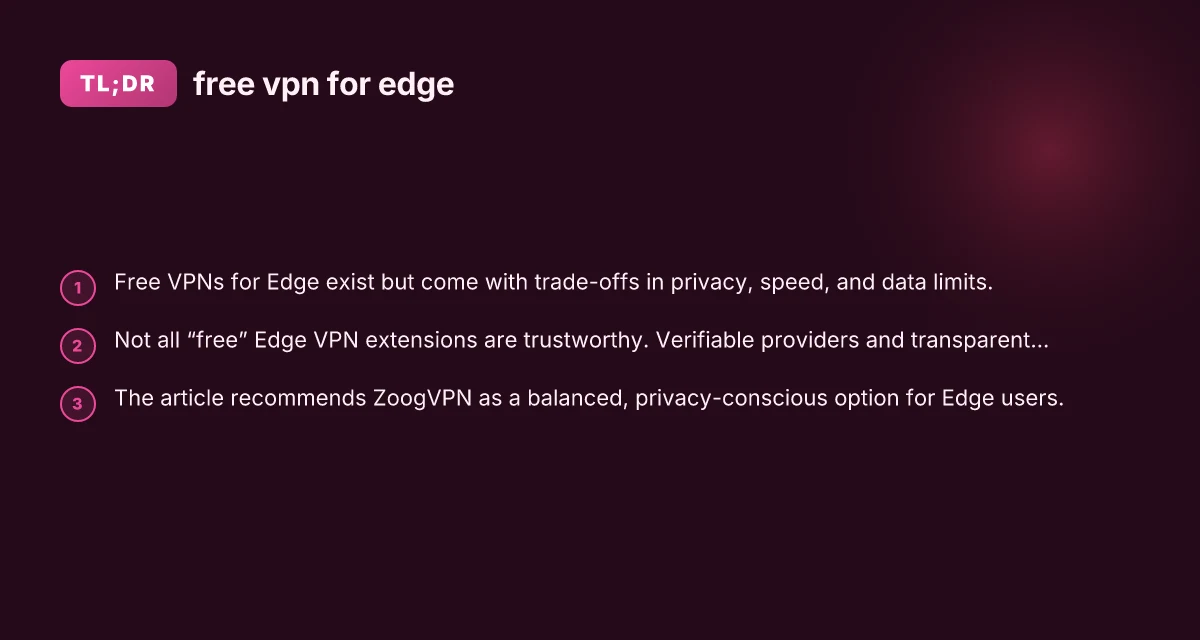
ZoogVPN offers a well-regarded balance between usability, privacy, and performance. While you’ll often see a free‑tier option, ZoogVPN’s Edge integration focuses on reliability and clear privacy commitments. Key reasons to consider ZoogVPN for Edge:
- Clear privacy stance: ZoogVPN emphasizes no-logs in its policy and transparent data handling.
- Edge compatibility: The service actively maintains Edge-compatible apps and extensions, making setup straightforward.
- Reasonable performance: Users report solid speeds on standard connections and consistent connection stability.
- Transparent pricing: If you decide to upgrade, ZoogVPN’s paid plans tend to offer predictable pricing and features that expand as you need them.
Practical steps to use ZoogVPN with Microsoft Edge:
- Visit zoogvpn.com and sign up for an account.
- Install the ZoogVPN Edge extension from the Microsoft Edge Add-ons store or from ZoogVPN’s download page.
- Open Edge, enable the extension, and choose a server location appropriate for your needs.
- Verify your IP address changes by visiting an IP checker site, and test for DNS leaks to ensure the VPN is guiding traffic.
- If you plan frequent use, consider a paid plan for better performance and privacy features.
Safety reminders when using free VPNs in Edge
- Avoid suspicious extensions: If a vendor has a dubious reputation or poor reviews, it’s safer to skip it.
- Don’t share sensitive data: Even with a VPN, avoid entering sensitive information on sites that are not secured with HTTPS.
- Keep Edge updated: Updates help ensure you have the latest security fixes and extension compatibility.
- Check permissions: Some extensions request broad access. Only grant permissions necessary for VPN operation.
- Monitor for ads or data collection: Be mindful that some free offerings monetize through ads or data tracking.
Final recommendation
If your priority is a reliable, privacy-forward experience on Microsoft Edge, the recommended path is to consider ZoogVPN as your primary VPN choice. ZoogVPN’s Edge extensions and its overall approach to privacy deliver a practical, user-friendly solution for everyday browsing, especially if you’re looking to avoid the common pitfalls of free VPNs. Start with a free trial or a basic plan to evaluate performance on your typical networks, and upgrade if you need more servers, higher speeds, or stronger privacy protections. Remember, no free option is a perfect substitute for a trusted paid VPN when your online privacy and security are at stake. Dreme & ecovacs comapre modules in amezon
| VPN | Obfuscation | From / month | Plan | Free plan | Refund | Alipay | UnionPay | Crypto | Website opens in China | Trustpilot | |
|---|---|---|---|---|---|---|---|---|---|---|---|
 ZoogVPN | Turn on manually Shadow | $2.49/mo | 27 months: $59.99 | Yes | 7 days | ✓ | ✓ | ✓ | ✓ | ✓ Yes (2.5 s) | 4.2/5 (195 reviews) |
 NordVPN | Turn on manually Obfuscated Servers / NordWhisper | $3.49/mo | 27 months: $94.23 | No | 30 days | ? | ✗ | ✓ | ✓ | ✗ Blocked | 4.2/5 (51,628 reviews) |
 ExpressVPN | ✓ On by default all servers | $3.00/mo | 28 months: $84 | No | 30 days | ✗ | ✗ | ✓ | ✗ | ✗ Blocked | 4.4/5 (29,706 reviews) |
 Surfshark | ✓ On by default Camouflage, with OpenVPN | See site | See site | No | 30 days | ✗ | ✗ | ✗ | ✓ | ✗ Blocked | 4.3/5 (31,823 reviews) |
 Proton VPN | Turn on manually Stealth, free plan too | $2.99/mo | 12 months: $35.88 | Yes | 30 days | ✗ | ✗ | ✗ | ✓ | ✓ Yes (2.5 s) | 2.1/5 (1,040 reviews) |
 Astrill VPN | Turn on manually StealthVPN / OpenWeb | $12.50/mo | 24 months: $300 | No | See site | ✗ | ✗ | ✗ | ✓ | ✗ Blocked | 1.3/5 (110 reviews) |
 Private Internet Access | Turn on manually Shadowsocks, OpenVPN only | $2.03/mo | 40 months: $81.2 | No | 30 days | ✗ | ✗ | ✗ | ✗ | ✗ Blocked | 4.2/5 (11,033 reviews) |
 CyberGhost | Turn on manually selected servers | $2.19/mo | 28 months: $61.32 | No | 45 days | ✗ | ✗ | ✗ | ✓ | ✗ Blocked | 4.0/5 (24,178 reviews) |
 PureVPN | Turn on manually switch to OpenVPN | $1.69/mo | 60 months: $101.55 | No | 31 days | ? | ✗ | ✗ | ✓ | ✓ Yes (2.6 s) | 4.4/5 (17,994 reviews) |
 AdGuard VPN | ✓ On by default TrustTunnel | $2.99/mo | 24 months: $71.76 | Yes | 30 days | ✓ | ✗ | ✓ | ✓ | Official site blocked; our special link opens (2.3 s) | 4.3/5 (290 reviews) |
 Mullvad | Turn on manually QUIC / Shadowsocks / LWO | $5.61/mo | €5/mo | No | 14 days | ✗ | ✗ | ✗ | ✓ | ✗ Blocked | 3.2/5 (192 reviews) |
 Windscribe | Turn on manually Stealth / WStunnel | $5.75/mo | 12 months: $69 | Yes | See site | ✗ | ✗ | ✗ | ✓ | ✗ Blocked | 4.7/5 (13,355 reviews) |
 StrongVPN | Turn on manually Scramble, OpenVPN TCP | See site | See site | No | 30 days | ✓ | ✗ | ✗ | ✗ | ✗ Blocked | 4.4/5 (2,695 reviews) |
 LightXtreme 闪连 | Not listed | $7.08/mo | 12 months: $84.99 | Yes | 30 days | ✓ | ✓ | ✓ | ✓ | ✓ Yes (2.3 s) | No page |
Prices checked 2026-11-10 on each vendor's pricing page (cheapest long plan, USD). Check the vendor's checkout for the final price.
Obfuscation checked 2026-11-14 on each vendor's site and help center: "on by default" = nothing to set; "turn on manually" = switch protocol or mode in settings; "not listed" = the vendor describes no obfuscation.
Payment methods checked 2026-11-10 on each vendor's payment pages: all 14 take cards and PayPal; ✗ = not listed, ? = the vendor's own pages disagree.
China access: whether the official website opens from mainland China networks (tests the website only, not the VPN connection). Last checked 2026-11-11 04:07 Beijing time.
Trustpilot score and review count checked 2026-11-10.