FortiGate VPN PFS: What It Is and How to Configure It
Learn what PFS does in FortiGate VPNs, when to enable it, and how to match settings across VPN peers.
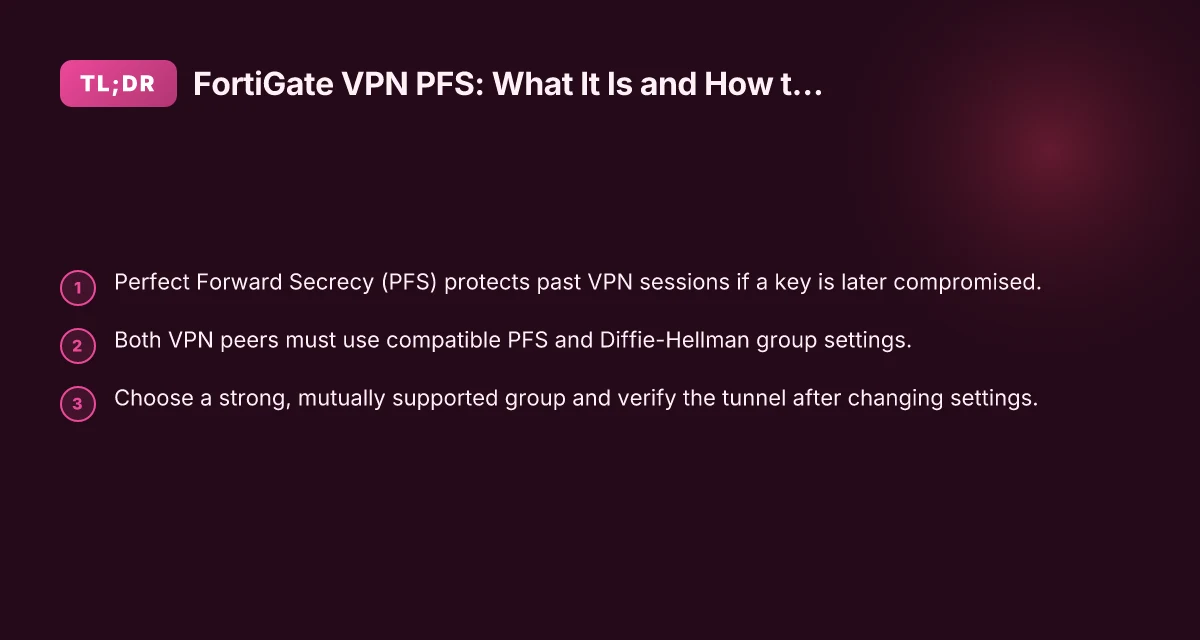
FortiGate VPN PFS refers to Perfect Forward Secrecy, a setting that strengthens the key exchange used to protect IPsec VPN traffic. When PFS is enabled, a fresh Diffie-Hellman exchange generates new keys for IPsec security associations, rather than relying only on keying material from the initial IKE negotiation. This helps limit the impact of a later compromise: an attacker who obtains one key has a harder time using it to decrypt previously captured VPN traffic.
PFS is most commonly configured for IPsec VPN phase 2 on a FortiGate. It must be configured consistently on both ends of the tunnel, and the selected Diffie-Hellman group must be supported by both peers. The exact commands and available options can vary by FortiOS version and VPN type, so check the configuration for your release before making changes.
| VPN | Obfuscation | From / month | Plan | Free plan | Refund | Alipay | UnionPay | Crypto | Website opens in China | Trustpilot | |
|---|---|---|---|---|---|---|---|---|---|---|---|
 ZoogVPN | Turn on manually Shadow | $2.49/mo | 27 months: $59.99 | Yes | 7 days | ✓ | ✓ | ✓ | ✓ | Official site blocked; our special link opens (4.4 s) | 4.2/5 (195 reviews) |
 NordVPN | Turn on manually Obfuscated Servers / NordWhisper | $3.49/mo | 27 months: $94.23 | No | 30 days | ? | ✗ | ✓ | ✓ | ✗ Blocked | 4.2/5 (51,628 reviews) |
 ExpressVPN | ✓ On by default all servers | $3.00/mo | 28 months: $84 | No | 30 days | ✗ | ✗ | ✓ | ✗ | ✗ Blocked | 4.4/5 (29,706 reviews) |
 Surfshark | ✓ On by default Camouflage, with OpenVPN | See site | See site | No | 30 days | ✗ | ✗ | ✗ | ✓ | ✗ Blocked | 4.3/5 (31,823 reviews) |
 Proton VPN | Turn on manually Stealth, free plan too | $2.99/mo | 12 months: $35.88 | Yes | 30 days | ✗ | ✗ | ✗ | ✓ | ✗ Blocked | 2.1/5 (1,040 reviews) |
 Astrill VPN | Turn on manually StealthVPN / OpenWeb | $12.50/mo | 24 months: $300 | No | See site | ✗ | ✗ | ✗ | ✓ | ✗ Blocked | 1.3/5 (110 reviews) |
 Private Internet Access | Turn on manually Shadowsocks, OpenVPN only | $2.03/mo | 40 months: $81.2 | No | 30 days | ✗ | ✗ | ✗ | ✗ | ✗ Blocked | 4.2/5 (11,033 reviews) |
 CyberGhost | Turn on manually selected servers | $2.19/mo | 28 months: $61.32 | No | 45 days | ✗ | ✗ | ✗ | ✓ | ✗ Blocked | 4.0/5 (24,178 reviews) |
 PureVPN | Turn on manually switch to OpenVPN | $1.69/mo | 60 months: $101.55 | No | 31 days | ? | ? | ✗ | ✓ | ✗ Blocked | 4.4/5 (17,994 reviews) |
 AdGuard VPN | ✓ On by default TrustTunnel | $2.99/mo | 24 months: $71.76 | Yes | 30 days | ✓ | ✗ | ✓ | ✓ | Official site blocked; our special link opens (3.7 s) | 4.3/5 (290 reviews) |
 Mullvad | Turn on manually QUIC / Shadowsocks / LWO | $5.61/mo | €5/mo | No | 14 days | ✗ | ✗ | ✗ | ✓ | ✗ Blocked | 3.2/5 (192 reviews) |
 Windscribe | Turn on manually Stealth / WStunnel | $5.75/mo | 12 months: $69 | Yes | See site | ✗ | ✗ | ✗ | ✓ | ✗ Blocked | 4.7/5 (13,355 reviews) |
 StrongVPN | Turn on manually Scramble, OpenVPN TCP | See site | See site | No | 30 days | ✓ | ✗ | ✗ | ✗ | ✗ Blocked | 4.4/5 (2,695 reviews) |
 LightXtreme 闪连 | Not listed | $7.08/mo | 12 months: $84.99 | Yes | 30 days | ✓ | ✓ | ✓ | ✓ | ✓ Yes (3.5 s) | No page |
Prices checked 2026-11-10 on each vendor's pricing page (cheapest long plan, USD). Check the vendor's checkout for the final price.
Obfuscation checked 2026-11-14 on each vendor's site and help center: "on by default" = nothing to set; "turn on manually" = switch protocol or mode in settings; "not listed" = the vendor describes no obfuscation.
Payment methods checked 2026-11-10 on each vendor's payment pages: all 14 take cards and PayPal; ✗ = not listed, ? = the vendor's own pages disagree.
China access: whether the official website opens from mainland China networks (tests the website only, not the VPN connection). Last checked 2026-11-18 01:02 Beijing time.
Trustpilot score and review count checked 2026-11-10.
PFS behavior and key settings to compare
| Item | PFS enabled | PFS disabled | What to match |
|---|---|---|---|
| New key material | Fresh DH exchange | No fresh DH exchange | Both peers’ PFS setting |
| Phase 2 keys | Derived with PFS | Derived without PFS | Phase 2 proposal |
| Rekey behavior | New DH exchange at rekey | No new DH exchange | Rekey settings |
| Forward secrecy | Adds forward secrecy | Does not add PFS protection | Security policy |
| Peer compatibility | Requires matching support | May suit peers without PFS | Both VPN endpoints |
| DH group | Must be selected | Not used for PFS | Same group on both peers |
| Negotiation outcome | Fails if settings mismatch | Can negotiate if both disable PFS | Consistent configuration |
Compiled November 2026; check the provider's site for current details.
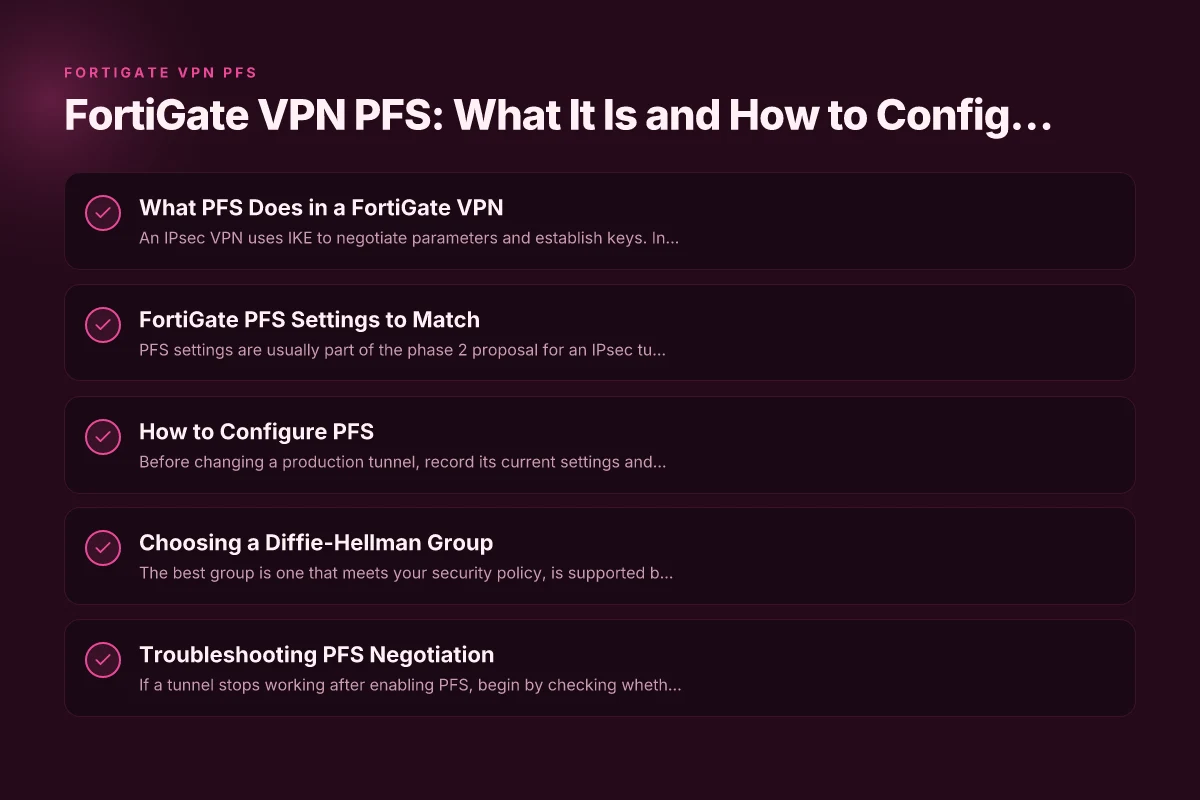
What PFS Does in a FortiGate VPN
An IPsec VPN uses IKE to negotiate parameters and establish keys. In a typical FortiGate configuration, phase 1 establishes the IKE connection between peers, while phase 2 creates the IPsec security associations that carry protected traffic.
With PFS enabled for phase 2, the peers perform an additional Diffie-Hellman exchange when negotiating or renegotiating those security associations. This creates fresh keying material for the IPsec session. It is not a replacement for strong encryption, secure authentication, or safe key management. It is an additional safeguard for session keys.
PFS is useful when security requirements call for limiting how much past traffic could be exposed after a key compromise. It can also help meet an organization’s security policy or compliance requirements. However, it adds work during negotiation, so both peers need to support the chosen settings and have adequate resources.
FortiGate PFS Settings to Match
PFS settings are usually part of the phase 2 proposal for an IPsec tunnel. The key details to coordinate are whether PFS is enabled and which Diffie-Hellman group is used. Free VPN for Microsoft Edge: What You Can Use and How to Choose
| Setting | What it controls | What to check |
|---|---|---|
| PFS | Whether a fresh Diffie-Hellman exchange is used for phase 2 keying | Enable it on both peers if required |
| Diffie-Hellman group | The mathematical group used for the exchange | Select a group supported by both devices |
| Phase 2 proposal | Encryption and authentication algorithms for IPsec traffic | Ensure the proposal is compatible on both sides |
| Rekey or lifetime settings | When a security association is renewed | Confirm the peers can negotiate renewals successfully |
A mismatch can prevent phase 2 from coming up or cause the tunnel to fail when it tries to rekey. For example, if one peer requires PFS and the other does not, or if the peers specify different groups, their proposals may not match. Encryption and authentication proposal mismatches can cause similar symptoms, even when PFS itself is configured correctly.
Choosing a Diffie-Hellman group
| Choice factor | Lower group | Higher group | Practical consideration |
|---|---|---|---|
| Security strength | Generally lower | Generally higher | Follow security policy |
| Peer support | Often broader | May be limited | Check both endpoints |
| Processing cost | Usually lower | May be higher | Consider device capacity |
| Negotiation compatibility | Depends on peer settings | Depends on peer settings | Configure the same group |
| Configuration complexity | Simple when widely supported | Requires compatible peers | Verify supported groups |
| Best fit | Compatibility-focused setup | Security-focused setup | Balance policy and support |
Compiled November 2026; check the provider's site for current details.
How to Configure PFS
Before changing a production tunnel, record its current settings and confirm the configuration on the remote VPN device. If possible, make the change during a maintenance window, because updating phase 2 settings can interrupt traffic while the tunnel renegotiates. Edge Secure Network VPN Review: What It Protects, and What It Doesn’t
In the FortiGate interface
The names and locations of interface options vary by FortiOS version. In general:
- Open the IPsec tunnel configuration.
- Find the phase 2 or phase 2 selector settings.
- Enable PFS.
- Select a Diffie-Hellman group supported by the remote peer.
- Save the change, then apply corresponding settings on the remote device.
- Confirm the tunnel is established and traffic passes in both directions.
If the interface does not show a PFS option where expected, check the tunnel type and FortiOS documentation for that release. Some configurations are managed through templates or centralized tools, so update the authoritative configuration rather than making an isolated change.
Using the CLI
FortiGate CLI syntax depends on the FortiOS version and tunnel configuration. A phase 2 interface may include settings such as dhgrp and pfs, but do not paste commands from another device without checking the relevant configuration reference.
You can inspect the existing configuration from the CLI with commands such as: FortiClient VPN Windows 11: Install, Set Up, and Troubleshoot
show vpn ipsec phase2-interface
For a policy-based tunnel, the related phase 2 configuration may be under a different section. Review the output for the correct tunnel and selector before editing. Use the command reference for your exact FortiOS release to confirm valid options and syntax.
Choosing a Diffie-Hellman Group
The best group is one that meets your security policy, is supported by both VPN peers, and performs acceptably on the devices involved. Higher-strength groups can require more processing during negotiation, particularly on older or heavily loaded hardware. Compatibility matters: choosing a strong group that the remote peer does not support will not produce a working tunnel.
Consider these points when selecting a group:
- Prefer a modern, mutually supported group that your organization approves.
- Check vendor documentation for support across both devices and software versions.
- Avoid weakening the setting just to get the tunnel online without understanding the security impact.
- Test performance and rekey behavior after the change.
- Keep phase 1 and phase 2 settings distinct. They serve different parts of the IPsec negotiation.
Do not assume that a group number has the same availability or implementation details on every firewall platform. Confirm the exact options on both sides. Forticlient VPN 7.2 download: Safe Sources, Installation, and Setup
Troubleshooting PFS negotiation
| Symptom or check | Likely cause | What to compare | Next step |
|---|---|---|---|
| Phase 2 does not establish | PFS mismatch | PFS enabled or disabled | Align both peers |
| DH group error | Group mismatch | Phase 2 DH group | Select the same group |
| Peer rejects proposal | Unsupported group | Peer-supported groups | Choose a mutually supported group |
| Tunnel works, then rekey fails | Rekey settings differ | Rekey timing and PFS | Align rekey configuration |
| One side has PFS enabled | Inconsistent settings | Phase 2 configuration | Enable or disable on both |
| Logs show proposal mismatch | Phase 2 proposals differ | Encryption, authentication, PFS | Match the proposals |
| Changes do not take effect | Configuration not applied | Active VPN configuration | Apply changes and retest |
Compiled November 2026; check the provider's site for current details.
Troubleshooting PFS Negotiation
If a tunnel stops working after enabling PFS, begin by checking whether the two peers agree on the phase 2 parameters. Review the logs on both devices and look for messages indicating a proposal mismatch, failed negotiation, or unsuccessful rekey.
A practical troubleshooting sequence is: VPN for Edge: How to Choose and Use One Safely
- Verify that PFS is enabled or disabled identically on both peers.
- Confirm that both peers specify the same supported Diffie-Hellman group.
- Compare phase 2 encryption and authentication proposals.
- Check selectors, lifetimes, and rekey settings for other mismatches.
- Confirm that the tunnel can establish, pass traffic, and renew its security associations.
- If needed, revert the change temporarily to restore connectivity, then test the corrected configuration in a controlled window.
A tunnel that connects initially but fails later may have a rekey problem rather than an initial negotiation problem. Check logs around the time the phase 2 security association expires or renews. Also verify that the settings you changed are actually being used. A central management system or automation process may overwrite local edits.
Recommendation
Enable PFS on a FortiGate IPsec VPN when your security policy requires it or when you want stronger protection for past sessions. Coordinate the setting and Diffie-Hellman group with the remote peer, verify support for the relevant FortiOS version, and test both initial negotiation and rekeying. If compatibility or performance is uncertain, validate the configuration in a lab or maintenance window before applying it to a critical tunnel.