Err_http2_protocol_error: what it is, causes, and how to fix it

A practical guide to understanding err_http2_protocol_error and how to resolve it across browsers and servers.
HTTP/2 promises faster, multiplexed web delivery, but it also introduces new error surfaces. err_http2_protocol_error is a common generic indication that something went wrong during an HTTP/2 exchange between your browser and the web server. The error is not tied to a single cause or a single browser. It can emerge from server misconfigurations, client-side issues, or intermediary network components. Below you’ll find a practical, step-by-step guide to diagnosing and fixing err_http2_protocol_error.
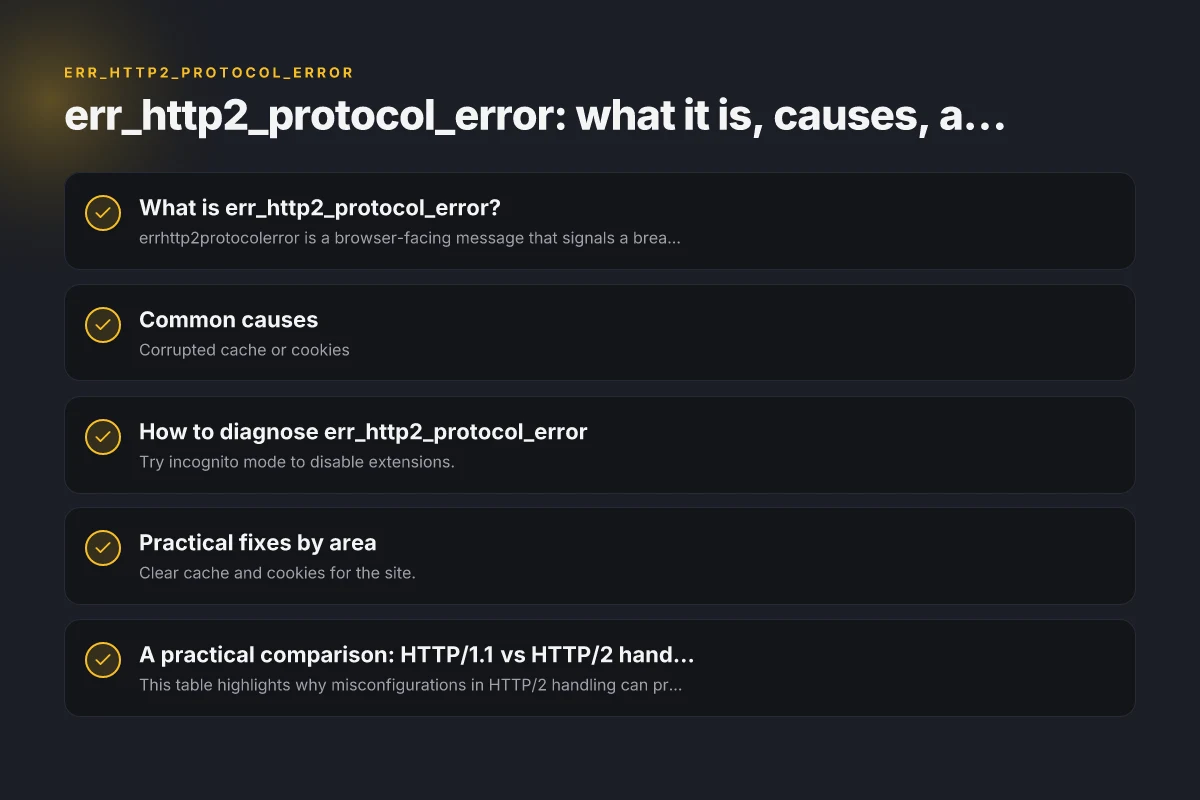
What is err_http2_protocol_error?
err_http2_protocol_error is a browser-facing message that signals a breakdown in the HTTP/2 protocol stream. Unlike simple DNS or TLS errors, HTTP/2 errors often reflect protocol-level issues such as:
- Malformed HTTP/2 frames or headers
- Inconsistent or invalid content security policy (CSP) headers
- Server-side configuration mistakes that interrupt streams
- Intermediaries (proxies, load balancers, or CDNs) mishandling HTTP/2
- TLS or ALPN negotiation problems
Because HTTP/2 requires strict framing and header rules, a deviation, however small, can trigger this generic error in the client.
Common causes
Client-side factors
- Corrupted cache or cookies
- Browser extensions that tamper with requests
- Outdated browser version with known HTTP/2 handling issues
- Local network proxies injecting or modifying traffic
Server-side factors
- Malformed response headers or CSP headers
- Inconsistent header ordering or illegal characters in headers
- Incorrect HTTP/2 configuration on the web server (e.g., IIS, Nginx, Apache)
- Misbehaving middleware or load balancers not passing HTTP/2 frames correctly
- TLS configuration conflicts affecting ALPN/NPN negotiation
Intermediary factors
- Content delivery networks (CDNs) or reverse proxies altering frames
- Corporate or public proxies that modify or terminate HTTP/2
- VPNs or security appliances inspecting encrypted traffic
How to diagnose err_http2_protocol_error
Step 1: Reproduce with minimal variables
- Try incognito mode to disable extensions.
- Open the same site in a different browser to see if the issue is browser-specific.
- Test on a different network (mobile data vs. home/work) to rule out local network proxies.
Step 2: Clear browser caches and cookies
- Clear site data for the affected domain.
- Disable or temporarily suspend extensions that could interfere with requests.
Step 3: Check server configuration
- Review HTTP/2 enablement on the server. Ensure the server is configured to support HTTP/2 without conflicting modules.
- Inspect response headers for CSP and other security headers. Look for malformed or conflicting header values.
- Check TLS settings, including ALPN/NPN support and certificate chain validity.
Step 4: Disable HTTP/2 temporarily (for testing)
- If you can safely do so, temporarily turn off HTTP/2 on the server to see if the error persists under HTTP/1.1. If the site loads normally on HTTP/1.1, the issue is likely HTTP/2-specific.
Step 5: Inspect proxies, CDNs, and intermediaries
- If you use a CDN or reverse proxy, review its HTTP/2 handling and any custom policies that could modify frames.
- Ensure that the intermediary is configured to pass through HTTP/2 correctly and not downgrade or terminate prematurely.
Step 6: Look for malformed or conflicting headers
- CSP headers and other security headers should be carefully validated. A malformed directive can cause a protocol-level complaint in some environments.
- Validate header syntax and ensure there are no illegal characters or duplicate header names without proper folding.
Step 7: Review server logs and metrics
- Check web server access and error logs around the time the error occurs.
- Look for patterns: specific resources, certain user agents, or particular endpoints that trigger the error.
Practical fixes by area
Client-side fixes
- Clear cache and cookies for the site.
- Disable extensions temporarily to identify interference.
- Update the browser to the latest version.
- Disable VPNs or proxies to determine if they are contributing.
Server-side fixes
- Ensure HTTP/2 is enabled and properly configured in the server software (Nginx, Apache, IIS, etc.).
- Validate CSP and other response headers for correctness and absence of syntax errors.
- Make sure there are no header size or header folding issues that could break frame parsing.
- Align TLS settings with HTTP/2 requirements: modern TLS versions, proper certificate chain, and valid ALPN negotiation.
Intermediary fixes
- If using a CDN or load balancer, confirm HTTP/2 passthrough settings and disable any features that might strip or rewrite frames.
- Check for middleware that might interfere with response streaming. Adjust or bypass as needed.
A practical comparison: HTTP/1.1 vs HTTP/2 handling
| Aspect | HTTP/1.1 | HTTP/2 |
|---|---|---|
| Multiplexing | Not multiplexed; head-of-line blocking at connection level | True multiplexing of streams over a single connection |
| Headers | Plain headers; more forgiving | HPACK compression; stricter framing and header rules |
| Error visibility | Errors appear as standard network or application errors | Protocol errors may surface as err_http2_protocol_error or similar |
| Proxy behavior | Proxies often simple pass-through | Proxies must correctly support HTTP/2 framing; misconfig can cause issues |
This table highlights why misconfigurations in HTTP/2 handling can produce obscure errors like err_http2_protocol_error. The same site that works over HTTP/1.1 can fail over HTTP/2 if the intermediary or server mishandles the protocol.
When not to panic: interpreting the error
- If a single site shows err_http2_protocol_error while others load fine, the issue is likely site-specific or related to that site’s CDN/proxy configuration.
- If many sites show the error across the same network, it’s more likely a network appliance or client-side factor.
- If disabling HTTP/2 fixes the problem, you’ve isolated the root cause to HTTP/2 negotiation or frame handling.
Quick troubleshooting checklist
- Clear browser data for the site and disable extensions.
- Try another browser and network to confirm scope.
- Temporarily disable HTTP/2 on the server to test if HTTP/1.1 works.
- Review CSP and security headers for syntax issues.
- Inspect server and proxy logs for signs of protocol handling problems.
- Validate TLS configuration and ALPN support.
Final recommendations
err_http2_protocol_error is a signal that something in the HTTP/2 communication path is not behaving as expected. Start with client-side cleanups and controlled server-side testing. If the issue persists, systematically test HTTP/2 handling across all layers: client, server, and intermediaries. In many cases, the fix lies in correcting header syntax, stabilizing TLS/ALPN negotiation, or adjusting proxy/CDN configurations to correctly pass HTTP/2 frames. If you’re a site operator, establish a repeatable test: enable HTTP/2 in a staging environment, verify with curl or a browser’s developer tools, and monitor logs for any anomalies. For end users, a sequence of cache clears, browser updates, and a temporary bypass of proxies or VPNs will resolve most locally observed instances. F5access: What It Is, How It Works, and When to Use It