Doordash new background check
A clear guide to understanding DoorDash’s new background check process, why it happens, and what to expect.
DoorDash’s background check process is a key part of getting or renewing access to the platform. If you’re seeing a “new background check” prompt or you’re curious about why and how it happens, you’re in the right place. Below, you’ll find a straightforward guide to what the new background check means, how it’s run, who runs it, and what you can expect from start to finish.
Comparison of background check types (new vs. renewal vs. ongoing)
| Type | Purpose | Typical timeframe | Trigger/frequency | What’s checked | Disqualifiers noted |
|---|---|---|---|---|---|
| New background check | Initial eligibility for DoorDash | Days to weeks | When applying or re‑qualifying | Criminal history, employment, safety | Disqualifying offenses vary by policy |
| Renewal background check | Updated review for eligibility | Periodic as required | On schedule or after renewal | Updated records, new incidents | May affect eligibility if new data is concerning |
| Ongoing checks | Continuous monitoring | Ongoing (as data changes) | Real‑time or periodic updates | New incidents, sanctions | Can trigger removal if flags appear |
Compiled November 2026; check the provider's site for current details.
What is the “new background check” for DoorDash?
- A new background check may be ordered in several scenarios:
- On initial Dasher application and onboarding.
- If DoorDash requires an updated check due to changes in policy or timing (for example, annual checks or re-verification).
- If your information is flagged for review and identity verification is needed.
- When you request access after a compliance hold or a lapse in activity.
- The process is typically handled through a Checkr-based system, which DoorDash uses for background verifications.
- You will usually see a notification in the Dasher app or via email when a new background check is needed.
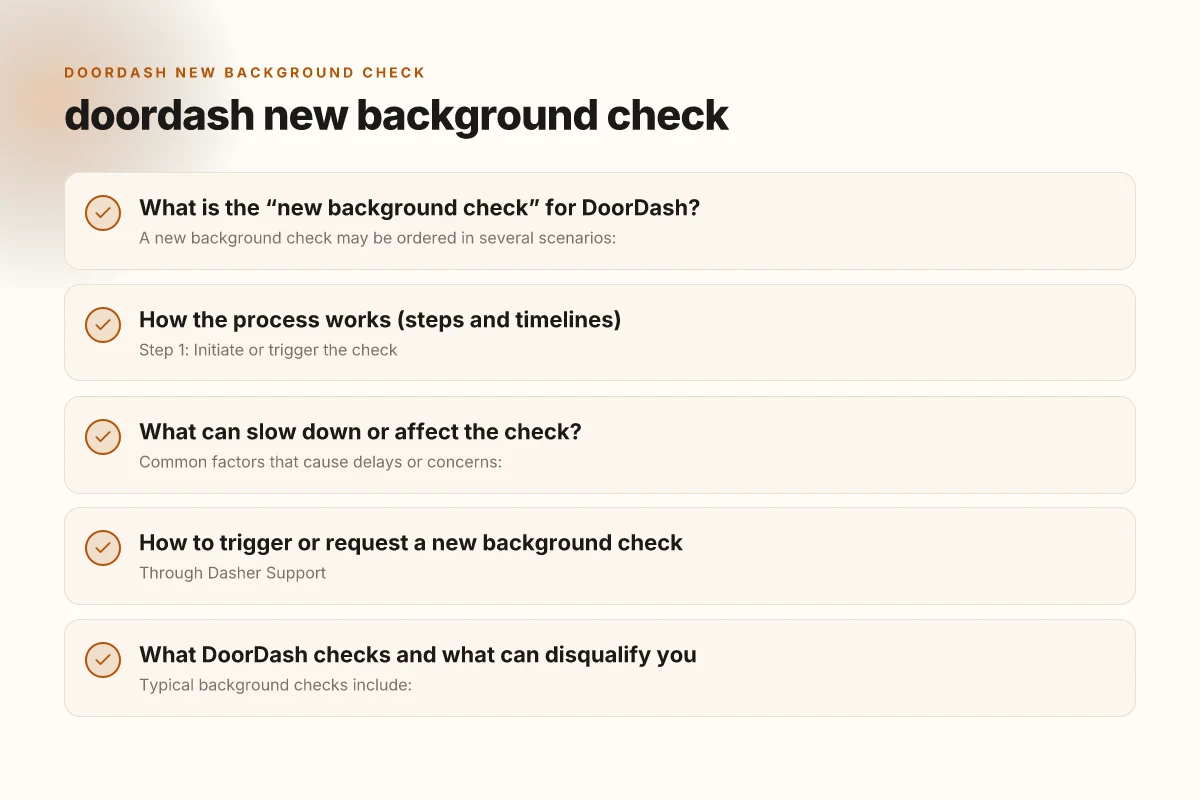
How the process works (steps and timelines)
- Step 1: Initiate or trigger the check
- You may be prompted in the Dasher app or via support to start a new background check.
- In some cases, support will instruct you to contact them to request the check.
- Step 2: Identity and information verification
- Expect identity verification steps, such as confirming your name, address, and other personal details.
- You may be asked to provide documents or answer questions to verify your identity.
- Step 3: Background search
- Checkr or a similar service conducts the background search, reviewing criminal records, driving history for motor vehicle operators, and other eligibility criteria.
- Step 4: Review and decision
- DoorDash reviews the results and determines whether you’re eligible to dash.
- If issues arise, you may be asked for additional information or have the decision escalated.
- Typical timelines
- Many checks are completed within 24–48 hours, but times can vary.
- For motor vehicle records or more complex cases, the process can take longer.
Steps, timelines, and required actions
| Step | Action | Estimated time | Who to contact | Documents or data needed | Status indicators |
|---|---|---|---|---|---|
| Pre‑check prep | Gather info | A few days | Support | ID, SSN last 4, address | Ready to submit |
| Initiate check | Submit request | 0–2 days | System | Personal details | Submitted |
| Verification | Data review | 1–3 weeks | Vendor | Payroll, driving record | In progress / complete |
| Result review | Receive decision | Days to weeks | Support | Background report | Approved / Disqualified |
| Next steps | Appeal or recheck | Varies | Support | Evidence if appealing | Action needed / closed |
Compiled November 2026; check the provider's site for current details.
What can slow down or affect the check?
- Common factors that cause delays or concerns:
- Incomplete or inconsistent information during the verification step.
- Outstanding verifications or required documents not submitted.
- Use of a new or updated legal name or address, which requires extra cross-checks.
- Past issues flagged in driving history or criminal records that require closer review.
- If there’s a delay:
- Check the Dasher app for status updates or messages from Dasher Support.
- Contact Dasher Support to request an update or to provide any missing information.
How to trigger or request a new background check
- Through Dasher Support
- You can contact Dasher Support via chat or phone to request a new background check.
- They can guide you through the steps and confirm when the check is initiated.
- In-app or online portals
- Some regions use a Candidate Portal or a Help Center article to guide you through background checks.
- If you receive a link or instruction from DoorDash, follow it to start the process.
- Important notes
- Do not attempt to duplicate checks. Only request a new check if instructed or if you believe a new check is required by policy.
- Ensure your information matches exactly across documents to avoid mismatches that trigger a manual review.
Factors that slow or affect the check
| Factor | Impact | Common delays | Mitigation | Notes |
|---|---|---|---|---|
| Criminal record scope | Higher complexity | Weeks | Provide context | Not all offenses disqualify |
| Incomplete data | Delays in start | Days | Complete profile | Recheck if missing |
| Name similarity | Misidentification | Days | verify aliases | Use accurate aliases |
| Third‑party vendor backlog | Delays | Weeks | Check status | Vendor queue varies |
| Data mismatches | Returns for correction | Days | Update records | Ensure accuracy |
| National/state laws | Regulatory timing | Weeks | Understand local rules | May vary by region |
Compiled November 2026; check the provider's site for current details. Does the payroll system follow the iso 8601 standards
What DoorDash checks and what can disqualify you
- Typical background checks include:
- Identity verification (matching your name, date of birth, address history)
- Criminal records checks (national, state, and local records as applicable)
- Motor vehicle records (for drivers using a vehicle for deliveries)
- Employment and education verification (where applicable)
- Disqualifying factors often include:
- Criminal convictions that DoorDash policy prohibits for dashers (varies by jurisdiction)
- Serious driving violations or a disqualifying driving history
- Incomplete or falsified information
- Security or safety concerns flagged during review
- Note: DoorDash’s criteria can differ by country or region, and policies evolve.
Comparison: new background check vs. renewal or ongoing checks
| Aspect | New background check | Renewal/ongoing check | Notes |
|---|---|---|---|
| Trigger | Onboarding or policy change | Periodic re-verification or specific triggers | Depends on region and policy updates |
| Service used | Checkr or similar | Checkr or partner service | DoorDash uses third-party background services |
| Typical duration | 24–48 hours, longer for driving records | Similar range, can vary | Delays may occur with complex cases |
| Required actions | Identity verification, document submission if needed | Potential updates or re-verification | Stay responsive to requests |
| Result | Eligible or not eligible to dash | Re-eligibility decision | Decisions may prompt re-application if disqualified |
What to do if you’re told to complete a new background check
- Gather and verify your information
- Prepare documents that confirm your identity and address (as requested).
- Ensure names, spellings, and dates match across documents.
- Respond promptly to requests
- If DoorDash or Checkr asks for information or documents, provide them quickly to avoid delays.
- Check status regularly
- Use the Dasher app, emails, or the Candidate Portal if applicable to monitor progress.
- If there’s a hold or issue
- Reach out to DoorDash Support for clarification.
- If you believe there’s a mistake, provide corrections or supporting documents.
Practical tips and FAQs
- Do you need an annual background check as a Dasher?
- DoorDash has indicated that background checks may be conducted as part of ongoing eligibility processes and verifications. The exact cadence can vary by region and policy changes, so stay aware of any notices from DoorDash.
- Can you do a new background check if you’re already active?
- Yes, under certain conditions or at the request of Dasher Support. If you’re asked to complete a new background check, follow the steps provided by support.
- How to contact Dasher Support for background checks
- In-app chat: Use the Dasher app to reach support.
- Phone: Call the support line provided in your region (for example, 1800958316 in some regions).
- Online help: The DoorDash Help Center and specific articles about background checks, such as the Dasher Background Check FAQ, can guide you.
- Is there a separate Canada background check FAQ?
- Yes. DoorDash publishes region-specific guidance, including Canada Background Check FAQ, emphasizing that secure background checks are run for new Dashers.
Recommendation If you’re facing a “new background check” request from DoorDash, treat it as a standard compliance step. Start by confirming the exact trigger in your Dasher app or email, then contact Dasher Support if you’re unsure why it’s needed. Be prepared to verify your identity and provide any required documents promptly to avoid delays. Keep an eye on status updates in the app or portal, and don’t hesitate to reach out for clarity if you encounter any red flags or mismatches. By staying proactive and responsive, you’ll minimize the chances of extended holds and keep your Dasher status in good standing.